


I have always been a console gamer.
I bounced between Xbox and PlayStation for years because that was where the exclusives lived, and because all of my friends stayed in the console world too. Every so often, I dipped into PC gaming with things like Counterstrike or Delta Force, but I always drifted back to consoles for the simplicity.
That was the pattern. Until now.
Lately, it has become very clear to me that PC gaming has a lot going for it. Better graphics. Better performance. Better voice chat. Discount notifications on wishlisted games. And because I’m married, have two kids, and travel for work, handheld gaming has started to make a lot of sense too. Finding time for a full sit-down session is becoming harder, so being able to grab a handheld wherever I am feels like the right move.
This year, I decided to be more intentional with the devices I buy. I picked up the Nintendo Switch 2, enjoyed the form factor, played Cyberpunk, and then realized there wasn’t much else that made me want to keep playing. I looked at the Steam Deck as well, but many of the games I wanted to play weren't supported in handheld mode.
So for the last few weeks, I’ve been living with the ASUS ROG Xbox Ally X, along with the regular Ally that I handed to my colleague Matt so he could compare it against his Steam Deck. And after a lot of gaming, travel, updating, and troubleshooting, this is the handheld that has pulled me in the strongest.
Xbox ROG Ally X Handheld: Why I’m Rethinking Console Gaming
The more time I spend with PC hardware, the more the gap stands out.
Moving the same headset from my PS5 to my PC made my voice chat quality noticeably better. Steam, Epic, and Xbox all run huge sales. Graphics settings can be tweaked however you like. It feels like the experience grows with me rather than being locked into a static console cycle.
And because I’m constantly moving around between family time, filming, and travel, handheld PCs are becoming one of the few ways I can actually play the games I want. The Switch 2 only held my attention for a few titles. The Steam Deck tempted me, but it had too many compatibility gaps.
The Ally X is the first handheld that has made me think I could give up console gaming entirely.
Living With a Windows Handheld Gaming Device
Running Windows on a handheld is both the reason I like the Ally X and the reason it occasionally frustrates me.
The good side is freedom. Steam, Epic Games, EA, Xbox Play Anywhere titles, PC launchers, indie games, and all the weird stuff that never makes it to consoles. If it runs on Windows, it can probably run on this thing.
The downside is exactly that. You get all the Windows quirks right alongside the flexibility. Updates. Pop-ups. Random apps you didn’t ask for. A learning curve if you only want a simple gaming experience.
As someone who switches constantly between platforms, I’ll take the freedom. Just know what you’re signing up for.
ASUS ROG Ally X vs Steam Deck (and the Non-X Ally)
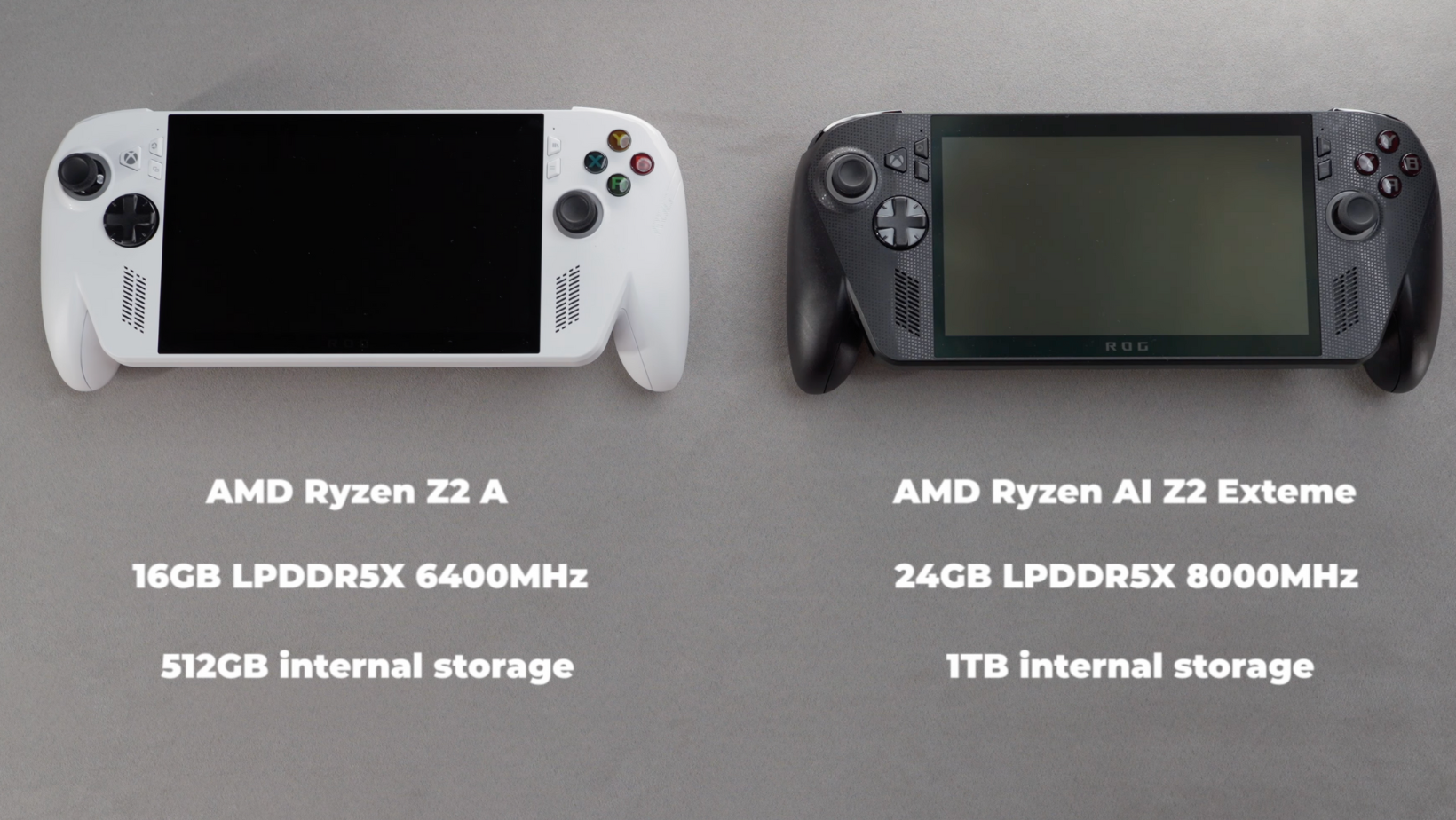
Most people thinking about the Ally X are probably comparing it to the Steam Deck or the standard Ally.
I bought both the Ally X and the regular Ally so I could do my own comparison. Matt has been testing the non-X version after coming from a Steam Deck. His biggest complaint about the Steam Deck is that many of the games he actually wants to play either don't work properly or don't support handheld controls. That alone pushed him toward the Ally.
For me, the Ally X has handled everything I’ve thrown at it: Hogwarts Legacy. Battlefield 6. Fortnite.
And because it runs Windows, you are not forced into one ecosystem. You can move between Steam, Epic, Xbox, EA, and back again. For someone who does not want to abandon entire game libraries, that is a huge win.
ASUS ROG Ally X Specs: What Actually Matters for Daily Use
If you watched any of the launch videos, you’ve already seen the full spec sheets. I care more about how it feels day to day, but here is the quick version.
Both models share:
- 7 inch 1080p IPS display
- 500 nits brightness
- 120 Hz refresh rate
- Wi-Fi 6E and Bluetooth 5.2
- Upgradable M.2 storage
- MicroSD card slot
- Windows 11 Home (optimized with input from the Xbox team)
Same size. Similar shape. Roughly Steam Deck territory.
Where they differ:
- Ally X has the AMD Ryzen AI Z2 Extreme chip
- 24 GB of RAM vs 16 GB
- 1 TB storage vs 512 GB
- 80 Wh battery vs 60 Wh
- Hall effect triggers
- Black vs white color
The extra RAM and larger battery are the things I’ve felt most. Battery life is the best I’ve seen so far in a handheld of this power. And the overall performance has stayed smooth enough that I stopped worrying about it.
This is easily one of the best handheld gaming PCs available right now.
Windows or Xbox? How the New Hybrid Experience Actually Feels
This is where things get interesting.
Microsoft allowed the Xbox team to help optimize Windows for this device. When you turn on the Ally X, you get a new Xbox-style dashboard that shows your Steam, Epic, and Xbox games all in one place. It feels cleaner than previous Windows handhelds that gave you a desktop and then said, "Good luck."
But it is still Windows.
Which means:
- Windows Updates
- Armoury Crate updates
- Microsoft Store updates
- Bloatware you did not ask for
- UI scaling issues
- Controller mapping inconsistencies
For example, The Sims 4 only lets Matt install the Windows version, even though the Xbox version would have been optimized for handheld controls. And once he got the Windows version running, a pop-up appeared that could not be closed because the UI scaling placed the button off-screen.
So there is work to be done. This is not a handheld Xbox, no matter how many times Microsoft hints otherwise.
Where the ROG Ally X Shines: Performance, Games, and Everyday Use
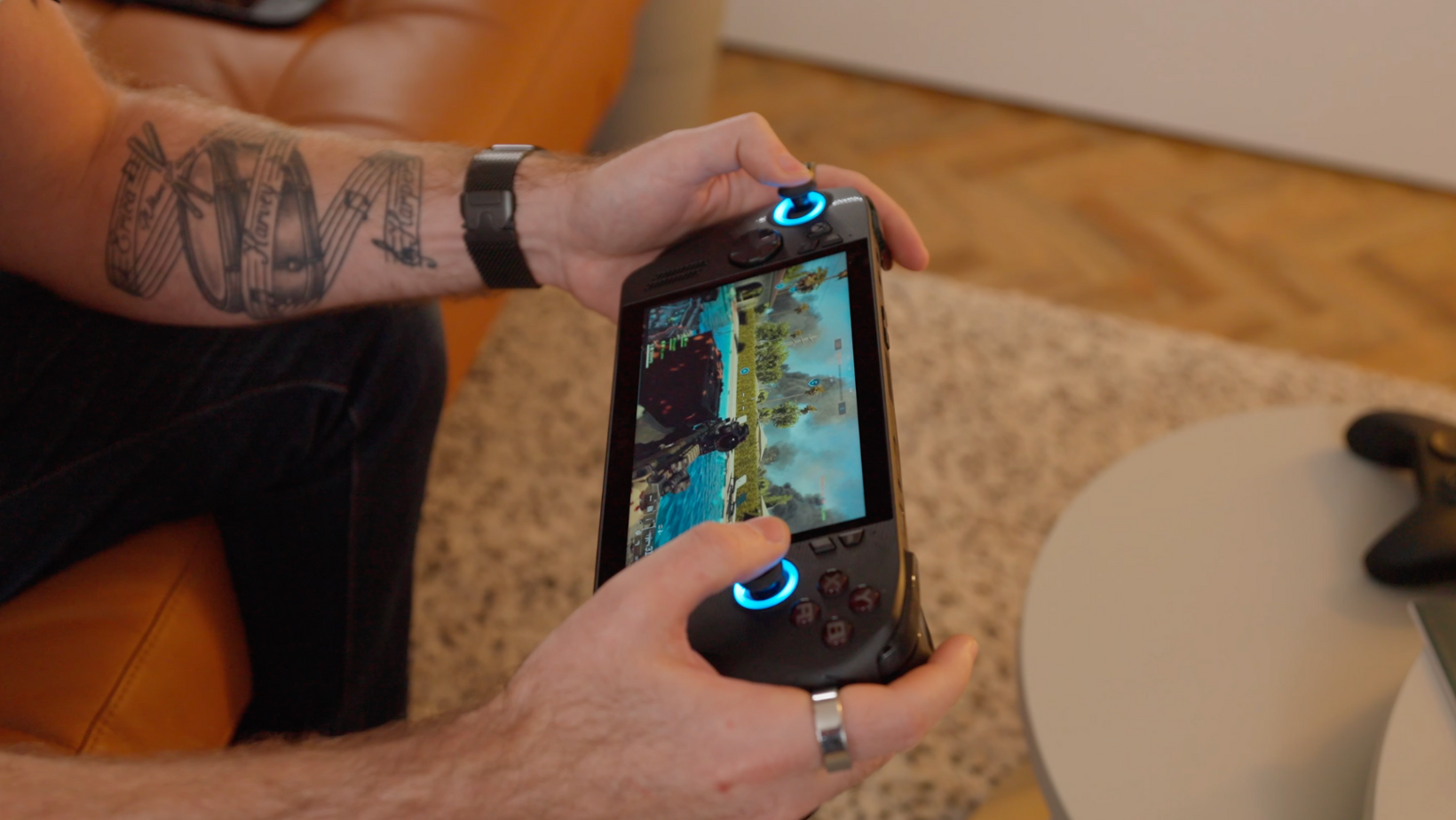
Despite all the Windows quirks, this handheld is such a pleasure to use.
Performance has been great across the board. Battery life has matched my expectations for this category. Being able to switch between all major PC platforms is incredibly freeing. And because I travel so often, having a device that lets me dip in for short sessions has been surprisingly helpful.
When I’m home, I can sit on the sofa and wirelessly play games from my gaming PC on the TV using the Xbox Elite Controller. That is the one scenario where the handheld struggles to keep up with a full 5090 PC, but that is hardly a fair fight.
But when the TV is taken, when I’m traveling, or when I’m waiting in an airport, the Ally X is always ready to go.
And with airlines like British Airways rolling out Starlink internet, I might soon be playing online games thirty thousand feet up, which is wild.
1Password: It Makes Setup on Windows Handhelds Way Easier
If you are going to use a handheld Windows device, you will need to log in to many accounts. Steam. Xbox. Epic Games. EA. Launcher after launcher.
1Password makes that process simple. I’ve used it personally and professionally for years. It is fast, secure, cross-platform, and supports Passkeys. I store documents, passport info, and shared items for my family and team inside it.
Viewers get fifty percent off a Personal or Family plan, and I highly recommend giving it a try.
Protecting the Ally X: dBrand Killswitch Case
The Ally X is larger and heavier than a Switch, which makes traveling with it a bit risky. After a few weeks of nervously placing it inside my backpack, I asked dBrand to send out the Killswitch case.
It adds proper protection without blocking the ports or vents, including:
- A protective shell
- A kickstand
- Two microSD slots
- An optional front cover
- Extra skins and grip accessories
If you travel often, it makes a big difference.
Which Handheld Should You Get? Ally X, Steam Deck, or Switch?
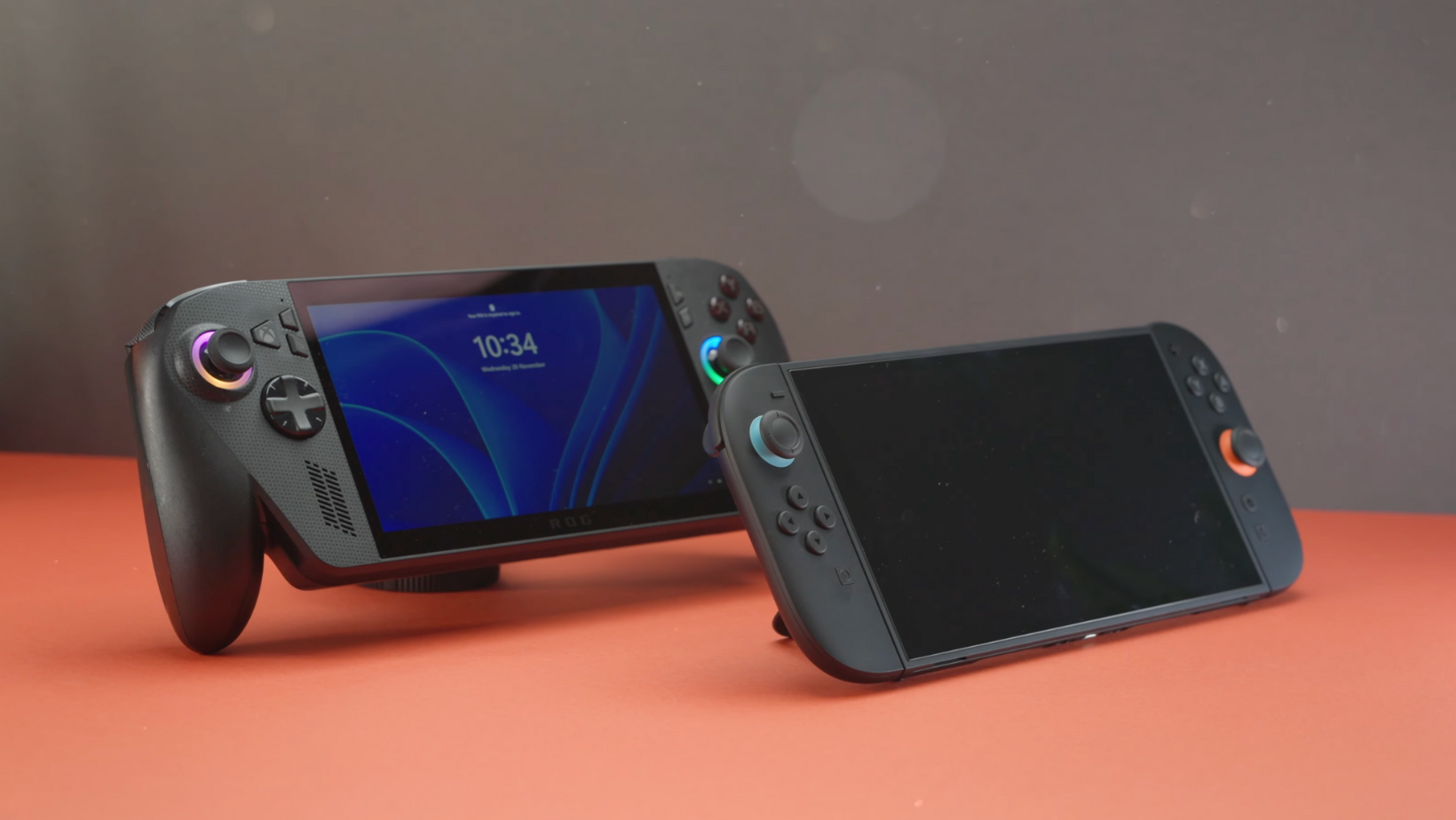
After trying all three categories this year, here is where I landed.
The Nintendo Switch is great if you love the exclusives. Otherwise, it collects dust.
The Steam Deck has a lot going for it, but game compatibility continues to be a real limitation.
The Ally X gives me the most freedom. I can play Xbox games, PC games, Steam games, Epic Games, and everything in between. Yes, it brings some Windows maintenance with it, but that is the trade-off for a unified library.
Right now, the ASUS ROG Xbox Ally X is my pick for the best handheld gaming device.
Watch the Full Video
Want to see how the Ally X performs in real use? You can watch the full breakdown here.
My Final Thoughts After Weeks With the ASUS ROG Ally X
If you want a handheld that balances performance, battery life, and game availability, this is the one that has impressed me the most. It fits into my life better than any console I’ve owned, and it gives me access to the games I actually want to play.
It is not perfect. Windows still gets in the way. Some apps still do strange things. But the combination of power, compatibility, and portability makes the Ally X the most capable handheld gaming PC I’ve used so far.
More From Pete Matheson
If you enjoy deep dives like this, you can subscribe to my YouTube channel or join my newsletter, Experiments In Progress. I share everything I’m testing behind the scenes, along with the wins, mistakes, and rabbit holes I fall into each week.
