


Buying your child their first phone feels like a much bigger moment than it probably should.
Partly because it’s expensive. Partly because it feels permanent. And partly because there’s always a sense that once a phone enters the picture, everything changes.
For most parents, the pressure doesn’t come from wanting the latest tech. It comes from school logistics, after-school clubs, walking home alone, and the creeping feeling that “everyone else already has one”.
Here’s the reassuring part: there is no universal right age for a first phone, and there’s no rule that says you have to get this perfect on day one.
So before you panic-buy the new iPhone 17 or hand down an old phone “just for now,” it’s worth taking a moment to slow down and think through what your child actually needs, and how much responsibility they’re realistically ready for.
That’s exactly what this guide is here to help you with.
The First Question Is “Why Now?”

Most parents start this process by looking at phones. In reality, the decision usually starts with a reason.
The most common ones I hear are:
- Safety and being able to contact your child
- After-school independence
- Changes in routine or travel
- School communication
- Peer pressure
All of these are valid, but none of them automatically mean “they need a smartphone right now”.
When a Phone Might Be Too Much, Too Soon
When a phone enters the picture, it doesn’t just add a way to stay in touch. It brings constant access, app stores, multiple messaging platforms, and (by default) a big jump in daily screen time.
So if your child:
- Struggles with limits
- Has trouble putting devices down
- Or hasn’t had much independence yet.
A full smartphone can be overwhelming.
This is where alternatives (like a dedicated kids’ smart watch) often make more sense as a stepping stone.
If this is something you’re interested in, I’ve covered that option in detail here: My Picks for the Best Kids Smart Watch (For Safety, Features & Value)
A Better Way to Think About Readiness
Instead of asking, “Is my child old enough for a phone?”
Try asking:
- Do they understand basic rules?
- Can they handle limited freedom without pushing constantly?
- Are you ready to enforce boundaries consistently?
When those answers are clear, the phone choice itself becomes a lot simpler.
iPhone vs Android for a Child’s First Phone
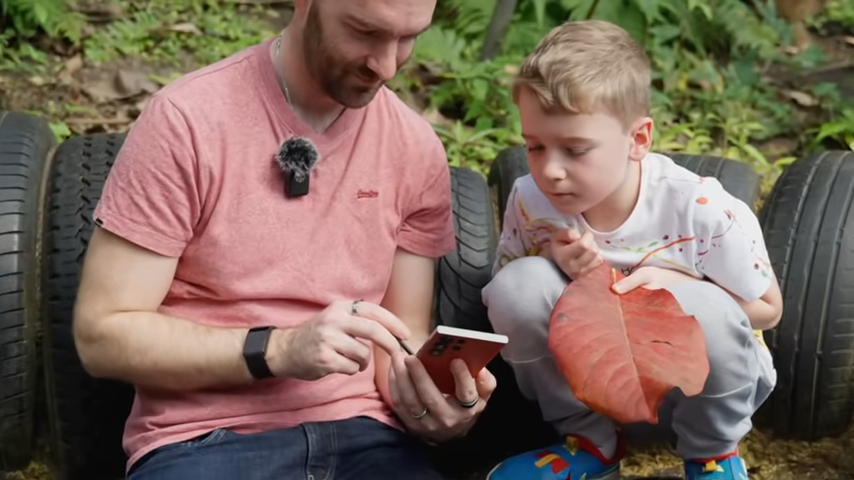
This is where opinions get loud and where brand loyalty can cloud decision-making. The truth is, both iPhone and Android can work well as a first phone. The difference comes down to cost, control, and how much flexibility you want as a parent.
iPhone: Pros & Cons for a Child’s First Phone
If your household already uses iPhones, this is often the default choice.
What works well:
- Strong parental controls via Screen Time
- Long software support (older models still get updates)
- Easy Family Sharing setup
- Consistent experience across devices
Apple is very good at keeping devices updated for years, which matters more for kids than raw performance.
The trade-offs:
- Higher upfront cost
- Repairs are expensive
- Fewer genuinely “cheap but good” options.
- You’re largely locked into Apple’s way of doing things.
A used or refurbished iPhone can be a sensible first device. Just don’t go too old, or you’ll lose security updates sooner than you expect.
Android: Pros & Cons for a Child’s First Phone
Android often gets overlooked for kids; unfairly, in my opinion.
Why I like Android:
- Much wider choice of prices and models.
- Excellent parental controls via Google Family Link.
- Easier to find good-value mid-range phones.
- Often cheaper to replace or repair.
For a first phone, Android gives you flexibility. You can buy something sensible without feeling like you’re handing over a small fortune.
The trade-offs:
- Software support varies by manufacturer.
- Some very cheap phones stop getting updates quickly.
- The experience isn’t as uniform as Apple’s.
The key with Android is choosing the right model, not just the cheapest one on the shelf.
My Recommended Best First Phones for Kids (With Sensible Models to Look For)
I don’t like giving one “perfect” phone recommendation for a new phone, because prices, deals, and availability change constantly.
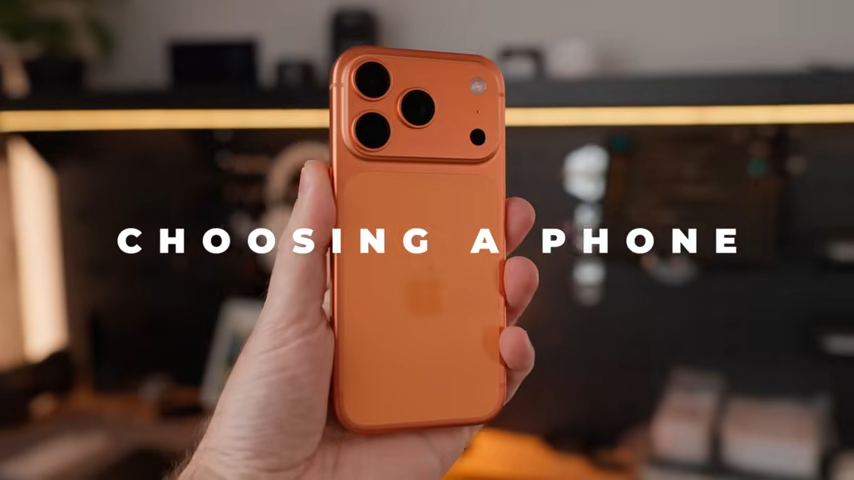
What doesn’t change, though, is which types of phones work well for kids. If you stick to the categories below, you’ll avoid 90% of first-phone mistakes.
Budget Android Phones
For most families, this is the safest place to start.
Good budget Android phones give you:
- Excellent parental controls via Google Family Link
- Enough performance for everyday use
- Lower stress if the phone gets dropped or lost
Models worth looking for
- Google Pixel A-series (Pixel 6a, 7a, 8a, 9a)
- Samsung Galaxy A-series (A14, A15, A34, A54)
- Motorola G-series (G54, G84, newer models only)
Why these work
- Clean software
- Regular security updates
- Good battery life
- Widely supported accessories and repairs
What I’d avoid here is the absolute cheapest option on the shelf. Spending a little more usually buys you several extra years of updates.
Older iPhones (Used or Refurbished)
A refurbished iPhone can make a good first phone, as long as it’s not too old.
Models that still make sense
Why these work
- Long software support
- Strong Screen Time controls
- Smooth performance even years later
Things to check before buying
- Battery health
- Remaining software support
- Repair costs
If you’re buying the oldest supported iPhone today, assume it may fall off the update list sooner than you’d like. Going one or two generations newer usually buys you peace of mind.
Android Flagships (Used, With Caution)
Older flagship Android phones can be tempting, but they need more care. Models like older Samsung Galaxy S devices or previous Google Pixel flagships can work. But only if they still receive security updates, the battery has been replaced (or is in good health), and repairs won’t cost more than the phone is worth.
For kids, a sensible mid-range phone usually beats something that was once expensive but is now past its best.
Hand-Me-Down Phones (Only If They Pass This Test)
Hand-me-downs are fine if they meet one rule: They must still receive security updates.
Before handing it over, ask:
- Can it run the latest version of iOS or Android?
- Does the battery last a full school day?
- Will parental controls still work properly?
If the answer is no, it’s not a good first phone, even if it’s free.
Phones I’d Actively Avoid for a First Device
Personally, as a parent, I’d steer clear of:
- Ultra-cheap no-name Android phones.
- Very old iPhones at the end of support.
- “Gaming” phones marketed around performance.
- Anything pushing custom app stores heavily.
These devices tend to come with poor battery life, inconsistent parental controls, and security headaches further down the line.
Final Thoughts on the Best First Phone for Kids
To sum it all up, a child’s first phone should be (in my opinion):
- Supported and secure
- Set up with clear limits.
- Easy to replace if something goes wrong.
- Boring enough that it doesn’t dominate daily life.
It doesn’t need the best camera. It doesn’t need to impress friends. And it definitely doesn’t need to be the most expensive thing in your house.
What matters far more than the phone itself is what happens around it:
- The rules you set from day one.
- The boundaries you’re willing to enforce.
- And the willingness to adjust things as your child grows.
If you start a little more restrictive than you think you need to, you’ll always have room to loosen things later. Going the other way is much harder.
If you want a deeper walkthrough of how to set up a child’s first phone properly (including setting screen time limits, app restrictions, internet filtering, SIM cards, and more), my Definitive Guide to Protecting Your Kids Online pulls everything you need to know all together in one place.
And if you’d rather see real devices being set up step by step, with all the menus and trade-offs explained as I go, you can also watch the full video walkthrough below:
