


Most people start looking for a new video doorbell for the same reason: their existing one can’t tell the difference between a visitor and… absolutely anything else. Leaves? Person. A passing shadow? Person. A spider wandering across the lens? Also a person.
And then, when a real delivery finally shows up, the thing has the cheek to stay silent as if nothing happened.
So the search begins… not for the flashiest doorbell, but for one that actually works like it’s supposed to and doesn’t pick a fight with your existing smart home setup.
This guide is my attempt to help you skip all the trial-and-error that I’ve endured over the years. And by the end, you should have a good idea of which doorbells are worth buying, plus the key features that can make a huge difference.
What Actually Matters in a Video Doorbell
Picking a video doorbell seems like it should be straightforward. But in reality, it’s a maze of specs that all claim to be “essential.”
Below are the features that (in my opinion) should be prioritized if you want a doorbell that actually works day-to-day.
Motion Detection That Doesn’t Freak Out Over Leaves
The number-one complaint I hear (and personally experience) is motion detection that goes off every time the wind sneezes. A good doorbell should know the difference between your Amazon driver and a wandering crisp packet.
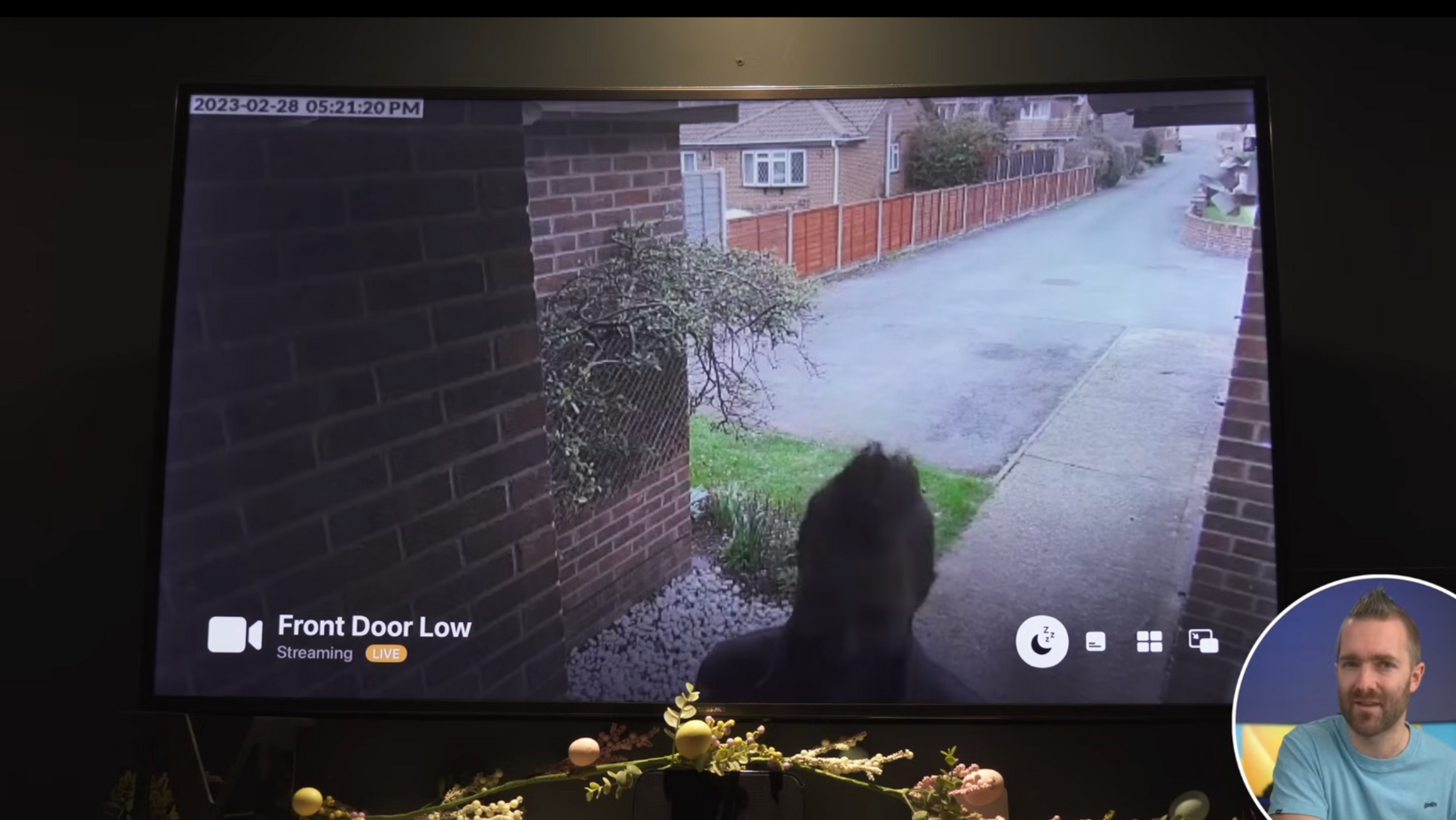
Here’s what separates the useful ones from the “why does my phone keep buzzing?” ones:
- Smart detection types: People, packages, pets, vehicles; the more specific, the better.
- AI vs PIR: AI-powered models analyse shapes and behaviour, while older PIR sensors just detect heat and movement… which means you get alerts for things you absolutely didn’t ask for.
- Zone and sensitivity controls: Crucial if your doorbell faces a busy street and you don’t want 200 notifications before breakfast.
If a doorbell gets this wrong, nothing else matters. Even the sharpest 4K footage is pointless if you only see it after 87 false alarms have made you numb to notifications.
Video Quality: It’s Not Just About Slapping “4K” on the Box
Here’s the fun thing about video doorbells: manufacturers love shouting about resolution, but when it comes to everything else that actually affects image quality, it’s crickets.
So, here’s what actually matters:
- HDR: Without it, your visitor’s face becomes a silhouette if the sun is behind them. With it, you can see their actual facial features.
- Night vision that isn’t a blurry ghost-hunt: Some doorbells now have full-colour night mode, which is genuinely helpful for telling the difference between “parcel delivered” and “bin blown over again.”
- Field of view: Too wide, and everything looks stretched. Too narrow, and you can’t see the parcel right under the camera.
- Compression quality: Some doorbells compress footage so aggressively that motion turns into a slideshow.
My Rule of Thumb: look for how the doorbell handles contrast and motion, not just the pixel count.
Reliability: The Part Nobody Talks About Until It Fails
This is the category that separates “okay” doorbells from the “I trust this thing with my actual home” doorbells.
I’ve tested plenty where the footage looks lovely… when the app eventually loads. Or where the notification arrives 15 seconds after someone’s already walked away.
Here’s what affects day-to-day reliability:
- Cloud vs local storage: Cloud options often appear convenient, but they rely entirely on your internet behaving. Local storage is faster, until it fills up or the hardware hiccups.
- Wi-Fi strength: Most doorbells sit in a Wi-Fi dead zone near brick walls, metal frames, and outdoor air that hates 5GHz. A mesh system or a 2.4GHz band that isn’t congested helps massively.
- Wake-up speed: Battery models sleep to save power. Some wake up fast, others take so long you miss the moment entirely.
- App responsiveness: The dirty secret is that half of the “lag” people experience has nothing to do with the camera; it’s the app being slow.
A doorbell should just work. If you have to troubleshoot it more than once a month, it’s not helping your home. It’s becoming a hobby you didn’t ask for.
Privacy & Security (AKA: Where Is Your Video Actually Going?)
This is the part everyone says they care about… right after they’ve already bought the doorbell. But it’s worth thinking about upfront, because different brands handle your footage very differently.
Things to keep in mind:
- Encryption: Your footage should be locked down in transit and at rest. If a brand doesn’t clearly state this, assume the worst.
- Two-factor authentication: Without it, someone could theoretically access your cameras with nothing more than a leaked password.
- Past data controversies: Some companies have had… let’s call them “creative interpretations of privacy.” It’s worth checking their history before you give them a live feed of your front door.
- Local-only options: If you don’t want anything leaving your home network, look for models that support microSD, HomeBase-type hubs, or purely local NVR setups.
My Rule of Thumb: if a brand makes you dig for privacy details, that’s usually your answer. Pick something else.
Best Video Doorbells in 2025
Now on to the good stuff. After testing far too many of these things, these are the models that actually stand out right now.
Best Overall: Google Nest Doorbell (Battery or Wired)
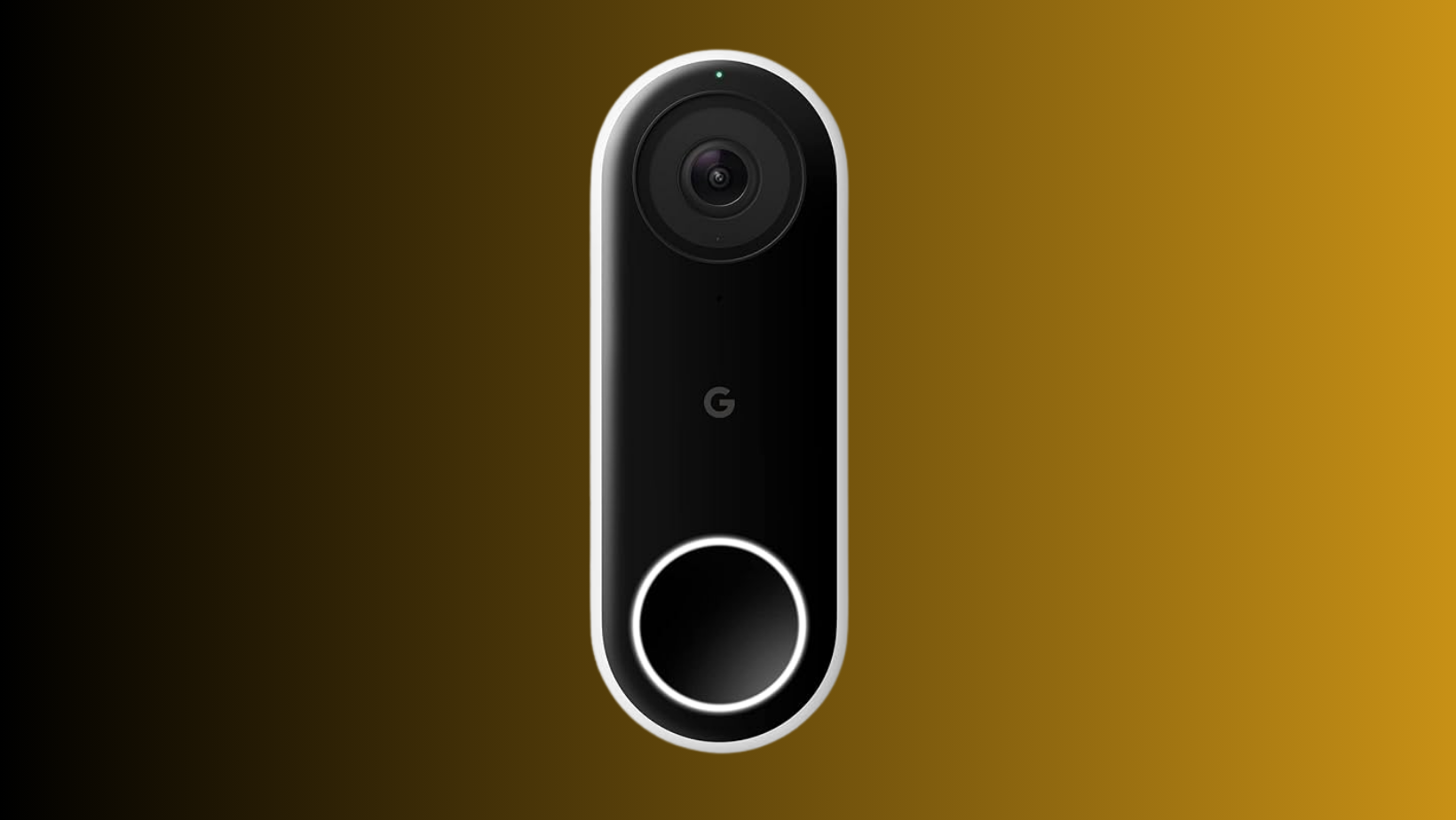
I keep coming back to the Nest Doorbell because, frankly, it’s the most consistent one I’ve used. Not perfect (nothing is), but it nails the bits most people actually care about.
Why it’s the best overall:
- Extremely reliable notifications. The app alerts quickly and rarely misses events.
- Brilliant person and package detection. It’s one of the few that can actually tell me when a parcel has arrived and when it’s been picked up.
- Clean, accurate HDR video that handles bright sunlight better than most.
- Integrates beautifully with Google Home and works nicely with smart displays.
Real-world annoyances:
- The subscription… yeah. If you want event history longer than the memory of a goldfish, you’ll be paying monthly.
- The battery model wakes slower than the wired one, worth keeping in mind if your visitors are impatient.
- No Apple Home support, obviously.
Who should skip it:
- If you’re deep into the Alexa or Apple ecosystem.
- If you want purely local storage (Nest doesn’t do that).
Best for Alexa Users: Ring Video Doorbell (Battery or Wired)
It’s impossible to talk about video doorbells without mentioning Ring.
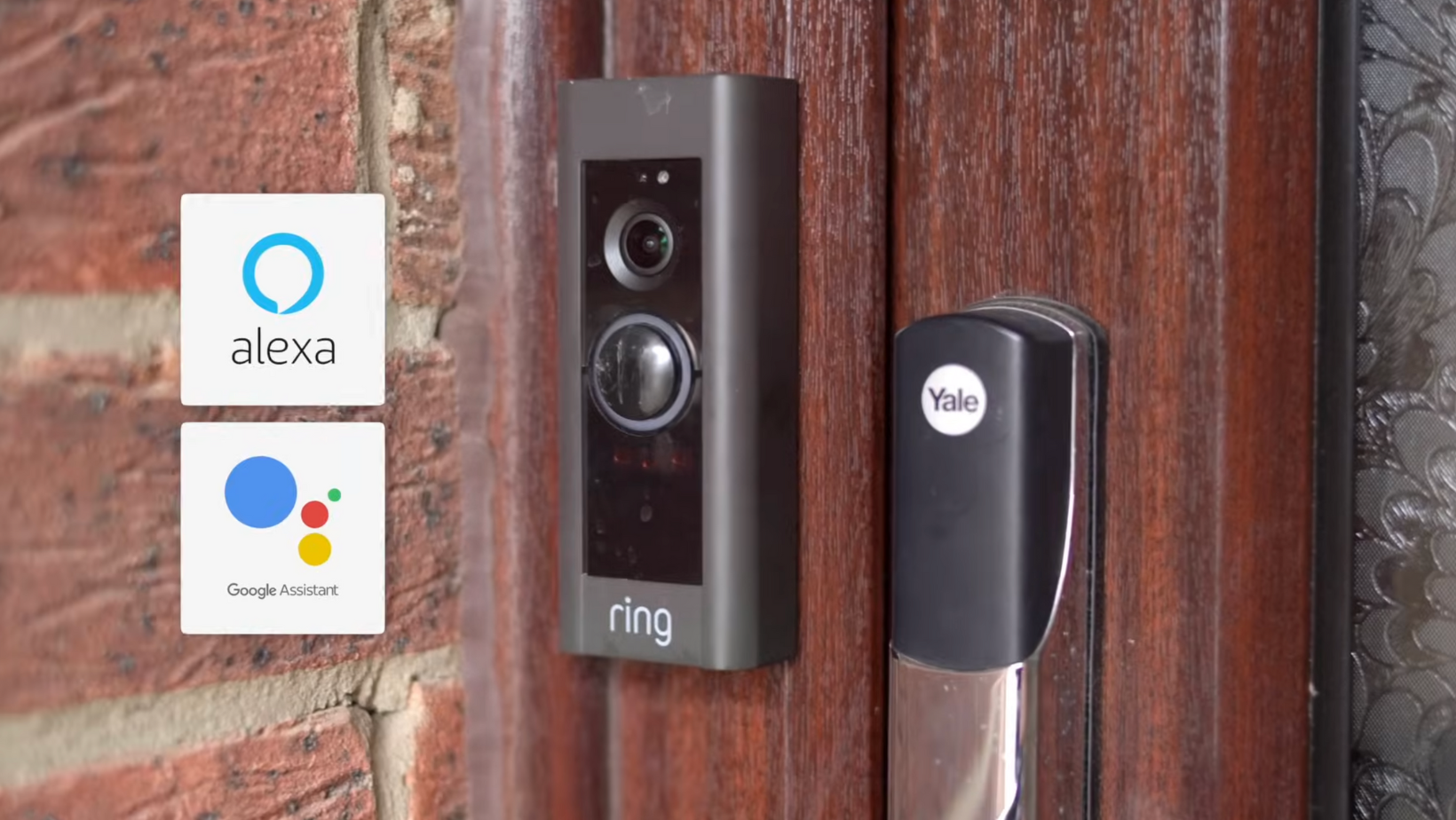
They’re everywhere, they’re inexpensive, and they slot neatly into Amazon’s ecosystem. But they’ve also had their fair share of criticism over the years, so they’re not an automatic “yes” for everyone.
Why Ring (sometimes) makes sense:
- Excellent Alexa integration, better than anything else, full stop.
- Generally reliable notifications, especially on the newer models.
- Solid motion detection with person alerts that work well in most lighting.
- Easy installation, especially the battery versions.
- Huge accessory ecosystem (mounts, wedges, chimes, even solar options).
Why it can be frustrating:
- Most features sit behind a subscription, including recorded video and rich notifications.
- Video quality is decent, not exceptional, especially in tricky lighting.
- No local storage at all; everything goes through the cloud.
- Works best with Alexa; pretty basic with Google, and nothing for Apple Home.
Best Local-Storage / No-Subscription Pick: Eufy Video Doorbell Dual 2K
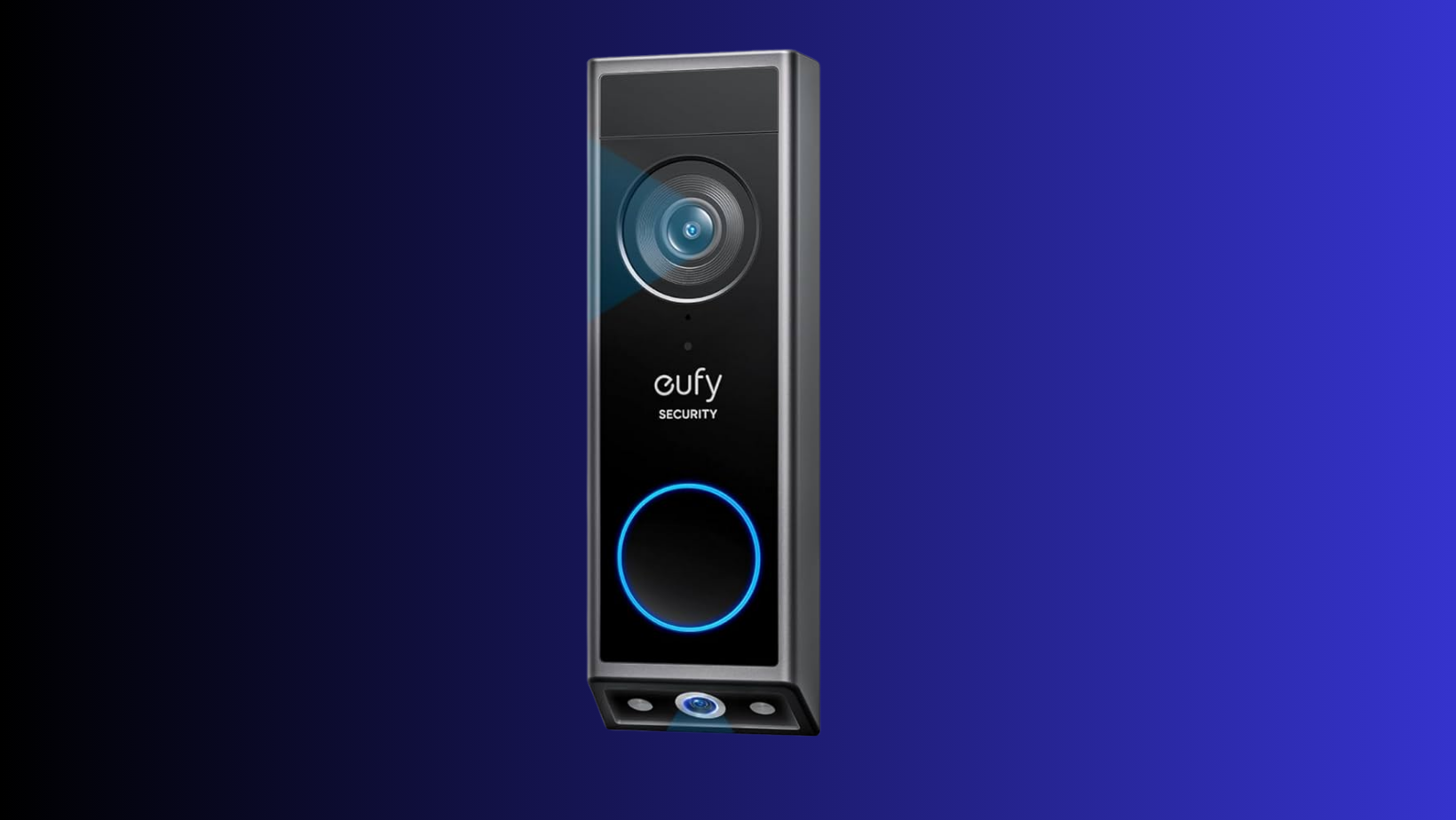
If the idea of paying a subscription makes your eye twitch, Eufy’s local-storage options are the obvious place to begin. The Dual 2K model is particularly clever because it has a second downward-facing camera; perfect if you’re constantly guessing whether your parcel is actually there or if the wind claimed it.
Why it’s great:
- Local storage via the HomeBase means your footage stays at home.
- Dual cameras genuinely help: one for visitors, one for parcels.
- Battery life is solid, even in colder weather.
- No monthly fees, and still excellent AI detection.
Where it struggles:
- The app can be hit or miss. Not bad, just occasionally sluggish.
- Local storage is only as reliable as the HomeBase. If that goes offline, everything does.
- Eufy has had past privacy controversies, and while they’ve improved, some people understandably won’t love that history.
Best Budget Option: Blink Video Doorbell
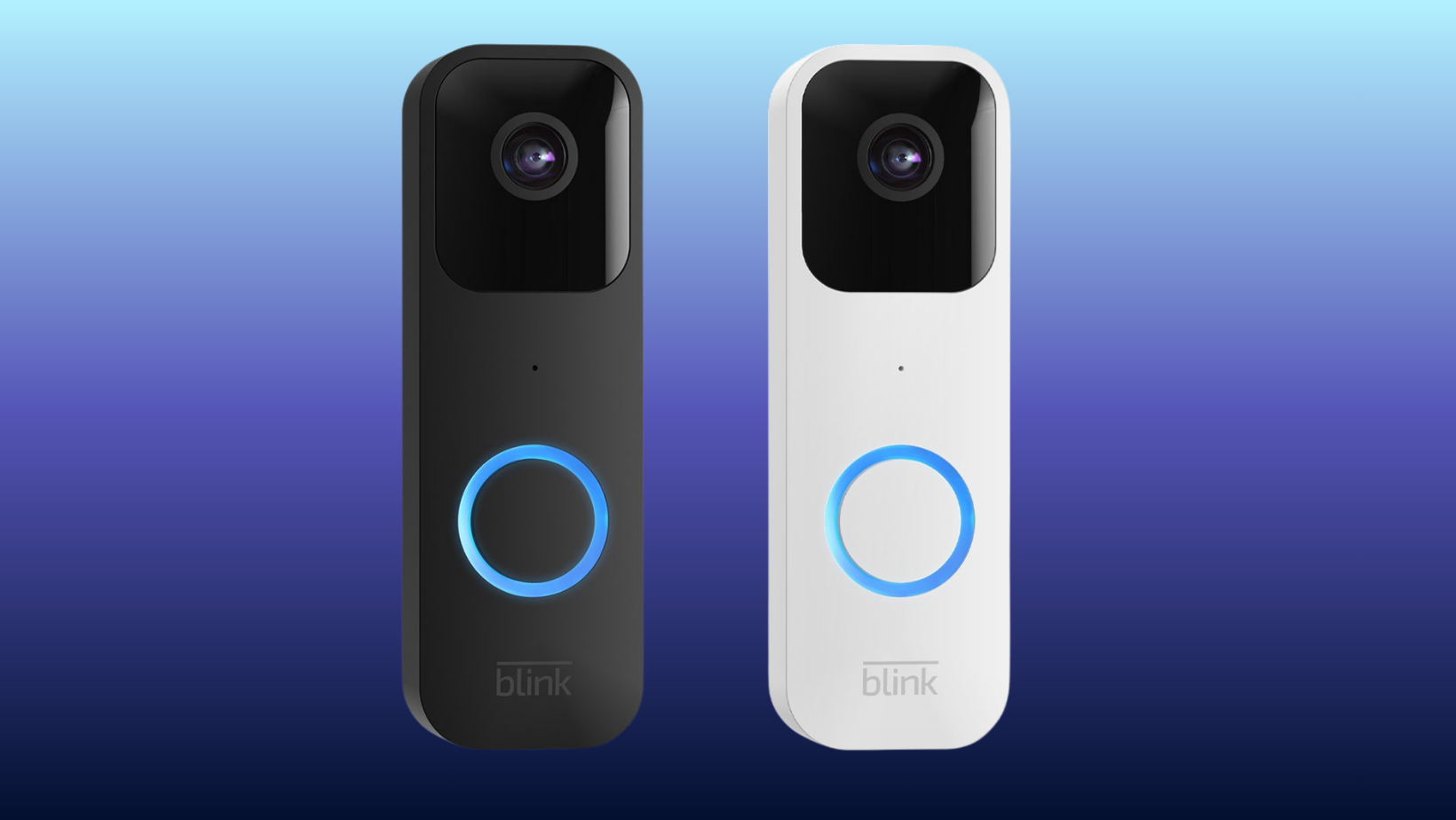
If you want something simple, cheap, and serviceable without expecting cinematic footage, the Blink Video Doorbell is the “don’t overthink it” choice.
Why it’s good for the price:
- Extremely inexpensive compared to most competitors.
- Simple install, decent motion alerts.
- Works well with Alexa ecosystems.
- Optional sync module adds local-ish storage.
Where the compromises show:
- Night video quality takes a noticeable hit, think early-2000s security footage vibes.
- Motion detection lacks the smart AI features of pricier models.
- Audio delay can be noticeable.
If you just want a doorbell cam and don’t want to spend more than a tank of fuel, this is totally fine, just don’t expect miracles.
Best for Smart Home Integration: Arlo Video Doorbell (Wired)
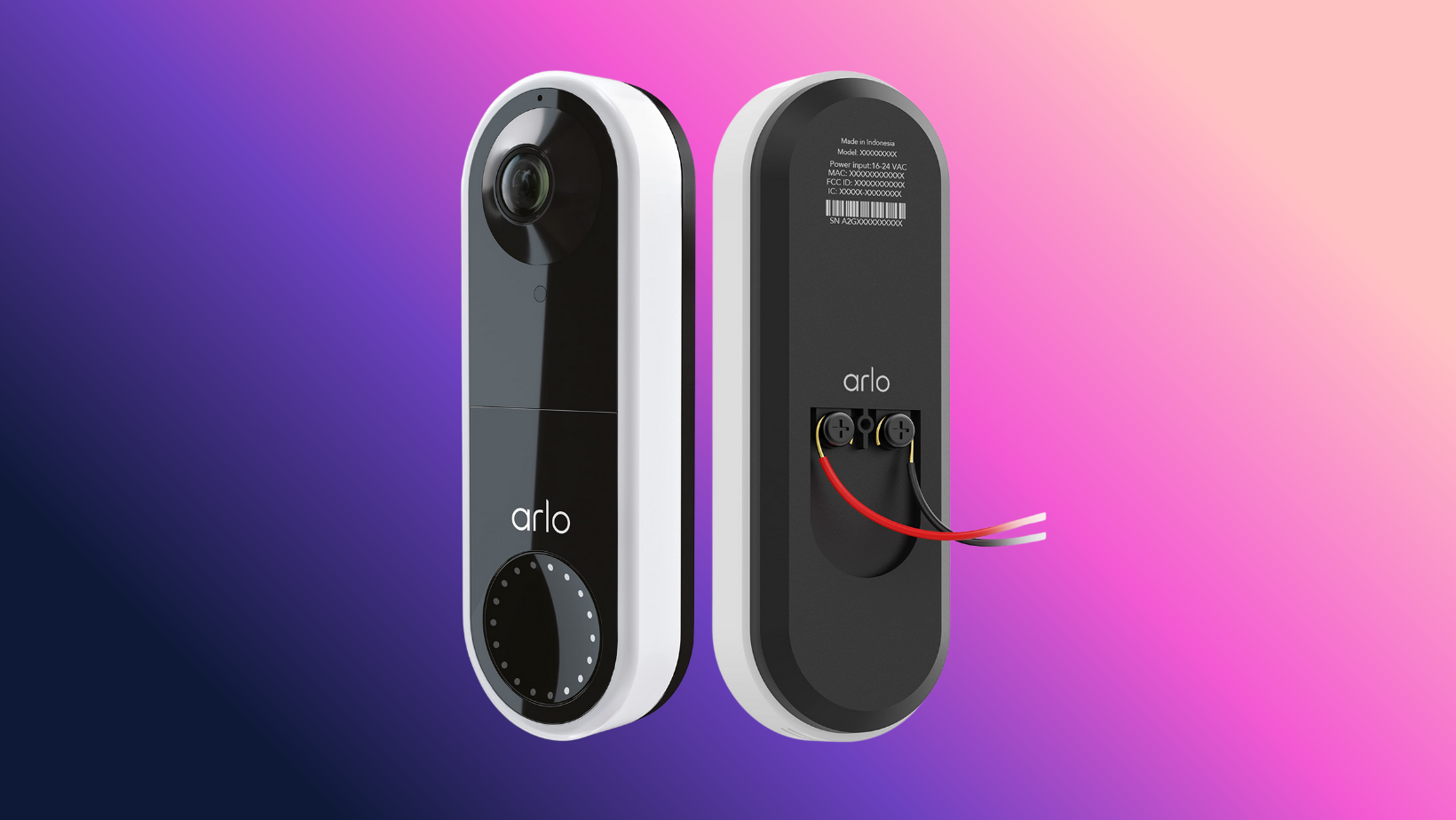
Arlo’s wired doorbell is still one of the best if you care about connecting everything neatly into a larger smart home setup.
Why it shines:
- Works with Google, Alexa, and even HomeKit via Arlo Hub.
- Excellent video; wide field of view but without the heavy fisheye distortion.
- Fast notifications and one of the quickest wake times of any doorbell I’ve tested.
- Very strong motion detection with detailed controls.
Where it falls short:
- Another one that wants a subscription to unlock full features.
- Setup can be a bit fiddly if your existing wiring is ancient.
- The app has improved massively, but still has off days.
My Final Verdict
After testing more doorbells than is probably healthy, here’s the takeaway: the “best” video doorbell isn’t the fanciest one, the priciest one, or the one with the longest feature list. It’s the one that actually behaves itself on your doorstep by sending alerts when it should and showing you who’s there (without turning them into a blurry ghost).
For most homes, the smarter brands like Nest, Arlo, and Eufy handle the basics well. And if you’re on a budget, Blink is still a decent choice.
If there’s a doorbell you’re curious about (or one that’s driven you mad), drop it in the comments. Always happy to put another contender on the porch and see how it copes.
