


Apple has refreshed the iPad lineup again this year. And somehow, instead of making things simpler, it’s gone the other way.
Right now, there are six current iPads, four different chips, three different Apple Pencils, and a bunch of refurbished models sitting quietly on Apple’s site as well. So even if you think you’ve narrowed it down… you probably haven’t.
And this is where most people go wrong.
You start with one model in mind. Then you think, “okay, but if I just spend a bit more…” and before you know it, you’ve doubled your budget for features you’ll never use.
So in this breakdown, I’m going to walk you through each iPad, explain what actually matters, and help you pick the right one without falling into that trap.
What iPads Are Available in 2026?
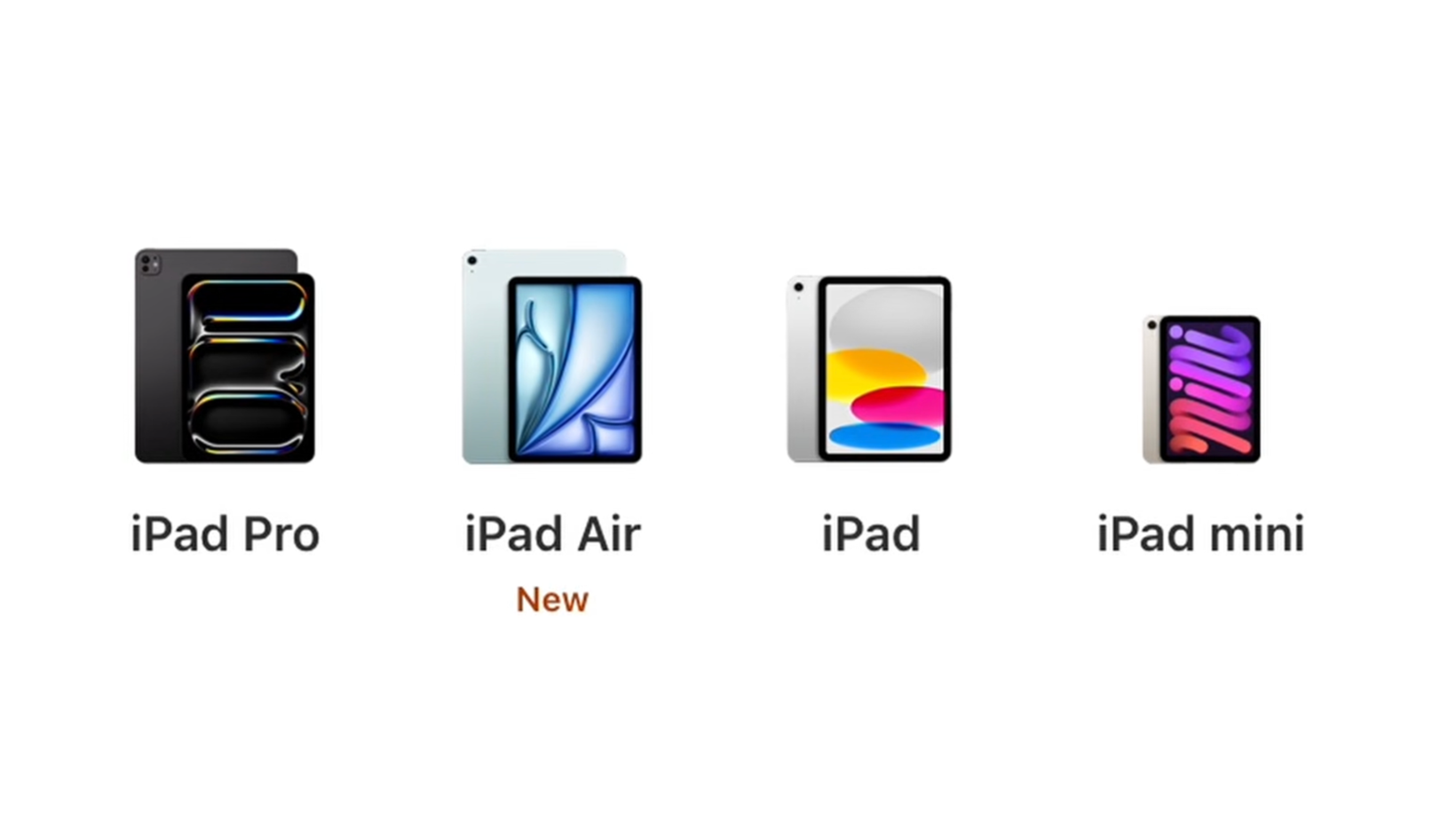
Here’s the current lineup.
You’ve got the iPad Mini at 8.3 inches. Small, compact, and kind of doing its own thing.
Then there’s the standard iPad. This is the entry point. One size, more colourful, aimed at casual use.
Then the iPad Air, which now comes in two sizes: 11-inch and 13-inch. This is where things start to feel more like a laptop replacement.
And finally, the iPad Pro. Also, 11-inch and 13-inch, but with all the high-end features layered on top.
All of them have different storage options, different accessory support, and yes… different Apple Pencil compatibility, which still makes no sense.
iPad Pro vs iPad Air Comparison: Do You Actually Need the Pro?
Let’s start with the big question.
Do you actually need an iPad Pro?
Because on paper, it looks like the obvious choice. It’s the most powerful, the most advanced, and the most expensive.
But when you actually look at what you’re getting… it’s a lot more niche than it first appears.
What Makes the iPad Pro Different
The iPad Pro has Apple’s latest M5 chip, a Tandem OLED display, 120Hz refresh rate, and Thunderbolt support.
It’s also the only iPad where storage affects performance. If you go for the higher storage models, you get more memory and an extra CPU core.
And then there’s the nano-texture display option, which is great if you’re working in bright environments.
So yes, on paper, it’s incredible.
Who Should Buy the iPad Pro
This is really for people doing specific things.
If you’re editing video, working with large files, doing design work, or you need Thunderbolt speeds, then it starts to make sense.
The 13-inch model is also a big deal if you’re trying to use this more like a laptop.
And if you know you need 2TB of storage, then realistically, you’re already in Pro territory.
Why the iPad Air Is the Better Buy for Most People
Here’s the thing.
For most people, the iPad Air gets you almost everything you need.
It’s about half the price, still incredibly fast with the M4 chip, and perfectly capable for things like photo editing, video work, and multitasking.
Yes, you lose the OLED display, the higher refresh rate, and Face ID. But in day-to-day use, most people won’t notice enough of a difference to justify spending hundreds more.
This is why the Air ends up being the default recommendation.
Best iPad for Students and General Use
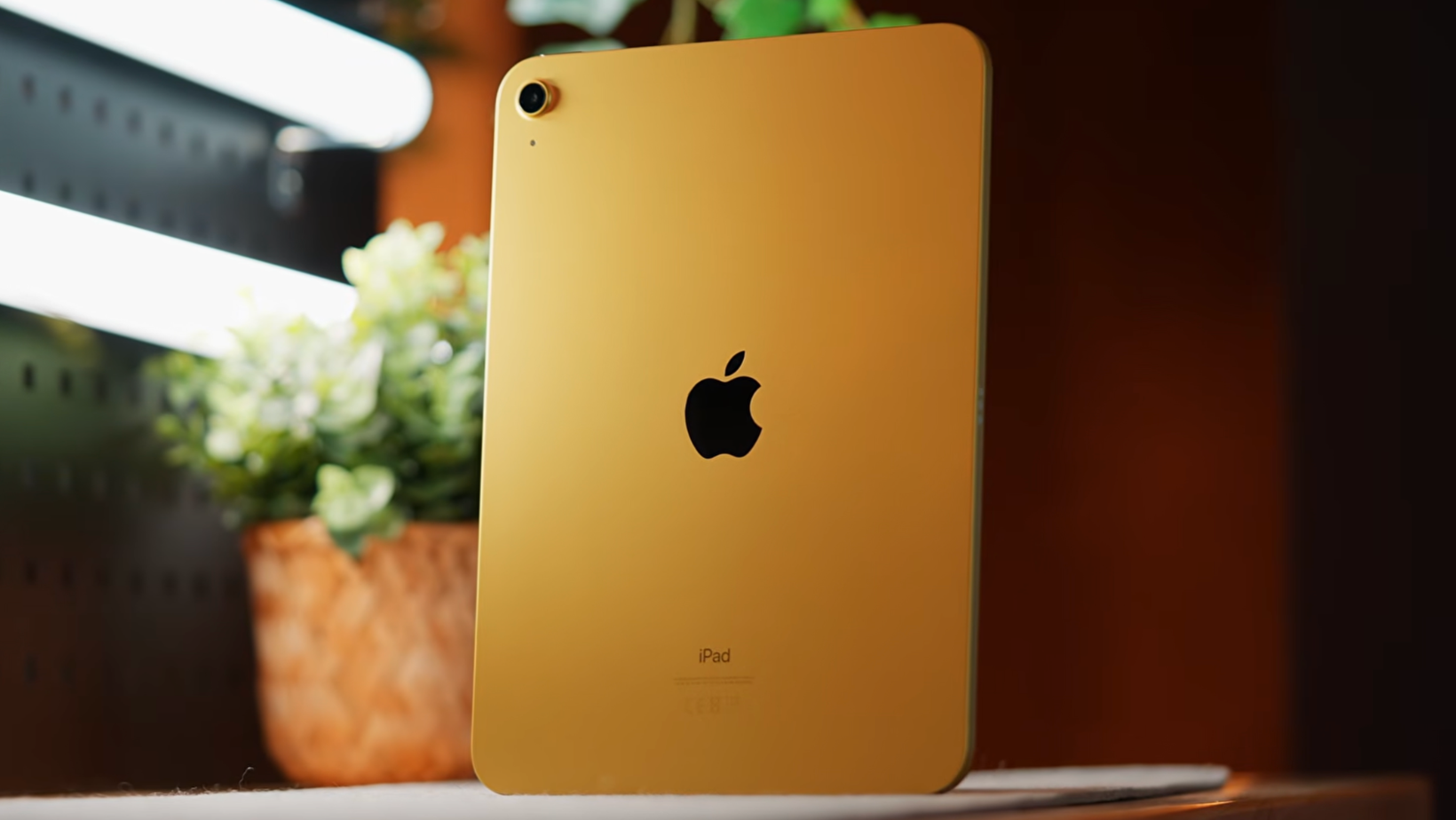
If you’re not trying to replace a laptop, the standard iPad still makes a lot of sense.
It’s affordable, it’s fast enough for everyday tasks, and it handles things like web browsing, emails, and streaming without any issues.
The A16 chip isn’t the latest, but it doesn’t need to be.
Where it falls short is mainly in the extras.
You don’t get support for the Apple Pencil Pro, the display isn’t as good as the Air, and it’s not something I’d pick for heavier creative work.
But for students, kids, or just having something on the sofa, it’s a really solid option.
The iPad Mini. Is it Worth it for Travel?
The iPad Mini sits in its own category.
It’s not trying to replace your laptop. It’s not trying to be the cheapest option either.
It’s just small.
And that’s the whole point.
With the A17 Pro chip and support for the Apple Pencil Pro, it’s surprisingly capable. But the real reason to buy it is portability.
This is the one you throw in a bag, take on a flight, or use as a second device.
There’s no proper keyboard setup for it, and you’re not going to be doing serious work on it. But as a companion device, it’s hard to beat.
Apple Pencil Compatibility Explained
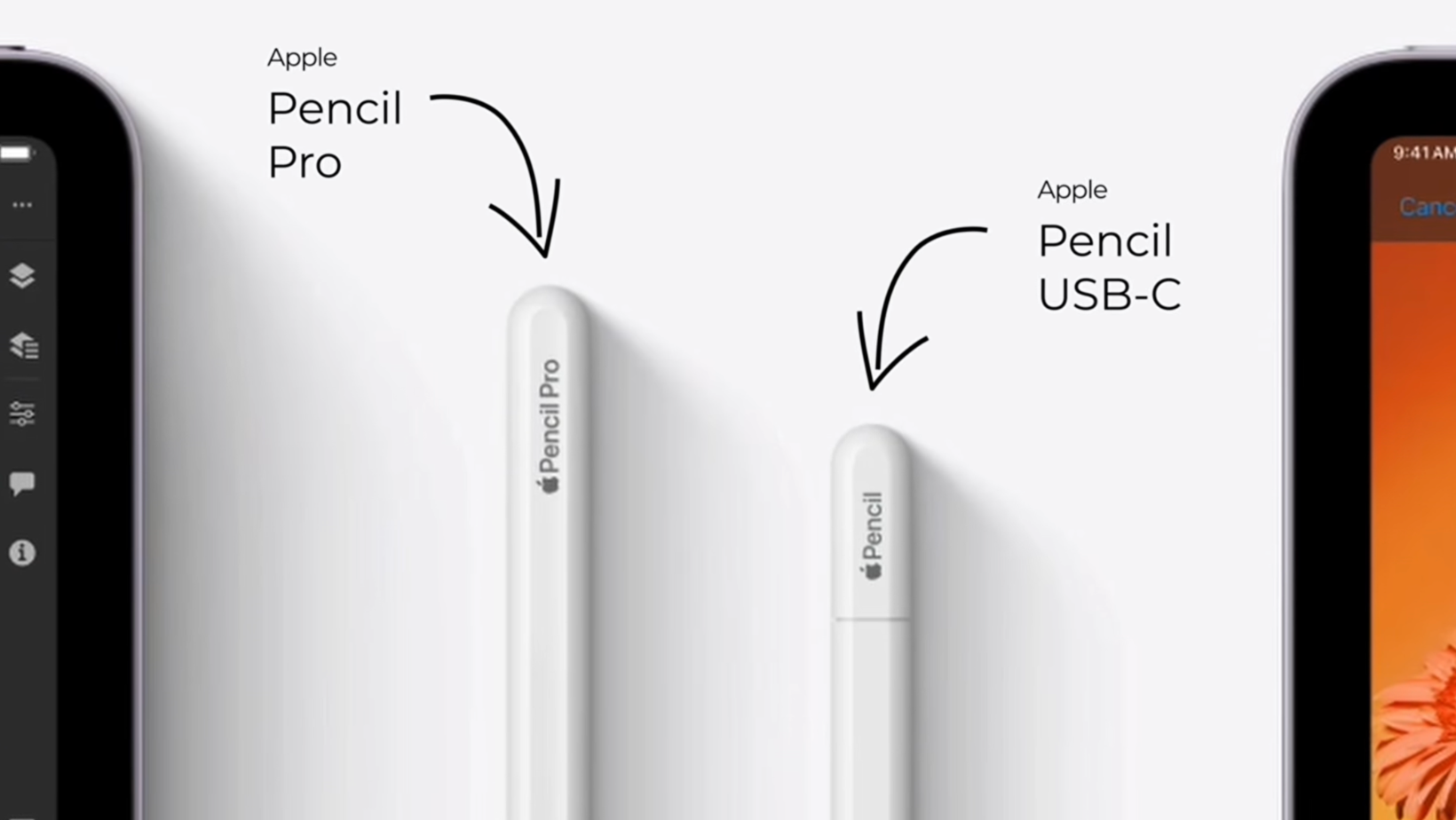
Apple Pencil support is still more confusing than it needs to be.
You’ve got the Apple Pencil Pro, which is the one you want if you’re drawing or taking notes regularly. It attaches magnetically, charges wirelessly, and has extra features like squeeze and haptics.
Then there’s the USB-C Pencil, which is more basic. It works, but you lose a lot of those advanced features.
And then the older first-gen Pencil is still floating around in some cases.
The main thing here is to check compatibility before you buy. Because not every iPad works with every Pencil.
iPad Storage and Cellular Advice
For most people, 128GB is enough.
If you’re using cloud storage and not downloading huge files, you’ll be fine.
If you’re editing video, storing large files locally, or trying to use the iPad as your main device, then it’s worth going higher.
Cellular is more situational.
If you’re always near Wi-Fi, you probably don’t need it. Tethering from your phone works well enough.
But if you travel a lot, need GPS, or just want a more reliable connection when you’re out, then it can be worth adding.
The Upgrade Trap That Gets Everyone

This is where things get dangerous. You start with the base iPad. Then you think, “okay, I’ll upgrade the storage.” Then it’s, “well, the Air isn’t that much more.” Then you look at the 13-inch model.
Then you add a keyboard. And suddenly, you’re basically at iPad Pro pricing. And if you go one step further, you’re now looking at MacBook territory.
This is how people end up spending way more than they planned.
The easiest way to avoid this is to decide what you actually need upfront. Not what you might need one day. Not what sounds nice to have. Just what you’ll realistically use.
Refurbished iPads and AppleCare
Apple’s refurbished store is worth checking.
You can usually save around 15 percent, and in most cases, you wouldn’t even know it wasn’t brand new. If you’re not bothered about having the absolute latest model, this can be a really smart way to save some money.
AppleCare is another thing to think about.
iPads are more likely to get damaged than something like a desktop. They get carried around, used on the go, and handed to other people.
If you’re unsure, the monthly option gives you some flexibility without committing upfront.
Sponsored by Paperlike
If you like the idea of a matte display but don’t want to pay extra for the nano-texture option on the iPad Pro, Paperlike is a good alternative.
It’s a screen protector that makes the iPad feel more like paper when you’re writing or drawing.
It’s especially useful if you use the Apple Pencil a lot, whether that’s for notes or sketching.
It’s available for all iPad models, easy to install, and there’s a 100-day guarantee if you don’t get on with it.
What I’d Actually Buy
If I was buying an iPad right now, the iPad Air is the one I’d go for.
It hits the balance between price and performance better than anything else in the lineup.
If you’re on a tighter budget, the standard iPad still does everything most people need.
If you’re a professional and you know you need features like OLED or Thunderbolt, then the Pro makes sense.
And if you travel a lot, the Mini is a great companion device.
For size, 11-inch works best for most people. The 13-inch only really makes sense if you’re treating it like a laptop.
The One Most People Should Pick (And Why)
If you strip all of this back, most people don’t need the iPad Pro.
The iPad Air is the one that makes the most sense for the majority of people. It’s powerful enough, more affordable, and doesn’t come with features you’ll never use.
The key is not getting pulled into spending more just because the next option looks slightly better.
Pick the iPad that fits what you actually do day to day, and you’ll end up with something that lasts for years.
Watch the Video
If you want to see these side-by-side and get a feel for the displays, sizes, and accessories, it’s worth watching the full video alongside this.NEW iPad Buying Guide (2026) - Don’t Waste Your Money!
More From Pete Matheson
If you want more breakdowns like this, sign up to my newsletter, the Aftershow, and the podcast where I go deeper into this kind of stuff each week.
