


Apple’s Dynamic Island is one of those iPhone features that sounds incredible on paper… yet somehow ends up being ignored by a lot of people in real life.
You’ve probably seen it show music controls once or twice, maybe a timer if you’re lucky, and then you forget it exists. Which is a shame, because on the iPhone 17, the Dynamic Island is far more capable, more reliable, and genuinely more useful than it was when it first launched.
So in this guide, I wanted to share with you:
- What the iPhone 17 Dynamic Island actually does well.
- How to enable and use it properly.
- Which built-in features are worth your time.
- And which third-party apps truly unlock its potential.
Let’s get to it!
What the iPhone 17 Dynamic Island Actually Is (and Why It’s Better in 2026)
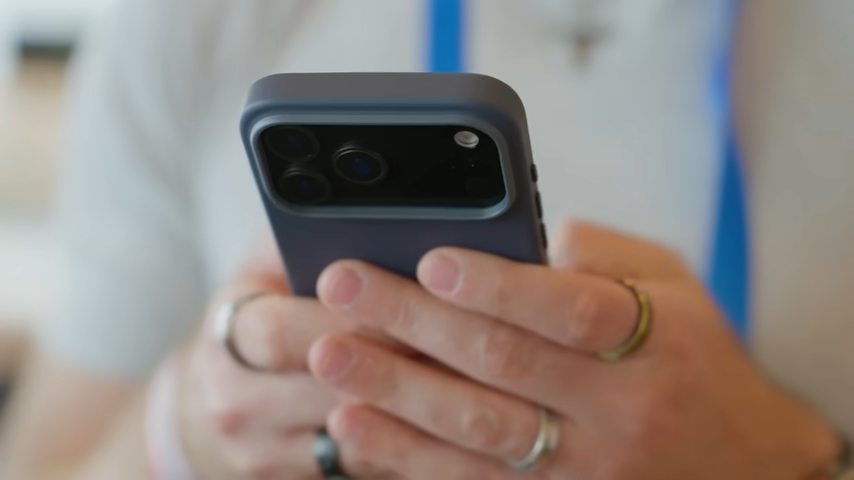
At its core, the iPhone 17 Dynamic Island is Apple’s way of turning the front-facing camera cutout into something functional instead of dead space.
Rather than hiding activity behind notifications or forcing you to jump between apps, Dynamic Island works alongside Live Activities to show ongoing tasks (things like music playback, timers, navigation, calls, or workouts) in a small, glanceable space at the top of your screen.
What’s changed by the time we reach iPhone 17 is maturity.
Earlier versions of Dynamic Island felt inconsistent. Sometimes it worked beautifully, other times it felt half-baked or a bit unpredictable. In 2026 though, it’s far more stable, better prioritised, and much more widely supported by third-party apps.
Before You Do Anything: Make Sure Dynamic Island Is Actually Enabled
This sounds obvious, but it’s easily the number one reason people think the iPhone 17 Dynamic Island “doesn’t work.”
In reality, Dynamic Island itself isn’t something you toggle on or off globally. Instead, it relies almost entirely on Live Activities, and those permissions are controlled app by app.
So if an app isn’t allowed to use Live Activities, it simply won’t show anything in the Dynamic Island, no matter how useful it could be.
Where Most People Go Wrong
A lot of users assume:
- Dynamic Island is broken.
- Their iPhone 17 model doesn’t support a feature.
- Or an app just “doesn’t work with it.”
Most of the time, though, it’s just a setting.
How to Enable Dynamic Island Properly (The Right Way)
To make sure you’ve got Dynamic Island enabled properly, here’s what you want to check:
- Open Settings
- Scroll down and tap the app you want to appear in the Dynamic Island, such as Music, Navigation apps, Fitness apps, etc.
- Tap Live Activities.
- Make sure Allow Live Activities is switched on.
- If available, also enable More Frequent Updates and Show on Always-On Display.
Once that’s enabled, the app now has permission to use both Live Activities and Dynamic Island.
A Few Extra Settings Worth Checking
If something still isn’t appearing consistently, also make sure:
- Background App Refresh is enabled for the app.
- Notifications aren’t fully disabled.
- Low Power Mode isn’t aggressively limiting background activity.
Dynamic Island depends on apps being allowed to run quietly in the background. So if iOS thinks it’s saving battery, it’ll happily kill those updates first.
Apple’s Built-In Apps That Are Actually Useful on the iPhone 17 Dynamic Island
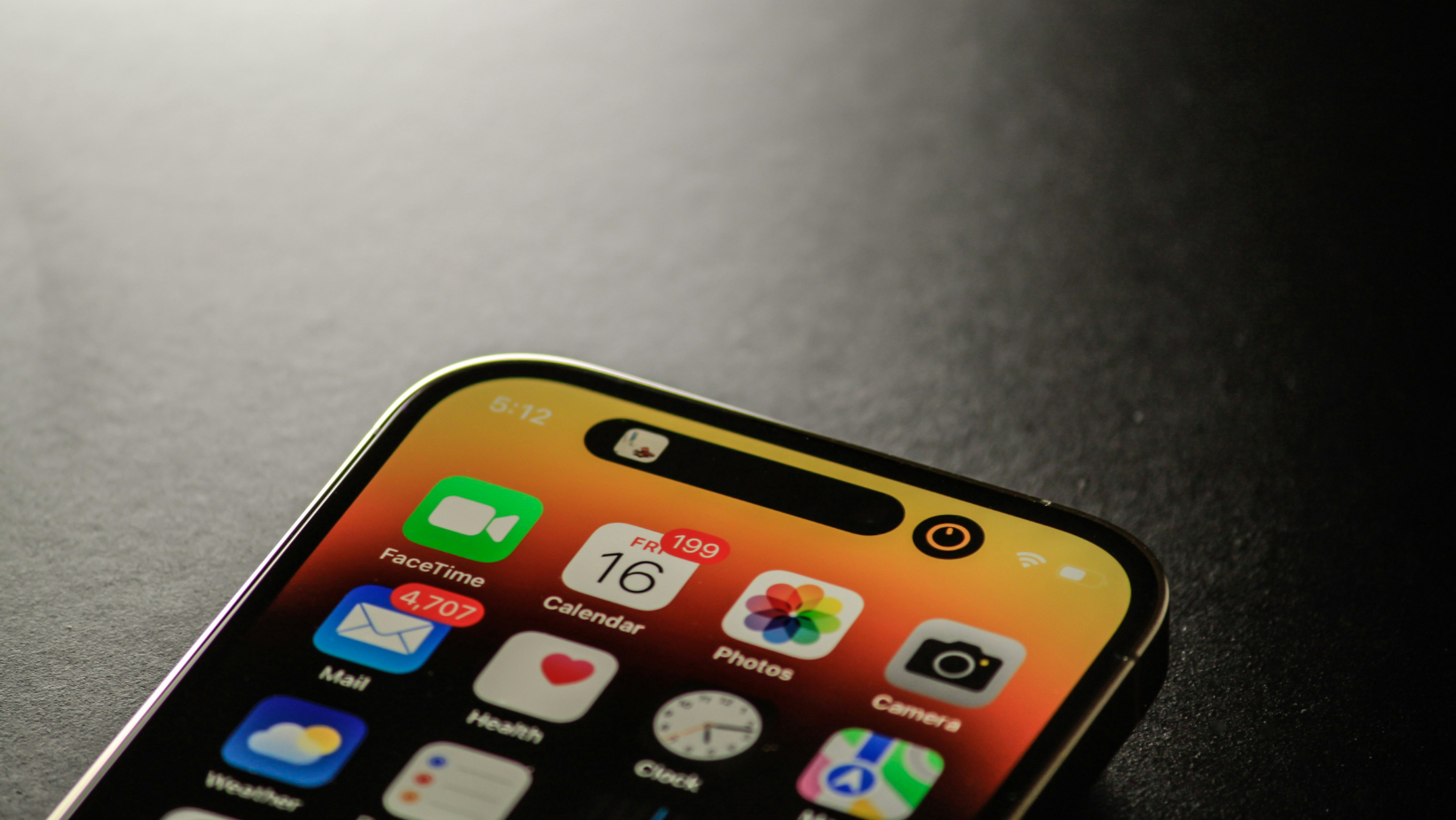
Apple’s own apps are still the most reliable, most polished examples of how Dynamic Island is meant to work, and a few of them are far more useful than people realise.
Music & Podcasts
This is usually the first thing people see in the Dynamic Island, and it’s arguably the most useful.
When you’re playing music or a podcast and swipe up:
- Album artwork appears in the Dynamic Island.
- You get a live waveform that reacts to the audio.
- The colour adapts to the artwork.
Tap and hold, and you can:
- Play or pause
- Skip tracks
- Favourite content
- Switch audio output (AirPods, car, speaker, etc.)
Tap once, and you jump straight back into the app.
It’s simple, but incredibly efficient, especially when you’re constantly switching between apps while listening to something.
Timers & Alarms
Timers are one of the clearest examples of why Dynamic Island works so well.
Start a timer, swipe up, and you get:
- A live countdown in the Dynamic Island
- A glanceable indicator on the Always-On Display
- Quick access to pause or stop it
This is perfect for:
- Cooking
- Work breaks
- Parking tickets
- Gym rest periods
You don’t need to unlock your phone or reopen the Clock app. You just glance. That alone makes it one of the most practical Dynamic Island features.
Navigation (Apple Maps & Google Maps)
Navigation works beautifully with the Dynamic Island, especially on iPhone 17.
Once navigation starts and you swipe up:
- Your next turn appears in the Dynamic Island.
- You get distance and timing at a glance.
- It updates live as you move.
This works with both Apple Maps and Google Maps, and it’s especially useful when you’re walking or using public transport.
Screen Recording
Screen recording is another underrated one.
When you start recording:
- A recording indicator appears in the Dynamic Island.
- Tap or tap-and-hold gives you control.
- You can pause or stop the recording without opening Control Center.
Many people don’t even realise the Dynamic Island gives you recording controls. But once you know it’s there, you’ll use it constantly.
Torch / Flashlight Controls
This one surprises a lot of people.
When the torch is on:
- Swipe up or down to change brightness.
- Swipe left or right to adjust beam width.
Better still, the iPhone 17 remembers your last setting. So if you prefer a wide, dim beam, it stays that way.
The Best Third-Party Apps for Dynamic Island
Apple’s built-in apps are solid, but the real magic of Dynamic Island on iPhone 17 comes from third-party developers who’ve fully embraced Live Activities.
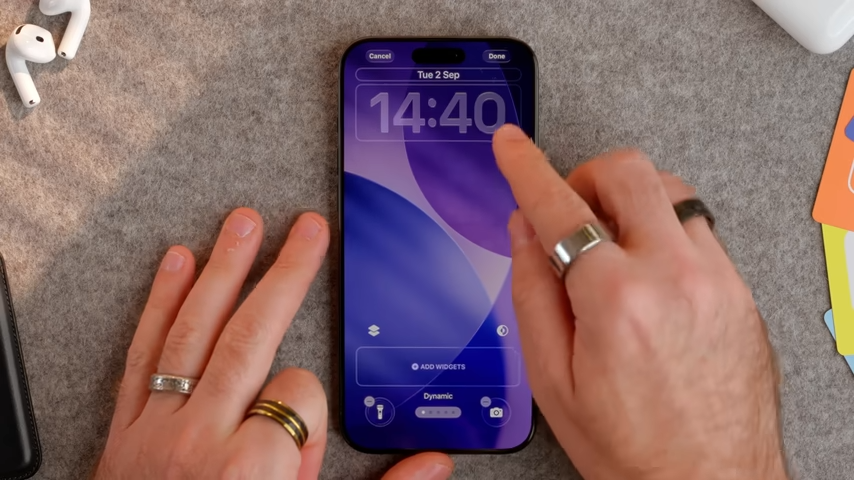
In many cases, these apps use Dynamic Island better than Apple does. I’ll break these down by category, because that’s where they make the most sense in real life.
Health & Accessibility
For some people, Dynamic Island isn’t just convenient, it’s essential for their day-to-day wellbeing.
For example, apps like Shuggah allow blood glucose levels to appear directly in the Dynamic Island. So if you wear a glucose monitor, this is a huge deal. It’s discreet, glanceable, and exactly what the iPhone 17 Dynamic Island is supposed to be used for.
My other favorites in this category:
- Medisafe: Great for medication reminders that surface at just the right time without needing to unlock your phone.
- StepsApp: Simple step tracking that works well with Live Activities and doesn’t overwhelm you with stats.
- Focus To-Do: Useful if you rely on timed focus sessions, with progress and timers visible without breaking concentration.
Travel & Flights
If you travel even a couple of times a year, flight tracking apps are easily some of the best Dynamic Island integrations available.
For example, apps like Flighty pull in your booking reference and automatically track:
- Gate numbers
- Seat details
- Boarding times
- Delays and cancellations
A few hours before your flight, all of that information appears in the iPhone 17 Dynamic Island, updating in real time. Even better, you don’t need a long subscription. Subscribing just for a trip or two is more than enough.
My other favorites in the travel category:
- App in the Air: Handy for frequent flyers, with live boarding progress, delay alerts, and connection timing right where you can see it.
- TripIt: Pulls your entire itinerary together and surfaces key travel moments without you digging through emails.
- Uber: Ride progress and pickup timing in the Dynamic Island is surprisingly useful when you’re juggling bags or running late.
Fitness & Gym Apps
Workout apps are a perfect fit for Dynamic Island.
For example, apps like Hevy use Dynamic Island to show rest timers between sets and ongoing workout progress.
My other favorites in the fitness space include:
- Gentler Streak: Great for checking activity progress without pushing you into overtraining.
- Nike Training Club: Timers and workout progress surface cleanly while your phone stays locked.
- Strava: Live activity tracking and recording status in the Dynamic Island is genuinely useful mid-workout.
Weather
Weather apps are everywhere, but very few do something useful with Dynamic Island. This is where CARROT Weather really stands out.
For example, when rain is expected soon, it can show:
- How long until it starts raining
- A live countdown in the Dynamic Island
For quick decisions (like walking the dog, leaving the house, or catching a train), this is far more helpful than a general forecast. Of course, it depends on forecast accuracy… but when it’s right, it’s brilliant.
My other weather favorites worth mentioning:
- Weathergraph: Clean visuals and short-term trends that work well with Live Activities.
- Overdrop: Simple, fast, and genuinely readable at a quick glance.
- Tomorrow.io: Strong minute-by-minute forecasts.
My Final Thoughts on Dynamic Island for iPhone 17
Dynamic Island isn’t trying to be flashy or revolutionary anymore. In 2026, it’s settled into its role as a background feature that surfaces the information you need exactly when you need it… and then gets out of the way.
Where people go wrong is expecting it to replace full apps or act like a multitasking dashboard. That’s never been its job. The Dynamic Island works best when it’s minimal and easy to use, not overloaded or over-customised.
So if you’ve ignored Dynamic Island until now, the iPhone 17 generation is the best time to revisit it. App support is better, behaviour is more consistent, and the real-world use cases finally outweigh the gimmicks.
If you’re already using Dynamic Island on iPhone 17, I’d love to know:
- Which apps you rely on the most.
- What you’ve found genuinely useful.
- And what you think Apple still needs to improve.
Drop a comment below and share how you’re using it!
