


If you’re looking for the best budget microphones this year, you’re in luck.
For a long time, buying a cheap microphone meant accepting thin, tinny audio that made you sound like you were broadcasting from a tin can. And if you wanted to start a podcast or stream on Twitch, you had to spend a small fortune on an XLR setup and an audio interface.
That’s no longer the case.
The budget microphone market has shifted dramatically in 2026. Prices on older premium models have collapsed, and new entry-level options are delivering audio quality that rivals gear costing three times as much. In short, you do not need to spend hundreds of pounds to get broadcast-quality sound anymore.
I know this because I’ve spent years testing audio gear for my YouTube channel and podcast setups. So in this guide, I’m breaking down the best budget microphones available right now and what you actually need to look for.
Dynamic vs Condenser: What You Actually Need
Before you buy anything, you need to understand the difference between dynamic and condenser microphones.
Condenser microphones are incredibly sensitive. They pick up a lot of detail, which makes your voice sound rich and full. The problem is that they also pick up everything else. So if you have a noisy mechanical keyboard, a loud computer fan, or an untreated room with lots of echo, a condenser microphone will capture all of it.
Dynamic microphones are much less sensitive. They only pick up sound that is directly in front of them. So if you’re recording in a normal bedroom or office without acoustic treatment, a dynamic microphone is almost always the better choice. It naturally rejects background noise and room echo, giving you a cleaner recording with much less effort.
Most cheap USB microphones are condensers, which is why so many beginners struggle with background noise. But in 2026, we are finally seeing excellent budget dynamic options hit the market.
Fifine AM8: The Best Budget Microphone Under $60
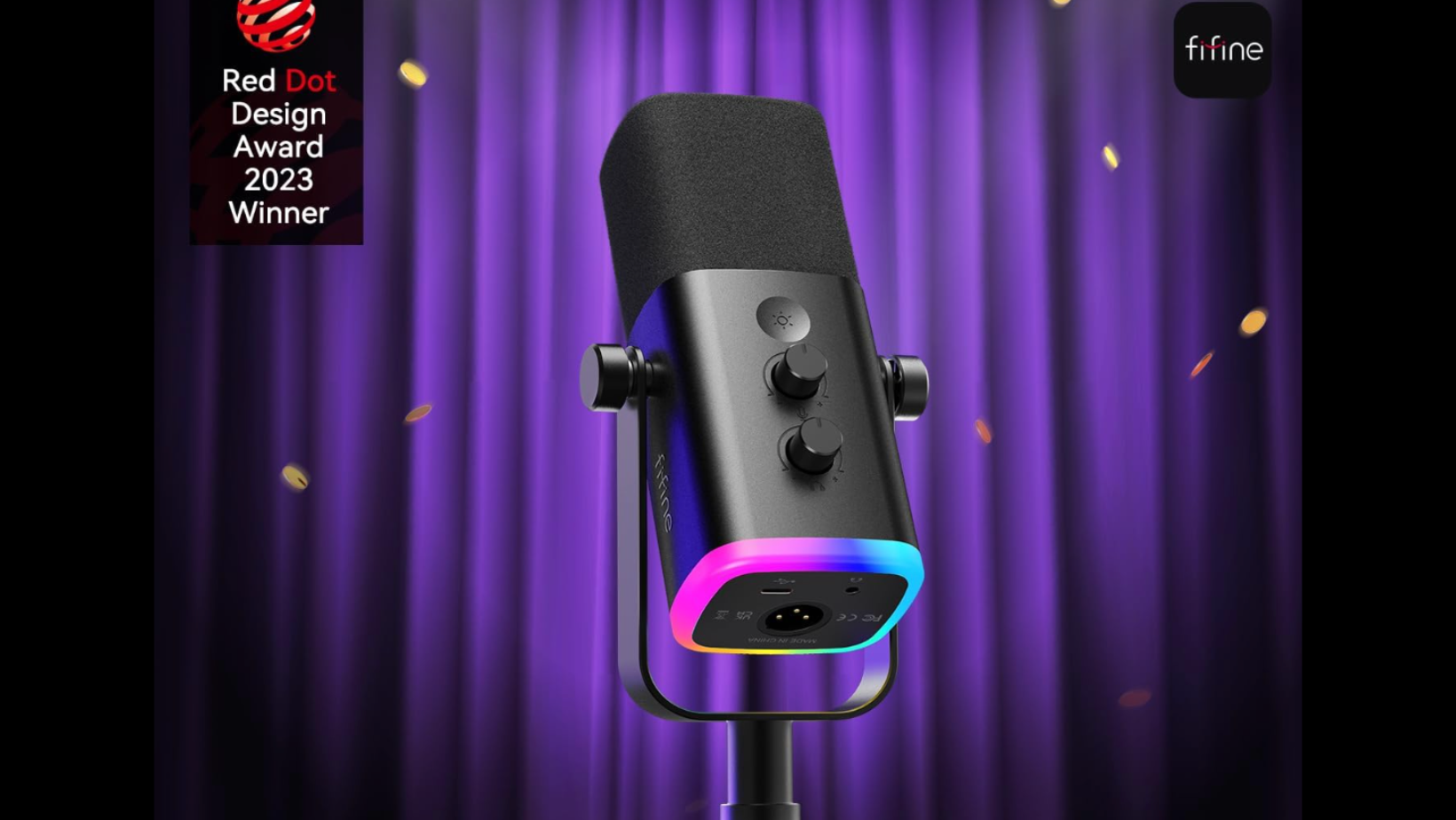
I don’t usually expect much from microphones under $60. But the Fifine AM8 completely changed my mind.
This is a dynamic microphone that offers both USB and XLR connections. That dual connectivity is incredibly rare at this price point. It means you can plug it straight into your laptop via USB today, and if you ever decide to upgrade to a dedicated audio interface later, you can use the XLR connection without having to buy a new microphone.
In practice, the sound quality punches way above its weight. It has a slightly boosted bass and treble profile, which gives spoken word a nice, radio-ready sound straight out of the box. And because it is a dynamic microphone, it does a brilliant job of rejecting keyboard clicks and room noise.
However, it’s not perfect. The plastic build feels a bit cheap, and if you bump your desk, the microphone will pick up the vibration. But for the price, the audio quality is genuinely impressive. If you’re just starting out and want the absolute best value for money, this is the one to buy.
Lewitt LCT 240 PRO: The Studio Sound Without the Studio Price
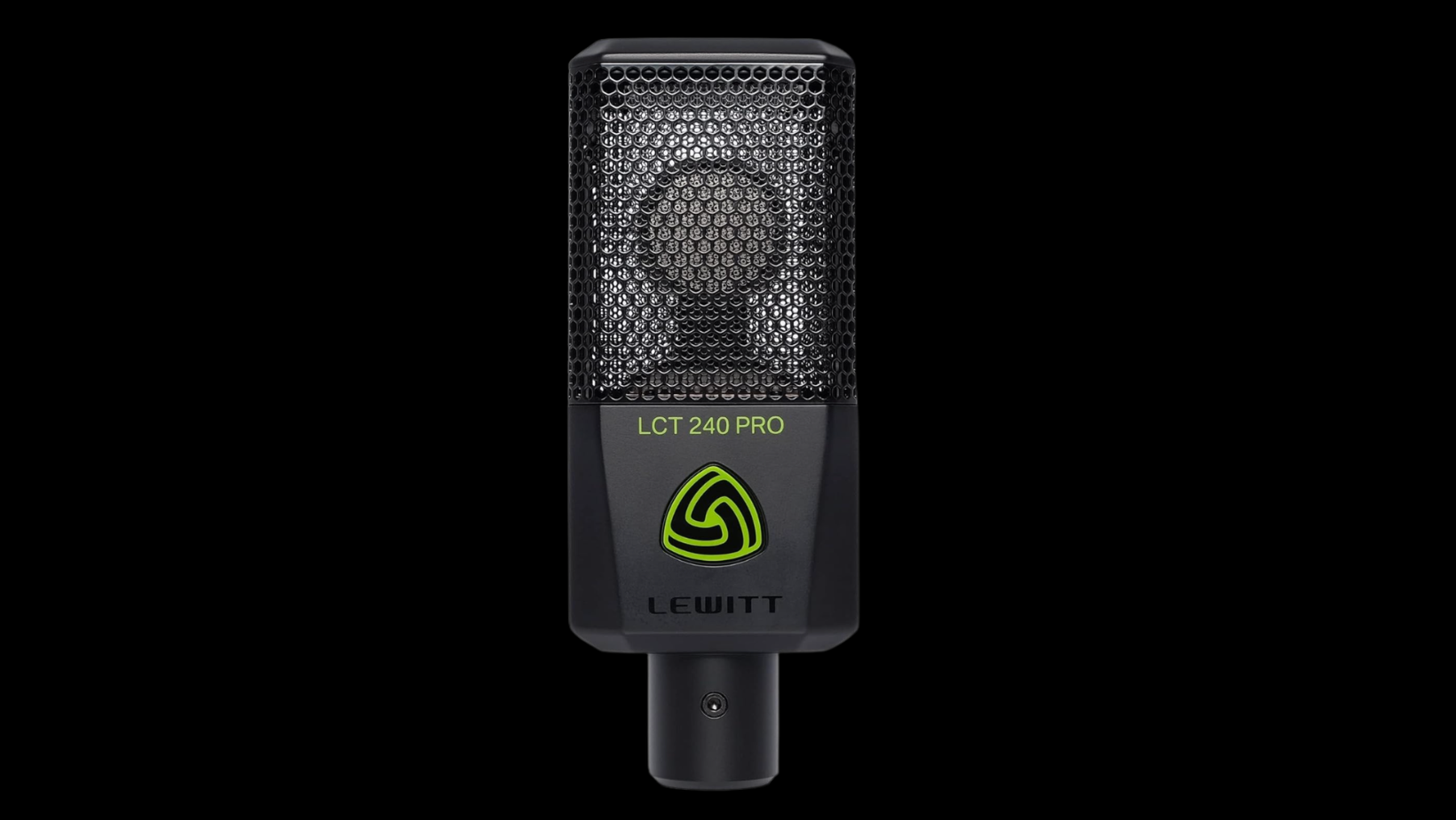
If you're serious about your audio, you need a microphone that delivers. For me, the Lewitt LCT 240 PRO is a proper contender. It usually sits in the $120-$150 range, and in my experience, it punches way above its weight.
This is a solid piece of kit that genuinely delivers professional-grade sound.
It is a proper condenser microphone. That means it's incredibly sensitive and picks up a lot of detail, which is brilliant for vocals, acoustic instruments, or even just making your voice sound rich and clear on calls. The sound is crisp, clear, and has that "expensive" air to it. I've found it sounds remarkably natural, whether you're recording a podcast or just jumping on a Zoom call.
The build quality is another area where Lewitt wins. It's compact, rugged, and looks fantastic on a desk. It doesn't take up half your workspace. It only has a cardioid pickup pattern, which means it focuses on what's directly in front of it. For most of us, that's exactly what we want, as it helps to reject unwanted room noise from the sides and rear.
One thing to realise is that this is an XLR microphone. You can't just plug this straight into your laptop. You'll need an audio interface to get it working. That might feel like an extra hurdle, but it's a sensible step if you're serious about your audio quality. It also means you aren't stuck with the mediocre built-in electronics of a USB mic. This setup gives you far more control and a much cleaner signal.
HyperX QuadCast S: The Best Budget Microphone for Streamers
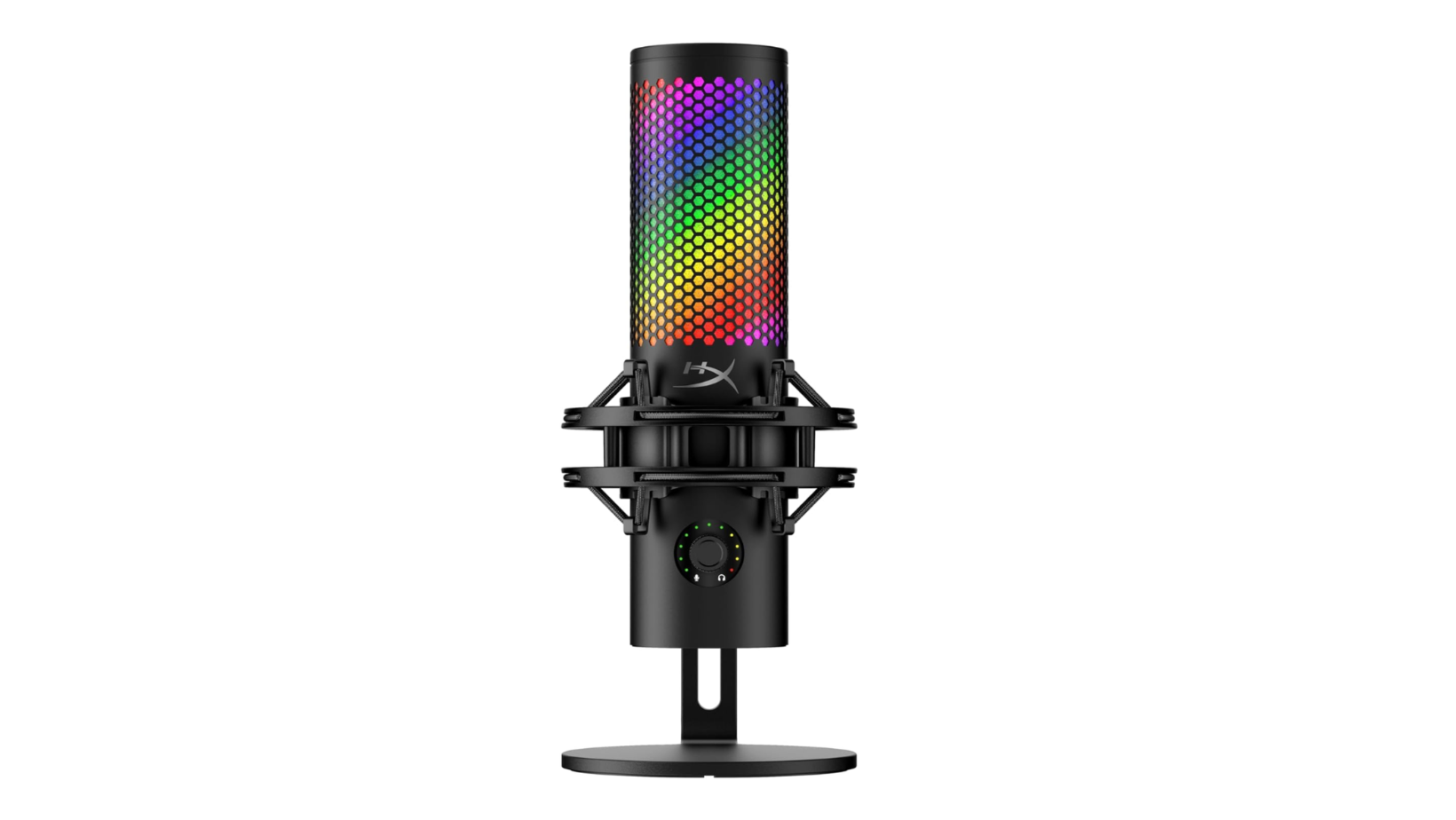
If you’re building a streaming setup and care about how your gear looks on camera, the HyperX QuadCast S is worth paying attention to.
Priced around $120-$130, it sits at the upper end of the budget category. What you get for that money is a condenser microphone with excellent build quality, built-in RGB lighting, and a very clever design.
The standout feature is the built-in anti-vibration shock mount. Most budget microphones require you to buy a shock mount separately to stop desk thumps and keyboard typing from ruining your audio. HyperX includes a great one right in the box. It also features a tap-to-mute sensor on the top, which is incredibly handy for live streaming.
The sound quality is crisp and clear, though again, as a condenser, it will pick up background noise if your room is loud. For gamers and streamers who want a microphone that looks as good as it sounds, this is a solid investment.
Rode PodMic USB: Broadcast Quality Without the Interface
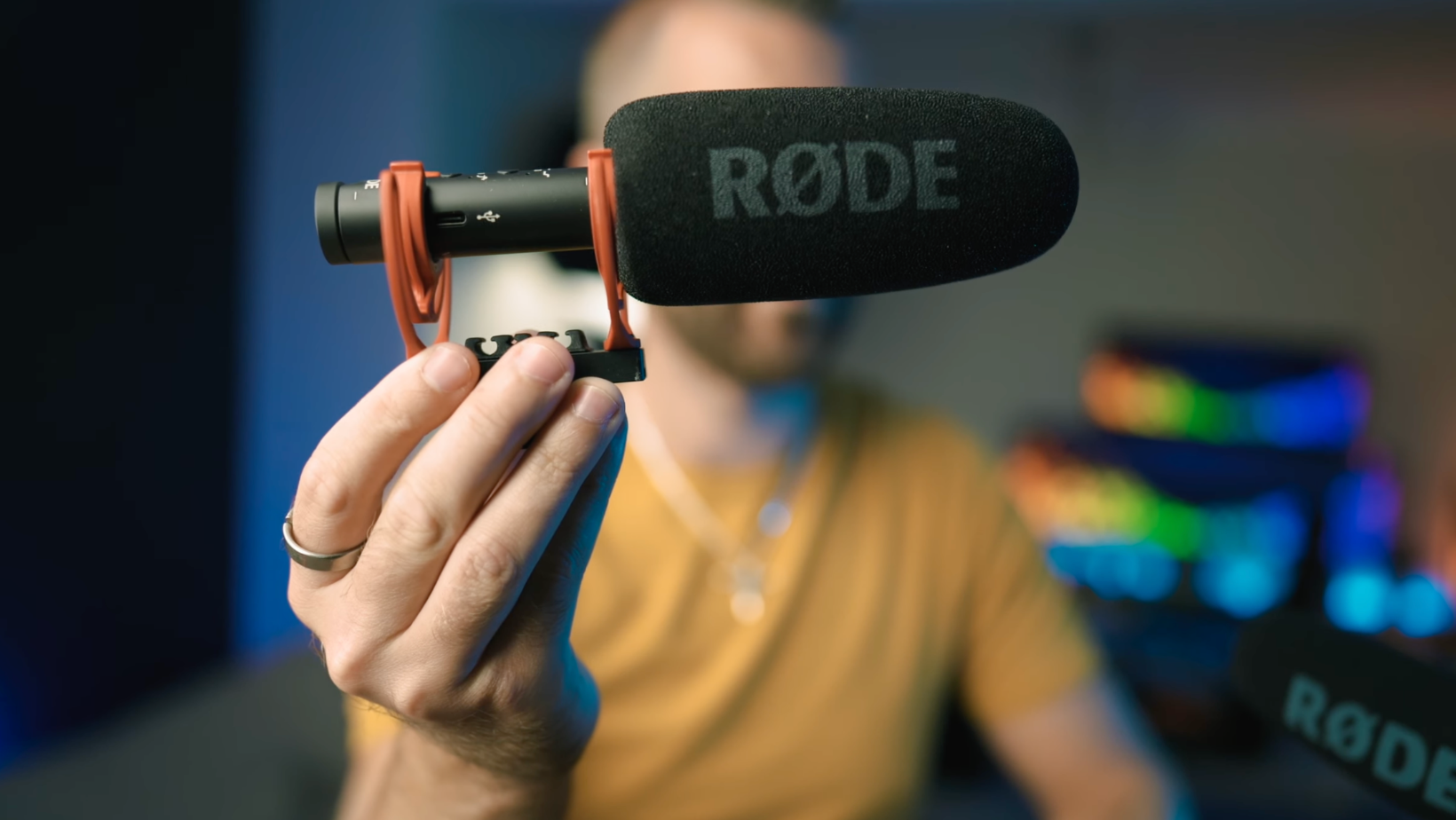
If you’re willing to stretch your budget closer to $200, the Rode PodMic USB is the best microphone on this list.
Rode took their incredibly popular XLR PodMic and added USB connectivity, along with some serious internal processing. This is a heavy, all-metal dynamic microphone built like a tank. It looks and feels like a piece of professional broadcast gear.
Because it’s a dynamic microphone, it is incredibly forgiving in untreated rooms. You also get access to a high-pass filter, noise gate, compressor, and the legendary Aural Exciter and Big Bottom processing, which polishes your audio before it even hits your PC.
It’s also worth noting that the PodMic USB comes with a built-in swing mount but no dedicated desk stand, so you’ll likely want to budget for a boom arm for the best positioning. But if you want professional, radio-ready audio without the complexity of an XLR interface, this is the microphone I recommend.
Which Budget Microphone Should You Buy?
Choosing the right microphone comes down to your room and your budget.
Here’s my simple breakdown of the best budget microphones for 2026:
- Best for Absolute Beginners: Fifine AM8. At around $50, the dual USB/XLR connectivity and dynamic capsule make this an unbeatable starting point.
- Best for Quiet Rooms: Blue Yeti. Now priced around $80-$85, it offers fantastic condenser audio quality and four versatile recording patterns.
- Best for Streamers: HyperX QuadCast S. Great looks, built-in shock mount, and handy tap-to-mute functionality for around $120-$130.
- Best for Serious Podcasters: Shure SM7B. At around $350-$450, it stretches the budget definition, but it is the industry standard mic and worth every penny.
The biggest takeaway from this article is this: you definitely do not need to spend a fortune to sound great anymore. The gap between a “cheap” mic and a genuinely good one is slowly narrowing, so your time is better spent improving your content than chasing marginal audio upgrades.
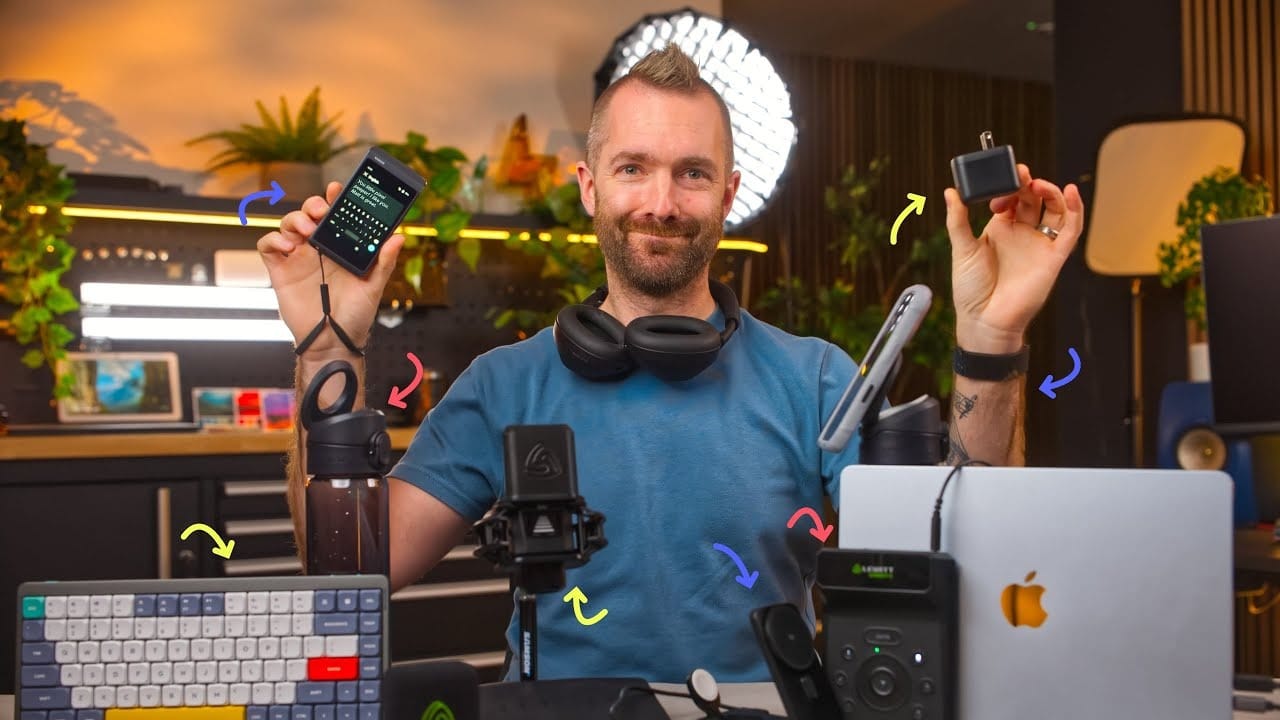
For more no-nonsense gear breakdowns (and the occasional rant about overpriced tech), check out my blog here!
Frequently Asked Questions About the Best Budget Microphones
Do I need an audio interface for a budget microphone?
No. All the microphones recommended in this guide offer USB connectivity, which means they plug directly into your computer or laptop. You only need an audio interface if you are using an XLR-only microphone.
What is the difference between USB and XLR microphones?
USB microphones have a built-in digital converter and plug straight into your computer, making them very easy to use. XLR microphones, on the other hand, require an external audio interface to convert the analog signal to digital. XLR setups offer more flexibility and upgrade options, but USB is much simpler for beginners.
How can I make my budget microphone sound better?
The easiest way to improve your audio is to get the microphone closer to your mouth, ideally about a fist-width away. You should also try to record in a room with soft furnishings like carpets, curtains, and sofas to reduce echo. Finally, lowering the gain (input volume) on the microphone and speaking clearly will drastically reduce background noise.
Do I need a pop filter?
Yes, a pop filter is highly recommended. It stops bursts of air from words starting with 'P' or 'B' from hitting the microphone capsule and causing a low-frequency thump. Some microphones have built-in pop filters, but a cheap external one is always a good investment.
Is a dynamic or condenser microphone better for podcasting?
For most home podcasters, a dynamic microphone is better. Dynamic microphones are less sensitive and naturally reject background noise and room echo, while condenser microphones capture more detail but require a quiet, acoustically treated room to sound their best.
