


If you’re reading this, there’s a good chance you’re stuck in that awkward middle ground as a parent.
You’re not quite ready to give your child a phone. But you are starting to want a way to contact them. And knowing where they are wouldn’t hurt either.
For a lot of families, a smart watch ends up being the perfect first step. Not because it’s flashy or exciting, but because it does the basics well, with far fewer downsides than a full-blown smartphone.
The problem is, the kids’ smart watch market is full of:
- Overpriced toys
- Watches with terrible battery life.
- “Safety” features hidden behind subscriptions.
- And devices that offer a lot more access than most parents realise.
This guide cuts through all of that.
I’ll walk you through what actually matters for safety, which features are worth paying for, what I’d personally avoid, and my honest picks for the best kids’ smart watches out there.
What Parents Actually Want From a Kids’ Smart Watch
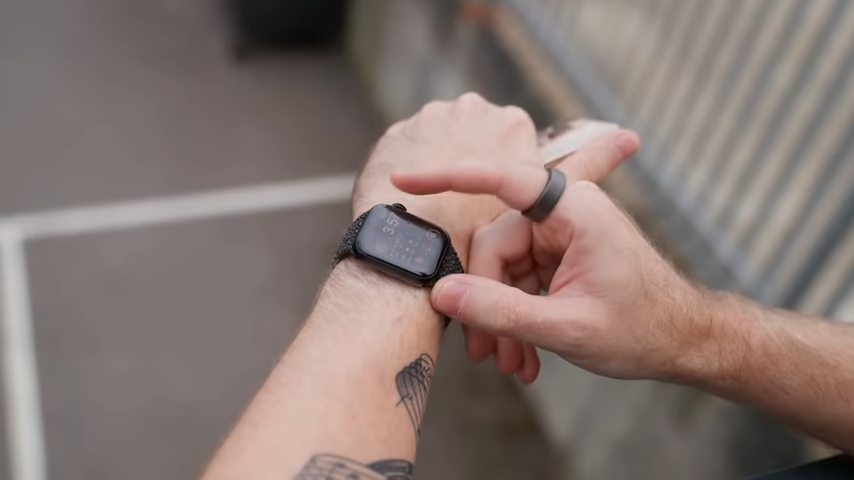
Forget step counts, animated faces, and gimmicks. When parents look at kids' smart watches, it usually comes down to the following four things.
Safety Comes First (Calls, GPS & SOS)
At the bare minimum, a smart watch should let your child:
- Call or message approved contacts.
- Be reachable in an emergency.
- Share their location when needed.
That’s it.
Anything that gets in the way of those basics (poor signal, confusing apps, unreliable GPS) is a deal-breaker.
Control Without Constant Monitoring
Most parents don’t want to spy; they just want:
- A parent app that actually works
- Approved contacts only
- Alerts that make sense
- Settings that don’t reset themselves
The best watches give you quiet, consistent oversight, not constant notifications.
No Open Internet by Default
This one matters more than people realise.
A kids’ smart watch should not:
- Have an open web browser.
- Have a full app store.
- Allow unrestricted messaging.
The whole point is reducing risk while giving freedom, not recreating a phone on a smaller screen. If a watch has open internet access, it defeats the purpose of getting a smart watch in the first place.
It Has to Be Practical (Battery, Comfort & Cost)
Finally, it needs to be able to survive real life.
That means it should:
- Last a full school day.
- Be comfortable enough for your child to actually wear.
- Not lock essential features behind endless subscriptions.
If the battery dies by lunchtime or the monthly costs creep up, the novelty wears off fast.
Important Trade-Offs Parents Should Know
Kids' smart watches solve a lot of problems, but they’re not magic. Going in with realistic expectations avoids disappointment and stops you from blaming the device for things it was never meant to do.
So before we get to the specific smart watches I recommend, here are a few trade-offs worth knowing ahead of time.
Battery Life Is Fine, Not Amazing
Most kids' smart watches rely on LTE when they’re away from home Wi-Fi. That’s what lets them call, message, and share location, but it also eats battery.
If a watch claims “multiple days” of battery life, take that with a pinch of salt. A reliable one-day battery is the realistic baseline.
GPS Is “Good Enough,” Not Pinpoint Accurate
Location tracking on kids' watches is useful, but it’s not military-grade.
Here’s what you can expect:
- Accuracy within a few meters (most of the time).
- Occasional jumps or delays.
- Slower updates indoors or in dense areas.
For safety and peace of mind, that’s usually enough. But if you’re expecting turn-by-turn tracking or instant updates everywhere, you’ll be frustrated.
Monthly Costs Can Add Up Quickly
Most kids' smart watches need a SIM card (usually around £5–£10 per month for data here in the U.K.) and sometimes a subscription for the parent app (varies). Over a year, that can really add up, especially if the watch itself was marketed as “cheap”.
More on the best SIM cards for kids here: The Kids SIM Card Guide: Cheap, Safe, Easy to Manage
Simplicity Is the Feature (Even If Kids Disagree)
Some kids will compare their watch to a phone and say it’s boring… but that’s kind of the point.
Kids’ smart watches are deliberately limited. No app store. No social media. No endless games or YouTube rabbit holes. Most let them call/text a short list of contacts and check the time. That’s it.
From a parent’s perspective, that simplicity is the feature. It reduces distractions, limits screen obsession, and keeps the watch focused on safety and communication rather than entertainment.
My Picks: The Best Kids’ Smart Watches Right Now
There’s no universal “best” kids’ smart watch; there’s only the best one for your family.
Below are the options I’d actually recommend right now, based on my personal experience. Not everything on the market, not whatever’s cheapest on Amazon this week, but the watches that (in my opinion) tend to make sense for most families.
Best Overall (If You’re Already in the Apple Ecosystem): Apple Watch SE (Family Setup)
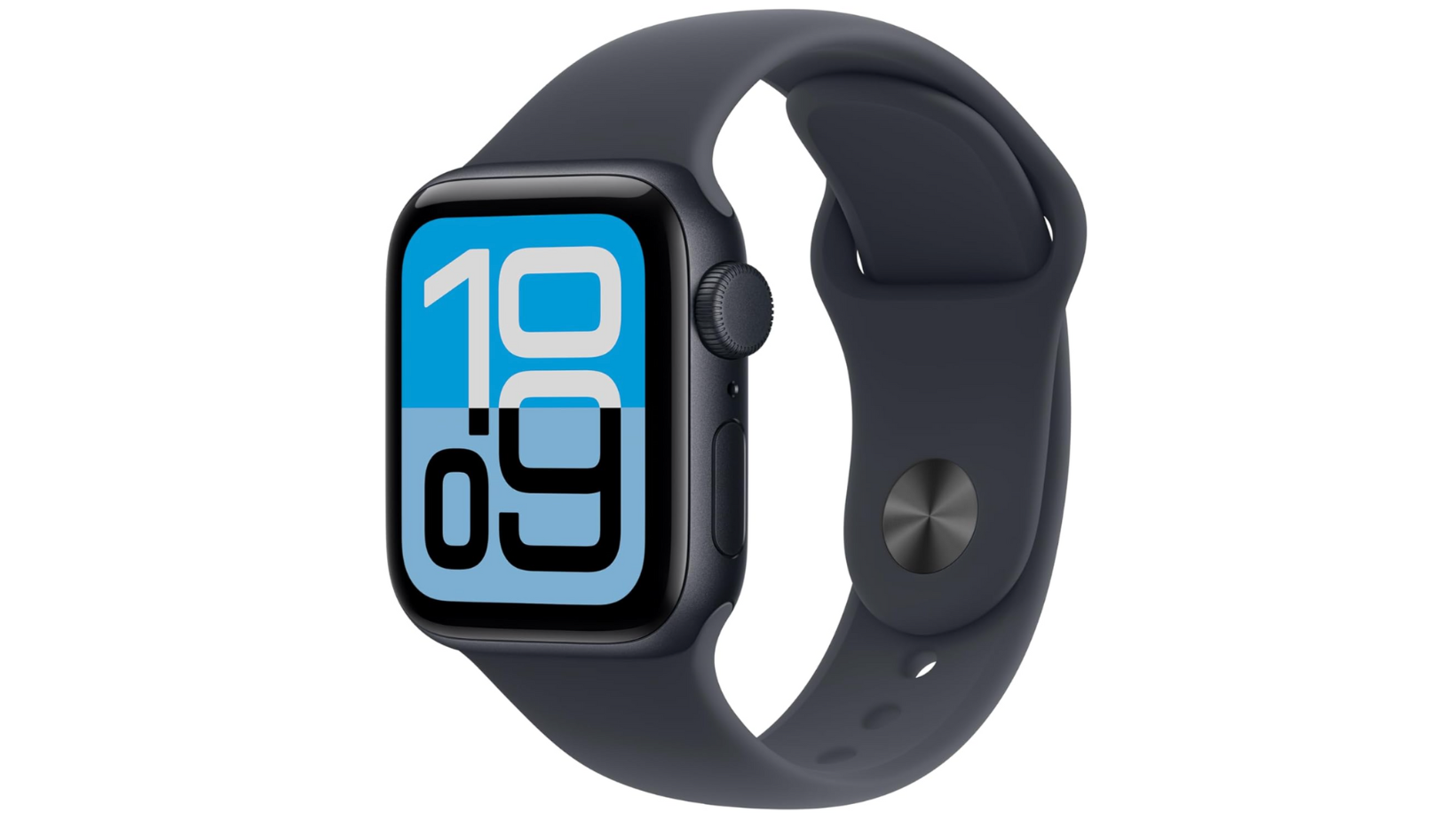
For families already in the Apple ecosystem, the Apple Watch SE is the option a lot of parents end up with, and for good reason.
Who it’s best for:
- Families already using iPhones
- Parents who want strong controls and reliability
- Older kids (roughly 8–11)
What I like:
- Excellent call quality
- Reliable GPS and location sharing
- Strong parental controls via Family Setup
- No open app store for the child
- Feels like a “proper” device, not a toy
What I don’t like:
- Can be expensive upfront (if buying new)
- Battery life is just about a day.
- Requires an iPhone to manage
- Needs a data plan
The Bottom Line: This is the most polished smart watch option, but you’re paying for it. If you already trust Apple’s Screen Time and Family controls, this watch integrates beautifully.
Best Android Option: Samsung Galaxy Watch (Kids Mode)
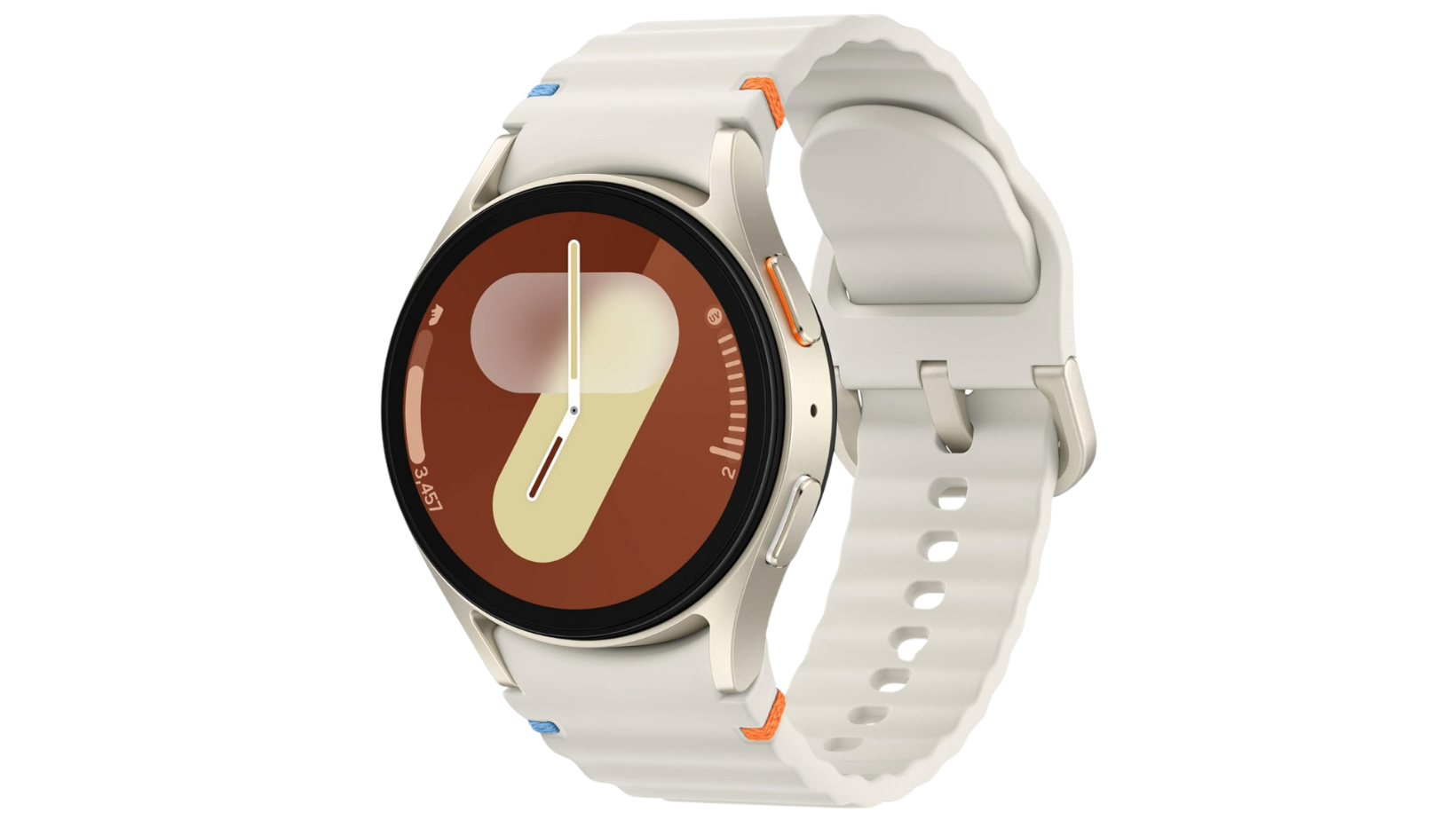
Samsung does offer a kids-focused setup for its Galaxy Watch series, but it’s a lot more limited than Apple’s.
Who it’s best for:
- Android households
- Parents who want call + GPS without a phone.
- Kids who already understand basic device rules.
What I like:
- Solid build quality
- Decent GPS tracking
- Familiar Samsung ecosystem
What I don’t like:
- Kids Mode only works on specific models (such as Galaxy Watch 7, Galaxy Watch 8, and Galaxy Watch Ultra LTE)
- Battery life isn’t great on LTE.
- Less mature parental controls than Apple
The Bottom Line: It works, but it doesn’t feel as purpose-built for kids as Apple’s Family Setup. Good if you’re firmly Android-only, less compelling otherwise.
Best Dedicated Kids Smart Watch: Xplora
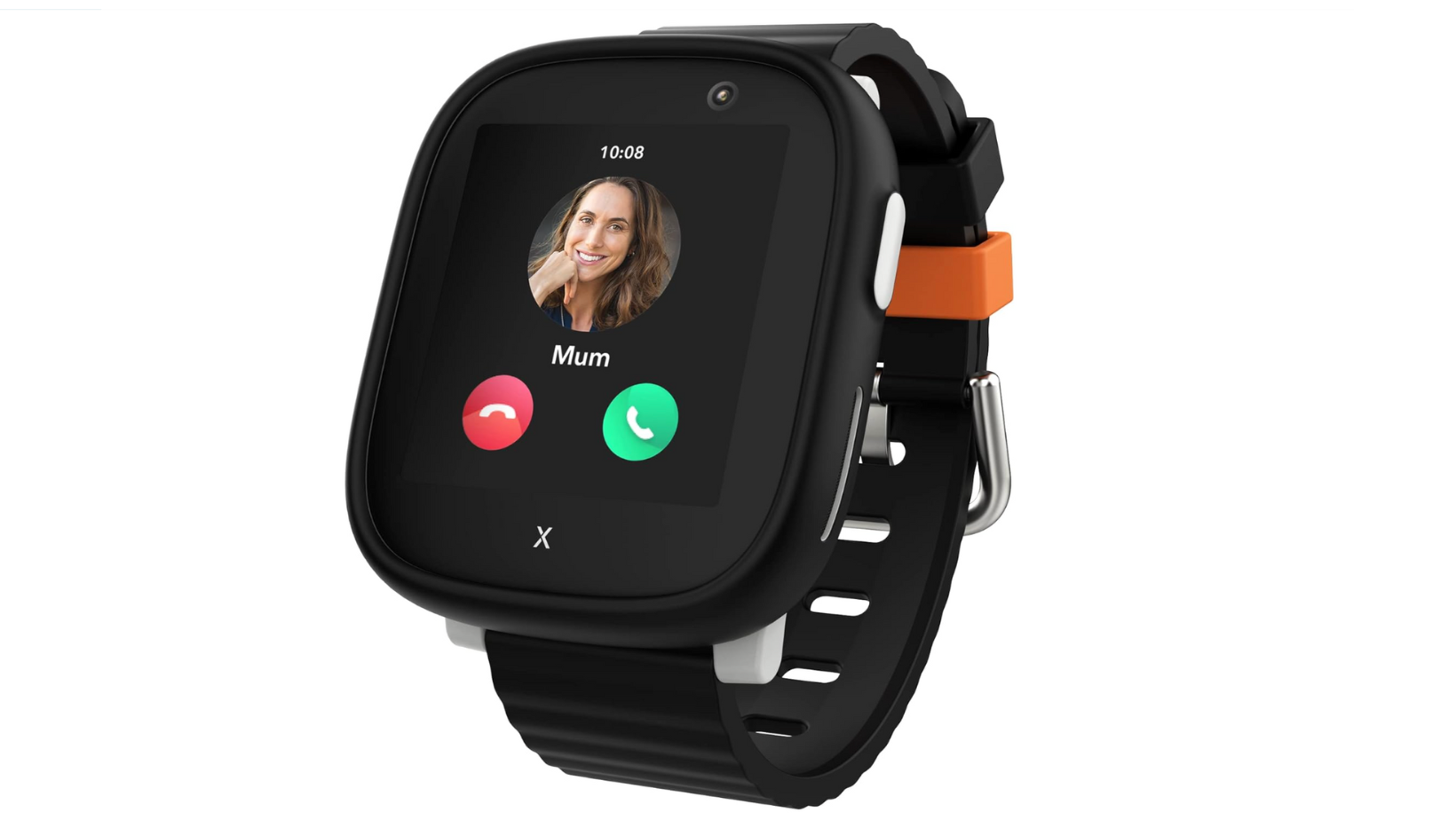
Dedicated kids’ watches like Xplora take a very different approach, which is actually quite refreshing,
Who it’s best for:
- Younger kids (5–9)
- Parents who want simplicity.
- Families who don’t want phone-like features.
What I like:
- Approved contacts only
- No open internet
- Clear parent app
- Solid safety-first design
What I don’t like:
- Monthly subscription costs
- Feels basic compared to Apple/Samsung
- GPS can lag occasionally
The Bottom Line: These watches tend to do less, but they do the right things well. If your priority is safety over polish, this is a strong option.
Best “Phone Alternative” Watch: TickTalk
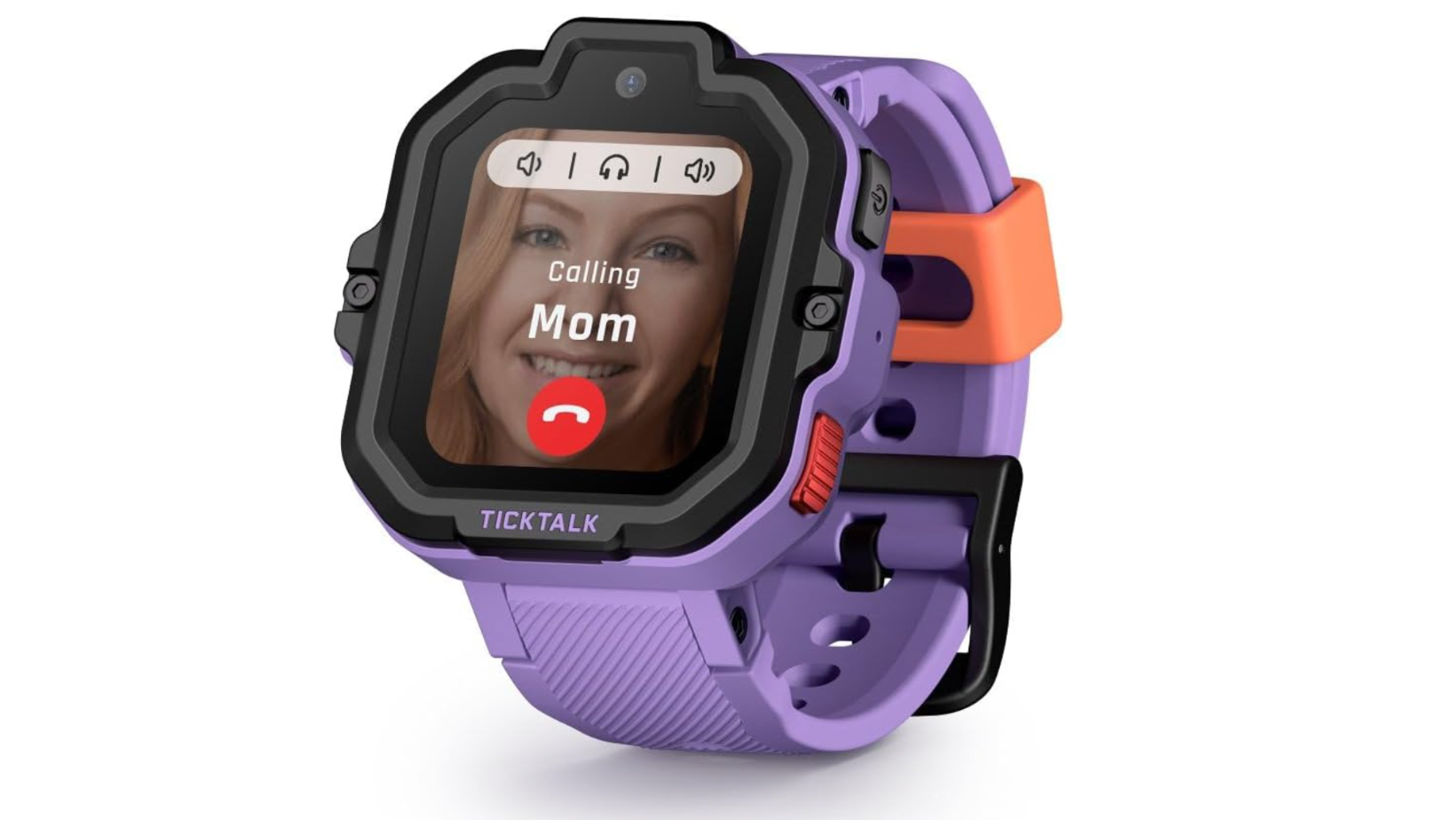
TickTalk watches lean heavily into “I want a phone, but my parents said no” territory. You get more ways to communicate, more features to play with, and a setup that feels much closer to a locked-down smartphone than a basic safety watch, which can be a great fit for the right family.
Who it’s best for:
- Parents who want video calling.
- Kids who want more features.
- Families comfortable managing more settings.
What I like:
- Video calls
- GPS with geofencing
- Strong contact controls
What I don’t like:
- Bulkier design
- More features = more setup
- Subscription costs can add up.
The Bottom Line: TickTalk’s got some great features, but those features come with a lot more complexity. This suits confident parents who are happy managing settings closely.
Watches I’d Personally Avoid
Some kid-friendly smart watches look tempting because of the price, but they almost always disappoint.
Personally, I’d avoid:
- Unknown brands with vague privacy policies.
- Watches with full app stores.
- Anything with unrestricted web access.
- Devices that lock safety features behind expensive subscriptions.
If a smart watch looks like a tiny phone, it usually behaves like one too. And that can (sometimes) bring some big problems.
Final Recommendation: My Honest Advice
If you take one thing away from this, let it be this: A kids’ smart watch works best when it’s treated as a stepping stone, not a downgrade.
For many families, it’s the sweet spot between wanting to stay connected and not wanting to open the door to apps, social media, and constant screen time battles.
In my experience, the watches that work well all have a few things in common:
- Clear parental controls
- Approved contacts only
- No open internet
- And expectations that match real life (battery, GPS, costs)
If you’re already deep into Apple’s ecosystem, the Apple Watch SE with Family Setup is hard to beat. But if you want something simpler for a younger child, a dedicated kids watch (like Xplora) does the basics well with far fewer distractions.
What I wouldn’t do is buy the cheapest option just to “see how it goes”. In my experience, that usually leads to frustration, poor battery life, and replacing it sooner than you’d like.
As a parent, I know that when it comes to managing your child’s tech, smart watches are only one piece of the puzzle. If you need help thinking through things like mobile devices, apps, internet access, and screen time, my Definitive Guide to Protecting Your Kids Online brings it all together in one place.
As a parent, I know that when it comes to managing your child’s tech, smart watches are only one piece of the puzzle. If you need help thinking through things like mobile devices, apps, internet access, and screen time, my Definitive Guide to Protecting Your Kids Online brings it all together in one place.
And if you’d rather watch my full setup and recommendations in real time, you can also watch my step-by-step video walkthrough below:
