


Every January, monitor manufacturers show up to CES with bigger numbers, brighter panels, and promises that this year will finally be the year you upgrade.
Most years, I walk away unimpressed. But CES 2026 was completely different. Not because everything announced was brilliant, but because a handful of monitors solve real problems that have been frustrating people for years.
I spent time on the show floor looking at these displays in person, and I've sifted through the specs to figure out which ones are worth your attention. Here's what matters, what doesn't, and which monitors you should actually consider buying when they launch later this year.
The LG 5K2K OLED (39GX950B) Might Be Perfect
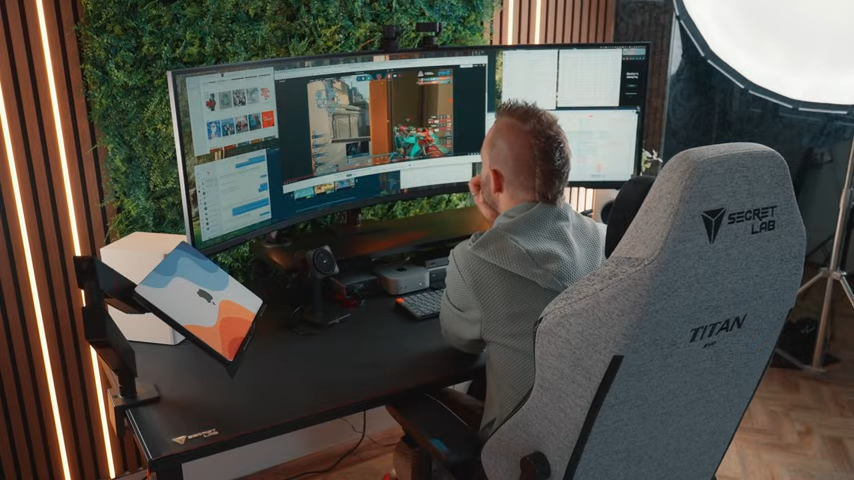
I don't say this lightly, but LG's 39-inch 5K2K OLED gaming monitor might be the best ultrawide announced at CES 2026.
On paper, it already looks strong. It's a 39-inch curved display with 5120×2160 resolution in a 21:9 aspect ratio. That works out to around 142 pixels per inch, which is sharp enough for text work without being overkill. It uses LG's 4th Gen Primary RGB Tandem OLED, which means brighter visuals with lower power consumption than previous OLED generations.
Combined with the 5K2K resolution, gentle curve, and fast refresh rate, it lands in a rare sweet spot for both gaming and productivity. Early impressions of these 4th Gen Tandem OLED panels are also encouraging when it comes to burn-in resistance, making them a far more suitable choice as a daily desktop display.
But here's what makes it interesting. LG built-in 5K2K AI Upscaling powered by a dedicated processor. That means you can connect your gaming console or PC as is, and the monitor will upscale the input to the native 5K2K resolution in real time. No GPU upgrade required. You just need a source that's at least Full HD.
In demos, LG showed the feature upscaling 1440p content to 5K2K. It’s obviously not the same as rendering natively, but it appeared noticeably better than simply stretching the image across the panel. For people who want a high-resolution display but don't have the GPU horsepower to drive it natively, this could (in theory) be a practical solution. But we’ll have to wait until we can review it ourselves to see if the claims are actually true!
LG hasn't announced pricing or availability yet, but expect it to be expensive. Probably $1,800 to $2,200 based on similar displays. That's a lot, but if it’s what you’ve been dreaming of, it might be worth it.
Samsung and LG Finally Fixed the OLED Text Problem
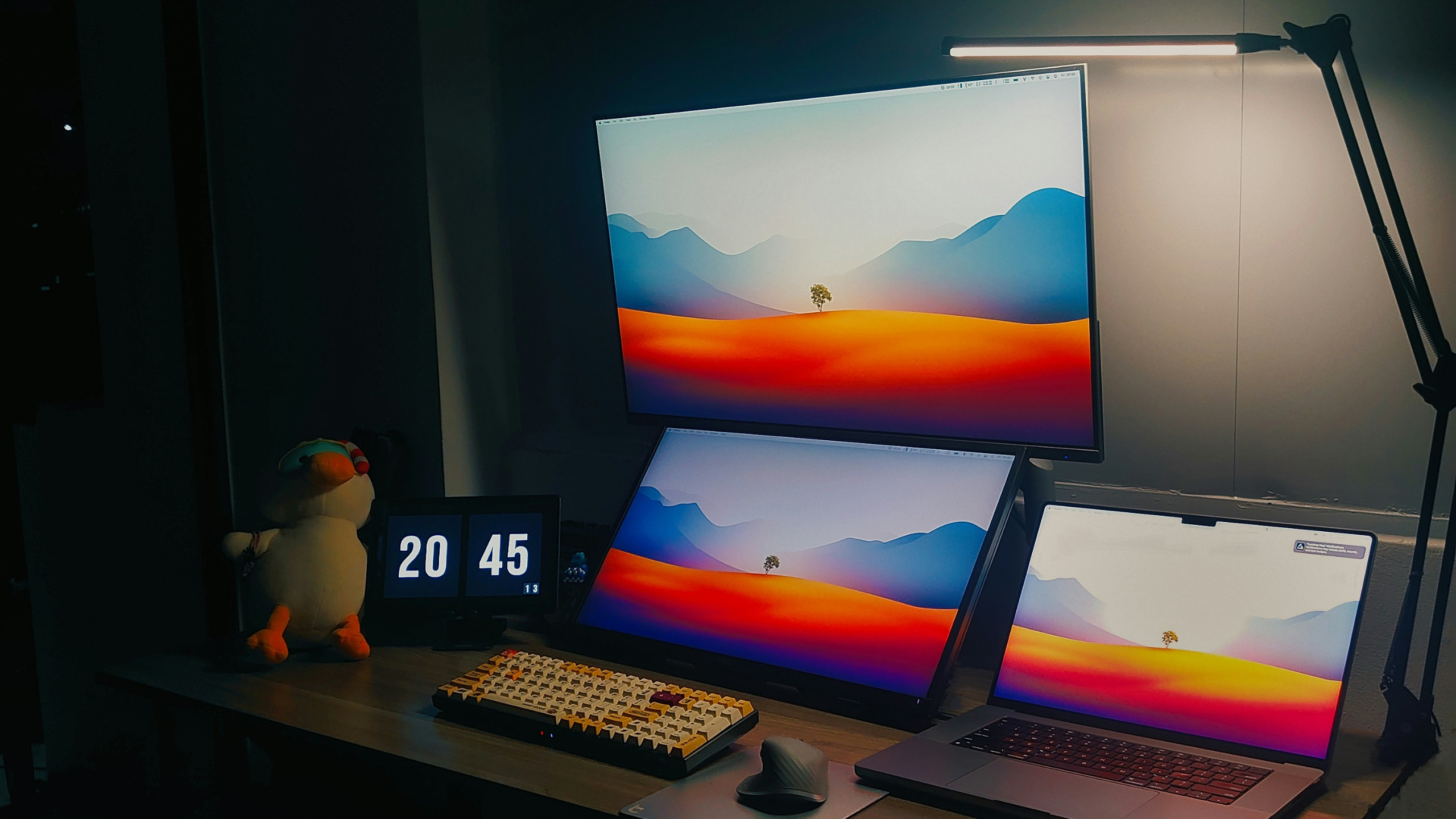
This is the biggest story from CES 2026 monitors, and it's one that actually matters for anyone considering an OLED display.
OLED monitors have been fantastic for gaming and media consumption, but they've had a well-known problem with text clarity. The issue comes down to subpixel layout. Most OLED monitors use either WOLED panels from LG Display or QD-OLED panels from Samsung Display, and both have subpixel arrangements that don't play nicely with Windows' ClearType font rendering.
The result is "fringing," which creates a colorful border around text that's especially noticeable on monitors with less than 4K resolution. It's been the main reason I've hesitated to recommend OLED monitors for productivity work.
At CES 2026, though, both LG Display and Samsung Display announced new OLED panels with RGB-stripe subpixel layouts. That means the red, green, and blue subpixels are arranged in straight lines instead of triangular or other patterns. This is how LCD monitors have been doing it for years, and it's what Windows' ClearType expects.
I saw these panels in person at multiple booths. Asus, MSI, and Gigabyte all had monitors using Samsung's new V-Stripe QD-OLED panels, and the difference is real.
Samsung's V-Stripe panels are also showing up in new 34-inch ultrawide monitors with 3440x1440 resolution and 360Hz refresh rates. That's a meaningful upgrade from the 240Hz ultrawides that dominated 2025. Asus' ROG Swift OLED PG34WCDN is one of the first to use this tech, and it also includes a USB-C port with 90W power delivery.
LG Display is taking a similar approach with its RGB-stripe OLED panels. The challenge was enabling high refresh rates with this subpixel layout, which previous RGB-stripe OLEDs couldn't do (they maxed out around 60Hz). LG solved this by increasing the proportion of the pixel area that emits light.
So if you've been holding off on an OLED monitor because of text clarity concerns, this generation changes the conversation. These panels won't ship until later in 2026, but they're worth waiting for.
LG's 27-Inch 5K MiniLED Is for the Detail-Obsessed
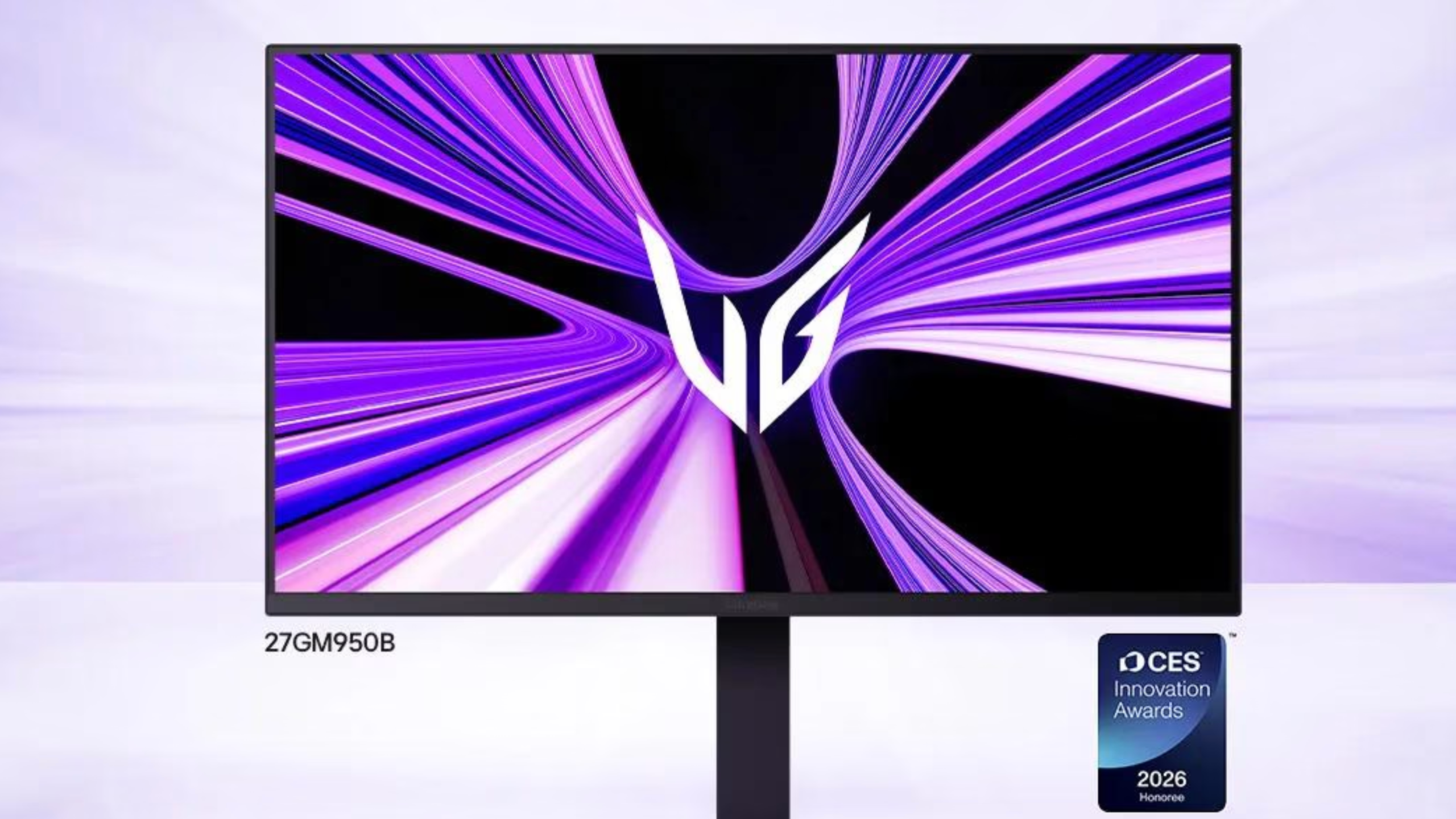
LG's 27GM950B is a 27-inch 5K MiniLED monitor with AI upscaling, and it's aimed at a very specific audience.
The resolution is 5120x2880, which works out to an incredibly high pixel density. This is a display for people who want crystal-clear text and the ability to see fine details in photos, videos, or design work. It's overkill for most people, but for the right person, it makes sense.
What makes this monitor interesting is the MiniLED implementation. LG calls it "MiniLED with Minimized Blooming," and the specs back that up. It has 2,304 local dimming zones and 9,216 individual LEDs. That's 1.5x more zones and 5.9x more LEDs than LG's previous MiniLED model.
LG also uses Zero Optical Distance technology, which minimizes the gap between the panel and the backlight to near zero. This reduces light bleed and suppresses the halo effect (blooming) that you get around bright objects on dark backgrounds. In practice, this means better contrast and cleaner visuals.
LG hasn’t announced pricing or availability yet, but expect it to be expensive. Probably in the $1,500 to $2,000 range.
Dell's 52-Inch Ultrasharp Is a Multi-Monitor Replacement
Dell's Ultrasharp 52 Thunderbolt Hub Monitor (U5226KW) is massive, expensive, and designed for a very specific use case.
At 51.5 inches with a 21:9 aspect ratio and 6144x2560 resolution, this is a command center for people who juggle multiple devices and hate cable clutter. The pixel density is 129 PPI, which is lower than a 4K display but still sharp enough for productivity work at this size.
The real story is the connectivity. Dell built in a Thunderbolt 4 hub with 140W power delivery, plus two additional USB-C ports with 27W each. There are also USB-A ports, 2.5Gbps Ethernet, and a KVM switch that supports up to four PCs simultaneously.
That last feature is key. If you're running multiple workstations, switching between a work laptop and personal desktop, or managing several systems, the integrated KVM means you can control everything with one keyboard and mouse. No more cable swapping or separate KVM boxes.
Dell launched this monitor in early January for $2,899 with an adjustable VESA stand, or $2,799 without the stand. That's a lot of money, but for home studios, multi-system setups, and people who need everything connected through one display, it solves real problems.
LG’s 52-Inch UltraGear EVO Is for Immersive Gaming
LG's UltraGear EVO 52G930B is a 52-inch ultrawide gaming monitor with a 21:9 aspect ratio, designed for people who want maximum immersion. Despite the size and UltraGear branding, this actually isn’t an OLED panel (it’s a VA display). That’s a little surprising in a year where LG is pushing its 4th Gen Tandem OLED panels across much of the lineup. I did ask LG a few times to confirm, and they were clear that the 52G930B is indeed VA, even though several early reports have mistakenly listed it as OLED.
At 52 inches with 5120x2160 resolution, this is about 56% more display area than a typical 49-inch super-ultrawide. Most of that extra space is vertical, which makes a huge difference for simulation games, flight sims, and first-person titles where you want more field of view.
Notable specs include 240Hz refresh rate, 1ms response time, 1000R curvature, VESA DisplayHDR 600 certification, and 95% DCI-P3 color coverage. Connectivity includes DisplayPort 2.1, two HDMI 2.1 ports, and USB-C with 90W power delivery.
This is not a productivity monitor. The pixel density is lower than smaller displays, and the sheer size means you need serious desk space. But if you're building a dedicated gaming setup for racing sims, flight sims, or immersive single-player games, this is the kind of display that makes sense.
No pricing announced (as of February 2026), but expect it to be in the $2,000+ range based on similar OLED displays.
Acer's 6K Display Hits a More Accessible Price
Acer's ProDesigner PE320QX is a 31.5-inch 6K display aimed at creative professionals, and it's priced more reasonably than most high-resolution monitors.
The resolution is 6016x3384, which works out to about 220 pixels per inch. That's a noticeable jump from the roughly 140 PPI you get on a 32-inch 4K display. For photo editing, video work, or any task where you need to see fine details, the extra pixel density matters.
The monitor uses an IPS-LCD panel with USB4 connectivity and 100W power delivery. It also includes dual 5-watt speakers, a proximity sensor that dims or turns off the display when you step away, and VESA DisplayHDR 600 certification.
At $1,499, this is positioned as a more accessible option for people who want high pixel density without spending $2,500+. It won't ship until Q2 2026, but it's one to keep an eye on if you're in the market for a high-resolution display for creative work.
What About the Extreme Refresh Rate Monitors?
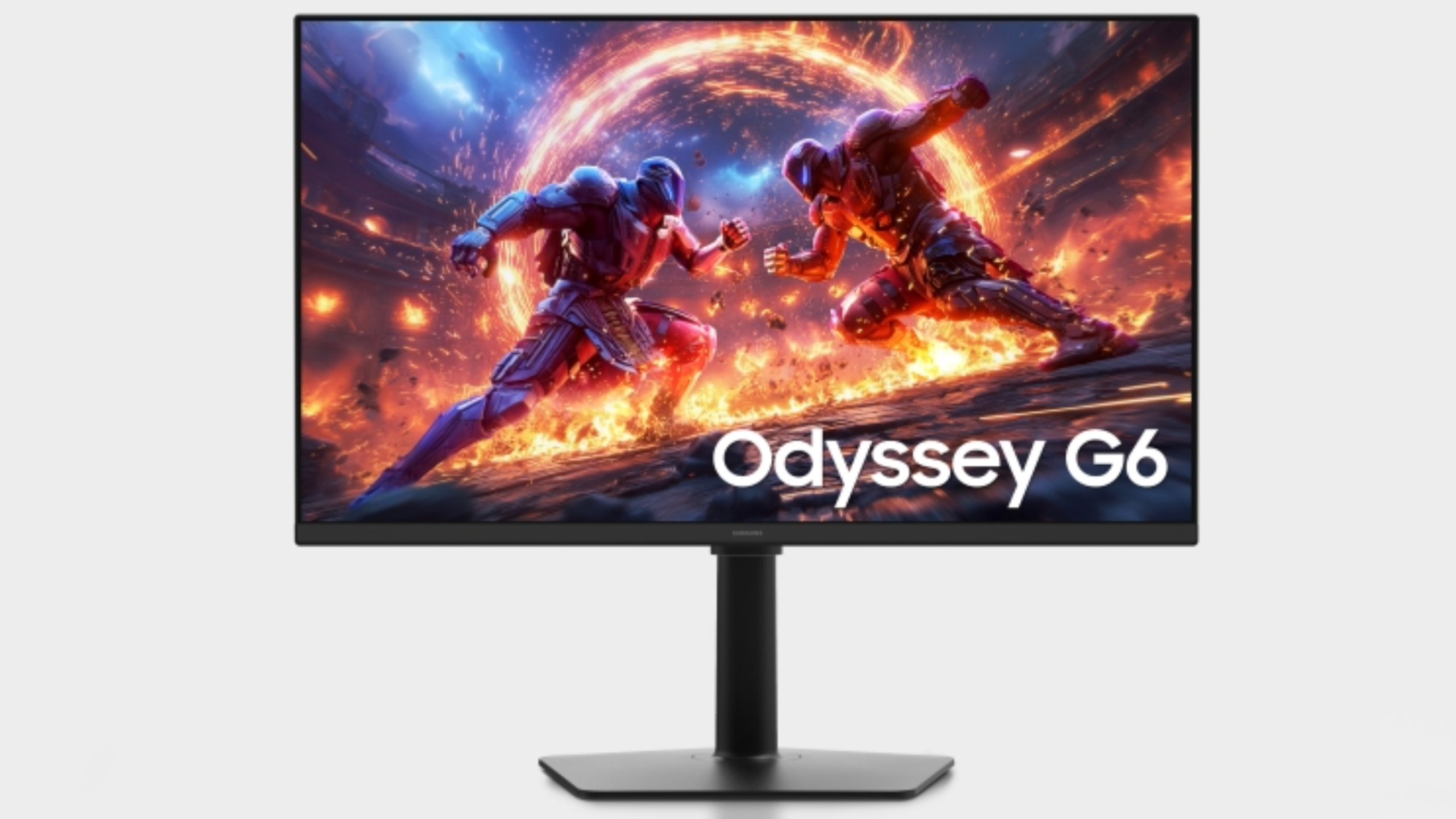
Samsung announced the Odyssey G6 with a 1,040Hz refresh rate, and Acer showed off a 1,000Hz display. These are impressive engineering achievements, but they're not practical for most people.
The catch is that these extreme refresh rates only work at lower resolutions. Samsung's 1,040Hz monitor hits that speed at 720p. That's not what most people are gaming at in 2026.
The more interesting development is that refresh rates are climbing across the board. 120Hz is becoming the new baseline, and 240Hz is standard for gaming monitors. 360Hz ultrawides are also showing up in multiple product lines.
For competitive gamers who care about every millisecond of input lag and motion clarity, the new Nvidia G-Sync Pulsar monitors are worth looking at. Pulsar is a backlight strobing technique that reduces perceived blur by pulsing the backlight for one-fourth of a frame right before pixels are overwritten. It works with variable refresh rates, unlike previous strobing techniques.
Asus, Acer, and MSI all have G-Sync Pulsar monitors available now. They're expensive, but if you're serious about competitive gaming, they're worth considering.
My Final Verdict On the CES 2026 Monitors Worth Buying
If there’s one big takeaway from CES 2026, it’s this: monitors finally caught up to the complaints.
- Text clarity on OLED? Fixed.
- High refresh rates without sacrificing panel quality? Getting there.
- 6K and 5K displays that don’t require a small business loan? We’ll see (some of these monitors are still VERY expensive, but at least they’re expensive for a reason).
That doesn’t mean you should rush out and buy the first thing that hits the shelves. Pricing, real-world testing, and firmware updates all still matter. And I’ll be putting these through proper reviews as more monitors launch.
In the meantime, here’s how I’d break it down if you forced me to pick favorites today:
- Best Overall Ultrawide: LG 39GX950B (39-inch 5K2K OLED). The combination of size, resolution, AI upscaling, and dual-mode flexibility makes this the most versatile ultrawide announced. Wait for pricing, but if it comes in under $2,200, it's a strong option.
- Best for Text Clarity: Any monitor with Samsung's V-Stripe QD-OLED or LG's RGB-Stripe OLED panels. These solve the text fringing problem that plagued earlier OLED monitors. Asus ROG Swift OLED PG34WCDN is one of the first available.
- Best for Creative Work: Acer ProDesigner PE320QX (31.5-inch 6K). At $1,499, it's the most accessible high-resolution display for photo and video work. Ships Q2 2026.
- Best for Multi-System Setups: Dell Ultrasharp 52 Thunderbolt Hub Monitor (U5226KW). Expensive at $2,799, but the integrated KVM and Thunderbolt hub solves real problems for people managing multiple devices.
- Best for Immersive Gaming: LG UltraGear EVO 52G930B (52-inch). If you have the desk space and want maximum immersion for sims and single-player games, this is the one.
- Best for Detail Work: LG 27GM950B (27-inch 5K MiniLED). Overkill for most people, but if you need crystal-clear text and high pixel density, this delivers.
Long story short, if you’ve been waiting for the “right” monitor to upgrade to, 2026 might finally be your year!
