


With all of the travel I did last year, one thing I would always pack with me was a pair of XR glasses, mainly for content consumption on long journeys. And for the past couple of weeks, I’ve been using a pre-release version of Viture’s Beast XR Glasses, which bring some meaningful upgrades over their other models.
These glasses sit in the space between smart glasses, like the Meta Ray-Bans, and full VR headsets such as the Meta Quest or Apple’s Vision Pro, which are far bulkier, far less portable, and significantly more expensive.
What Are XR Glasses and Where Viture Fits
For those new to Viture or the XR category in general, XR glasses are designed to bridge the gap between lightweight smart glasses and full VR headsets. While VR headsets offer deep immersion, they tend to be bulky, expensive, and impractical to travel with. XR glasses aim to deliver a similar core experience in a far more portable form.
The Viture Beast XR Glasses connect to a wide range of devices including laptops, phones, and gaming handhelds and project a large virtual display in front of you. In practice, it feels like carrying a massive screen that still fits in your pocket.
How I’ve Been Using the Viture Beast
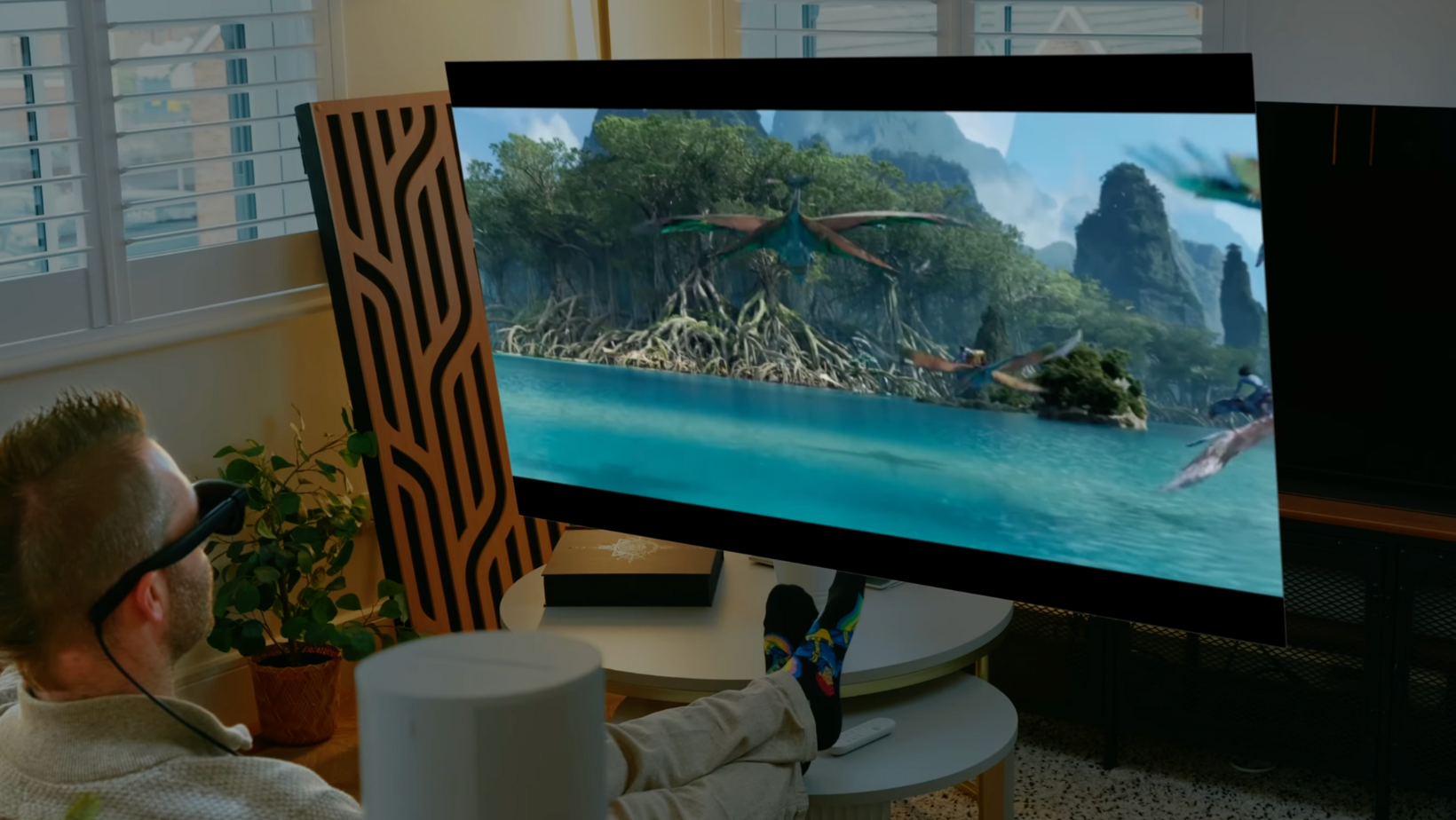
For my specific use case, these have become one of the best travel companions I’ve used. They let you pack what is essentially a 174-inch screen into your carry-on. So whether I’m working from a laptop, gaming on a handheld, or just laying back to watch a movie or TV series, they’ve slotted very naturally into my travel setup.
On long-haul flights especially, having a portable virtual screen like this makes a huge difference. Instead of relying on a small seat-back display or a tablet, I get a much more cinematic experience that moves with me.
Tech Specs and What’s New
Let’s quickly run through the headline specs of the Viture Beast. These use Sony’s latest panel technology, supporting up to 120Hz and up to 1,250 nits of peak brightness. That’s a noticeable step up from the 60Hz and 1,000 nits found on previous models.
Resolution comes in at 1200p, which Viture describes as offering “4K-like clarity,” paired with an improved 58-degree field of view. That’s up from 46, 50, and 52 degrees on their earlier glasses. You also get adjustable electrochromic dimming, a full metal body, and a front-facing RGB camera. That camera enables both 3DoF and 6DoF modes, allowing screens (and audio) to be locked into space without needing a separate dock.
Pre-Release Limitations and Firmware Notes
Before getting deeper into the experience, it’s worth flagging a few pre-release limitations. I’ve been checking daily for firmware updates, and at the time of filming, the latest firmware available was dated January 9th, 2026. Both the Refresh Rate and Factory Reset options are currently marked as “Coming Soon.”
Although the glasses are expected to support 120Hz at launch, that option isn’t enabled on my unit yet. Viture has also confirmed that one-camera 6DoF and 3DoF audio will be enabled after launch, so I can’t properly comment on those features just yet.
Watching Movies and TV on the Viture Beast
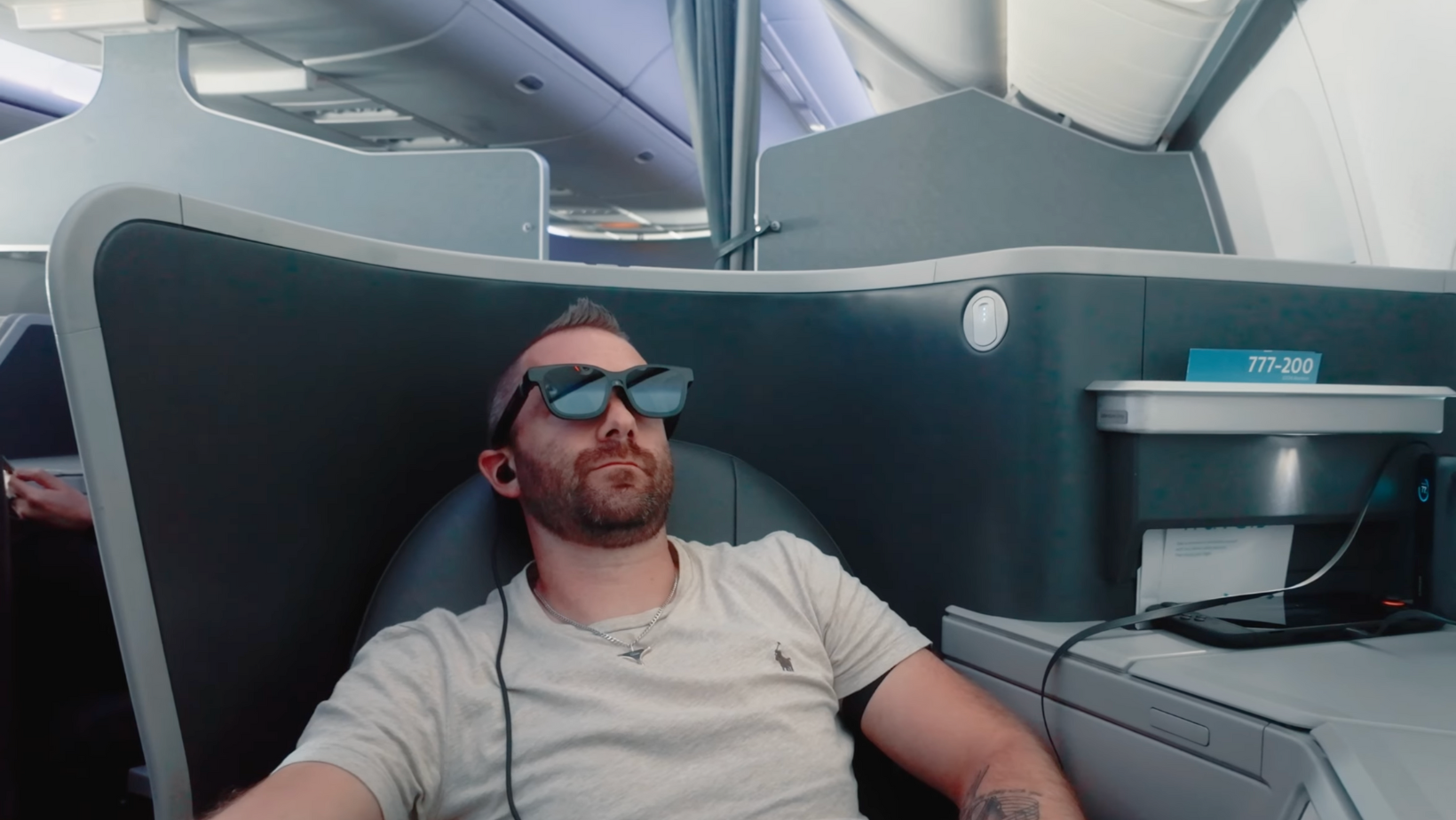
Watching content on these glasses is still an excellent experience. When I travel, I usually download a lot of content to my phone to watch offline.
For example, I watched the Stranger Things finale on a flight to CES in Las Vegas, paired with my AirPods Pro 3. The combination of strong audio and the Beast’s vibrant display was genuinely impressive. It creates a sense of scale that you simply don’t get from a phone or tablet, and for travel in particular, it works incredibly well.
Audio Performance and Comfort
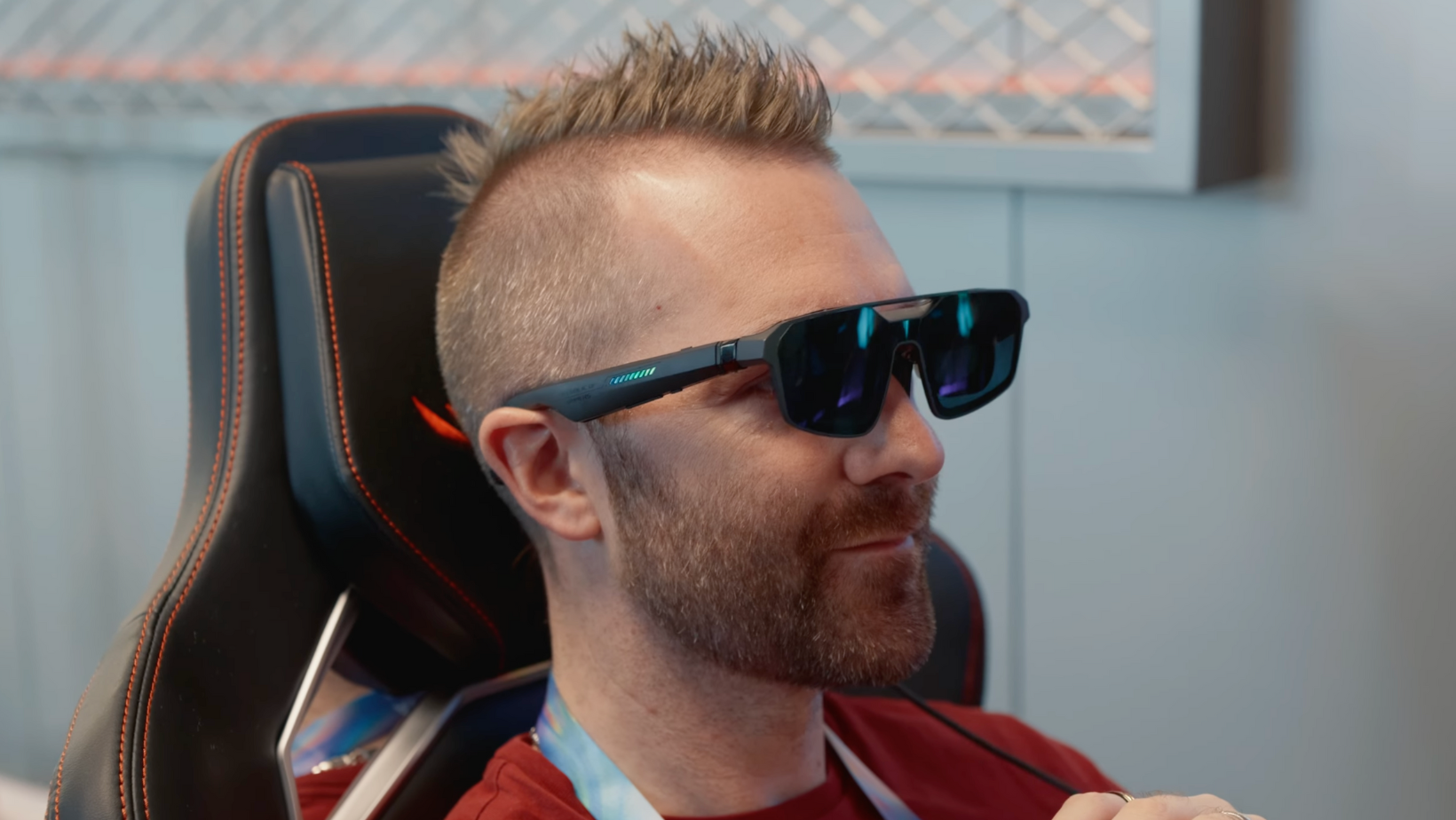
If you’re not worried about others hearing, the built-in speakers can reach a decent volume and include HARMAN AudioEFX, with different modes depending on what you’re doing. I also noticed less eye fatigue compared to earlier generations of XR glasses.
In terms of comfort, I personally found them easy enough to wear for the duration of a full movie, which hasn’t always been the case with previous XR glasses I’ve used. They feel light enough that they fade into the background once you’re settled in.
Comparing the Beast to Older Viture Glasses
Compared to the Luma Pro glasses, the Beast looks noticeably brighter, with more vivid colours. I wouldn’t personally say it’s enough of a jump for every existing owner to upgrade, but I did see plenty of comments from XR enthusiasts who felt the upgrade was worthwhile.
If you’re buying your first pair of Viture glasses, though, the Beast is clearly the most capable option they currently offer.
Screen Positioning and Spatial Modes
One of the nicer updates with the Viture Beast is the ability to pin windows in 3D space without needing the additional Neckband that some other models require. Basically, you get three main modes: Fixed Position, Smooth Follow, and Spatial Anchor.
Fixed Position keeps the window locked in place as you move your head. Smooth Follow keeps it within your line of sight while gently repositioning as you move. And spatial Anchor locks the window in place as if it were a real TV on the wall, and this was the mode I personally preferred.
That said, I did notice some window drifting over time, particularly after looking away and then back again. I initially thought this might be due to being on a plane, but I also experienced it while seated at a desk. Hopefully, that’s something that can be improved with future firmware updates.
3D Content and Spatial Video

One feature that genuinely surprised me was viewing spatial videos and photos in 3D. It’s not on the same level as a full Apple Vision Pro experience, but considering the price difference, it still looks very good.
You can capture spatial photos and videos on an iPhone and view them using the Spacewalker app. Watching back one spatial video in particular really drove home how important it is to capture moments while you can.
You can also load side-by-side 3D video files onto your phone or convert certain 2D content into 3D through the Spacewalker app. We tried this with a few YouTube videos, adjusting between Soft, Standard, and Enhanced modes depending on the content.
Electrochromic Dimming and Transparency
The electrochromic dimming has also been refined. Instead of a simple on-off toggle, you can now adjust transparency in increments, from fully dark, to slightly transparent, to almost clear.
What I really like is how the glasses automatically adjust when you look away from your content. Your surroundings become visible, and when you look back, the display darkens again. It’s a small touch, but it makes the whole experience feel more natural.
Productivity and Laptop Use
Hooking the Viture Beast up to a laptop effectively gives you a large, portable ultrawide display. You can adjust the virtual screen size to suit your workflow, which is especially useful for tasks like video editing or working with timelines.
The main limitation is field of view. When using the widest display options, you can’t always see everything at once, even when pushing the screen back. Locking the screen in place and physically looking around solves this, but it’s worth being aware of.
Gaming on the Viture Beast
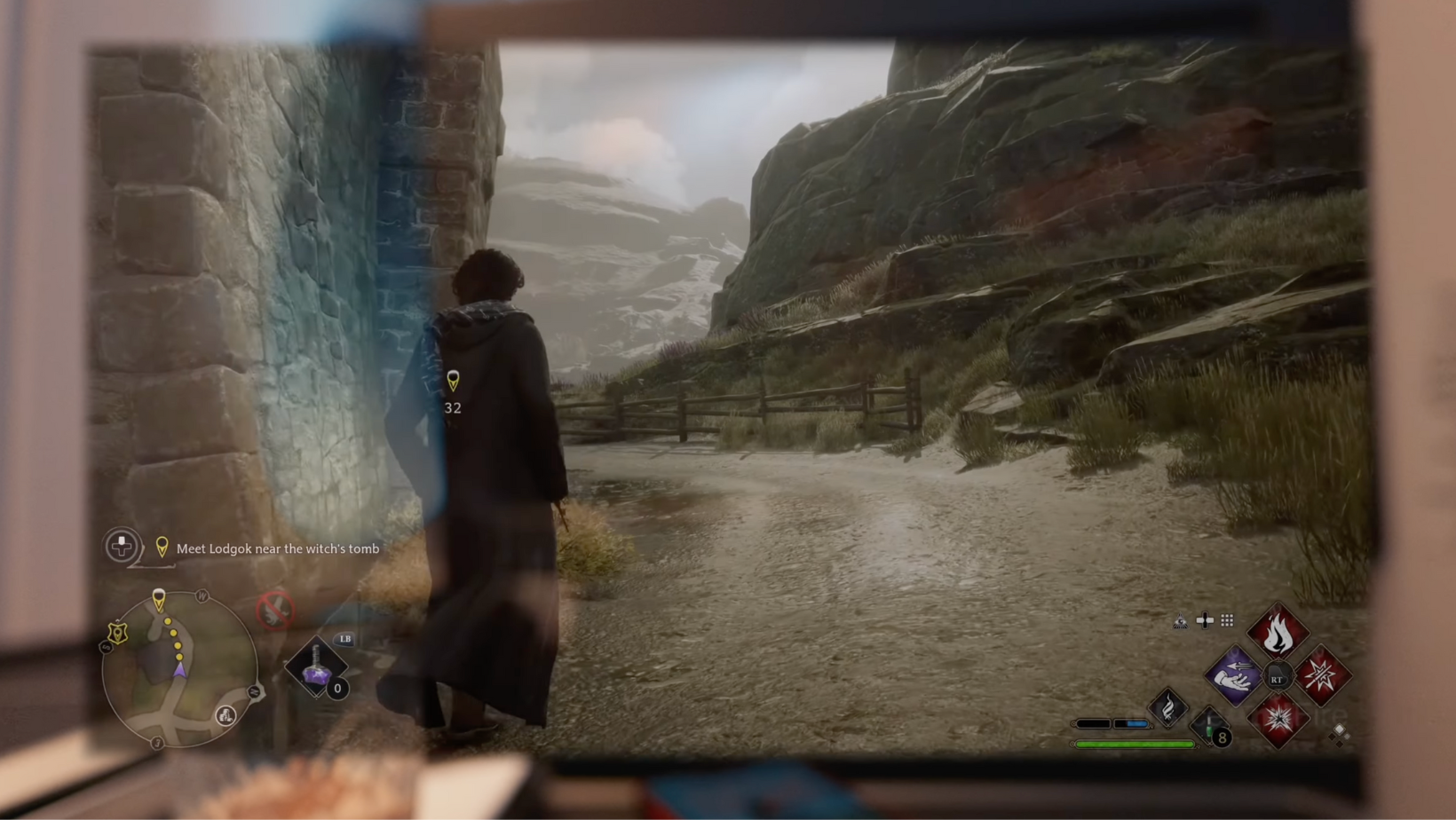
The Beast connects directly to anything that supports DisplayPort over USB-C, including Macs, PCs, phones, and gaming handhelds. I spent a couple of hours on a flight continuing my second playthrough of Hogwarts Legacy, and it’s a far more comfortable way to play than hunching over a small screen.
Being able to rest your head comfortably and still play on what feels like a huge display is where these glasses really shine.
Battery Life and Power Considerations
Battery life is something to keep in mind. Watching downloaded content is fairly manageable, but streaming over cellular can drain your phone battery quickly. I’d strongly recommend using a splitter that allows you to power your device while using the glasses.
I forgot mine on a recent trip, so I ended up using a wireless charger and a power bank instead, which still worked well enough.
Another option is Viture’s Pro Neckband, a standalone Android device with its own battery and storage that takes the load off your phone or handheld entirely.
Comparing the Beast to Competing XR Glasses
Compared to other XR glasses on the market, the Viture Beast stands out for brightness. Some competitors, like XReal, top out around 700 nits. I tried XReal’s glasses at CES this year and found their 120Hz support impressive for gaming, but for streaming content, which is my main use case, the Beast is still the pair I’m most likely to pack.
Watch the Full Video
If you want to see the Viture Beast XR Glasses in action, I’d recommend watching the full video. Seeing how the brightness, spatial modes, and overall setup work in real life always adds useful context.
Final Thoughts on the Viture Beast XR Glasses
Based on how I’ve been using them so far, the Viture Beast fits extremely well into a travel-focused setup. There are still features coming post-launch that I can’t fully judge yet, but even in their current form, it’s clear who these glasses are for and where they make the most sense.
If you spend a lot of time travelling and want a large, flexible screen without carrying extra hardware, they’re a compelling option worth considering.
More From Pete Matheson
If you enjoyed this breakdown, there’s plenty more to explore. You can subscribe to the newsletter for weekly updates, watch the Aftershow for more behind-the-scenes thoughts, or listen to the podcast where we dig deeper into tech, business, and what’s coming next.
