


If you spend any time watching professional streamers on Twitch or YouTube, you’ve probably noticed something about the quality of their videos: It looks a lot better compared to the webcam built into your laptop.
For years, that jump in quality meant investing in a proper camera setup, which can actually be quite expensive.
But in 2026, manufacturers are finally putting larger sensors and better glass into USB webcams, meaning you can now get genuinely excellent video quality without the complexity of a higher-end camera setup (though mirrorless setups are still king).
I’ve spent years testing and trying dozens of different webcams over on my YouTube channel.
So with that in mind, here are my honest thoughts on the best streaming camera and webcam setups in 2026.
But first:
What Actually Makes a Good Streaming Camera?
Before looking at specific models, it’s worth understanding why some cameras look terrible, and others look professional (and spoiler alert: it rarely has anything to do with resolution).
Instead, the secret is the sensor size. The sensor is the physical chip inside the camera that captures light. Most standard webcams use tiny sensors, which means they struggle in anything other than perfect daylight. When a small sensor doesn’t get enough light, the camera software artificially boosts the brightness. This is what creates that grainy, noisy look we all associate with bad webcams.
A larger sensor captures more light naturally. This gives you a cleaner image, better colour accuracy, and superior performance in the dim lighting that most streamers prefer.
The other crucial factor is frame rate. For streaming, especially gaming, you want a camera that can output 60 frames per second (fps). This matches the frame rate of most game broadcasts, making your physical movements look fluid rather than choppy. A camera that can only manage 30fps will always look slightly disconnected from high-framerate gameplay.
My Picks for the Best Streaming Cameras & Webcams
Now, on to my picks!
Starting with…
Elgato Facecam MK.2: The Best Webcam for Most Streamers
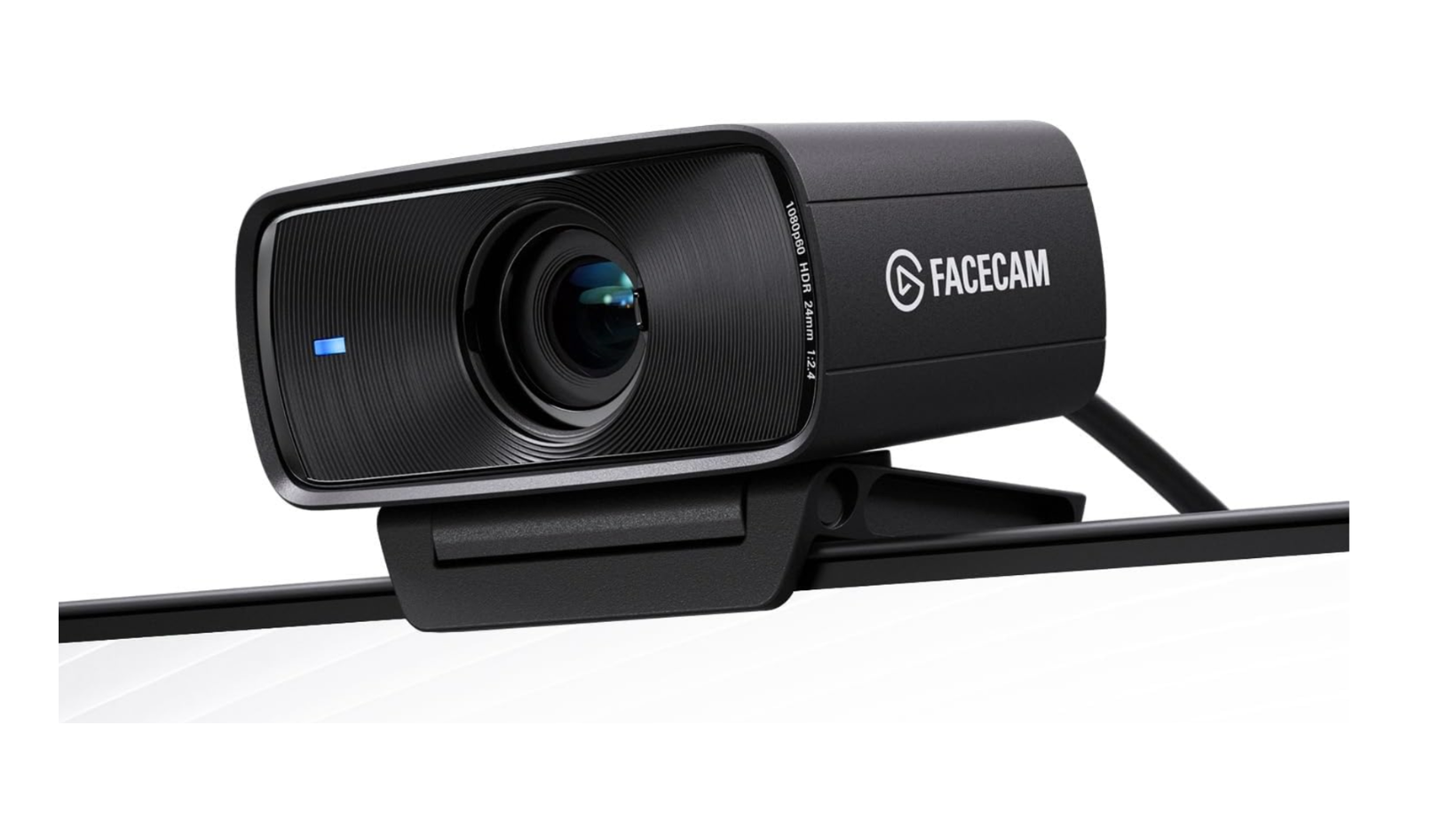
If you want the best webcam for streaming without spending mirrorless camera money, the Elgato Facecam MK.2 is the most sensible choice on the market right now.
Priced at around $150 (though frequently available for around $120), Elgato built this camera specifically for content creators. It uses a Sony STARVIS CMOS sensor and an f/2.4 aperture lens. Crucially, it outputs uncompressed 1080p video at 60fps. And because the video is uncompressed, your computer does not have to work as hard to decode it (and you avoid the compression artefacts that plague cheaper webcams).
The Facecam MK.2 uses a fixed-focus lens rather than autofocus. This is a deliberate design choice and a very smart one for streaming. Autofocus webcams have a habit of "hunting" or pulsing in and out of focus when you move your hands or lean forward. The Facecam's fixed focus keeps everything between 30cm and 120cm perfectly sharp, meaning you can move around naturally without the camera constantly trying to adjust.
Elgato's Camera Hub software is also excellent, giving you DSLR-style manual controls over ISO, shutter speed, and white balance. It even includes an HDR mode that handles high-contrast lighting brilliantly.
The one thing it doesn’t have is a built-in microphone. Elgato assumes that if you care enough about your stream to buy a dedicated camera, you are already using a proper USB or XLR microphone.
Insta360 Link 2: The AI Option That Tracks Your Movement
If your streams involve moving around a room for things like fitness content or cooking, a static camera is not going to work. You need something that can follow you around.
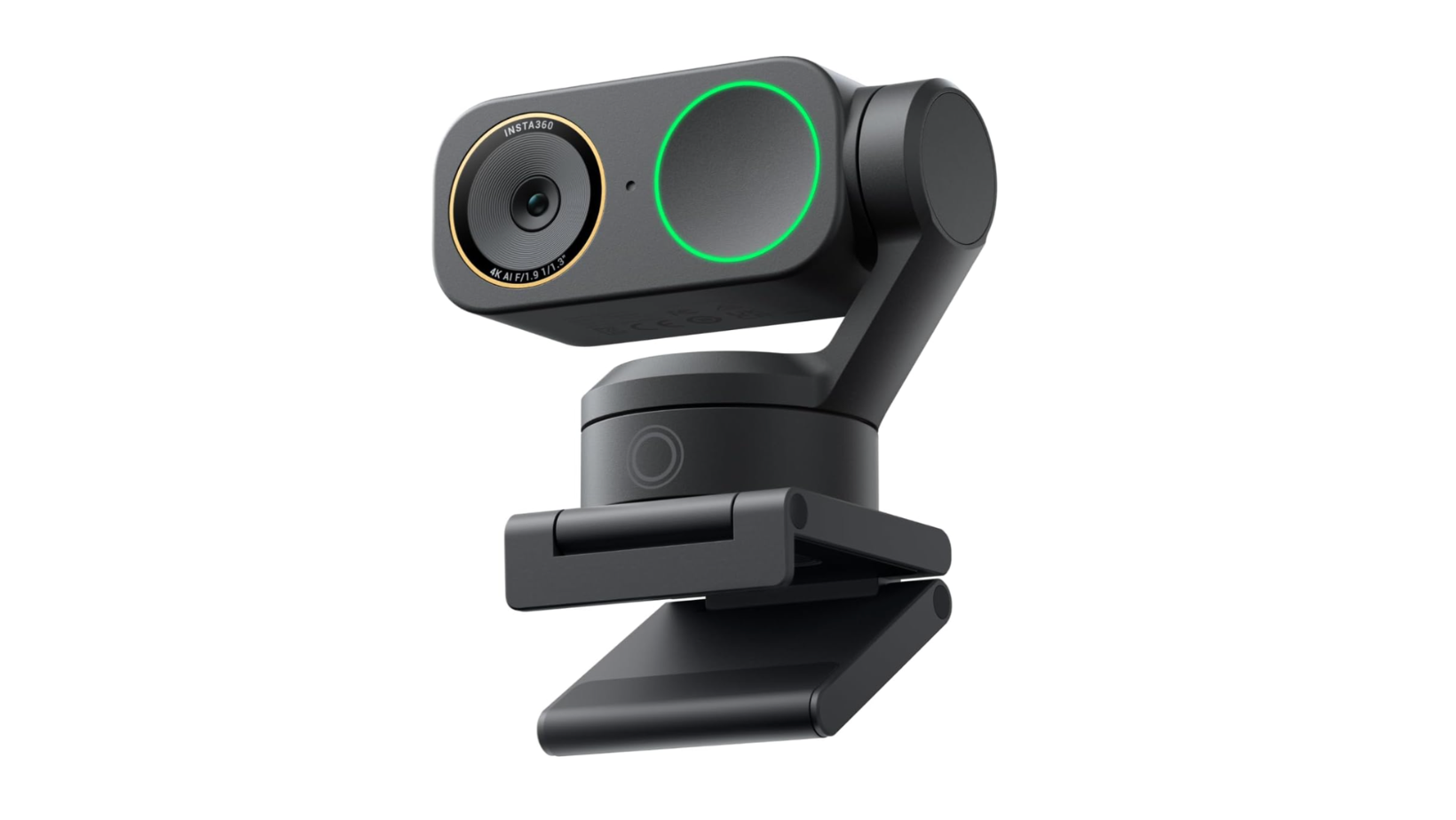
The Insta360 Link 2 (priced at around $200) is a 4K webcam mounted on a physical 2-axis gimbal. When you move, the camera physically pans and tilts to keep you perfectly framed. Other webcams claim to offer "auto-framing," but they usually do this by digitally cropping into a wide-angle image, which ruins the resolution. The Link 2 actually moves its lens.
It features a 1/2-inch sensor, which is significantly larger than standard webcams, and uses Phase Detection Auto Focus (PDAF) to keep you sharp as you move.
The AI features are also genuinely useful. For example, you can use hand gestures to tell the camera to start tracking you, zoom in, or enter "Whiteboard Mode," which automatically finds and squares up a whiteboard in your room. It also includes a "DeskView" mode that tilts the camera down to show what your hands are doing on your desk, perfect for unboxing videos or art streams.
If you need mobility, this is the best webcam for streaming available today.
Razer Kiyo Pro Ultra: When Image Quality is the Priority
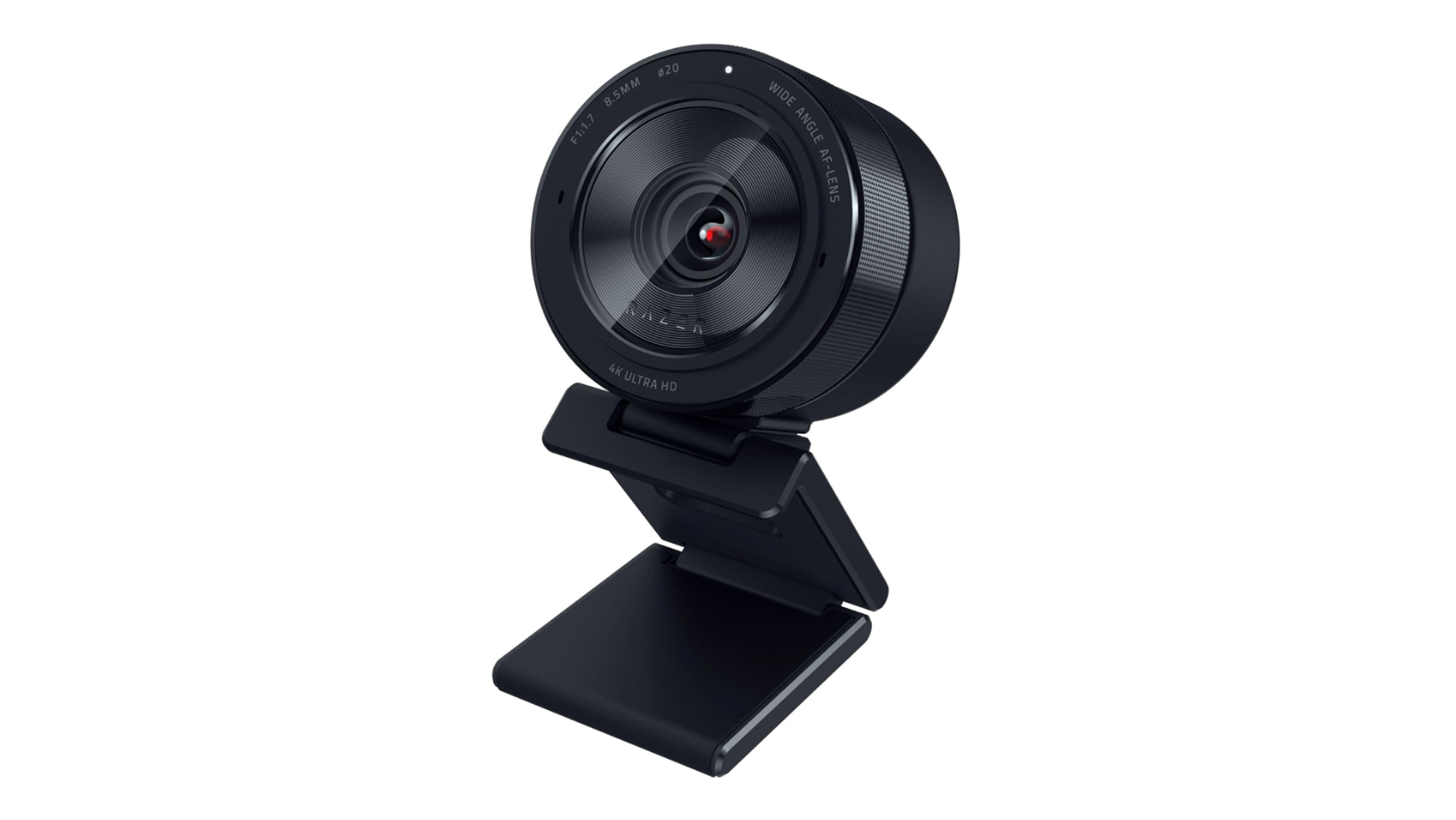
If you want the absolute best image quality possible from a USB webcam, and you are willing to pay for it, the Razer Kiyo Pro Ultra is the answer.
At around $400, it’s incredibly expensive for a webcam. But it justifies that price with hardware that no other webcam can match. It houses a massive 1/1.2-inch Sony STARVIS 2 sensor. To put that in perspective, that sensor is nearly as large as the ones found in premium compact cameras, and it captures almost four times more light than standard webcams.
Combined with a very wide f/1.7 aperture lens, the Kiyo Pro Ultra does something very rare for a webcam: it creates genuine, optical depth of field. When you sit in front of it, your background will naturally blur, separating you from your room without relying on messy software filters.
It shoots 4K at 30fps or 1080p at 60fps, and the low-light performance is genuinely impressive. You can get away with streaming in a fairly dim room (think just your monitor glow and a bit of RGB), and it still manages to look clean and properly usable, rather than turning everything into a grainy mess.
It is bulky (and the price is no doubt hard to swallow), but if you refuse to deal with capture cards and mirrorless cameras, this is the highest quality plug-and-play option that exists.
Sony ZV-E10 II + Cam Link: What Professional Streamers Actually Use
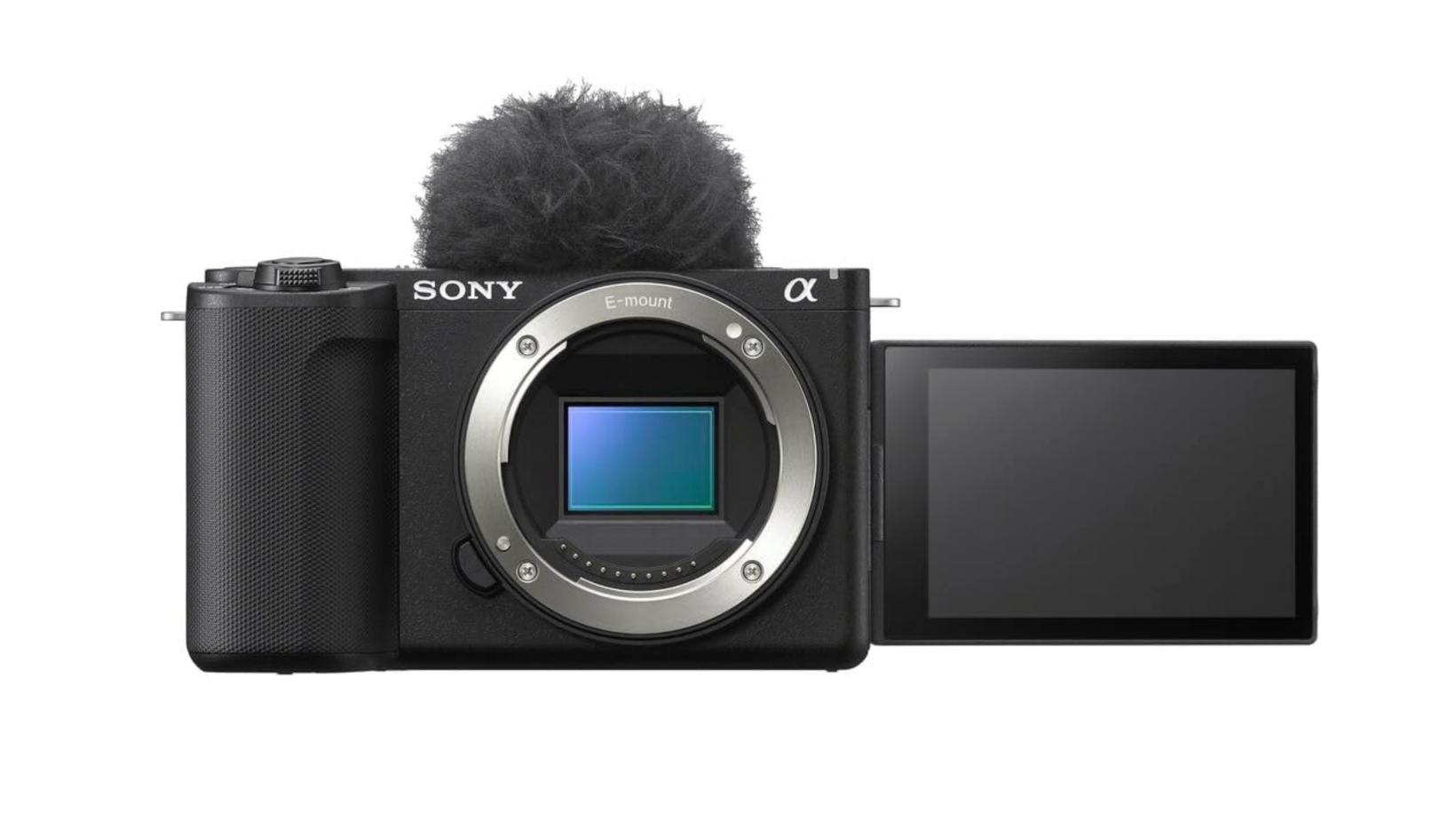
If you want your stream to look like the top creators on Twitch, the honest truth is that you have to leave webcams behind entirely. The professional standard is a mirrorless camera paired with a fast lens and a capture card.
The Sony ZV-E10 II is currently the most practical entry point into this tier. It uses a 26-megapixel APS-C back-illuminated Exmor R CMOS sensor, which is the same sensor technology Sony uses in its more expensive Alpha cameras.
The camera body itself is priced at $999. You’ll also need a capture card like the Elgato Cam Link 4K ($99.99) to send the clean HDMI video feed into your computer, plus a dummy battery to keep the camera powered indefinitely. Total setup cost lands at around $1,100 minimum before you add a lens.
Why go to all this trouble and expense? Because the ZV-E10 II uses an APS-C sensor. This sensor is exponentially larger than even the massive sensor in the Razer Kiyo Pro Ultra. The difference in light gathering, dynamic range, and colour depth is night and day.
Yes, this setup is a lot more complex. You have to manage cables, power, and mounting arms. But if you are building a serious streaming career, this is the best streaming camera setup you can invest in, and one that you’ll never outgrow.
How the Top 4 Options Compare
If all of that felt like a lot, here’s a quick overview of the top options at a glance, so you can see what best fits your setup and budget.
Best Streaming Cameras in 2026 Compared
Which Streaming Camera Setup is Right for You?
If you are just starting out or you stream casually, do not spend $1,000+ on a mirrorless camera setup.
The Elgato Facecam MK.2 delivers fantastic 1080p60 video that will look better than 90% of the streams on Twitch (and for a fraction of the price), provided you take the time to set up some basic lighting in your room. Or, if your content requires you to move around, the Insta360 Link 2 is the next obvious choice. The physical gimbal tracking is a massive advantage over digital cropping, and again, it won’t cost you an arm and a leg.
Alternatively, if you have a larger budget to play around with and want premium quality but refuse to deal with the complexity of capture cards and dummy batteries, the Razer Kiyo Pro Ultra is the ultimate compromise.
And last but not least, if you are treating streaming as a business, or you also shoot YouTube videos away from your desk, the Sony ZV-E10 II mirrorless setup is the right investment. It’s what the professionals use, and once you see the image quality it produces, it is very hard to go back to a webcam.
For more honest tech breakdowns (plus the occasional rant), check out my blog or visit my YouTube channel.
