I finally caved (again) and bought the newest MacBook Air. Because obviously, I needed yet another version of the same laptop. If you’ve followed my channel for a while, you’ll know I’ve now used every Apple Silicon Air from the original M1 all the way to the latest model, and the big question hasn’t changed: what’s actually faster in real use, not just on a pretty slide at an Apple event?
So here’s the plan, I’m running the whole lineup through my usual torture tests: Cinebench, Geekbench, GFX Metal, and a proper Final Cut Pro export with a 10-minute 4K project. I’ll also talk through external display support (finally useful), speakers, thermals, and the bit no one admits out loud: when you should not upgrade.
Meet the Lineup
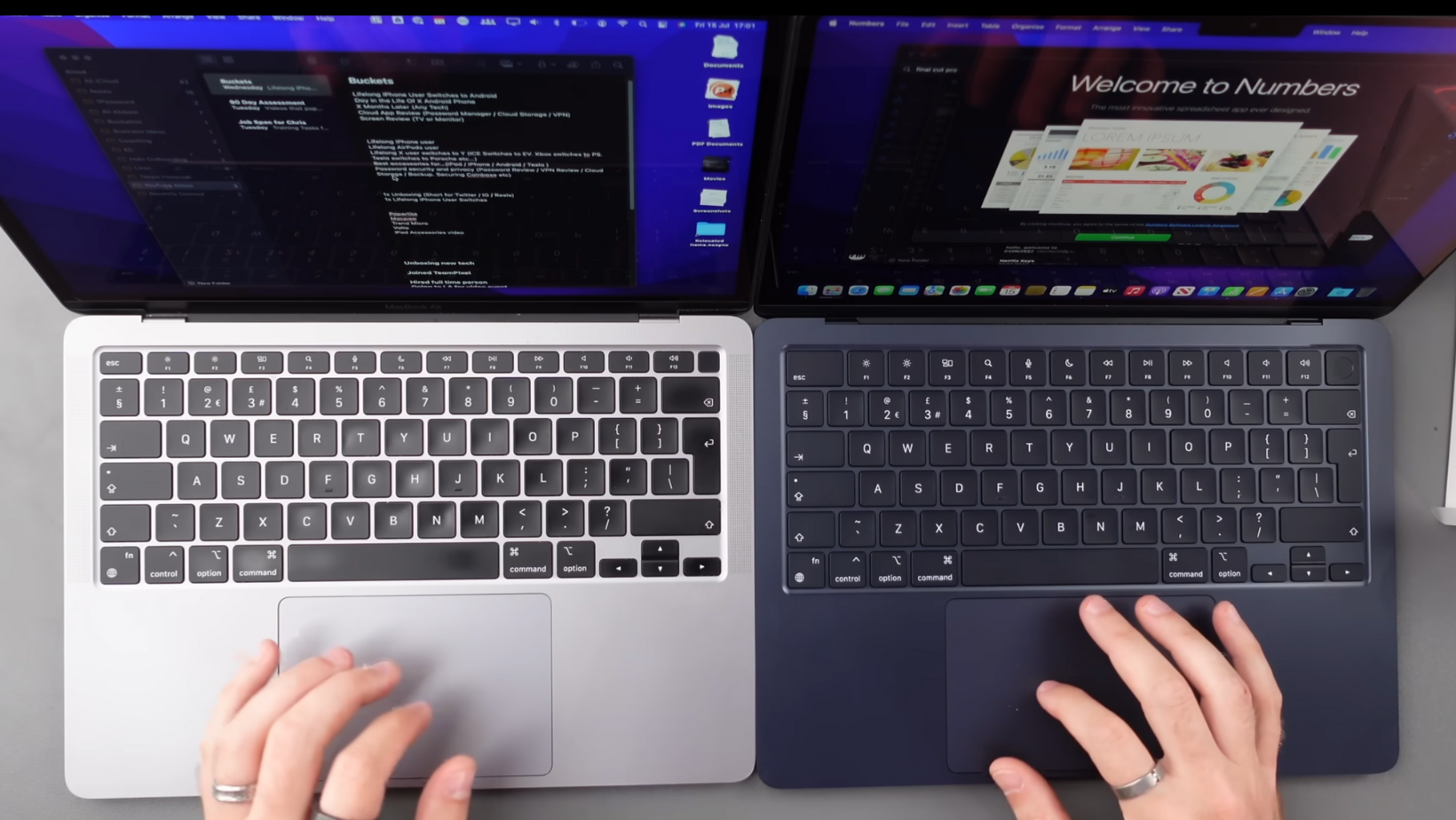
So, here’s what we’re working with, my growing collection of MacBooks that’s starting to look more like a museum exhibit than a sensible setup.
- M1 MacBook Air (2020): 16GB RAM / 512GB SSD
- M2 MacBook Air (2022): 8GB RAM / 512GB SSD (10-core GPU)
- M3 MacBook Air (2023): 16GB RAM / 512GB SSD
- M4 MacBook Air (2024): 16GB RAM / 1TB SSD
- M5 MacBook Air (2025): 16GB RAM / 1TB SSD
And for fun (because why not) I’ve thrown in my old M1 Pro MacBook Pro. Just to see how long it takes before an Air catches up to something that once cost twice as much.
I’ve bought, tested, and regretted (a few) of these over the years, but there’s no better way to find out how Apple’s silicon has actually evolved.
The Whole Family: M1 to M5
Apple’s been churning out new chips faster than I can edit my blogs and videos, but here’s the truth: not every generation has been worth the hype. Let’s break down what actually changed between them.
- M1 (2020): The OG Apple Silicon chip. This was the one that made Intel laptops look like hairdryers. It’s silent, efficient, and still holds its own today. Honestly, if you bought an M1 Air back then, you accidentally made one of the best tech investments of the decade.
- M2 (2022): A mild upgrade and a brand-new design, slimmer, nicer screen, but a bit of drama around the base 256GB SSD being slower. It ran a little hotter too, but it’s still an excellent all-rounder.
- M3 (2023): Built on the 3nm process, the M3 finally brought some noticeable GPU and efficiency improvements. Slightly better thermals, snappier under load, and the first Air that didn’t feel like it was tiptoeing around sustained performance.
- M4 (2024): This one was Apple’s “AI phase.” Improved memory bandwidth, faster Neural Engine, but in normal use? You’d be hard-pressed to tell the difference from the M3 unless you’re running machine learning workloads.
- M5 (2025): Now this is where things start to feel like an upgrade again. Better sustained performance, improved cooling (yes, there’s a fan again, and no, you can’t hear it), and export times that finally beat the M1 Pro MacBook Pro. It’s basically the “Pro Lite” many of us have been waiting for.
External Displays, Speakers, and Setup
Let’s talk about what’s outside the laptop for a second. Because performance is great, but if you can’t connect your gear or hear what you’re editing, what’s the point?
The M1 and M2 MacBook Air both shared one annoying limitation: they could only drive one external display. Just one. For a laptop costing north of a grand, that was… bold. I had to get creative with adapters, daisy chains, and a few swear words to trick my ultrawide into working like two smaller monitors.
By the time the M3 Air rolled around, Apple finally relented, and dual displays worked when the lid was closed. A minor win, but still a bit half-baked. The M4 improved stability, and the M5 Air? Finally, finally native dual-monitor support, lid open or closed. You just plug them in, and it works. No hacks, no third-party docks, no Apple voodoo.
Then there are the speakers. The M1s were already surprisingly good, but every year since, Apple’s added a bit more warmth and depth. The M5’s setup is borderline unfair, it sounds like it shouldn’t be coming from a laptop this thin. You can actually feel a hint of bass now, and the stereo separation makes watching a film or editing clips genuinely enjoyable without headphones.
And just to round it off, I tested all of these on my 49” ultrawide monitor (5120x1440). The M5 drove it effortlessly, and for the first time, I didn’t hear the fans ramp up or see frame drops. Progress.
Benchmark Testing
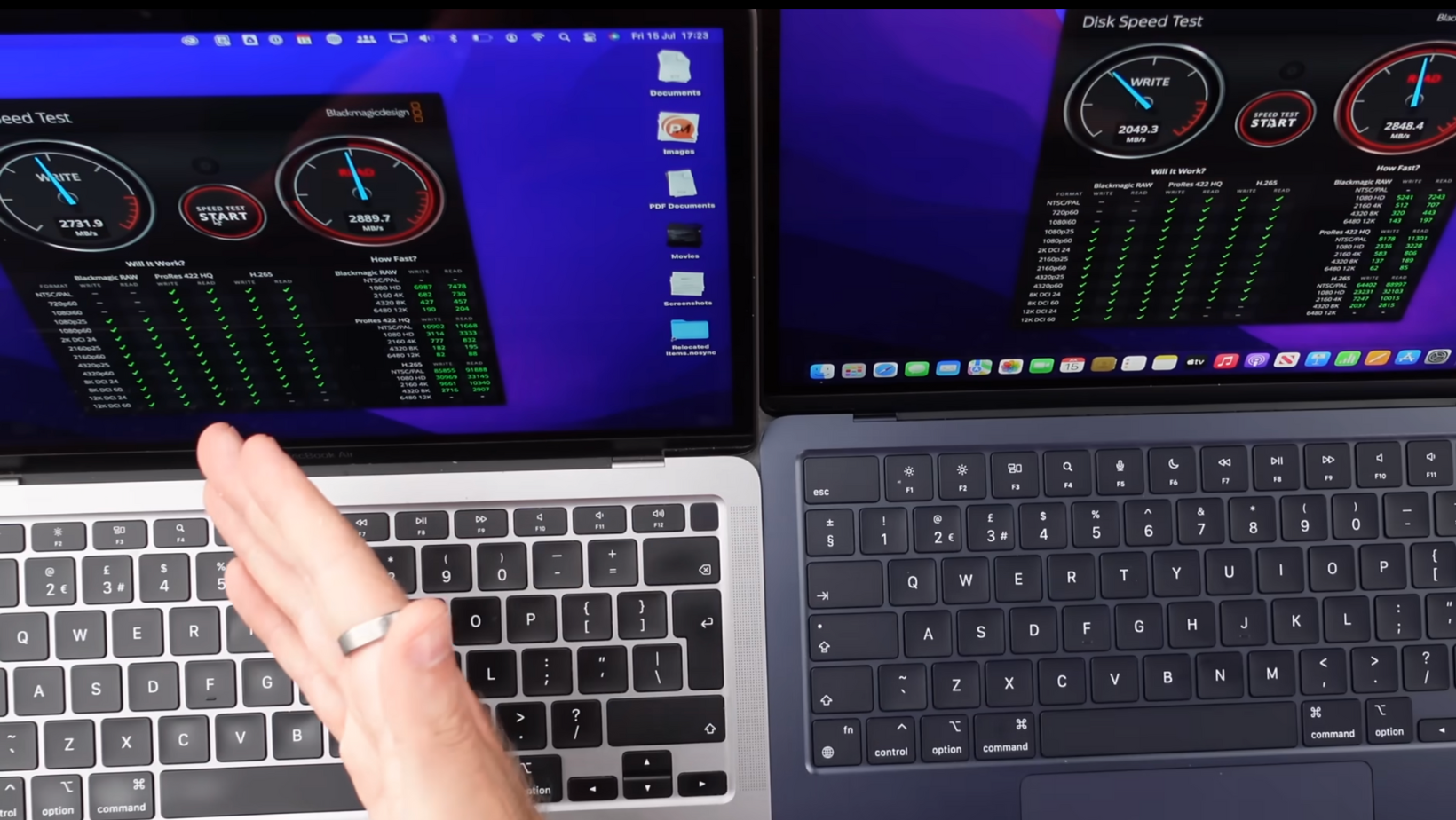
Alright, numbers time. Because as much as I love saying “it feels faster,” you and I both know that doesn’t mean anything unless there’s data behind it.
For full transparency, I ran all of the MacBook Air models through my usual test suite — Cinebench, Geekbench, GFX Metal, and a Final Cut Pro 10-minute 4K export.
To give this some wider context, I’ve also included a few adapted benchmark results from Tom’s Guide’s M5 review (linked below). Their testing includes M5 chip performance under heavier workloads, which helps paint a fuller picture of generational gains.
Benchmark Source Attribution:
Select GPU and multi-core comparison data adapted from Tom’s Guide’s MacBook Pro M5 review. Read the full article here:
All of my tests were done in the same room, same lighting, same amount of coffee, and the same regret for owning way too many laptops.
Here’s how they stack up:
* GPU numbers for the M3 varied slightly across runs
\† GPU score adapted from Tom’s Guide (M5 chip performance in their review)
Now, these aren’t lab-condition benchmarks. These are real-world, “too many Chrome tabs open while exporting a video” results.
- M1 to M2: barely any noticeable change. A small bump, but nothing life-changing.
- M3: first meaningful jump in years. Better sustained performance, less stutter in heavy apps.
- M4: impressive GPU gains, especially in Metal. Some improvements are invisible unless you’re leaning into heavier workflows.
- M5: this is where things finally get spicy. Export times drop significantly, and sustained multi-core workloads stay fast without thermal throttling.
It’s also worth calling out the big surprise; the M5 Air finally outperforms the old M1 Pro in certain real-world export tests, something I genuinely didn’t expect from an Air.
I ran the M5 through three back-to-back exports, and it didn’t throttle once. The M1 and M2, on the other hand, warmed up enough to toast bread.
Why Include Tom’s Guide’s Benchmarks?
Their review helps contextualize the M5 chip’s raw GPU and CPU potential under heavier loads and different thermal conditions.
MacBook Air and MacBook Pro cooling systems aren’t the same — so while raw numbers differ, the trend is what matters:
- The M5 generation genuinely leaps ahead in GPU efficiency
- Multi-core performance finally moves into “Pro-adjacent” territory
- Sustained performance is significantly improved compared to M1–M4
Including their numbers (with proper credit, of course) gives the reader clearer insight into how big the generational jump really is.
Generational Takeaways
Numbers are fun, but let’s talk about what it’s actually like to use these machines.
The M1 Air was already borderline magic when it launched; fanless, ultra quiet, and somehow able to handle 4K video edits without crying for help. The M2 made small gains, mostly in GPU-heavy work, but day-to-day? You’d struggle to tell them apart outside of export times and design tweaks.
With the M3, things started to feel smoother. Timeline scrubbing in Final Cut, Photoshop layer work, and even compiling code all just felt snappier. The M4 pushed that further, though most of its improvements were invisible unless you were leaning into AI-powered tasks or background rendering.
Then there’s the M5, and this is where I finally stopped missing my MacBook Pro. Editing 10-bit HDR footage? Smooth. Multicam timelines? Fine. Background renders? Barely a blip on the fan curve. The M5 Air finally handles sustained workloads like a Pro machine but keeps the portability and silence that made the Air so good in the first place.
Battery life has stayed consistently strong across all generations, usually 15–18 hours for normal tasks, around 8–10 hours when editing. The M5 edges ahead slightly under load, likely thanks to better efficiency cores and smarter power balancing.
In short: the M1 started the revolution, the M2 coasted, the M3 and M4 refined it, and the M5 finally feels like the full potential of the Air unlocked.
The Final Verdict
In all honesty, most people don’t need to upgrade every year, or even every two years. Apple’s done such a good job with the M1 that it’s made it really difficult to justify buying anything newer unless you have a specific need.
If you’re coming from an Intel Mac or something older, any of the M-series machines will blow your mind. But if you already own an M1 or M2? The jump just isn’t worth it unless you’re editing 4K videos for a living or compiling code all day.
The M3 and M4 are solid; smoother, a little faster, and slightly more efficient, but they still feel like part of the same family. The M5, though, is the first MacBook Air that genuinely crosses that invisible line into “Pro” territory.
So here’s my final take:
- If you’ve already got an M1, keep it. It’s still fantastic.
- If you’ve already got an M2, you’re fine for at least another year.
- If you’re buying new, the M5 Air is the one to get.
And if you’d like to read more of my latest hot takes, check out the following:
- Tech Hall of Fame: Which AirPods Are the Best?
- Apple Watch Buyer’s Guide: Avoid This Costly Mistake
- How to Set Up New iPhone Products for the Best Performance
Thanks for reading, see you soon!
See @Mark Ellis Reviews video to compare with the Base Model M2 MBA. 🎥
Frequently Asked Questions About MacBook Airs
Which is better, M2 or M2 MacBook Air?
The M2 is technically faster with a new design, better speakers, and a brighter screen. But the M1 still offers nearly identical performance for less money. Unless you really want the Midnight colour or the slimmer body, the M1 Air remains the smarter buy for most people.
Is the MacBook Air M2 worth buying?
If you’re upgrading from an older Intel MacBook or a Windows laptop, absolutely. The M2 Air feels faster, cooler, and lasts all day on battery. But if you already own the M1 Air, the performance jump is tiny. Save your cash unless you’re after the updated design or colour.
Is the M5 MacBook Air faster than the M3 or M4?
Yep, and not just on paper. In real-world use, the M5 is faster in every sustained workload I’ve tested: exporting, rendering, multitasking, and gaming. It also manages to stay cooler while doing it, which is new territory for an Air.
Do MacBook Airs hold value?
Yes, exceptionally well. Even after a couple of years, an M1 Air can still sell for around 70–80% of its original price. Apple’s consistent hardware quality and long software support make these laptops some of the best investments you can make in tech, just keep it clean and boxed.
 Pete Matheson