


At CES 2026, Dell announced two new UltraSharp monitors that push the lineup in interesting directions.
The UltraSharp 52 Thunderbolt Hub Monitor is the world's first 52-inch 6K display with an IPS Black panel, designed to replace multi-monitor setups. And the UltraSharp 32 4K QD-OLED Monitor is the first commercial QD-OLED with anti-glare coating, targeting creative professionals who need perfect color accuracy.
https://www.youtube.com/watch?v=lXfvKbU3s_I&t=189s
To be completely honest, both monitors are expensive. The 52-inch model costs $2,900, and the 32-inch QD-OLED costs $2,600. That's flagship pricing, and at that price point, you need to know exactly what you're getting and whether it fits your workflow.
I've spent time with several Dell UltraSharp models over the years, and in this guide, I'm breaking down what makes UltraSharp monitors different, who they're for, and whether (I think) they're worth the premium price.
What Makes Dell UltraSharp Different
Dell UltraSharp monitors are designed for professionals who need reliable color accuracy, comprehensive connectivity, and long-term durability. They're not the cheapest monitors, and they're not optimized for gaming. They're built for productivity, and that focus shows in every design decision.
The first thing you notice about UltraSharp monitors is the build quality. The stands are solid metal with smooth height adjustment, tilt, swivel, and pivot. The bezels are thin but not fragile. The panels are mounted securely with no flex or wobble. These monitors feel like professional tools, not consumer electronics.
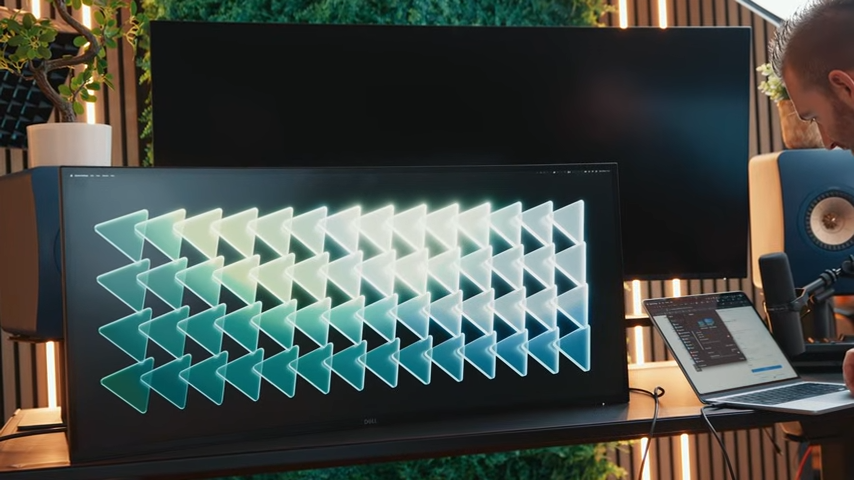
Color accuracy is another major differentiator. UltraSharp monitors are factory-calibrated and ship with a calibration report. Most models achieve a Delta E less than 2 out of the box, which means colors are accurate enough for professional work without additional calibration. The new 32-inch QD-OLED achieves a Delta E less than 1, which is exceptional.
Connectivity is where UltraSharp monitors really stand out. Most models include Thunderbolt or USB-C hubs with power delivery, which allows you to connect your laptop with a single cable and charge it while using the monitor. You can also daisy-chain additional monitors or connect peripherals through the monitor's built-in hub.
The UltraSharp lineup also includes productivity features like picture-by-picture modes, built-in KVM switches, and screen partition modes. These features are designed for people who work with multiple computers or applications simultaneously.
Understanding IPS Black Panel Technology
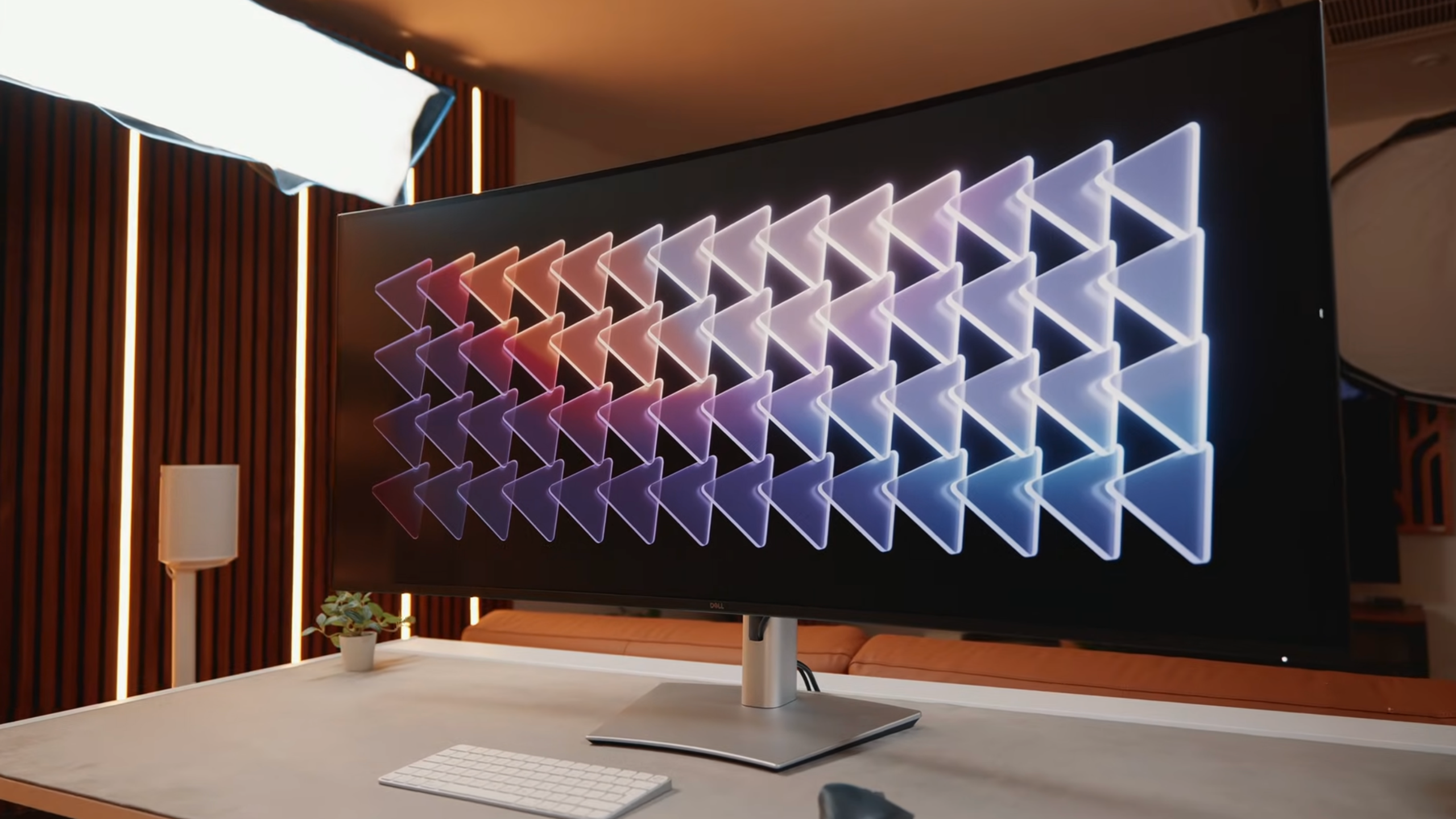
The Dell UltraSharp 52 uses an IPS Black panel, which is an enhanced version of standard IPS technology. IPS Black delivers richer blacks and better contrast compared to standard IPS, while maintaining the wide viewing angles and color accuracy that IPS is known for.
Standard IPS panels typically have a contrast ratio around 1,000:1, which means whites are 1,000 times brighter than blacks. IPS Black panels achieve around 2,000:1, which is double the contrast. That translates to deeper blacks and better image quality, especially in dark scenes.
IPS Black isn't as good as OLED for contrast. OLED has infinite contrast because pixels can turn completely off, delivering perfect blacks. But IPS Black doesn't have burn-in risk, which is a concern with OLED panels used for productivity work with static elements like taskbars and toolbars.
I tested the Dell UltraSharp 52 with its IPS Black panel, and the blacks are noticeably deeper than standard IPS monitors I've used. In a dark room, you can still see some backlight glow, but it's significantly better than standard IPS. For productivity work, IPS Black is a good middle ground between standard IPS and OLED.
Thunderbolt vs USB-C: What's the Difference?
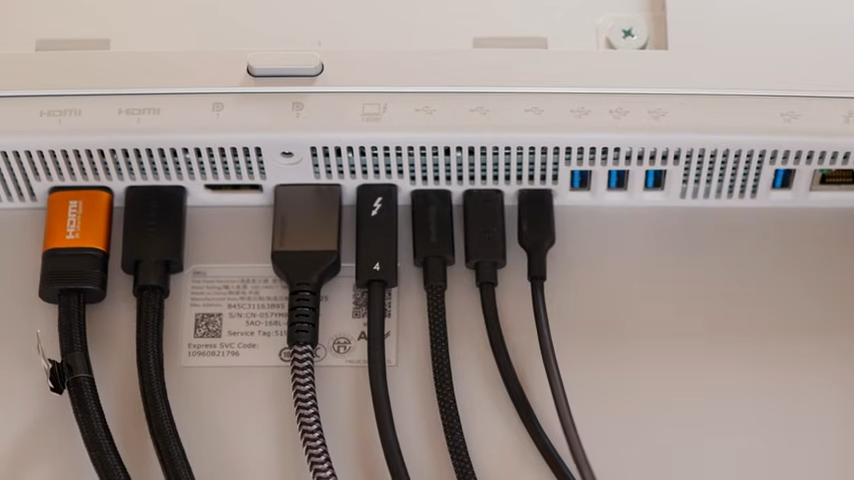
Dell UltraSharp monitors use either Thunderbolt or USB-C for connectivity, and understanding the difference between the two is crucial when deciding which monitor to buy.
Here’s a quick overview:
- Thunderbolt 4 is a high-performance standard developed by Intel. It delivers 40 Gbps bandwidth, supports up to 140W power delivery, and can daisy-chain up to five additional devices. Thunderbolt 4 is backwards compatible with USB-C, so you can use a USB-C cable with a Thunderbolt port, but you'll only get USB-C speeds.
- USB-C is a connector type (not a performance standard). A USB-C port can support anything from 5 Gbps (USB 3.1 Gen 1) to 40 Gbps (USB4). Power delivery varies from 60W to 100W or more. Some USB-C ports support video, some don't. You have to check the specs to know what you're getting.
The Dell UltraSharp 52 and 32 QD-OLED both use Thunderbolt 4 with 140W power delivery. That means you can connect a power-hungry laptop like a MacBook Pro 16-inch or a Dell XPS 15 with a single cable and charge it at full speed while using the monitor.
The 140W power delivery is also important. Most USB-C monitors max out at 90W or 100W, which isn't enough to charge high-performance laptops at full speed. With Thunderbolt 4 and 140W power delivery, you can run demanding workloads without draining your laptop battery.
For most people, Thunderbolt 4 is worth the premium over USB-C. It's faster, more reliable, and delivers more power.
Dell UltraSharp 52 Thunderbolt Hub Monitor: The Multi-Monitor Replacement
The Dell UltraSharp 52 is the world's first 52-inch 6K monitor, and it's designed to replace multi-monitor setups. I did review this monitor separately, but I'll summarize the key points here.
The 52-inch curved display has a 6144 x 2560 resolution at a 21:9 aspect ratio. That works out to 129 pixels per inch, which is sharp enough for text work. The IPS Black panel delivers good contrast and excellent viewing angles, and the 120Hz refresh rate makes scrolling and general use feel smooth.
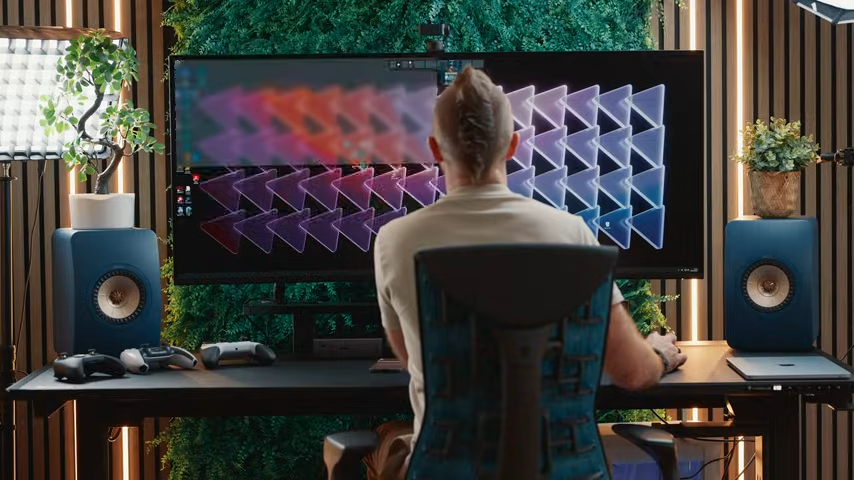
Dell positions this monitor as a replacement for setups with two 27-inch QHD monitors and one 43-inch 4K monitor. The 52-inch display offers 61,000 more pixels and 25% higher pixel density compared to that setup, all in a single screen.
The productivity features are where the 52-inch monitor shines. You can connect up to four PCs simultaneously using the built-in KVM switch. Picture-by-picture mode with screen partition treats each section as an individual monitor, which is great for managing multiple applications or computers.
I spent £2,560 of my own money on this monitor, and it's become my main productivity display. It replaced my 57-inch Samsung Odyssey G9 for work, and I haven't looked back. The extra vertical space compared to a 32:9 ultrawide makes a real difference for productivity.
The downsides are the shallow curve and the price. The 1800R curve is subtle, and the monitor takes up a lot of desk space. At $2,900, it's expensive, and you need to be sure this fits your workflow before buying.
Dell UltraSharp 32 4K QD-OLED Monitor: Perfect Color for Creatives
The Dell UltraSharp 32 4K QD-OLED is designed for creative professionals who need perfect color accuracy. It's the first commercial QD-OLED monitor with an anti-glare coating, which solves one of the biggest problems with OLED monitors in bright work environments.
Out of the box, the monitor achieves a Delta E less than 1, which is exceptional color accuracy. Most professional monitors aim for a Delta E less than 2, so the UltraSharp 32 QD-OLED exceeds that standard.
The integrated colorimeter is another notable feature. It stores calibration results directly on the monitor, so you don't need to recalibrate every time you switch computers. IT teams can also calibrate remotely without physical access to the monitor, which is useful for managing fleets of monitors.
The anti-glare low-reflectance coating is the biggest innovation, though. Glossy OLED monitors look great in dark rooms, but they're unusable in bright offices with overhead lighting or windows. The anti-glare coating on the UltraSharp 32 QD-OLED reduces reflections while maintaining the OLED's contrast and color accuracy.
I haven't tested this monitor personally, but based on the specs and Dell's track record with color accuracy, this looks like the best OLED monitor for professional creative work. The $2,600 price is high, but it's competitive with other professional-grade OLED monitors.
Dell UltraSharp vs the Competition
If you're shopping for a professional monitor, Dell UltraSharp isn’t operating in a vacuum. LG, BenQ, ASUS, and Eizo all offer serious alternatives, some cheaper, some more specialized, and some aimed squarely at high-end color-critical work.
Here’s how they compare side by side.
Quick Comparison: Dell UltraSharp vs. Competing Professional Monitors
Final Verdict: Are Dell UltraSharp Monitors Worth the Premium Price?
Dell UltraSharp monitors are expensive, but they're worth the premium if you actually need what they offer. The build quality is excellent, the color accuracy is reliable, and the connectivity options are comprehensive.
- If you're a professional who relies on color accuracy for your work, the factory calibration and wide color gamut coverage justify the price. You can trust that colors will be accurate out of the box, and you won't need to spend time calibrating.
- If you use a laptop with Thunderbolt and you want a single-cable solution, the Thunderbolt hub and 140W power delivery are worth paying for. The convenience of connecting your laptop, charging it, and using peripherals through the monitor is significant.
- If you value long-term reliability and warranty support, Dell's professional monitors are a good investment. They're built to last, and Dell offers excellent warranty coverage and support.
But if you're on a budget or you don't need professional features, UltraSharp monitors are a bit overkill. You can get good color accuracy and build quality from mid-range monitors (like LG and Asus) at half the price.
