


I'll be honest. The LG Gram laptop wasn't on my radar for a long time. When you're shopping for a Windows machine, you tend to gravitate toward the usual names: Dell XPS, ThinkPad, maybe a Surface. It sits in this weird middle ground where it doesn't get the hype it probably deserves, and most people walk past it without a second look.
Then you actually pick one up.
You're holding a 17-inch laptop that weighs 3.1 pounds. For context, most 15-inch Windows laptops weigh more than that. The LG Gram 17 is lighter than a MacBook Air 15 and has a bigger screen. That's not a marketing claim. That's just engineering, and it's surprising every time you experience it.
The weight gets your attention immediately. The bigger question is whether the rest of the laptop lives up to that first impression. So I dug into performance, the build quality, and whether the price is actually justified. Here's what I found.
Quick Verdict
The LG Gram is the best large-screen Windows laptop for people who travel regularly or spend a lot of time working away from a desk. Buyers focused on raw performance will find stronger options at this price. For travel, portability, and everyday productivity, the LG Gram is genuinely hard to beat.
This laptop makes sense if you:
- Travel frequently and want a large screen without the weight penalty
- Work remotely and need all-day battery life
- Prefer Windows but want something as portable as a MacBook Air
- Do productivity work, video calls, and browser-heavy tasks
Skip it if you:
- Need a gaming laptop or serious GPU performance
- Want the most powerful processor available at this price
- Prefer a heavier, more rigid chassis feel
- Care a lot about speaker quality
The LG Gram Specs That Matter
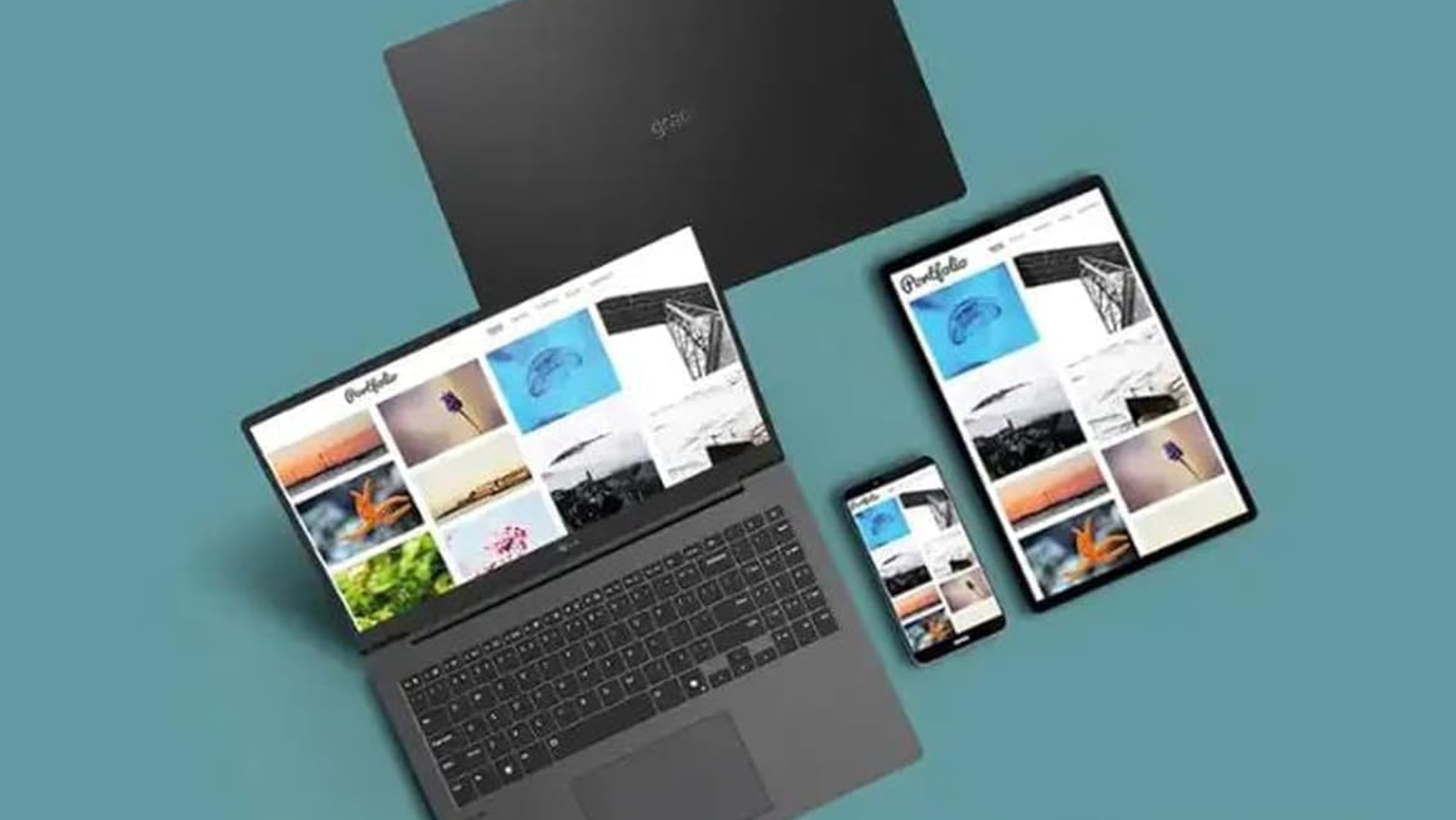
The 2025 model ships with:
- An Intel Core Ultra 7 258V processor
- 32GB DDR5 RAM
- 1TB SSD in the $1,699 configuration
- 17-inch IPS display
- 2560 x 1600 QHD+ resolution
I think the bigger story here is how little LG gave up to hit the weight target. The performance feels more than capable for productivity work, and I never found myself worrying about whether I had enough power for browser tabs, video calls, documents, or spreadsheets.
I was also expecting to need a dongle most of the time, but LG kept a surprisingly practical port selection. You get two Thunderbolt 4 USB-C ports, two USB-A 3.2 ports, HDMI, a 3.5mm audio jack, and a microSD slot. Wi-Fi 7 and Bluetooth 5.4 are included too.
Despite how light it is, the laptop never felt flimsy when I was carrying it around. The chassis carries MIL-STD-810H certification, meaning it's been tested against shock, temperature extremes, altitude, and vibration.
Performance
The Intel Core Ultra 7 258V is built more around efficiency than raw power, and that's exactly how the LG Gram feels in everyday use.
For browser tabs, video calls, documents, spreadsheets, and light photo editing, I never felt like I was waiting on the laptop. Everything felt quick and responsive, which is what I care about most in a productivity machine.
The limits show up when you start throwing heavier workloads at it. Long video exports, large Lightroom catalogs, and more demanding creative work will run better on a laptop with stronger cooling and a higher-performance chip.
For the audience I think LG built this laptop for, though, the performance makes a lot of sense. I'd happily use it for work every day without feeling like I was compromising.
Display
The display ended up being one of my favorite things about the LG Gram. The 17-inch screen gives you a huge amount of space to work with, and I found myself reaching for an external monitor far less often than I usually do. The 16:10 aspect ratio helps too, especially when I'm working in documents, spreadsheets, or browser windows.
The QHD+ resolution keeps everything looking sharp, and the anti-glare finish makes it easier to use in bright rooms or near windows.
This isn't an OLED panel, so you don't get the same contrast and black levels you'll find on some premium competitors. For productivity work, though, I never felt like I was missing anything. The combination of screen size, resolution, and usability is what makes the display so enjoyable to use day to day.
Battery Life

PCMag measured 19 hours in their video rundown test. Real-world usage is more like 10 to 14 hours depending on what you're doing, which is still excellent. For a full workday away from an outlet across flights, coffee shops, and client meetings, it handles it without issue. The 77Wh battery is large for a laptop this light, and the efficient Lunar Lake chip helps it last.
What It Feels Like to Use Every Day
Specs tell part of the story, but the experience tells the rest.
Working From Home
For home office use, it's really comfortable. I found the keyboard comfortable for long writing sessions, which isn't always the case with thin laptops. The full-size number pad is a nice touch if you work with spreadsheets regularly. The touchpad is large and responsive.
Video calls look fine on the built-in 2.1MP webcam. It's not exceptional, but it handles standard lighting well enough for daily meetings. Where it gets slightly frustrating at home is the speakers. They're not bad, but they're not impressive either. If you're watching a lot of video content or listening to music through the laptop, you'll probably want external audio at some point.
Working on the Go
This is where it earns its reputation. Carrying a 17-inch laptop that weighs 3.1 pounds changes how you think about your bag. You stop leaving it behind because it's too heavy, dreading the airport, and hunting for outlets every few hours.
The combination of a large screen and low weight is rare. Most 17-inch laptops weigh 5 to 6 pounds. This one is closer to what a 13-inch laptop used to weigh. That's a meaningful difference over a full travel day.
Content Consumption
Streaming on the 17-inch display is a legitimately good experience. The screen is large enough that it feels like a proper viewing setup, and the anti-glare coating means you can use it in bright rooms without fighting reflections. The 60Hz refresh rate is standard, fine for video but not ideal for gaming.
The speakers are the weak point. They're acceptable for background audio but lack bass and volume for an immersive experience.
How It Compares to the Competition
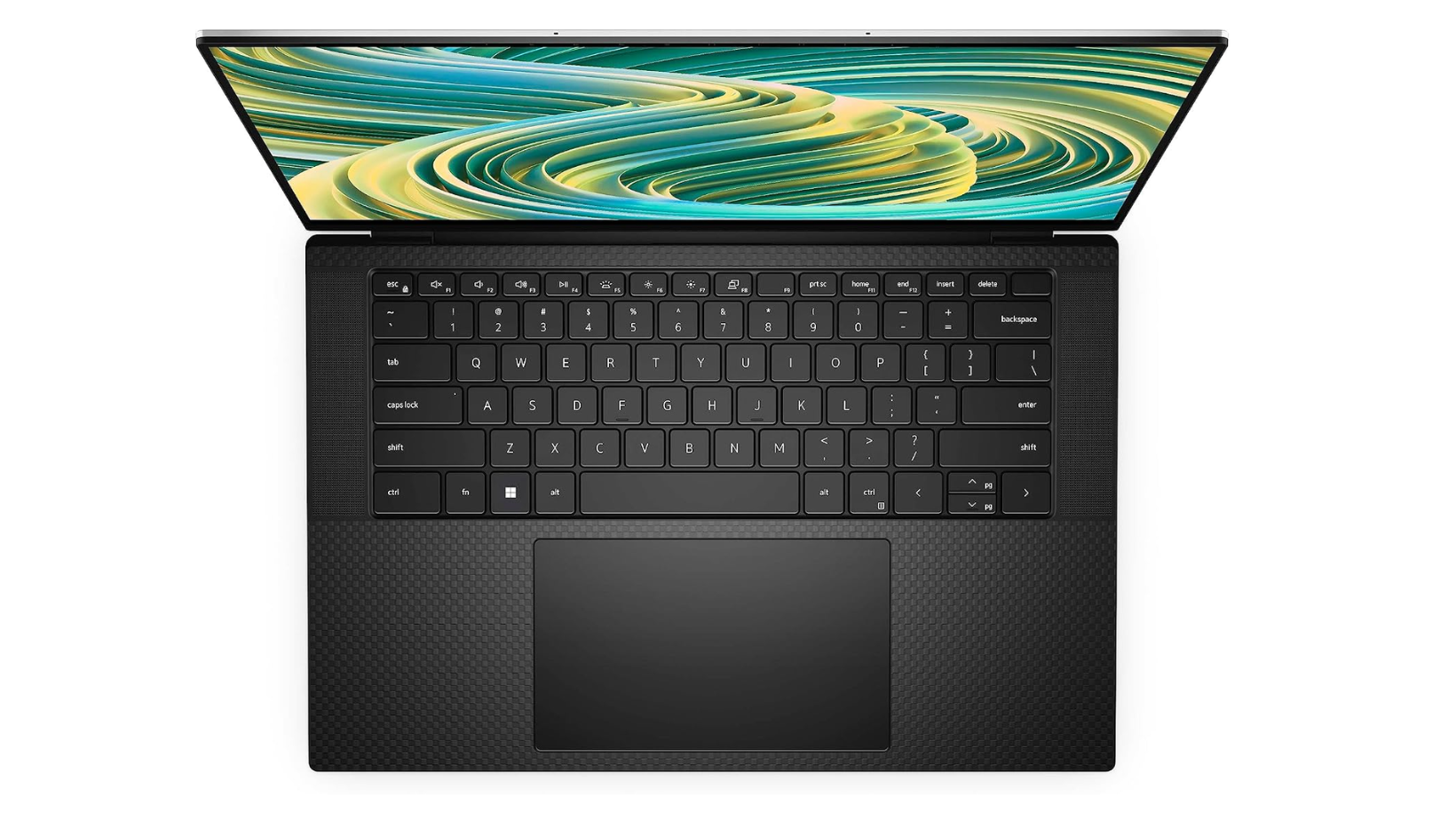
How It Compares to the Dell XPS
The Dell XPS 15 is a strong laptop, but it weighs around 4.2 pounds in a 15-inch form factor. The Gram 17 weighs 3.1 pounds with a larger screen. If portability is your priority, that's a significant difference. The XPS has better GPU options and a more premium chassis feel, but you pay for it in weight and price.
How It Compares to the MacBook Air
This is the comparison most Windows users actually care about. The MacBook Air M3 15 weighs 3.5 pounds, which is heavier than the Gram 17 despite having a smaller screen. Battery life is comparable in real-world use. Performance depends heavily on the workload. Apple Silicon handles sustained tasks more efficiently, while the Gram offers more port variety and Windows flexibility.
If you're committed to Windows or need specific software that doesn't run on macOS, this is the closest equivalent to the MacBook Air experience you'll find.
How It Compares to the ThinkPad
ThinkPads are excellent business laptops with outstanding keyboards and strong durability. The X1 Carbon is the closest comparison. It's lighter than most ThinkPads but still heavier than the Gram. For travel-focused users who want a larger screen, the portability advantage is real. For users who prioritize keyboard feel and business-grade features, the ThinkPad is worth considering.
Quick Comparison: LG Gram vs the Competition
The LG Gram is the strongest choice for buyers who want a large Windows laptop that adds as little weight as possible to their bag.
Is It Worth the Money in 2025?
At $1,699 for the reviewed configuration, this is priced at the higher end of the ultraportable Windows laptop market. You're paying for the engineering that goes into making a 17-inch laptop weigh 3.1 pounds while keeping it durable enough to pass MIL-STD-810H certification.
That premium makes sense if portability is really important to you. If you're mostly working from a desk and rarely travel, there are more powerful laptops at this price. But if you're regularly moving between locations and want the largest possible screen without the weight, the LG Gram delivers on its promise in a way that very few laptops do.
For more on finding the right laptop for remote work and travel, my best ultra-portable laptop guide covers the options worth considering at every price point.
Why I Keep Coming Back to the LG Gram
I came away impressed by how much screen LG managed to fit into something this light. That's the reason to buy this laptop, and it's something very few competitors can match.
If you travel regularly, work remotely, or want a big display without carrying a brick, the LG Gram is well worth a look.
For more laptop recommendations, check out my best ultra-portable laptop guide. And if you'd like more practical tech reviews, you can join my newsletter at experimentsinprogress.com.
Frequently Asked Questions
Is it worth buying?
The LG Gram is worth buying for people who prioritize portability, battery life, and a large display. Its greatest advantage is fitting a full-sized productivity experience into a laptop that is unusually easy to carry. Buyers focused on gaming, maximum processing power, or a rigid metal feel may get better value elsewhere.
Is it a good laptop for students?
It's a strong student laptop because it's light enough to carry between classes and capable of handling research, writing, presentations, video calls, and browser-heavy coursework. Its battery life also reduces the need to find an outlet during the day. Students studying 3D design, engineering, or intensive video production may need a more powerful machine.
Can it handle video editing?
It can handle light and moderate video editing, especially when configured with a recent processor, sufficient memory, and fast solid-state storage. It's suitable for short projects, social content, and basic 1080p or occasional 4K editing. Long 4K timelines, complex effects, and professional rendering are better suited to a laptop with dedicated graphics and stronger cooling.
How durable is it?
It's designed for everyday travel, but its lightweight construction can feel more flexible than heavier premium laptops. That flexibility doesn't automatically mean it's fragile. It carries MIL-STD-810H certification for shock, temperature, altitude, and vibration. Owners should still use a padded sleeve and avoid placing heavy items on top of it, particularly with the larger-screen models.
Is the LG Gram better than the MacBook Air?
It's better for people who prefer Windows, want more screen-size options, or need a very light laptop with a traditional PC workflow. The MacBook Air is often the better choice for buyers who value macOS, Apple ecosystem features, and highly efficient performance. The right choice primarily depends on operating system preference and required software.
