


You can save $300 on a MacBook and still end up with the wrong laptop. That's the thing I'd worry about most this Black Friday.
Apple currently sells everything from the relatively affordable MacBook Neo, with its fixed 8GB of memory, to the M5 MacBook Air and some rather expensive MacBook Pro configurations. They're all aimed at different people, and picking the wrong one could become frustrating long after you've forgotten how much you saved.
I've spent plenty of time reviewing MacBooks, and I think people get far too distracted by the processor. Memory, storage, screen size, and even how much weight you're carrying around can make a bigger difference than moving up one chip generation.
That's why Black Friday MacBook deals are interesting this year. Apple's refreshed the Air, introduced the Neo, and announced a new M6 MacBook Pro, along with a redesigned OLED MacBook Pro. Meanwhile, retailers have older Apple silicon machines they might want to clear.
Apple's June price increases have also made those big discount stickers a little harder to trust. For me, the 13-inch M5 MacBook Air is still the place to start. But there are a few other models I'd happily consider, provided the price is right.
In this blog, I’m looking at which MacBooks I’d spend my money on this Black Friday, the prices that would get my attention, and when I’d stop waiting around for a better deal.
Early Black Friday MacBook deals are here
Black Friday falls on November 27, 2026, but retailers have already started discounting MacBooks. Best Buy's DoorBOOsters begin October 30, followed by early Black Friday deals on November 6 and its main sale on November 19.
Those are dates to watch, not guarantees that every MacBook will become cheaper.
Is $1,149 a good MacBook Air price?
Best Buy has listed the 13-inch M5 MacBook Air with 16GB of memory and 512GB of storage for $1,149, compared with Apple's current $1,299 regular price.
The $150 saving sounds decent until you look at the price history. When the M5 Air launched in March, that configuration cost $1,099. Apple increased it to $1,299 in June, but retailers brought it back down to $1,099 during October promotions.
So $1,149 isn't terrible, but I'd be aiming for $1,099 or less this Black Friday.
Pick the MacBook before the discount
Before looking at prices, I'd narrow down which machine makes sense for the work you're doing.
Here's how I'd approach Apple's current lineup.
The budget MacBook Neo has limits
The MacBook Neo launched at $599 in March before increasing to $699 in June. It's still Apple's cheapest laptop, with a 13-inch display and an A18 Pro chip. For studying, browsing, documents, streaming, and video calls, there's plenty to like. A Black Friday price closer to its original $599 would certainly get my attention.
The catch is the fixed 8GB of memory. You can't upgrade it later, and the Neo also has fewer connectivity options than the Air.
For lighter workloads, 8GB might be perfectly fine. But the MacBook Neo vs Air decision gets more interesting when you're planning to keep the laptop for several years, especially if your work involves heavier multitasking or creative applications.
The M5 MacBook Air is still my go-to
The 13-inch M5 Air is where I think Apple's lineup makes the most sense. You get 16GB of memory, 512GB of storage, a 13.6-inch Liquid Retina display, MagSafe charging, and two Thunderbolt 4 ports. That's a much better starting configuration than the Neo for someone who wants a laptop to last.
I spent three months using the previous M4 MacBook Air, and it reinforced something I've thought for a while: Apple's lighter laptops are so capable now that plenty of people simply don't need a Pro.
The M5 adds a newer processor and faster storage, but I wouldn't expect someone working in spreadsheets or answering emails to notice an enormous difference over the M4.
I also much prefer carrying a lighter laptop around when I'm traveling or moving between workspaces. That's something I notice far more than a small difference in processor performance.
Is the 15-inch Air worth $200 more?
Apple currently lists the 15-inch M5 Air from $1,499, compared with $1,299 for the 13-inch version. That extra $200 gets you a larger 15.3-inch display, which makes a difference when you're working with multiple windows, spreadsheets, or video timelines without an external monitor.
But there's a trade-off. It's bigger, heavier, and less convenient to carry. I'd be tempted by the 15-inch model if the Black Friday price difference came down to around $100 to $150 for comparable configurations. Otherwise, the 13-inch Air would still be my pick.
I'd make that decision based on how much time I spend working directly on the laptop screen, rather than assuming bigger automatically means better.
MacBook Pro Black Friday deals and the M6 problem
Apple announced the standard 14-inch M6 MacBook Pro on October 27, starting at $1,999 with 16GB of memory and a 1TB SSD. It's faster than the standard M5 and adds newer wireless connectivity, but it keeps the familiar Mini LED display and overall design.
Apple also announced a redesigned OLED MacBook Pro on October 28, with a touchscreen and M5 Pro or M5 Max processors. The 14-inch version starts at $2,899.
That's a different class of laptop, and I wouldn't expect a newly announced $2,899 machine to suddenly become a Black Friday bargain.
I'd be keeping a much closer eye on discounts for the outgoing M5 MacBook Pro.
$300 off makes the M5 tempting
Apple previously listed the standard 16GB/1TB M5 MacBook Pro at $1,699 before its June price increase. The equivalent regular price later reached $1,999, matching the new M6's starting price.
That makes the retailer's actual M5 discount the deciding factor. Here's roughly where I'd draw the line for otherwise comparable configurations.
These are my buying thresholds, not confirmed upcoming Black Friday offers.
At $100 less, I'd probably take the newer M6. But once the savings reach $300 or more, a discounted M5 MacBook Pro starts looking much more appealing.
You still get a fantastic display, active cooling, and the ports that make the Pro so appealing for creative work.
There's one other detail worth checking with the M6. In the U.S., Apple includes a 70W power adapter, but UK and EU buyers need to purchase their adapter separately. Apple's fastest M6 charging also requires a compatible 96W or higher adapter. It's worth factoring that into the total price rather than assuming every region gets the same accessories.
M5 Pro and M5 Max are a different league
Don't confuse the standard M5 with the M5 Pro MacBook Pro or M5 Max MacBook Pro. Those higher-tier chips offer considerably more processing power, memory options, and Thunderbolt 5 connectivity. For demanding video editing, 3D work, or heavy development workloads, that can matter far more than owning the latest standard processor.
There are now older Mini LED and newly announced OLED MacBook Pro models using M5 Pro and M5 Max chips. For Black Friday, I'd focus on discounted Mini LED models rather than expecting Apple’s latest OLED machines to suddenly become bargains.
The case for last year's MacBook
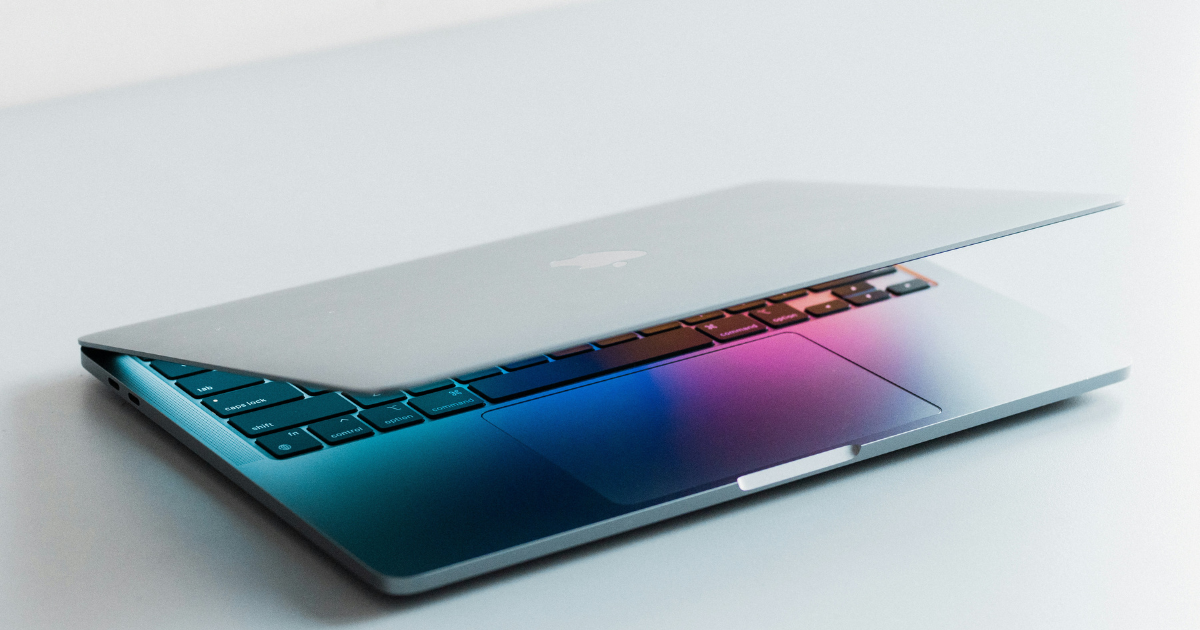
One of the smartest Black Friday purchases could be a MacBook that Apple has already replaced. The M4 MacBook Air is a great example. It launched with 16GB of memory as standard, and it's still more than capable of handling everyday work, photography, and plenty of creative tasks.
The thing to watch is storage. Some M4 Air configurations came with 256GB, while the M5 Air starts at 512GB. That's a fairly substantial difference if you keep a lot of files on your laptop.
For comparable memory and storage, I'd want to save around $200 before choosing the M4 over an M5. That's my personal buying preference rather than some magic discount threshold.
Refurbished can beat brand-new
I'd also keep an eye on Apple Certified Refurbished Macs and reputable retailers selling open-box models. A refurbished MacBook with enough memory, good battery condition, and a proper warranty could be much better value than buying a new machine that doesn't suit your needs.
Just check the condition, return policy, and exact configuration. A cheap listing isn't much of a bargain when the battery is worn out, or the warranty is practically nonexistent.
I wouldn't be particularly interested in an aging Intel MacBook at this point. There are enough affordable Apple silicon machines available that I'd start there.
Get the RAM and storage right
This is where I'd spend more time than I would studying processor benchmarks. MacBook memory can't be upgraded after purchase, and paying extra for a powerful chip doesn't help much when the laptop doesn't have enough memory for the applications you're using.
16GB is my starting point
The Neo's fixed 8GB might be fine for someone whose work consists mainly of browsing, writing documents, and streaming. For most buyers, though, I'd choose 16GB. It gives you more breathing room for multitasking and lighter creative work.
People regularly editing demanding video projects or using heavier applications may want 24GB or 32GB. I'd decide based on the work I expect to be doing over the next few years, not the biggest specification Apple will let me configure.
Internal SSD or external drive?
Storage is slightly different because you can add more of it externally.
A Samsung T9 Portable SSD can be a sensible purchase for video footage, photo libraries, and archived projects. It's worth comparing the cost against Apple's internal storage upgrades.
For a desk setup, a USB-C hub or Thunderbolt dock can also make connecting drives and monitors easier, provided it supports your particular MacBook.
I wouldn't want to carry several accessories around just to make a laptop usable, but there's no need to pay for Apple's largest SSD when external storage suits how you work.
Buy a MacBook now or hold off?
I'd start by deciding how urgently I need a replacement. A dead laptop, a new job, or a college course starting next week is a pretty good reason not to spend another month chasing a $50 saving.
When your current MacBook still works perfectly well, you've got more time to compare prices. The three things I'd check before ordering are straightforward: the exact configuration, recent selling prices, and the retailer's return or price-matching policy.
For example, a 13-inch Air with 16GB/512GB isn't the same purchase as a discounted model with 24GB/1TB, even when both have M5 chips.
A price-history service like Keepa can help with supported Amazon listings. I'd also compare retailers rather than trusting the biggest advertised discount, and check the return policy in case a better offer appears later.
My Black Friday MacBook pick
The 13-inch M5 MacBook Air would still be my first stop, but I'd happily buy an older model if the savings made sense. The same goes for the Pro lineup. There's no point spending hundreds more on the latest processor when an older machine already does everything you need.
Black Friday has a funny way of making a completely unnecessary purchase feel like a brilliant financial decision. I'd rather finish the weekend with the right MacBook than another expensive bit of tech I have to convince myself was worth buying.
For more tech reviews, buying advice, and experiments with the gear I use, join my Experiments in Progress newsletter.
Black Friday MacBook deals 2026 FAQs
Do MacBooks go on sale for Black Friday?
Yes. Retailers have discounted MacBook Air and MacBook Pro models during previous Black Friday events, and early 2026 promotions are already appearing. Specific November prices aren't guaranteed, so compare actual offers as they arrive.
Is Black Friday the best time to buy a MacBook Air?
It can be, but Black Friday doesn't always deliver the lowest price of the year. The 13-inch M5 Air with 16GB of memory and 512GB of storage reached $1,099 earlier in October, so that's the benchmark I'd use for November deals.
Should I buy an M5 MacBook Pro or wait for the M6?
The M6 starts at $1,999 and becomes available November 6. I'd lean toward the newer model when the price difference is small, but a substantial discount on a comparable M5 could make the older machine better value.
Are older MacBooks worth buying on Black Friday?
Absolutely. Previous-generation Apple silicon models like the M4 MacBook Air can offer excellent value. Check the memory, storage, condition, and warranty rather than choosing purely by the advertised discount.
How much RAM should I buy in a Black Friday MacBook deal?
I'd start with 16GB for most people. The MacBook Neo's fixed 8GB can suit lighter workloads, while more demanding creative or professional work may benefit from 24GB or 32GB. MacBook memory can't be upgraded later.
