


OLED is normally the easy answer when someone asks me what to buy for the best picture quality. I’ve got a Samsung S95C in my living room, an LG G5 in my gaming room, and another Samsung OLED in the studio. So yeah, I wasn’t exactly coming into this as an unbiased Mini LED enthusiast.
I expected the Hisense UR9 to be brighter than those TVs. That’s what Mini LED does well. I also expected the usual trade-offs: blacks that look slightly gray, a glow around bright objects, and colors that never feel quite as precise as OLED.
The brightness was predictable. What I wasn’t expecting was how few of those other compromises showed up.
The UR9’s RGB Mini LED backlight produces deep blacks, fantastic color, and almost none of the blooming I’ve seen on other Mini LED TVs. It doesn’t beat OLED at everything, but it comes much closer than I expected. And for bright rooms, larger screen sizes, and PC gaming, I can absolutely see it being the better purchase.
In this article, I’ll break down my Hisense UR9 review results: how its RGB Mini LED picture compares with OLED, how it handles gaming, where it falls short, and who should buy it.
Hisense sent me this TV and sponsored the accompanying video. The company didn’t tell me what I could or couldn’t say, and the opinions here are my own.
What is RGB Mini LED on the Hisense UR9?
RGB Mini LED is the display technology inside the TV. It isn’t another Hisense model or some magic setting you need to switch on.
As Consumer Reports explains, RGB Mini LED uses thousands of tiny red, green, and blue lights behind the screen. A standard Mini LED TV usually starts with white or blue light and then uses filters to create the colors you see.
You don’t need to understand all the engineering to see the difference. In practice, the TV can produce very bright, rich colors without washing out the darker parts of the image. It can also control that light more precisely, which helps reduce the cloudy glow you sometimes get around bright objects on a dark background.
OLED can switch off every tiny part of the picture individually, so black areas can become completely black. The UR9 can’t quite do that, but RGB Mini LED gets it surprisingly close.
I've usually come down on the OLED side of the Mini LED vs OLED debate, but RGB Mini LED addresses several of the issues that pushed me toward OLED in the first place.
How the Hisense UR9 gives OLED a run for its money
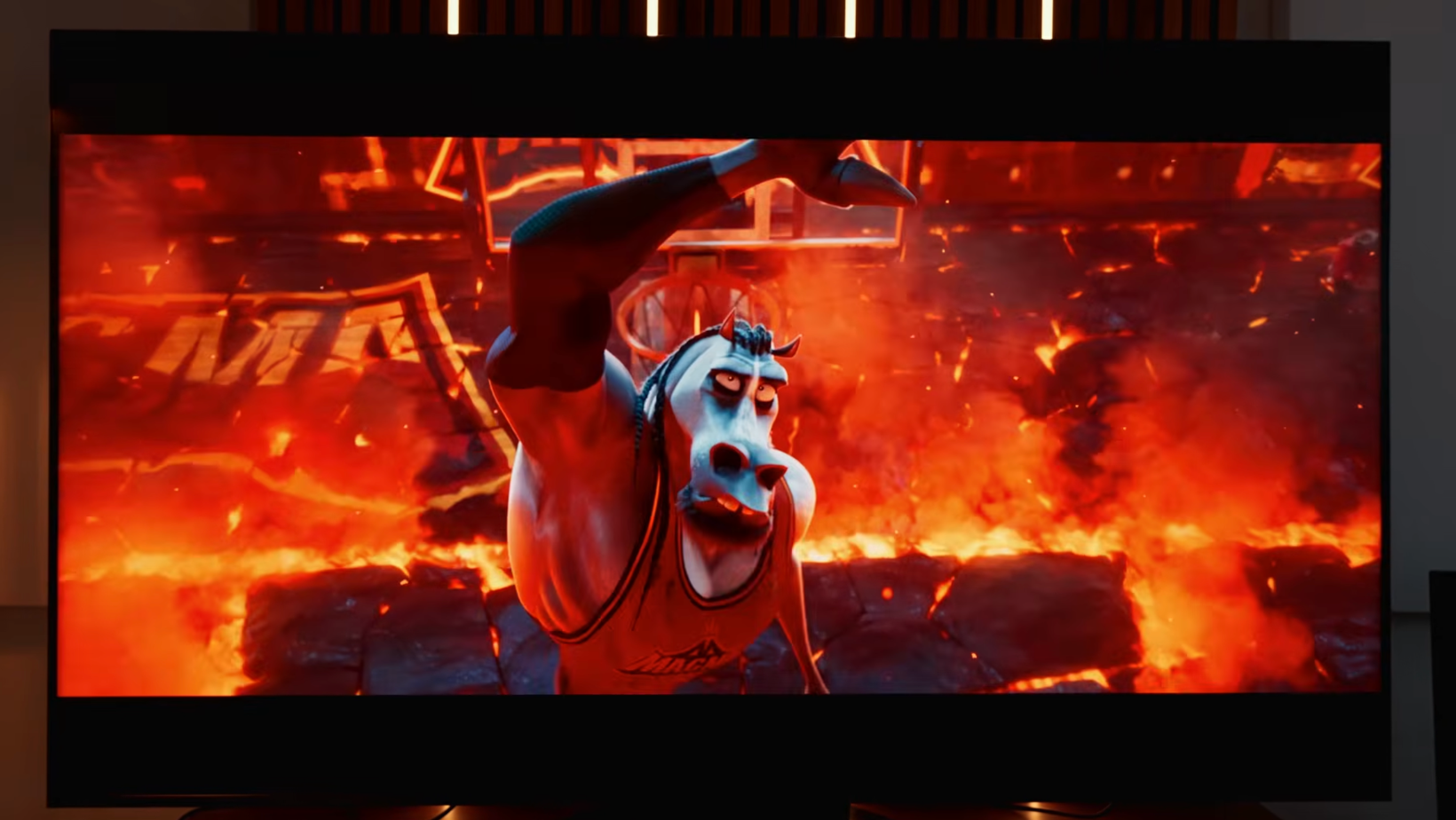
I spent most of my time judging this TV the way I’d use it: streaming shows and films, watching 4K Blu-rays, checking sports, and playing games. I wasn’t staring at test patterns and hunting for problems I’d never notice from the couch.
Colors are popping off
Bright, colorful films immediately show what the RGB backlight can do. Encanto and Elemental looked stunning. The colors were vibrant without making the whole image look ridiculous, and bright highlights had the punch I want from HDR.
That doesn’t mean the UR9 only looks good when you put on an animated film. I watched a mix of streaming content and 4K UHD Blu-rays, and the picture stayed sharp, clear, and full of contrast.
I jumped between Standard, Filmmaker, IMAX, and Dolby Vision modes depending on what I was watching. You don’t need to become a professional calibrator to get a great image from it.
Surprisingly inky blacks
The bigger surprise came from darker content. Dark Matter and Avengers: Endgame gave the TV plenty of chances to expose a weak backlight.
It held up extremely well. Blacks looked deep, contrast stayed strong, and I never felt like I was watching a bright TV struggle its way through a dark scene.
OLED still wins here. When an OLED pixel needs to show black, it switches off completely. The UR9 can’t quite recreate that infinite contrast. But during normal viewing, the difference was much smaller than I expected.
Blooming is almost nonexistent
Blooming is that annoying glow you can sometimes see around something bright against a dark background. Subtitles, stars, streetlights, and menu elements tend to expose it pretty quickly.
I’ve seen it on other Mini LED TVs, especially when pushing the brightness. On this one, I’m still struggling to think of a moment when it became distracting. That may be the best compliment I can give the RGB backlight. I stopped looking for blooming because I was too busy watching the picture.
I can’t promise nobody will ever spot it under some very specific setting. In my time with the TV, though, the usual Mini LED halo was practically absent.
It’s almost too bright
The UR9 can get ridiculously bright. HDR highlights jump off the screen, and there’s enough power here to compete with daylight and reflections in a bright room.
There were moments when it became piercingly bright rather than merely impressive. I also noticed the brightness changing pretty aggressively while watching ice hockey. One moment the white ice looked dazzling. The next, it had been pulled right back.
I managed to improve that behavior by tweaking the picture settings, so it wasn’t a major problem. Still, it’s worth knowing that the TV’s greatest strength sometimes needs taming.
OLED still wears the crown
Coming close to OLED doesn’t make the two technologies identical. Some of the UR9’s weaknesses become obvious as soon as you stop sitting directly in front of it.
The side seat problem
The picture looks excellent head-on. Move far enough to either side, though, and it starts to look washed out.
That won’t matter much if your couch sits directly opposite the TV. It matters a lot more in a wide living room where people regularly watch from different angles. OLED is much better at keeping its picture consistent across the room.
Motion takes some tweaking
I noticed a slight stutter during large sweeping shots and when text moved across the screen during end credits. This bothers me on OLED TVs too, where the wrong fix can suddenly make a film look like a cheap soap opera.
The good news is that the Motion Enhancement controls reduced most of it without forcing me into horrible levels of smoothing. It took a bit of playing around, but I found a balance I was happy with.
OLED is still the win for movie nights
If you mostly watch films at night, OLED still makes the stronger case. The UR9 gets more interesting when the room is bright, the screen is large, or the TV also needs to handle long gaming sessions. That’s where its strengths solve real problems instead of producing impressive numbers.
Gamers will love the Hisense UR9
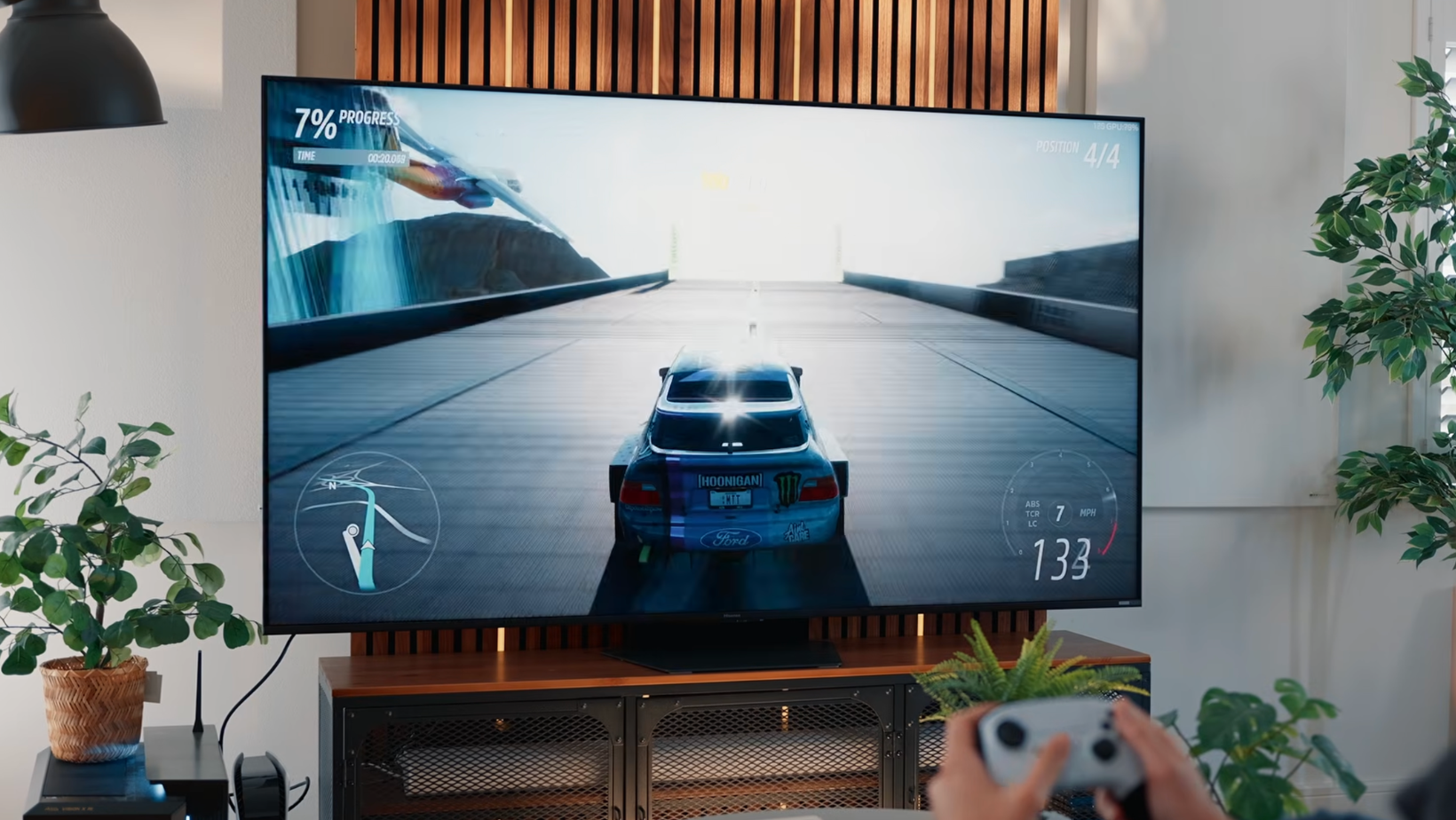
This is a fantastic gaming TV. It can display 4K games at up to 180 frames per second, so movement can look extremely smooth with a powerful gaming PC. It can also match its refresh rate to your console or PC, which helps prevent stuttering and broken-looking frames.
The PlayStation 5 and Xbox Series X get the features I’d expect from a premium television. A capable gaming PC gives you a better chance of using that full 180Hz refresh rate.
A rare extra input for PCs
There’s also a USB-C port that can carry the picture from a compatible PC. I can’t remember seeing that on another TV I’ve reviewed recently, and it makes a lot of sense for PC gaming.
The TV only has three HDMI inputs. Connect an Apple TV 4K, a console, and a soundbar or receiver, and that’s every port gone. USB-C gives a compatible PC another way in without forcing you to unplug something else.
If your setup has several consoles and streaming boxes, you may still need an HDMI 2.1 switch. Honestly, I’d rather Hisense had included a fourth HDMI port on a TV at this price.
Game for hours without fear
OLED burn-in is far less frightening than it used to be, and modern TVs include several protections against it. It’s still something people think about when a game leaves the same health bar, map, or menu on screen for hours.
That concern disappears with RGB Mini LED. You can play for hours, leave static PC elements on the screen, or pause a game without wondering if part of it will eventually become a permanent decoration.
The TV also supports Xbox Cloud Gaming when connected to the internet. It’s fine for casual play, but streaming adds enough delay that I’d still choose a local console or PC whenever possible.
The less glamorous trade-offs of living with the Hisense UR9
The picture and gaming performance do most of the selling. The physical design, connections, and built-in sound are where things get a little less impressive.
Built like a tank
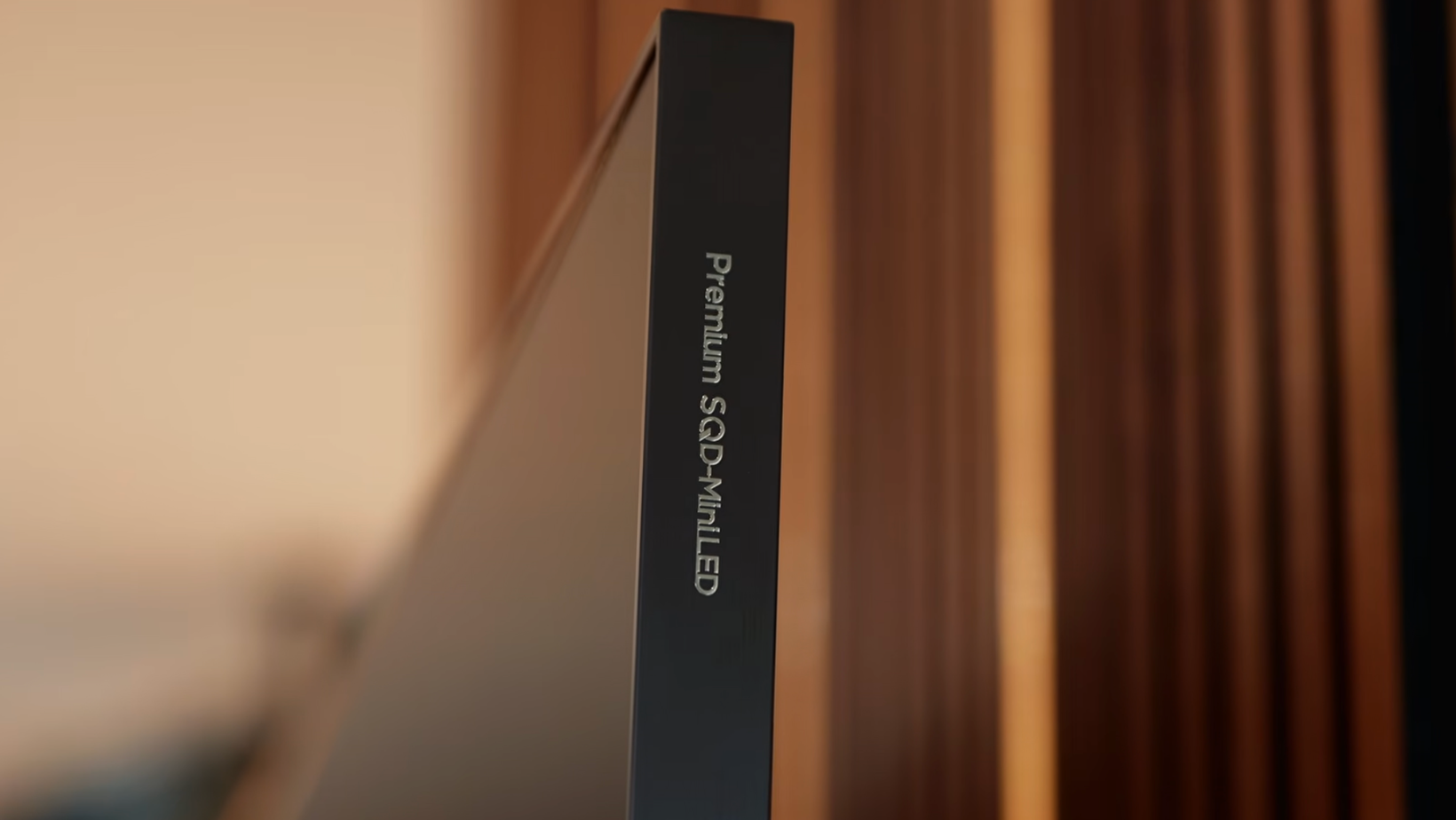
After handling several very slim OLEDs, unboxing this felt a bit like stepping back a decade. The panel is thick, and the complete television has some serious weight behind it.
That added depth is part of accommodating the backlight. Once the TV is set up, you’ll probably stop thinking about it. Anyone wall-mounting it should still know what’s arriving.
The central metal stand is excellent. It feels reassuringly solid and doesn’t require an enormous TV unit in the way widely spaced feet often do.
HDMI ports run out fast
All three HDMI inputs support the gaming features you want, but three still feels stingy on a TV at this price. If your setup has several consoles and streaming boxes, you may still need an HDMI 2.1 switch.
The wired internet connection is another strange limitation. It tops out at 100Mbps. That’s enough for normal streaming, but it feels dated on a premium TV in 2026, and Wi-Fi may be faster.
No account required
I appreciated that setup didn’t force me to create an account or immediately connect the TV to the internet. If you plan to use an Apple TV or another external streaming device, you can skip most of the smart-TV setup and get on with it.
Staying offline does mean losing smart features and automatic firmware updates. But you can always connect temporarily, grab the latest update, and disconnect again.
If you’re deciding between the two main streaming platforms, my Apple TV vs Google TV comparison goes into the differences in much more detail.
Average speakers on a premium TV
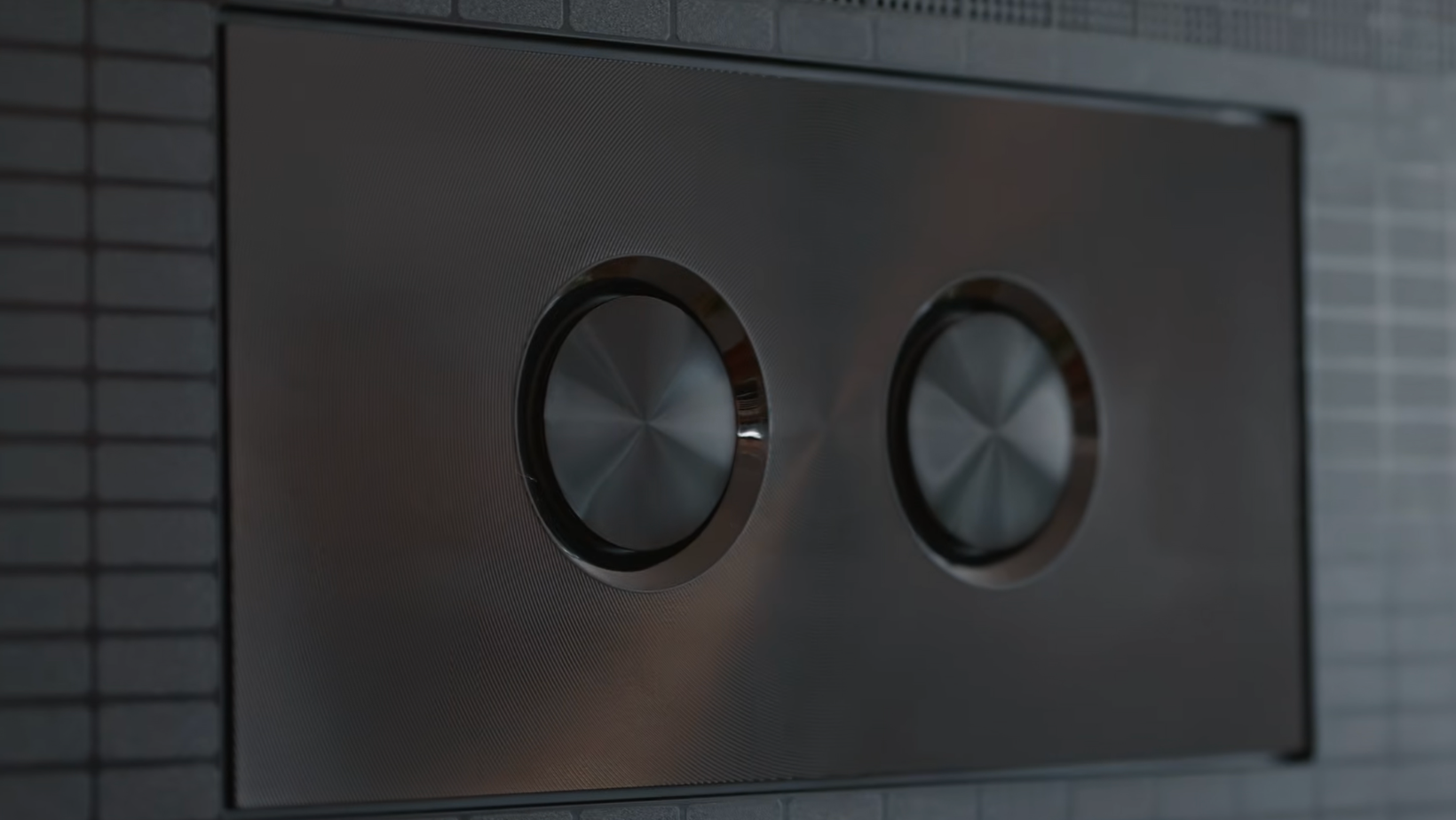
Given the size of the chassis, I expected more from the built-in audio. It’s usable, but it doesn’t come close to matching the quality of the picture.
I’d budget for a soundbar or connect the TV to an existing home-theater system. The UR9’s thickness made me hope it might be an exception. It isn’t.
Is the Hisense UR9 worth the money?
The 75-inch model I tested cost around £2,499 in the UK at the time of filming, and Hisense lists it at $4,999.99 in the US. That puts it against some very good OLED and Mini LED TVs, so this definitely isn’t a budget shortcut to premium picture quality.
The value becomes clearer as screen sizes increase. Large OLEDs get painfully expensive, while RGB Mini LED gives you a huge, bright picture without adding burn-in concerns. Prices change all the time, so the current gap between this and an equivalent OLED matters more than the original retail price.
I wouldn’t choose it because RGB Mini LED is new. I’d choose it because this particular mix of brightness, black levels, gaming features, and USB-C fits the room and setup better than OLED.
Who gets the most from the UR9?
The UR9 makes the most sense if you want a large premium TV for a bright room, spend serious time gaming, or still feel uncomfortable about OLED burn-in. It’s especially compelling for PC gamers who can use 4K at 180Hz and the USB-C input.
I’d think twice if your room has a very wide seating arrangement, you need more than three HDMI inputs, or most of your viewing happens in a dark room where perfect blacks matter more than extreme brightness.
OLED owners who are already happy with their TV don’t need to panic. This isn’t a reason to replace a great screen. It’s a reason to stop treating OLED as the only sensible choice at the premium end.
The Hisense UR9 changed my mind about Mini LED
I started this review expecting another Mini LED TV that could beat OLED on brightness and lose everywhere else. That’s not what happened.
The Hisense UR9 produced rich colors, deep blacks, fantastic contrast, and practically no visible blooming during my testing. Then it added the advantages I already expected: huge brightness, no burn-in anxiety, 4K gaming at up to 180Hz, and a genuinely useful USB-C input.
OLED is still better for perfect blacks, wide viewing angles, and slim design. The UR9 is thick, three HDMI ports won’t be enough for every setup, and the speakers are merely average.
None of that changes the main surprise. RGB Mini LED has brought this TV much closer to OLED than I thought it would. OLED is still my reference point, but after using the UR9, I don’t think it’s the obvious premium-TV choice for everyone anymore.
Frequently Asked Questions
Is the Hisense UR9 Better Than OLED?
Not across the board. OLED still delivers perfect blacks, wider viewing angles, and a much slimmer design. The UR9 gets far brighter, doesn’t carry the same burn-in concern, and offers stronger PC gaming connectivity. The better choice depends on your room and how you’ll use it.
What Is RGB Mini LED?
RGB Mini LED is the backlight technology inside the TV. Instead of relying on white or blue light and filters to create every color, it uses separate red, green, and blue lights. That helps it produce brighter colors, deep blacks, and less glow around bright objects.
Is the Hisense UR9 Good for Gaming?
Yes. It can display 4K games at up to 180 frames per second with a powerful PC, keeps gameplay looking smooth, and includes a USB-C connection for compatible computers. It also works well with the PlayStation 5 and Xbox Series X.
Can RGB Mini LED Get Burn-In?
RGB Mini LED doesn’t have the same burn-in risk as OLED because it doesn’t use self-lit pixels. That makes it a reassuring option for long gaming sessions, static game menus, and PC use.
