


I've spent plenty of time forcing iPhone users to give Android a go, so I figured it was about time we turned the tables. This time, I wanted to see how switching from Android to iPhone would go for two people who weren't exactly desperate to make the move.
One had been using Android for around 15 years and now swears by his Google Pixel. The other bought an iPhone 17 last year; it lasted three days, and he sent it straight back.
So I wasn't exactly starting with Apple's biggest fans.
The rules were simple. They had to use an iPhone as their normal phone for at least a week. Photos, messages, emails, the lot.
What they didn't know was that if either of them decided to switch permanently, I'd buy them the rest of the Apple ecosystem. We're talking nearly £2,000 worth of gear.
So yes, I was rather hoping they wouldn't enjoy themselves too much.
In this blog, I'm going through how the experiment went, what they struggled with on iOS, and why neither decided to stick with the iPhone.
Why switching from Android to iPhone feels so hard
For someone who's spent 15 years on Android, the basics are pretty much muscle memory. Switching from Android to iPhone means suddenly having to think about where everything is again. That's what I wanted to see if a full week could fix.
Most people buying a new iPhone are already iPhone users. According to Consumer Intelligence Research Partners, only 12% of new U.S. iPhone buyers in the March 2026 quarter had come from Android. That figure has generally hovered between 11% and 15% in recent years.
I can understand why. Most people aren't comparing every phone on the market whenever their contract ends. They're buying a newer version of something they already know how to use.
I've switched between Android and iOS plenty of times, and I've talked about my experience moving in the opposite direction before.
Even when you're comfortable with both platforms, changing phones can be annoying. You reach for a button that isn't there, swipe the wrong way, or spend ages looking for a setting that took two seconds on your old phone.
That's why I wanted both testers to stick with the iPhone for a full week. I wanted to give them enough time to get past the initial frustration and see if they started enjoying it.
Three days hadn't been enough to convince one of them previously. Surely seven would be better?
Step one was moving everything over
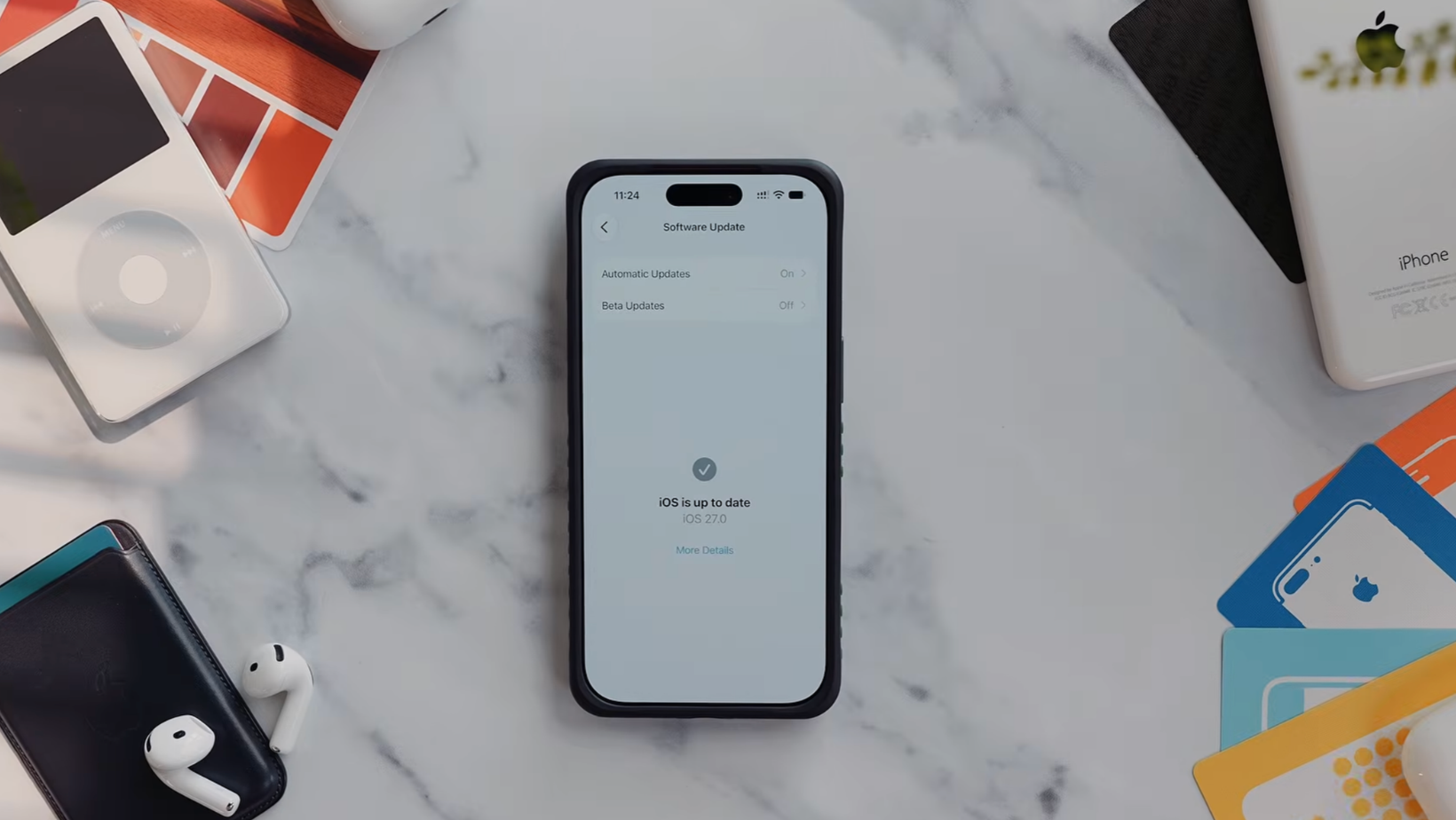
Before we could find out if they liked iOS, they needed to get their normal lives onto it.
Buying the phone is easy enough. The annoying part is moving everything over, signing back into apps, and realizing you've now got to spend half your afternoon figuring out where Apple has put everything.
Picking the right iPhone
You don't necessarily need the most expensive Pro Max model, especially if your current Android phone already does everything you need.
I'd look at screen size, cameras, battery life, and storage before worrying about having the most powerful chip Apple makes. Storage is easy to get wrong if you've got years of photos, videos, and apps you don't want to delete.
I've covered the different options in my iPhone buyer's guide, but for this experiment, the important thing was giving each tester a phone he could realistically live with.
There's not much point blaming iOS because you've picked a phone that's too small for your hands.
The transfer part is easy
Apple's made switching from Android to iPhone much easier than it used to be, at least when it comes to transferring your data.
Its Move to iOS instructions cover transferring contacts, messages, photos, videos, calendars, mail accounts, WhatsApp content, and some settings. Google also has Android transfer guidance for bringing your Google services across.
But don't assume every app will arrive exactly as you left it.
You might need to sign into things again, move your authenticator apps, and check that your banking or work accounts still behave properly.
My iPhone setup guide covers more of the settings worth checking once you've moved over.
And one piece of advice: don't wipe your Android phone the moment the transfer finishes. Keep it nearby until you've checked everything important.
Finding out you've lost access to your banking app after selling your old phone isn't the sort of surprise anyone needs.
Could Apple’s best features win them over?
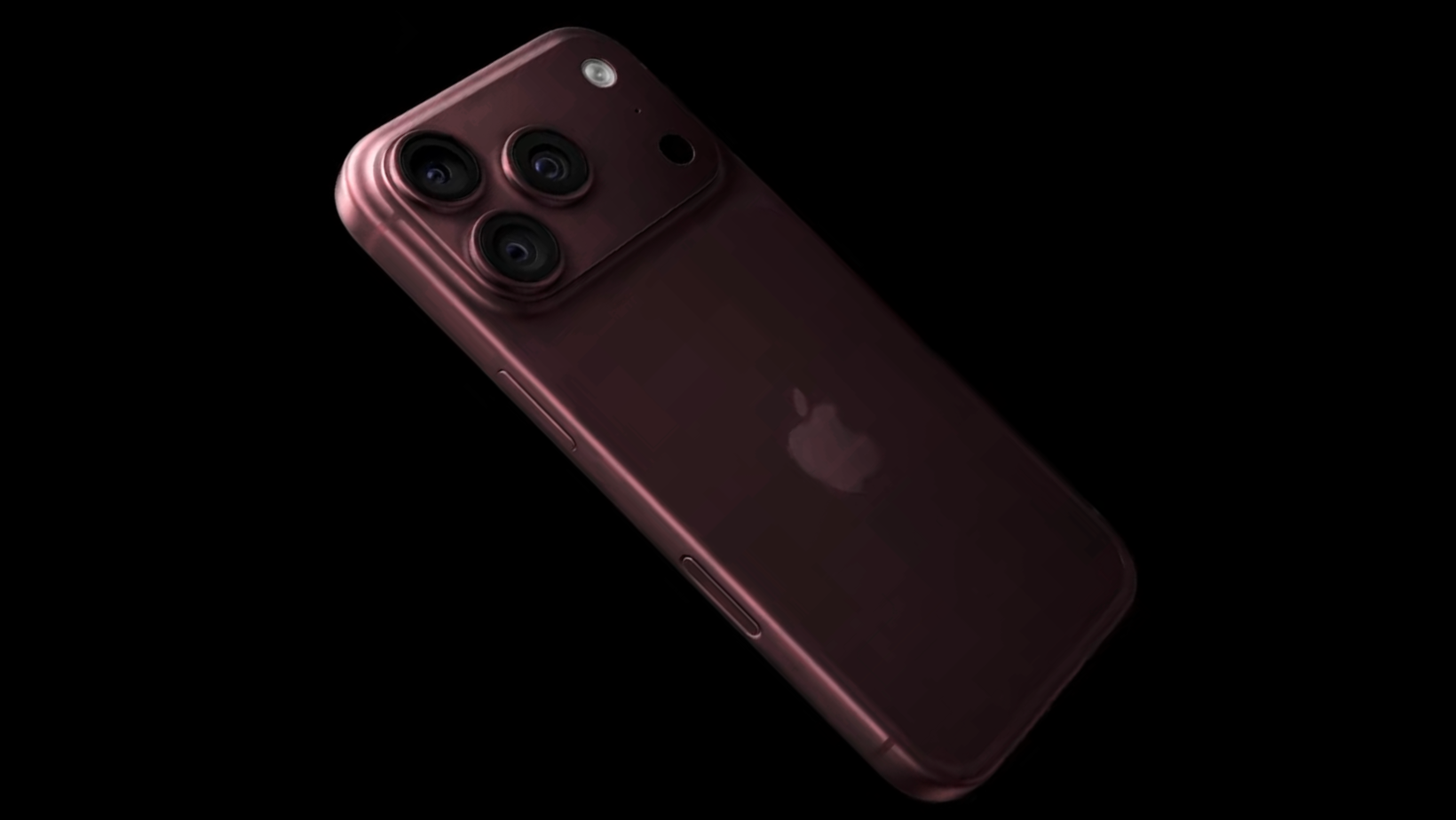
With the boring setup stuff out of the way, it was time to see if any of Apple's features could turn their heads.
Apple’s video edge
Camera performance was one of the things I was particularly interested in. Google's Pixel phones are already excellent at photography. I wouldn't expect someone to pick up an iPhone and suddenly decide every photo looks better purely because there's an Apple logo on the back.
Video is where Apple has traditionally made a strong case.
We wanted to look at things like focus tracking, stabilization, and how smoothly the camera handled panning. Even small stutters can be annoying when you're trying to record something properly.
Then there's Center Stage on the front camera, which can keep you framed during video calls and recordings.
For someone who films a lot, those details could make a difference. But if you're already happy with the photos and videos coming out of your Android phone, I wouldn't assume switching will automatically improve them.
Face ID and friends
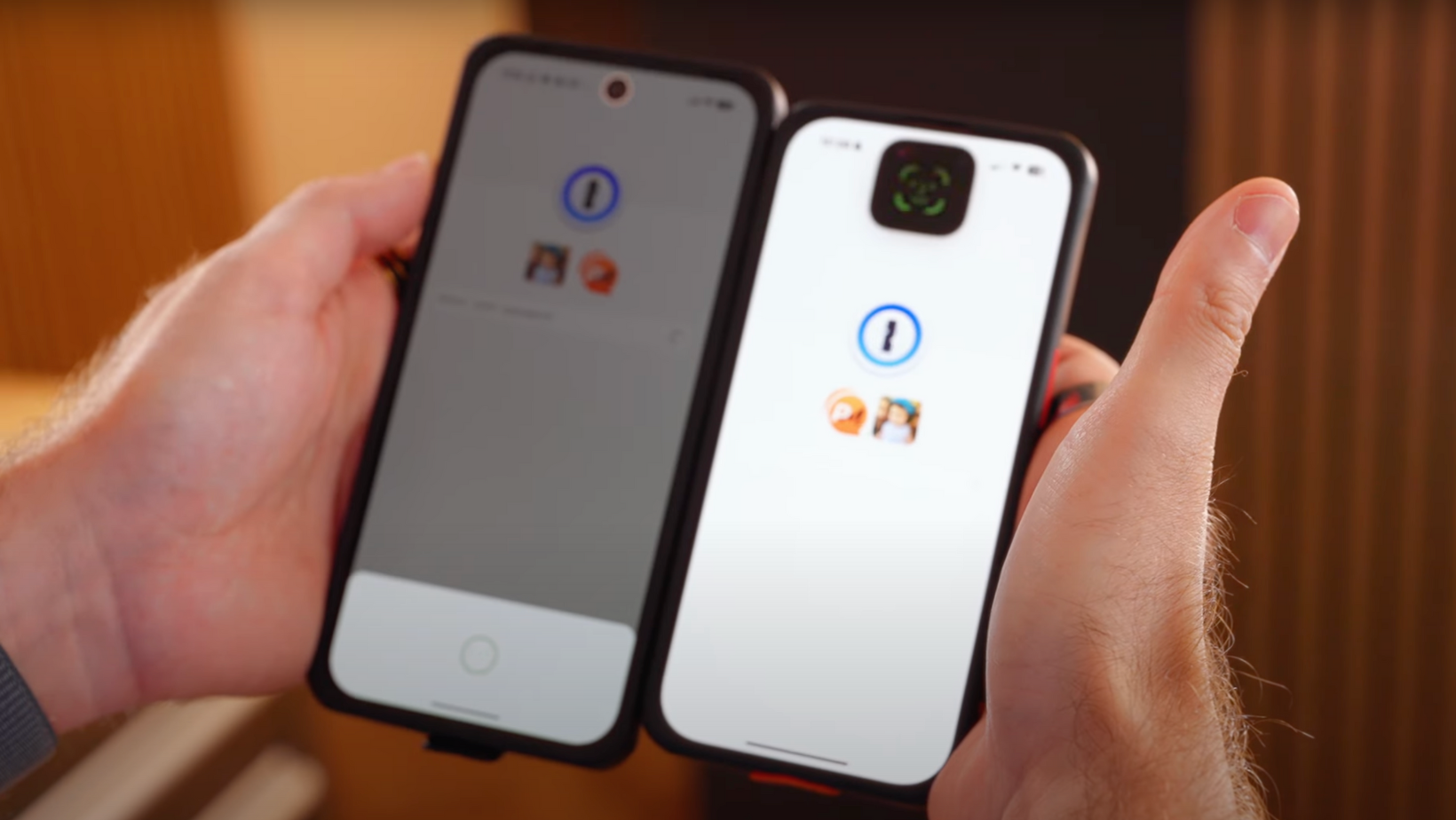
I was also curious what they'd make of Face ID. After years of unlocking your phone with a fingerprint, having to stare at it instead must take some getting used to.
I quite like being able to unlock banking apps and approve payments with my face, but I can see why someone might prefer the fingerprint scanner they're already used to.
Then you've got Apple Pay, Find My, iMessage, and Dynamic Island.
I've changed my mind about Dynamic Island over time. I used to think it was mostly a gimmick, but I quite like having timers, music, calls, and other live updates sitting there without needing to open another app.
The Action Button and Camera Control have their moments too, as long as you set them up for something you regularly use. But here's the problem for someone who's spent years on Android. Their phone probably already does most of what they need, even if it does things differently.
Being impressed by a feature isn't necessarily enough to make you abandon your entire setup.
Rebuilding Android on an iPhone
And this is where things took an interesting turn. One of the testers started uninstalling so many Apple apps and services that there wasn't much of the typical iPhone experience left.
You can download Gmail, Google Maps, Chrome, Google Photos, Drive, and Google Calendar on an iPhone, so he could rebuild pretty much the same setup he already had.
Fair enough, but if you're deleting Apple's apps and ignoring iMessage, what are you paying to switch for? We were trying to win him over with an iPhone, and he was busy getting rid of the Apple bits.
The little iOS annoyances started adding up
One thing I was especially interested in was how quickly our testers would get used to Apple's way of doing things.
For someone switching from Android to iPhone, even something as simple as going back to the previous screen can become irritating.
Android's back gesture works pretty consistently across apps. On iOS, you might swipe from the edge, tap a button, or use a different gesture depending on where you are.
If you've used an iPhone for years, you've probably stopped noticing. But I can imagine how frustrating that gets when you've spent 15 years doing things another way.
Then there are notifications, keyboard settings, the home screen, and Control Center. Some people prefer Apple's approach. Others want the freedom to change more things themselves.
I can see why that would get old pretty quickly. Nobody wants to spend their first week with an expensive new phone figuring out things they could already do in their sleep.
Can Siri keep up with Google?
Siri was another interesting one. I've had my own frustrations with Apple's AI assistant, including getting it to read emails properly. Apple has been working on improving Siri, and I wanted to see whether it had become any better.
I don't really care how impressive an AI feature looks during a launch presentation if it struggles with something basic when I need it.
For someone who's already comfortable with Google's apps and services, Apple needs to offer a good reason to start using its alternatives.
Apple vs Google on privacy
Apple talks a lot about privacy, and it's one of the things the company uses to set itself apart from Google. But I don't think it's as simple as saying Apple is private and Google isn't.
Both platforms give you controls over location access, tracking, cameras, microphones, and app permissions.
I've looked at some of those differences before when testing a privacy-focused Android phone. It's worth understanding what information you're sharing and what controls you have, rather than assuming one company gets everything right.
When Apple’s charging promises fell flat
One of our testers ran into a charging issue that left him questioning Apple's marketing claims, not exactly what you want when you're trying to give a new phone a fair chance.
Charging speeds can depend on the adapter, cable, battery temperature, and how much charge you've already got. So before deciding Apple has got something wrong, I'd want to look at the exact setup and the conditions behind the claim.
I'd also recommend using a compatible USB-C wall charger and USB-C cable, rather than assuming whatever you've got lying around will deliver the speeds Apple advertises.
MagSafe is one Apple feature I do quite like. Being able to snap your phone onto a MagSafe charging stand at your desk is convenient, and a magnetic power bank can be brilliant if you're traveling or filming for long periods.
But all those little extras add up. Once you've bought the phone, a MagSafe case, charger, stand, and anything else you might need, switching becomes a much bigger expense than the handset price alone.
And speaking of expensive decisions...
My Apple ecosystem bet could have cost me £2,000
And then there's my slightly ridiculous £2,000 wager. If either tester decided to keep the iPhone, I'd be buying a MacBook, Apple Watch, iPad, AirPods, and Apple TV too.
The annoying thing is that Apple's ecosystem really is good. AirPods work nicely with an iPhone, the Apple Watch is tightly integrated, and things like AirDrop and Handoff make moving between devices incredibly convenient.
I've even looked at how much you can get out of Apple's ecosystem without spending a fortune, because you don't always need the latest and most expensive products.
But you do need to want to use them. If you enjoy mixing a Pixel with a Windows laptop and other brands, suddenly buying five Apple products probably isn't going to make your life easier.
And I certainly wasn't going to complain if both testers decided they'd rather stick with Android.
Did anyone convert to iPhone?
Nope. My wallet survived. After a full week with their iPhones, neither tester wanted to make the switch permanent. I thought at least one might be tempted to stay, but they'd both rather stick with Android.
And given that one spent his week removing Apple's apps while the other was questioning its charging claims, I can't say I'm completely surprised.
What I'd check before ditching Android
If you're considering switching from Android to iPhone yourself, I wouldn't let this experiment put you off. But I also wouldn't buy one without checking a few things first.
- Your apps: Make sure your banking, work, authentication, and other essential apps are available and work the way you need them to.
- Your accessories: Check your watch, earbuds, chargers, car setup, and other connected devices.
- Your data: Move your photos, messages, contacts, and important accounts before getting rid of your Android phone.
- Your budget: Factor in cases, chargers, cloud storage, subscriptions, and anything you might need to replace.
- Your return window: Give yourself enough time to get past the initial frustration before making a decision.
I'd also compare the iPhone you're considering with whatever Pixel or Samsung phone you could buy for the same money.
You might end up spending more on an iPhone only to miss half the things you liked about Android. And if your current setup works perfectly well, I'm not convinced you need to change it.
Would I switch if I were them?
I've used both platforms plenty over the years, and there's a lot I like about each of them. Apple's ecosystem is brilliant when you're invested in it, while Android gives you more hardware choices and the freedom to set things up the way you prefer.
If you're thinking about switching from Android to iPhone because your current phone is driving you mad, give it a proper go. But if you're happy with your Pixel or Samsung, I wouldn't spend hundreds replacing it because someone on the internet prefers iOS.
After a week of trying to persuade two Android users to give Apple a chance, neither wanted to stay. And I can't really argue with that.
At least I've still got £2,000 in my bank account.
If you're curious about how much of Apple's ecosystem you can get without spending a fortune, have a look at my cheapest Apple ecosystem experiment.
For more tech experiments, buying advice, and the occasional expensive mistake, join me at Experiments in Progress.
Switching from Android to iPhone FAQs
Is it difficult to move from Android to iPhone?
Moving your data is usually pretty straightforward, but getting used to iOS can take longer. Navigation, notifications, keyboard settings, and different app behaviors are often the things that frustrate longtime Android users most.
What data can I transfer from Android to iPhone?
Apple's Move to iOS tool can transfer contacts, messages, photos, videos, calendars, mail accounts, WhatsApp content, and some settings. I'd still check your banking apps and authentication tools before wiping your old Android phone.
Can I keep using Google apps on an iPhone?
Yes. Gmail, Google Maps, Chrome, Google Photos, Drive, and Google Calendar all work on iPhones. You can keep much of your Google setup, although you might get less value out of Apple's own apps and services.
What do Android users miss most when switching to iPhone?
Common sticking points include Android's back gesture, notification controls, home-screen customization, default apps, and hardware choices. It depends on how you've set up your Android phone and which features you've become used to.
How long should I try an iPhone before switching permanently?
I'd give it at least a full week, as long as the return policy allows it. The first few days can be frustrating simply because everything feels unfamiliar. After a week, you'll have a much better idea of how the cameras, battery, apps, and everyday features fit into your routine.
