


I remember when 240Hz sounded completely ridiculous. Now LG has sent me a 1000Hz monitor, which is all very exciting until you start wondering what on earth you need to plug into it. Surely you don't need a ridiculously expensive RTX 5090 gaming PC to make the most of this thing?
So we decided to find out. We put together six different PC builds, from an over-the-top RTX 5090 setup to something much more affordable with a Radeon RX 7600. Then we threw Valorant, Counter-Strike 2, and Overwatch at them. Three of us also jumped into Aimlabs and played at different refresh rates to see if any of this extra speed could make us better gamers.
And here's the funny thing. The monitor really did make a difference, but spending RTX 5090 money didn't give us nearly the advantage I expected.
In this blog, I'm looking at what happened when we pushed six PC builds on the LG UltraGear 25G590B, how much difference 1000Hz made when we were gaming, and the setup I'd spend my own money on.
Disclosure: LG sent me the UltraGear 25G590B and sponsored the original video. Tech Notice also loaned us some of the graphics cards for testing. The results and opinions here are my own.
How much PC does a 1000Hz monitor need?
Not necessarily. You need compatible hardware to send a 1000Hz signal to the display, but you don't need an RTX 5090 or a constant 1,000 frames per second to see some benefits.
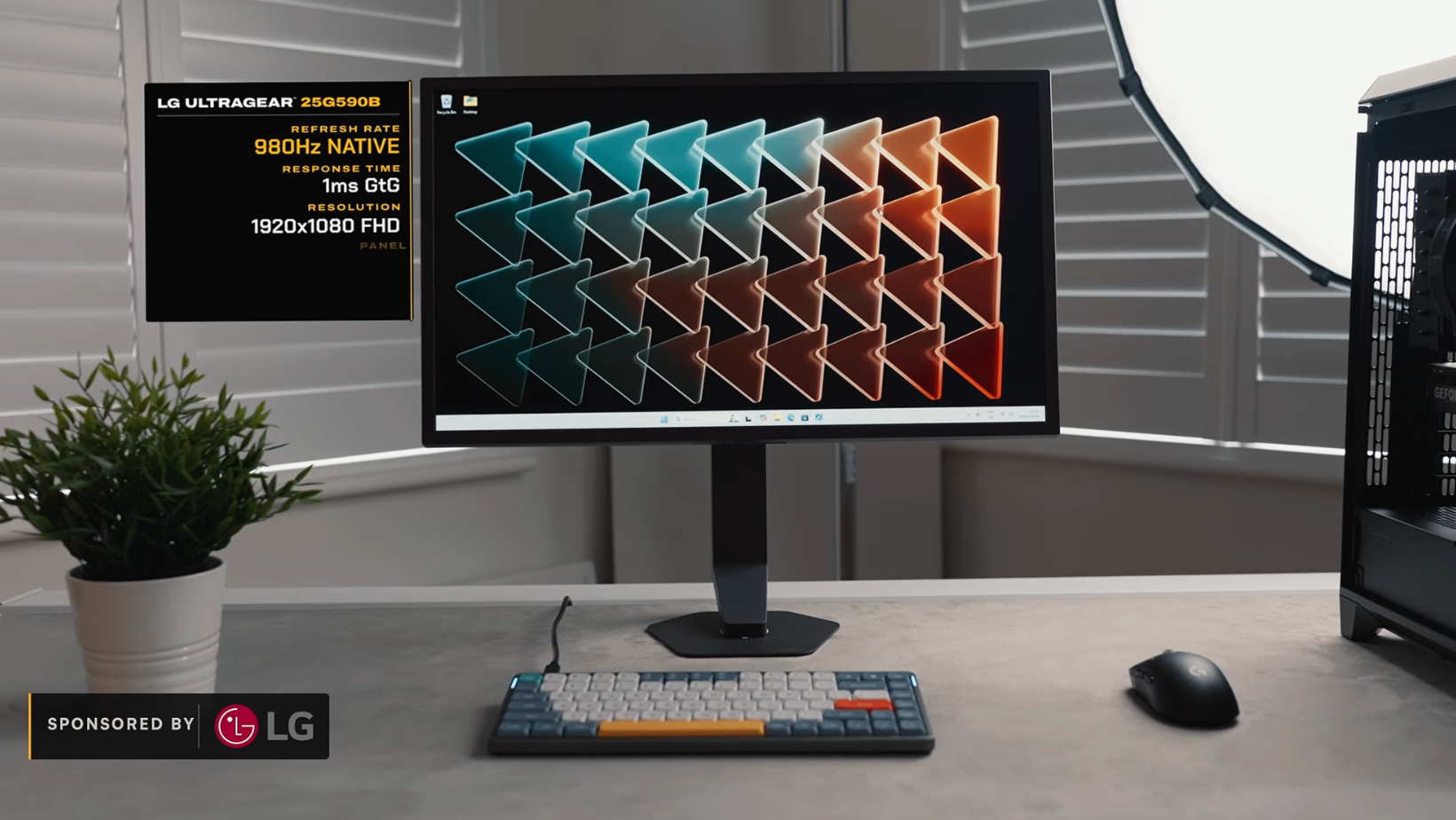
The 1000Hz gaming monitor in question is LG’s 24.5-inch UltraGear 25G590B. It's a 1080p display that refreshes a ridiculous 1,000 times every second. It also costs $999.99, so it's hardly something you'd casually throw into your shopping cart because your current monitor feels a bit slow.
There are some requirements to get it running at full speed. According to LG's official specifications, you'll need Windows 11, a compatible NVIDIA RTX 50-series or AMD Radeon RX 7900-, 9060-, or 9070-series graphics card, and a DisplayPort 2.1 connection.
1000Hz without 1000 FPS
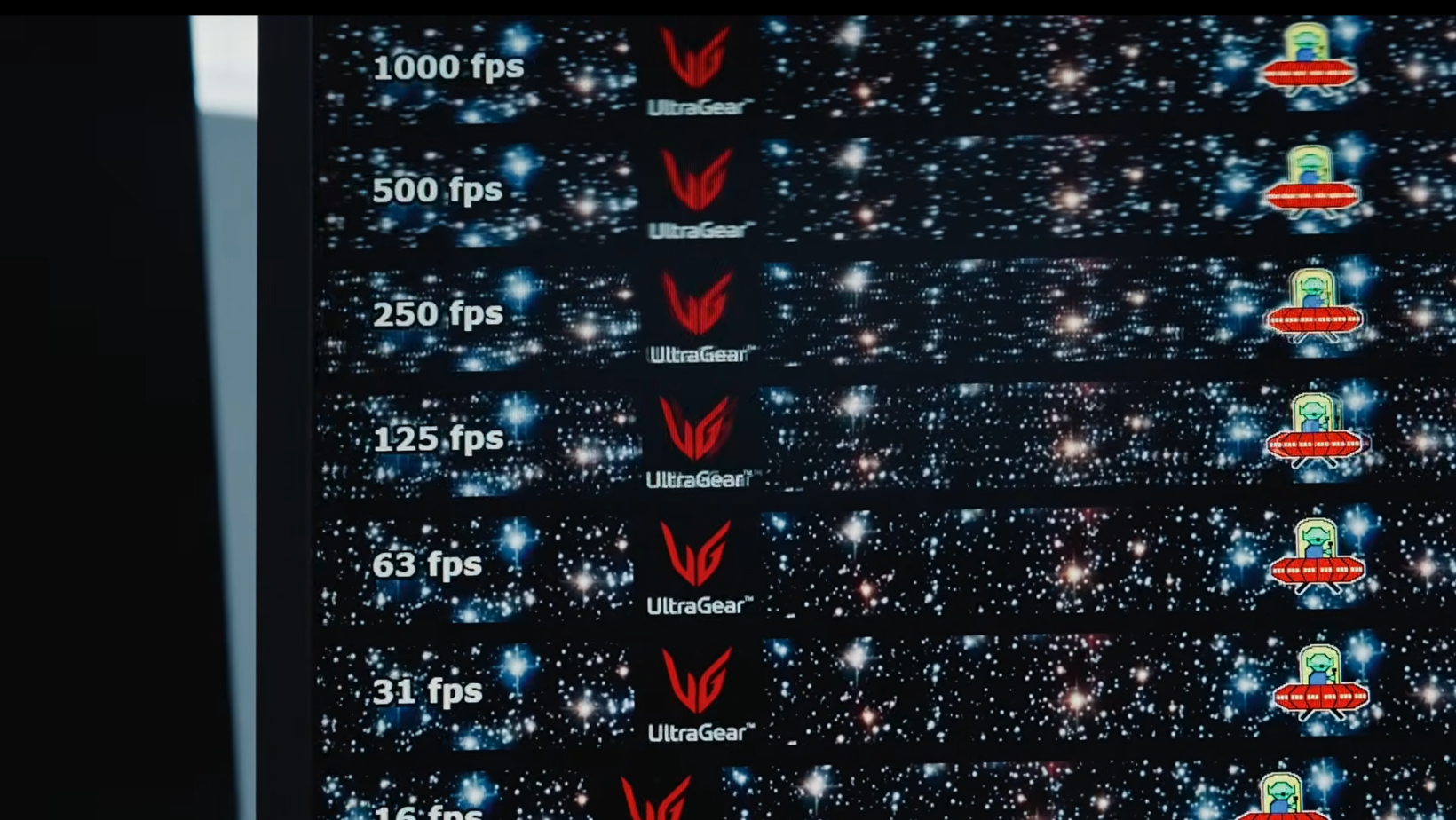
FPS and refresh rate aren't quite the same thing. FPS is how many frames your PC produces, while Hz tells you how many times your monitor updates the picture.
One millisecond per refresh
At 60Hz, your monitor updates roughly every 17 milliseconds. Jump to 240Hz, and that drops to around four. At 1000Hz, we're down to one millisecond.
Now, that sounds incredible, but here's the catch. Going from 60Hz to 240Hz saves you roughly 12.5 milliseconds between refreshes. Going from 240Hz all the way to 1000Hz only saves you another three or so.
You're paying a lot more money to chase a much smaller improvement.
The UFO test results
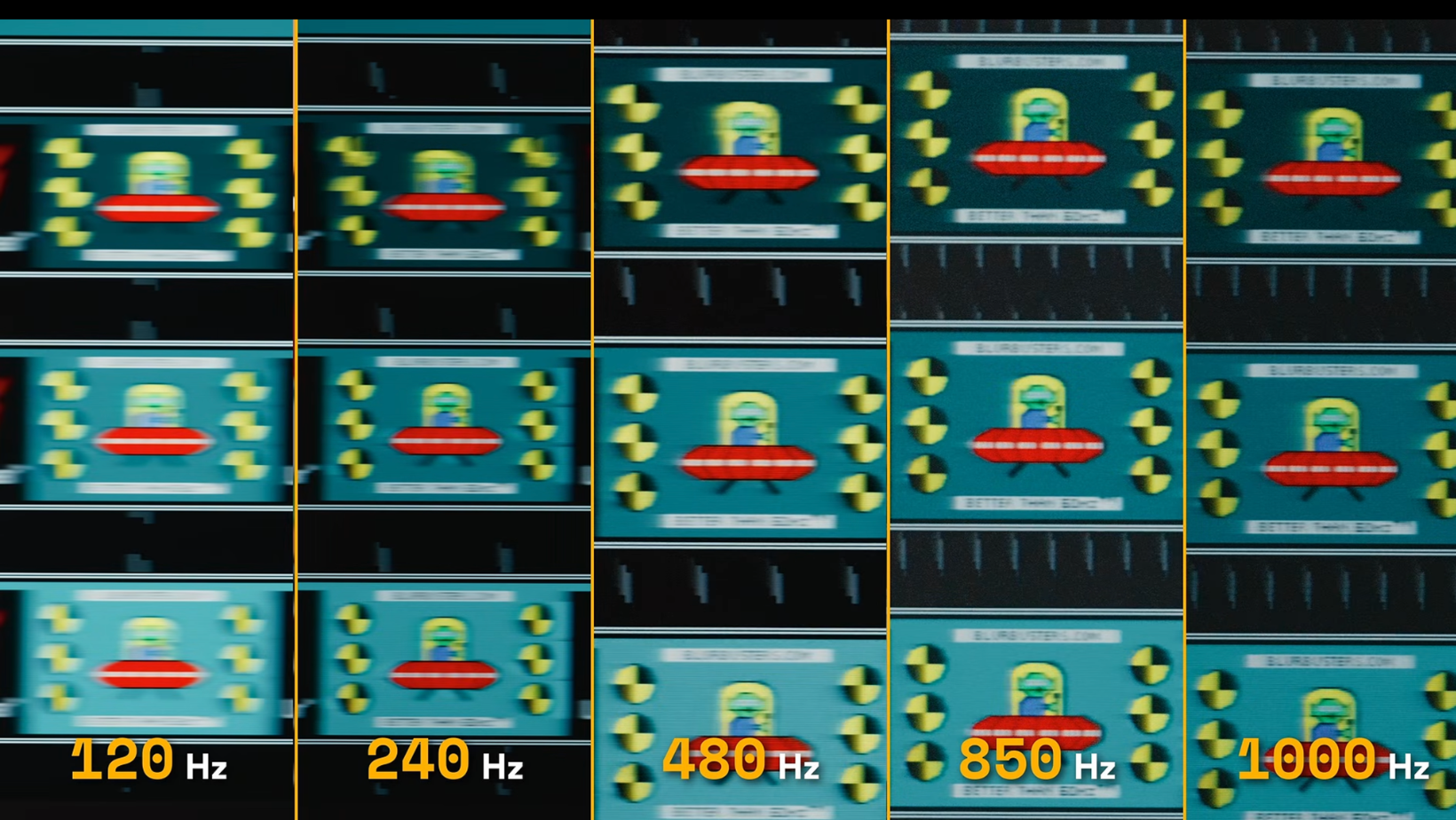
We also ran the UFO test, which moves an object across the display so you can see how much motion blur there is. Going from 60Hz through 120Hz and 240Hz made a very noticeable difference. The UFO became clearer and easier to follow.
Once we started pushing toward 1000Hz, the improvements were still there, but they were much smaller. You can see why competitive gamers would care. When you're trying to track someone moving quickly across the screen or spot an enemy during a fast turn, every little improvement helps.
But when you're playing something slower, enjoying the scenery, or watching a movie, I suspect most people would get more enjoyment out of a bigger screen or better picture quality.
The higher refresh rate can also make screen tearing less noticeable, although it doesn't necessarily stop it from happening.
Lower frame rates still gain
Here's where things get interesting. If your PC is producing 300 FPS, the monitor isn't magically showing you 1,000 different game frames every second. Some frames will be repeated because your PC hasn't produced a new one yet.
But the screen is still refreshing every millisecond. Depending on how the game and display are configured, that can reduce the time a finished frame spends waiting to appear.
You won’t get the full 1000Hz experience at 300 FPS, but you can still benefit from the faster refresh rate.
Email is still email at 1000Hz
I can confirm that email remains email at 1000Hz. Scrolling through websites and moving windows around might look a little smoother, but it's not going to transform your spreadsheets, browser tabs, or video editing.
Nobody should be putting one of these on the company expenses because Outlook felt a little blurry.
Our six PC builds produced some surprising results
Right, let's get to the numbers. We tested six combinations of processors and graphics cards across Counter-Strike 2, Overwatch, and Valorant. These were all run using competitive settings, and the figures below are the average FPS we recorded.
And there are a couple of things in that table that made me question how much money anyone really needs to spend on their gaming PC.
The flagship that didn’t flex
I expected the RTX 5090 to pull away from the RTX 5080 here. It didn't. Both builds had the same processor, and in CS2, the 5090 managed 725 FPS compared with 696 FPS on the 5080.
That's not nothing, but it's hardly the massive jump you'd hope for. Valorant and Overwatch were practically tied, although Overwatch was capped at 600 FPS anyway.
For competitive gaming at 1080p, I'm struggling to justify the extra money. The RTX 5090 makes more sense at higher resolutions or in more demanding games, but it's a good reminder that the most expensive gaming PCs aren't always the smartest purchase.
The underdog RTX 5070 Ti
This was probably my favorite result of the whole experiment. The combination of an AMD Ryzen 7 7800X3D and RTX 5070 Ti stayed above 500 FPS in all three games and even managed to beat both flagship systems in Valorant.
It averaged 1,044 FPS, compared with 1,035 FPS from the RTX 5090 build. I'm not suggesting the 5070 Ti is secretly a better graphics card than the 5090. It obviously isn't.
But for these particular games, you could save yourself an absolute fortune and barely notice the difference.
I'd even be interested in seeing what happened if you paired the 7800X3D with an RTX 5060 Ti. We didn't test that exact combination, though, so I'm not going to pretend we know how it would perform.
Valorant loves a fast CPU
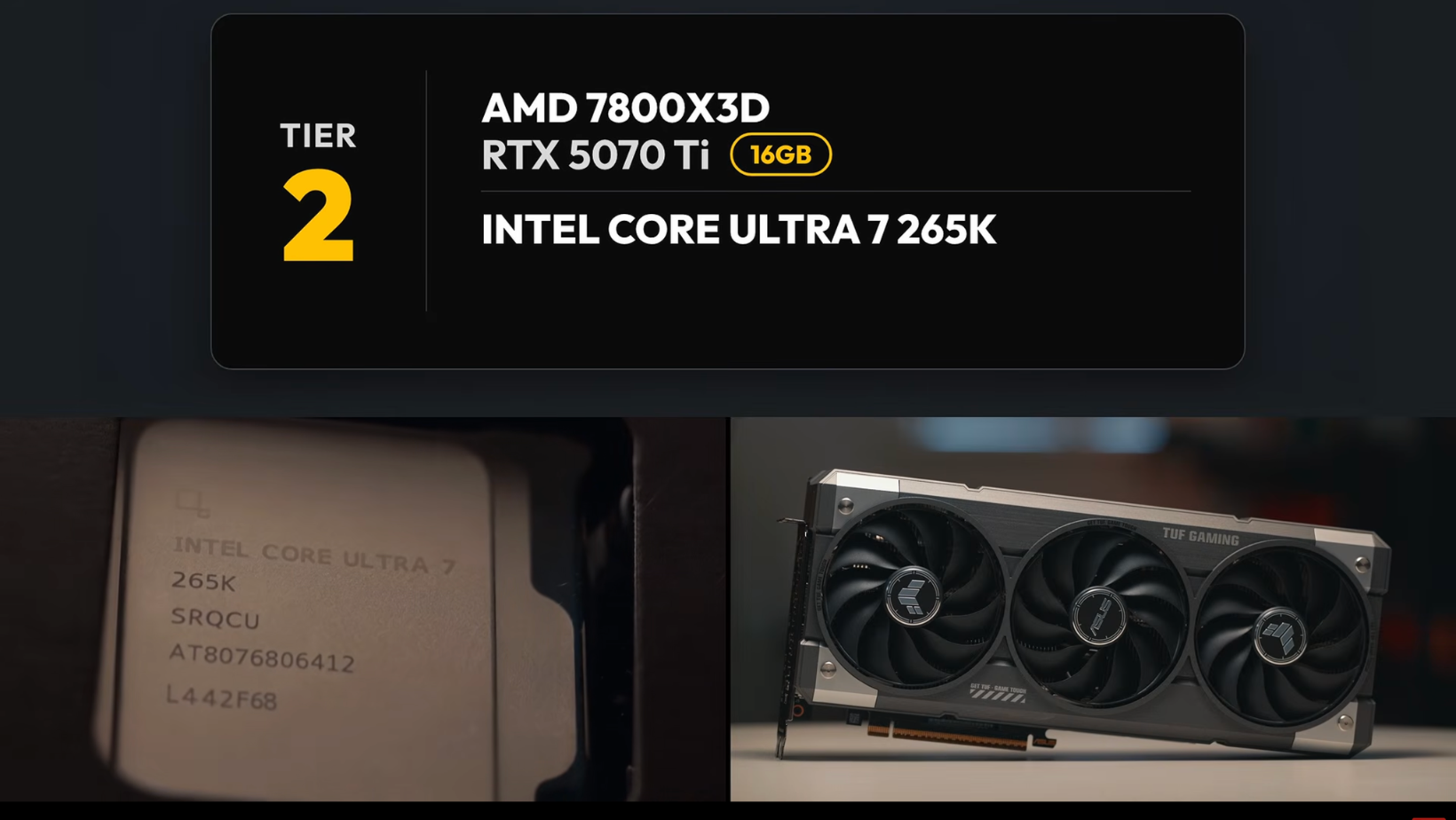
Valorant gave us another interesting result. The 7800X3D system was doing much better than the Core Ultra 7 build, but because they had different graphics cards as well, we couldn't pin everything on the processor.
So we swapped the RTX 5070 Ti into the Intel machine and ran Valorant again.
And... pretty much nothing changed.
The extra graphics power wasn't helping, which strongly suggested the processor was holding that particular setup back.
We saw a similar performance gap in CS2, although we only did the graphics card swap in Valorant.
Does that mean AMD is always better than Intel? Of course not. But it does show why throwing money at a more expensive GPU isn't necessarily going to solve your performance problems.
The affordable builds surprised me
The two Ryzen 9 7900X3D builds were the odd ones out. It’s an older chip that can cost more than the 7800X3D, and it was the weakest gaming processor in our test. Even so, the systems were still producing hundreds of frames per second.
Switching from the Radeon RX 7600 to the RTX 5060 Ti improved performance by roughly 7% to 64%, depending on the game, although the more expensive card cost over twice as much in our comparison.
Neither combination reached 1,000 FPS across all three games, but these are still pretty impressive results for hardware that costs far less than a flagship build.
One important detail: LG doesn't list the RX 7600 as compatible with the monitor's full 1000Hz mode. So its numbers tell us what the PC could produce in those games, not that it can drive the display at its maximum refresh rate.
Did a 1000Hz monitor make us better gamers?
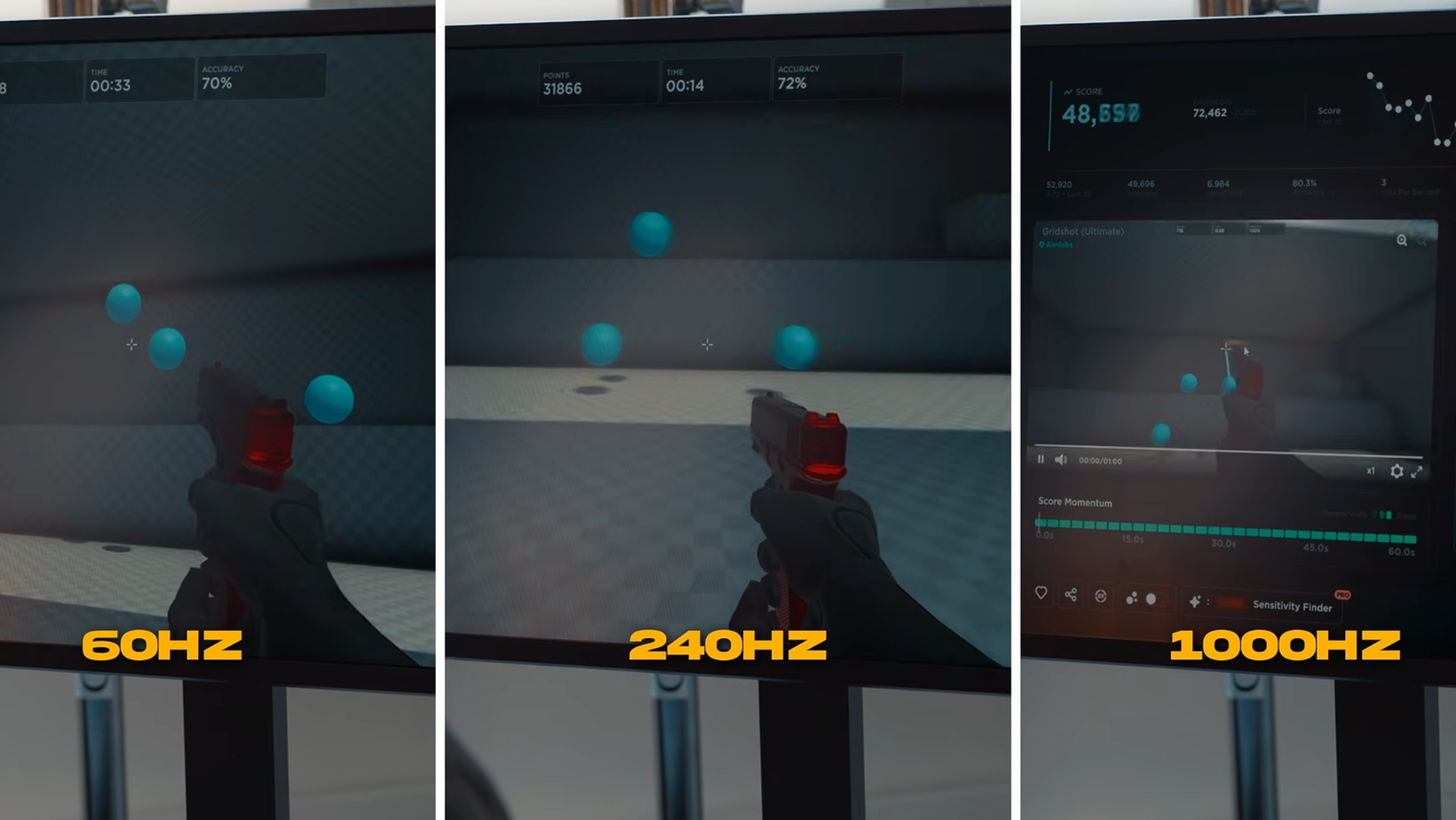
This was the part I was most interested in. It's all well and good seeing an enormous FPS number on a screen, but does any of it make you better at playing games?
To find out, three of us took part.
I'd recently switched from console to PC gaming, although I still spent most of my gaming time using a controller and TV. One tester was a casual PC gamer, and the other was comfortably the strongest of us, sitting somewhere around the top 0.4% of competitive Overwatch players.
So we weren't exactly starting from the same skill level.
Our Aimlabs results
We used Aimlabs, which is essentially a training game that measures how quickly and accurately you can hit targets.
Each of us completed five rounds at 60Hz, 240Hz, and 1000Hz. Here's how our average scores compared with 60Hz:
- Me: around 10% better at 240Hz, with almost no further improvement at 1000Hz
- Casual player: barely changed at 240Hz, then improved by roughly 14% at 1000Hz
- Competitive player: around 3% better at 240Hz and 8% better at 1000Hz
Clearly, 1000Hz wasn’t the magic fix for my aim, but our casual player got a much bigger improvement out of it. Now, before anyone starts treating this as scientific proof that they need a $1,000 monitor, there were only three of us.
We also tested 60Hz first, then 240Hz, then 1000Hz last, so we’d had more practice by the final rounds. Some of those improvements could easily have come from getting better at the test rather than the monitor itself.
Interestingly, a 2026 NVIDIA study involving 101 FPS players found that higher refresh rates helped performance, but the improvements became smaller as refresh rates increased.
That study compared 60Hz, 144Hz, and 360Hz, not 1000Hz. So it doesn't tell us exactly what would happen at LG's maximum refresh rate, but it does support the idea of diminishing returns.
Live matches told a clearer story
Aimlabs is one thing, but I wanted to see how much of a difference we'd notice when playing an actual game.
So we switched between 120Hz and 1000Hz and paid attention to how easy it was to follow other players, spot movement, and react when things got hectic.
And yes, 1000Hz felt smoother.
Tracking moving players was easier, especially when everything was happening quickly. But it didn’t suddenly turn me into a top 0.4% Overwatch player, which is probably the most important thing to take away from this entire experiment.
Is the LG UltraGear 25G590B worth $1,000?
Look, if you're seriously into competitive shooters, your PC already pushes several hundred frames per second, and every tiny advantage matters to you; I can understand spending $1,000 on this 1000Hz gaming monitor.
But for me? That's a lot of money for a 24.5-inch screen that's only 1080p. I'd rather put it toward a bigger gaming monitor with an OLED panel and a far more immersive picture. It won't hit 1000Hz, but I'd get a lot more enjoyment out of it every day.
This gaming dad wants a bigger screen
So, would I keep this 1000Hz monitor on my desk? Probably not. As an aging gaming dad, I'd much rather have a massive ultrawide OLED that makes games look incredible than a smaller screen that's ridiculously fast.
The 45-inch OLED UltraGear is much closer to what I want from a monitor because I use my screens for work as well as gaming.
I'll be interested to see where this technology goes next, because we've already got massive ultrawide monitors running at 240Hz. Give me that sort of screen with OLED and a 1000Hz refresh rate, and then we'll be talking.
Until then, I'm sticking with the bigger display.
For more properly tested tech, questionable purchasing decisions, and experiments that don't always fit neatly into a video, join me at Experiments in Progress.
Frequently asked questions
Do you need 1000 FPS for a 1000Hz monitor?
No. Your PC doesn't have to produce 1,000 FPS to benefit from a faster display. When the game runs below 1,000 FPS, the monitor repeats some frames, but its faster refresh cycle can still help new frames reach your eyes sooner.
Can an RTX 5060 Ti run a 1000Hz monitor?
Yes, the RTX 5060 Ti supports the DisplayPort 2.1 connection needed for LG's full 1000Hz mode. But running the monitor at 1000Hz and producing 1,000 FPS are different things. Our RTX 5060 Ti systems averaged between 452 and 852 FPS, depending on the game and processor.
Is 1000Hz noticeable compared with 240Hz?
Yes, especially during fast movement and target tracking. But the improvement is much smaller than jumping from 60Hz to 240Hz. At 240Hz, the screen refreshes roughly every four milliseconds. At 1000Hz, that drops to one millisecond.
What games can reach 1000 FPS?
Lightweight competitive games are your best bet. Valorant exceeded 1,000 average FPS on three of our tested PC builds. Counter-Strike 2 stayed below 1,000 FPS, while Overwatch was capped at 600 FPS during our testing.
Is a 1000Hz monitor worth it for productivity?
Not enough to justify buying one for work. Scrolling and moving windows around might look a little smoother, but there’s no big improvement in everyday work. A larger screen, sharper resolution, or better picture quality will do more for productivity.
