


For years, the Air was the default answer for anyone who didn't need a Pro. It was the easy recommendation. Now, there is a far cheaper laptop sitting next to it on the shelf, and the MacBook Neo vs Air decision is suddenly the hardest choice in the Apple lineup.
I review laptops for a living, and I want to cut straight through the marketing spec sheets. The Neo's 8GB memory limit and single display port can ruin your workday. The M5 Air costs much more, and that extra money only makes sense when you need its added power, memory, and connectivity.
Here is exactly how they compare, and which one you should actually buy.
MacBook Neo vs Air quick comparison
Deciding between the Neo and Air? Here’s an overview of how they stack up.
Prices, configurations, and promotions change regularly. Check Apple's current Store pricing in your region before buying.
The table tells the story quickly. The Neo saves you money up front, while the Air gives you the parts that stop a laptop feeling dated after a year or two. Everything else comes back to that trade-off.
Price and memory
This is the most obvious difference, but it is a trap if you aren't careful. Making the MacBook Neo vs Air decision based entirely on the starting price is a mistake that will cost you in the long run.
MacBook Neo

The MacBook Neo (A18 Pro) launch price of $599 ($499 for education) makes it incredibly tempting. But it comes with a hard ceiling: 8GB of unified memory, and you can't upgrade it.
Memory is the part you feel when the laptop starts slowing down. An 8GB ceiling puts a hard limit on how much the Neo can handle at once, and you are stuck with it for the life of the machine.
If you only type documents, watch Netflix, and send emails, that is fine. If you keep forty browser tabs open while running heavy software, it will struggle.
MacBook Air
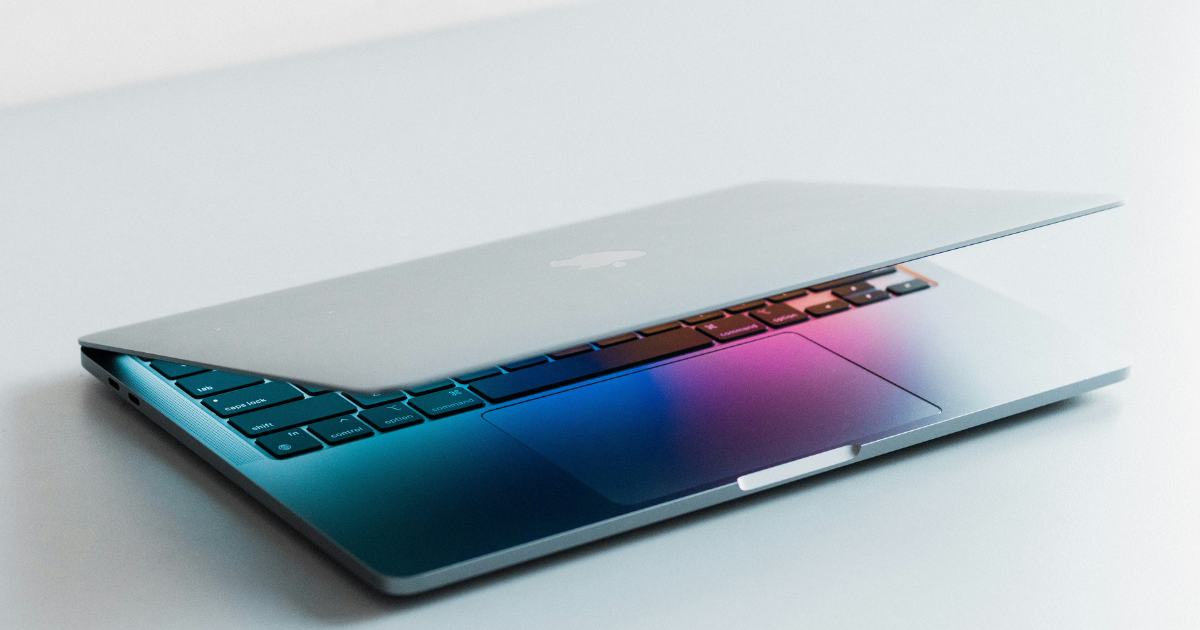
The MacBook Air (13-inch M5) costs significantly more, but it starts with 16GB of memory and double the storage. That makes it a much safer long-term investment for people who use their laptops for more intensive work rather than casual web browsing.
You also get room to grow. A new course, a bigger photo library, or a side project shouldn't force you into replacing your laptop earlier than planned. That’s what the extra money is buying here.
Design and portability
They weigh exactly the same at 2.7 lbs, but the Air is actually thinner (0.44 inches versus 0.50 inches).
MacBook Neo
The Neo has a slightly smaller 13-inch display. It embraces a bolder, more playful design with colors like Citrus and Indigo, paired with white keycaps. It looks and feels like a fun, entry-level machine that doesn't take itself too seriously.
MacBook Air
The Air features a 13.6-inch screen and traditional metallic finishes. It feels like the premium standard. It's the sleek, professional laptop you expect to see in every coffee shop and boardroom.
The extra screen space sounds small on paper, but it matters when you’re writing on one side and researching on the other. Neither laptop is heavy, so choose based on how you work rather than the number on the scale.
Performance and power
Let's break down the chips without getting bogged down in meaningless benchmarks. The performance gap between these machines only matters if you actually push the hardware.
MacBook Neo
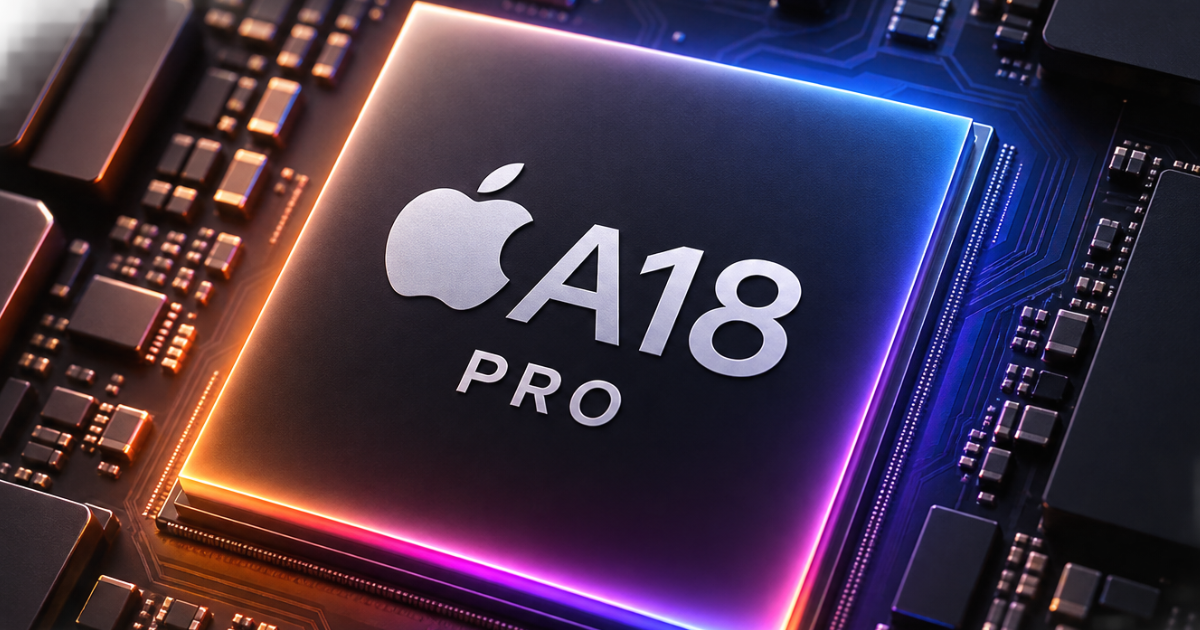
The Neo uses the A18 Pro, which is an iPhone-class chip. For typing essays, watching Netflix, and basic web browsing, it feels completely adequate. It is snappy, responsive, and handles daily admin without drama.
The issue shows up when your workload gets messy. A long video export, a huge photo library, a code project, or several demanding apps at once all give the Neo less room to breathe.
MacBook Air
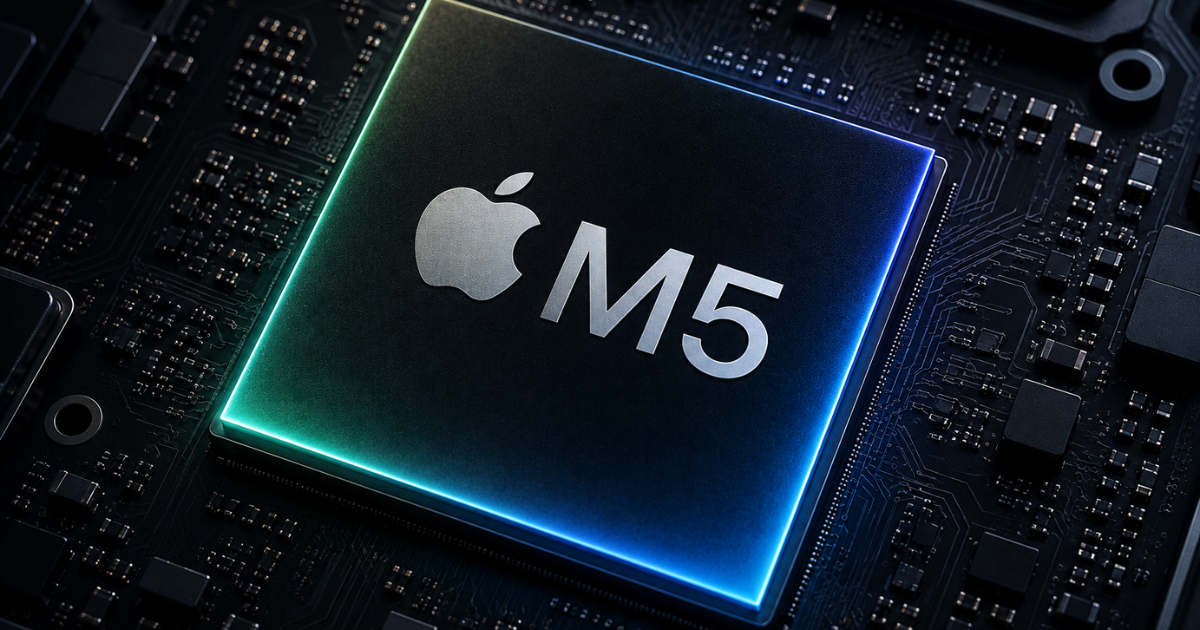
The Air uses the M5. It’s built for heavier lifting. When you start exporting video, compiling code, or running complex local AI tasks, the MacBook Air pulls ahead significantly. It has the sustained performance you need for real creative work.
Ports and external displays
This is where the Neo shows its budget roots. This is a massive workflow difference for desk-bound users, especially between these two machines.
MacBook Neo
The Neo gives you one DisplayPort-capable USB-C port, plus a second USB 2 USB-C port that is limited to charging and very slow data transfer. You’re also limited to a single 4K external display. If you use a complex desk setup, this is a nightmare.
MacBook Air
The Air gives you MagSafe charging, two fast Thunderbolt 4 ports, and support for up to two external displays. You can plug in your monitor, a fast external drive, and power all at the same time without needing a messy hub.
If your laptop is mostly used on a desk, this alone can settle the decision. Ports are boring until you run out of them. Then they become the only thing you can think about.
Battery life expectations
Apple's battery claims are always estimates, not real-world guarantees. But the MacBook Neo vs Air battery comparison reveals a clear winner for people who work away from a plug all day.
MacBook Neo
Apple rates the Neo for up to 16 hours of video streaming and 11 hours of web use. It will comfortably survive a day of classes or a long flight without making you panic about finding an outlet.
MacBook Air
The Air is rated for up to 18 hours of streaming and 15 hours of web use. Its larger 53.8Wh battery (compared with the Neo's 36.5Wh battery) gives it a much safer buffer for heavier use.
Who should buy the MacBook Neo?

The Neo is for students on a strict budget, younger kids getting their first laptop, and people who only use a computer for web browsing, emails, and light admin. It's the ultimate basic machine, provided you understand its hard limits.
If you fall into that category, the MacBook Neo vs Air debate is over. Save your money and buy the Neo.
Who should buy the MacBook Air?
The Air is for professionals, university students running specific software, creators who don't quite need a MacBook Pro, and anyone who uses an external monitor setup. The 16GB starting memory and Thunderbolt ports make it a much safer long-term investment for serious work.
The Air costs more, but it leaves you with fewer compromises. That matters if the laptop is going to earn its keep every day.
Your next laptop comes down to your priorities
Don't buy the Neo if you need to plug in multiple accessories, and don't buy the Air if your budget is tight and your needs are basic. Choosing the winner in the MacBook Neo vs Air comparison is simply about picking the right compromise for your workday. Buy the machine that fits the work you actually do, not the work you think you might do in five years.
I share the tech decisions, setups, and accessories that make day-to-day work less annoying every week.
Subscribe to Experiments in Progress for practical tech setups.
FAQs
Can the MacBook Neo connect to a monitor?
Yes. The Neo can connect to one external display (up to 4K resolution at 60Hz) using its single USB-C port. However, you will need an adapter or a monitor that provides pass-through power to charge the laptop at the same time.
Does the MacBook Neo have Apple Intelligence?
Yes. The Neo's A18 Pro chip includes a 16-core Neural Engine and supports Apple Intelligence features in macOS.
Can you upgrade the memory on the MacBook Neo?
No. The Neo is locked at 8GB of unified memory. You cannot upgrade it later. The Air starts at 16GB and can be configured higher at purchase.
