


Apple’s foldable iPhone has been “around the corner” for so long that it may as well pay rent there. I didn’t want to wait for another rumor, so I handed Samsung’s newest foldables to two people who know exactly where every iPhone button lives. Their job was to use the Samsung Galaxy Z Fold 8 and Samsung Galaxy Z Fold 8 Ultra as their everyday phones for a full week.
The Fold 8 is Samsung’s smaller, passport-shaped book foldable. Open it, and the phone becomes a small tablet. The Ultra follows the taller shape of previous Fold models, with a bigger battery and much better cameras. They’re expensive phones that ask people to rethink how a phone should feel.
In this Samsung Galaxy Z Fold 8 review, I’ll cover the move away from iPhone, how useful the folding screen became, and where the battery, cameras, software, and two designs compare.
What is the Samsung Galaxy Z Fold 8?
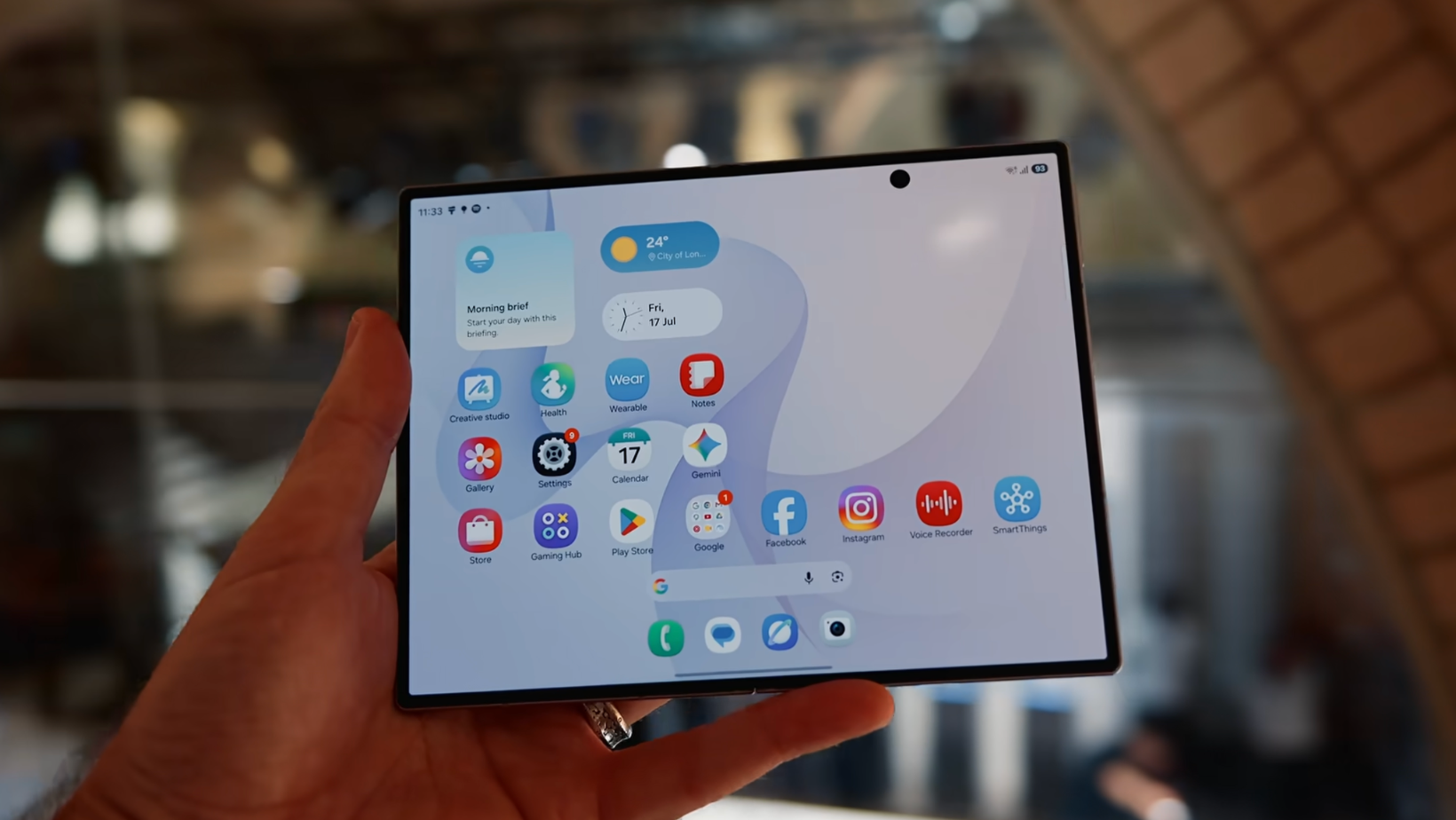
The Samsung Galaxy Z Fold 8 is a compact book-style phone with a 5.5-inch cover screen that opens into a 7.6-inch display. It weighs 201 grams and measures 4.5mm thick when open, according to Samsung’s published specifications.
Consumer Reports describes book-style foldables as phones that open into something closer to a small tablet. Samsung has made this one far shorter and wider than the Fold 7, so it feels a little like carrying a passport that runs Android.
I saw both designs during my Galaxy Z Fold 8 hands-on, but a demo area can’t tell you what happens by day five.
Our Samsung Galaxy Z Fold 8 test
Matt has been an iPhone user for years. Ben moved from an iPhone 13 to an Oppo Find X9 after our last Android experiment, although his old iPhone still handles a few tasks. I put the new phones into their hands and waited for the complaints.
We looked at the phone transfer, typing, battery, cameras, Android Auto, Quick Share, and how often the larger display came out. We tested both foldables for a full week. Watch the full video to hear what the team loved, what drove them mad, and if anyone was ready to keep using a foldable.
Fold 8 and Fold 8 Ultra compared
Here’s how the two phones compare on the specifications and daily-use differences that mattered during this Samsung Galaxy Z Fold 8 review.
Those figures come from Samsung’s pages for the Fold 8 and Fold 8 Ultra. My choice was the smaller model. Its proportions work better for video and make it easier to carry. Open, the display feels close enough to an iPad mini.
How hard is switching from iPhone?
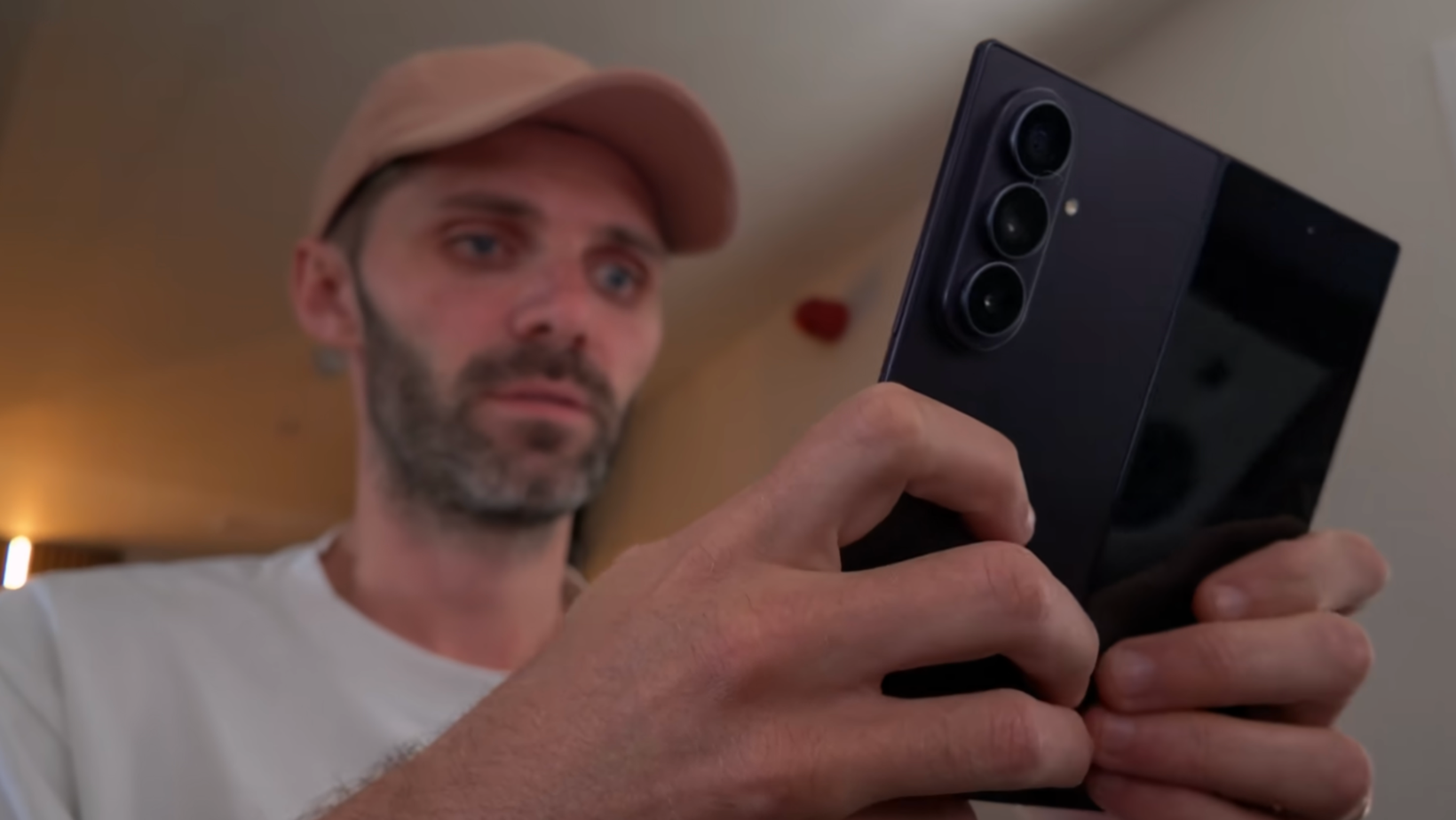
Moving from iPhone to Samsung was fairly straightforward, but replacing Apple habits took longer than copying the data.
Moving the data was easier
Matt’s wireless transfer went suspiciously well. His apps, Google accounts, wallpaper, and even his home-screen layout came across. Shared iOS photo albums were a bigger problem. For example, Matt still needs to find a way to move his family and friends off them.
Ben’s cable transfer from Oppo failed a few times before working. Android-to-Android wasn’t automatically the cleaner route. I’ve covered more of these surprises in my guide to switching to Android from iPhone.
Apple habits followed the team
AirDrop used to be one of the strongest reasons to keep an iPhone nearby. Samsung says Quick Share now works with Apple’s AirDrop, which gave the team a way to send files to MacBooks and other Apple devices.
Smaller transfers worked well, but larger files didn’t inspire the same confidence. A third-party Mac app helped connect the phone and computer, although we need to confirm its final name before publication.
Living with the Fold 8 every day
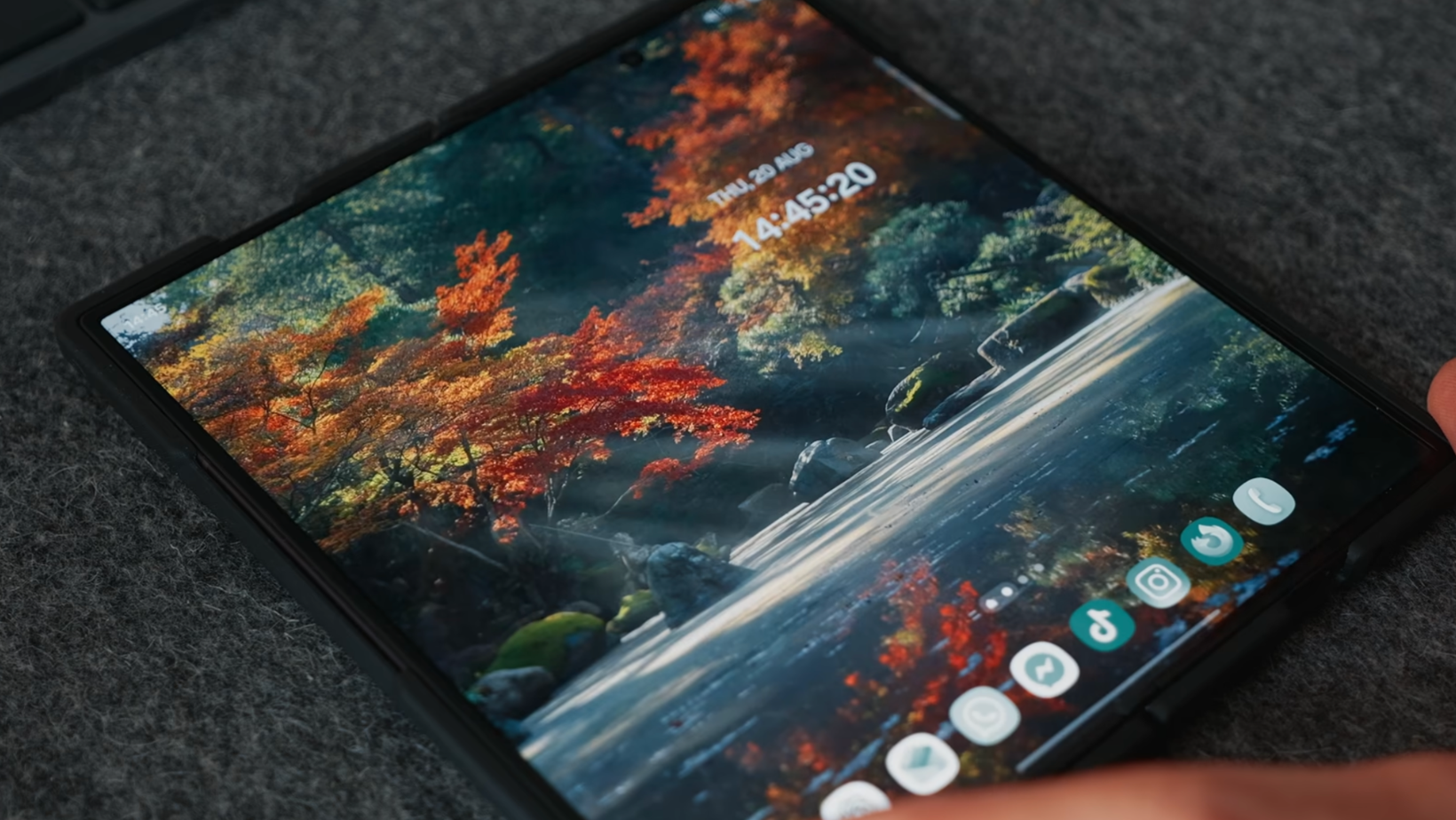
Samsung lets you change almost everything. The slight problem is that Matt and Ben tried to change almost everything. It’s short enough to sit comfortably in a pocket, and the wider cover screen doesn’t feel like the TV remote shape that put some people off earlier Folds.
The larger screen had to earn it
Opening the phone gives you a 4:3 display suited to videos and multitasking. Compared with the model in my Samsung Galaxy Z Fold 7 review, the new proportions give you more reason to unfold it.
Our usage numbers showed how personal that can be. One tester spent around 8% of the week on the inner display, and the other reached about 26%. You’re paying a lot for that screen if the phone stays closed almost all day.
Typing needed a few experiments
Samsung Keyboard was comfortable enough inside but harder to use on the front. Gboard helped, and Matt later tried FUTO. Ben found predictive text switched off at first, which made typing rougher than it needed to be.
The palm gesture for screenshots worked most of the time, side buttons were more reliable, and the Edge panel became a useful workaround. The lock button caused more confusion than any phone button should at this price.
The missing magnets need a case
Samsung still doesn’t place magnetic charging rings inside either Fold. Wireless charging works, but lining up magnetic accessories requires a compatible case.
PITAKA sponsored this part of the video. Its PITAKA Edge Case for Galaxy Z Fold 8 and PITAKA Edge Case for Galaxy Z Fold 8 Ultra use aramid fiber to add magnetic accessory support without a chunky shell. The finishes include Moonrise, Milky Way Galaxy, and Over the Horizon.
The code SSFOLD takes 10% off. We’ll check the final campaign measurements before publication because the current product page and filming notes give slightly different thickness and weight figures.
Battery impressed, cameras split opinion
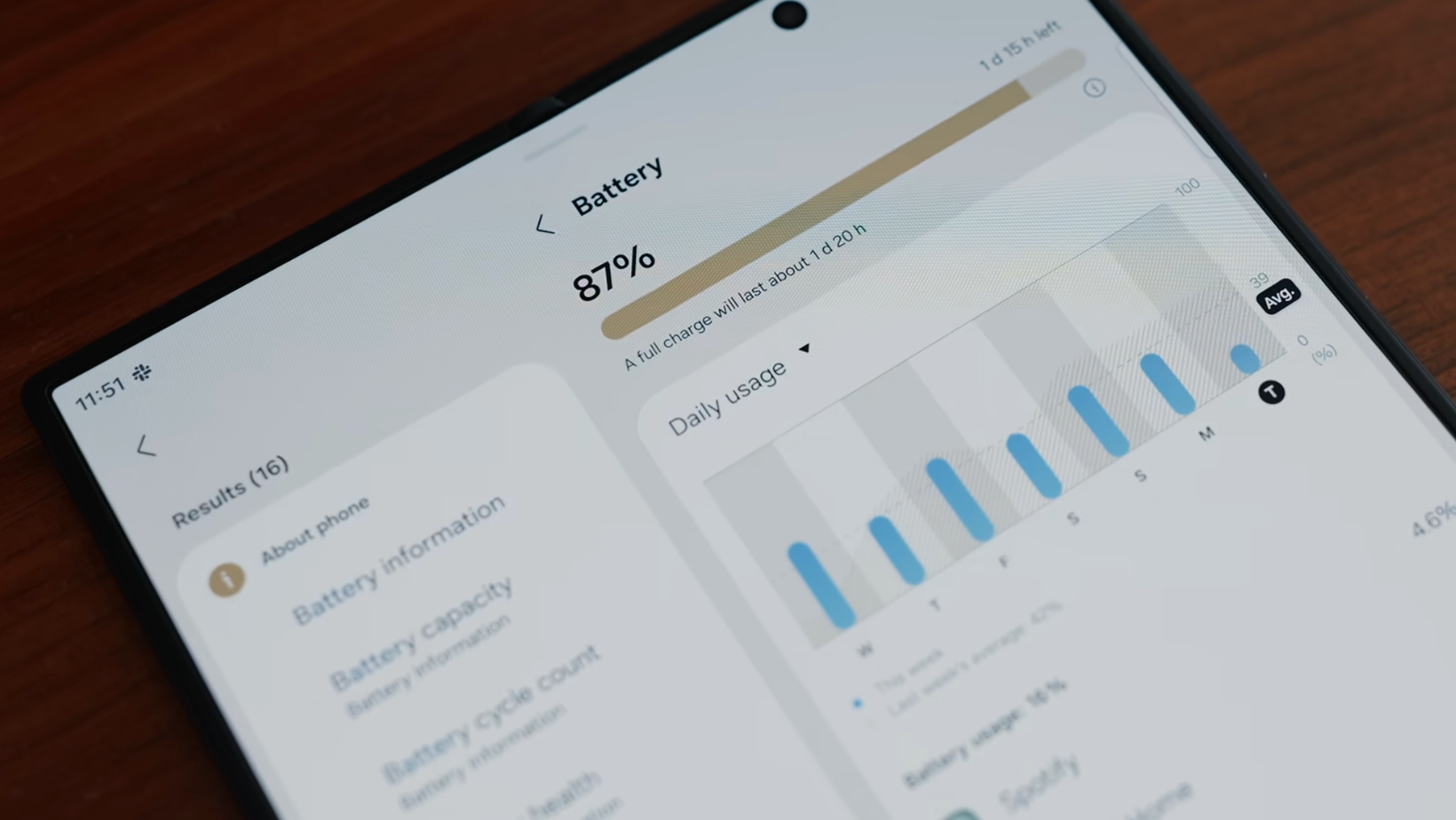
Battery life gave the team very little to complain about. The Samsung Galaxy Z Fold 8 made it through a normal day, and Matt didn’t need an extra charge even after playing games. Ben reached bedtime with power left and charged overnight because that was already his routine.
Camera results depended on the person
The smaller Fold has a 50MP main camera and a 50MP ultrawide, but no dedicated telephoto lens. The Ultra adds a 200MP main camera, a 3x telephoto camera, and up to 30x digital zoom.
One tester thought the photos were fine without being exciting. Samsung's processing turned text into nonsense in one image, which made the move away from his iPhone 17 Pro harder. The other enjoyed the detail, RAW photos, LOG video, and rear-camera selfies.
I found Samsung’s exposure controls easier to reach than the ones on Pixel. The regular Fold gives up the Ultra’s stronger cameras, which is the biggest compromise behind my choice.
Android solved some old frustrations
Samsung’s version of Android gives you plenty of control, although finding every setting can turn into a project of its own.
One UI took time to understand
Matt found the task-based app switcher confusing because it didn’t match how he thought about recent apps. The swipe gestures became easier with use, and the Edge panel put common controls where he wanted them.
Ben liked having more ways to customize the phone. The problem was getting the clock and layout to behave consistently across both screens. Choice is useful until you’ve spent an evening trying to center a clock.
Gemini joined an already crowded field
The team used Gemini more during the test, yet Claude and ChatGPT remained their usual tools for several jobs. Gemini’s lock-button shortcut was useful for a quick question. Bixby felt harder to explain when another assistant was already doing most of the work.
During filming, I could connect Gemini to one Google account, whereas Apple’s Siri beta worked across several inboxes. We’ll check that again before publication.
Android Auto split the team
Matt disliked Android Auto’s scale and the safety pauses that stopped some actions. Ben had a much better time. I also liked SmartThings for controlling appliances, and Matt connected Homey Pro without much trouble.
The small frustrations became hard to ignore
The annoyances weren’t a deal breaker, but they kept adding up. Double-tap to wake took real getting used to. The large camera bump made the phone wobble on a table, and keeping the clock centered across both displays took more effort than anyone wanted.
None of those problems ruined the week. They do become easier to notice when the starting price is $1,899.99, and the phone is trying to replace an iPhone, a small tablet, and part of an existing Apple setup.
Is the Samsung Galaxy Z Fold 8 worth it?
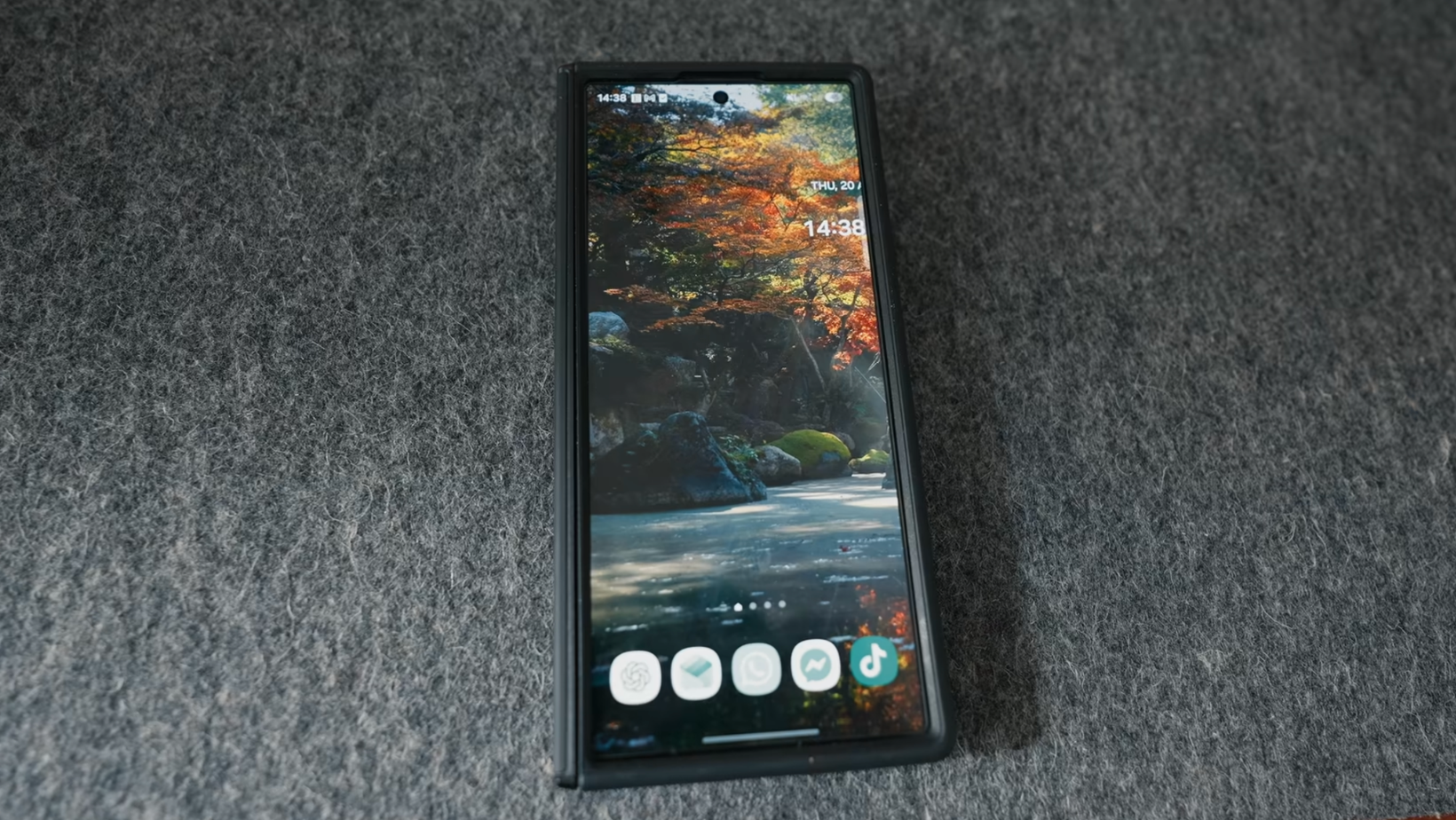
The Samsung Galaxy Z Fold 8 makes the strongest case for people who want a compact phone that can replace some tablet use, but the $1,899.99 starting price requires serious thought.
The smaller Fold makes more sense
I preferred the regular model. It’s lighter, easier to carry, and better shaped for the videos and everyday apps I use on the larger display. The Ultra has better cameras, a bigger battery, Flex Mode, and more screen space, but it costs another $200.
I'd spend less, personally. It feels like a new kind of Fold rather than a larger version of a familiar design.
Apple complicates the timing
At the time we filmed, Apple hadn’t announced a folding iPhone. The rumors were enough to make the team think about waiting, especially for anyone whose photos, messages, watch, and laptop are tied to Apple.
Samsung has years of folding hardware behind it, and the Fold 8 finally makes that experience feel compact. Apple could enter later with fewer generations of practice but a much easier route for loyal iPhone owners.
Apple could raise the stakes
The smaller Fold gave an iPhone-heavy team a real reason to think about using Android. The Fold was easier to carry with that bigger screen, and the battery held up well. Cameras and Apple connections created more hesitation.
Apple’s eventual answer could make this category far more competitive. Until then, Samsung has the stranger and more interesting phone.
Join the Experiments in Progress newsletter for the next test we probably shouldn’t put the team through.
Frequently asked questions
Is the Samsung Galaxy Z Fold 8 waterproof?
No, but it is water-resistant. The Fold 8 has an IP48 rating, so it should cope with accidental spills and everyday water exposure. Samsung doesn’t call it waterproof, and that rating offers limited protection against fine dust or sand. I still wouldn’t treat a $1,899 folding phone like a pool toy.
What storage does the Galaxy Z Fold 8 offer?
The Fold 8 comes with 256GB, 512GB, or 1TB of storage. The first two versions have 12GB of memory, while the 1TB model gets 16GB. There’s no microSD card slot, so the storage you choose at checkout is the storage you’re living with.
Does the Galaxy Z Fold 8 support S Pen?
No. Samsung’s official specifications confirm that neither the Fold 8 nor the Fold 8 Ultra supports S Pen. That feels like a strange omission on a phone that opens into a tablet-sized screen, but there it is.
What processor powers the Samsung Galaxy Z Fold 8?
Both Fold 8 models use the Snapdragon 8 Elite Gen 5 for Galaxy. It’s the chip responsible for the phone’s general performance, graphics, AI tools, and power use. In practical terms, it keeps the phone running quickly even with several apps open.
Does the Galaxy Z Fold 8 support dual SIM?
Yes. The Fold 8 supports dual SIM using one physical nano-SIM alongside an eSIM. Carrier support and setup can vary, so check with your carrier before moving two numbers across.
