


I see it all the time. Someone drops a small fortune on a new graphics card or a faster processor, but they are still sitting at a shallow desk with a monitor too close, nowhere for the mouse to move, and cables spilling everywhere.
Frame rate can't fix a desk that hurts to use. The most useful gaming desk setup upgrades are the things you actually touch and look at every day. A comfortable chair, a monitor that fits your space, and a clear surface make a bigger difference to how much you enjoy playing than an extra twenty frames per second.
Here are seven changes that improve comfort, focus, and enjoyment before you spend any money on a new CPU.
1. Start with your gaming desk setup ergonomics
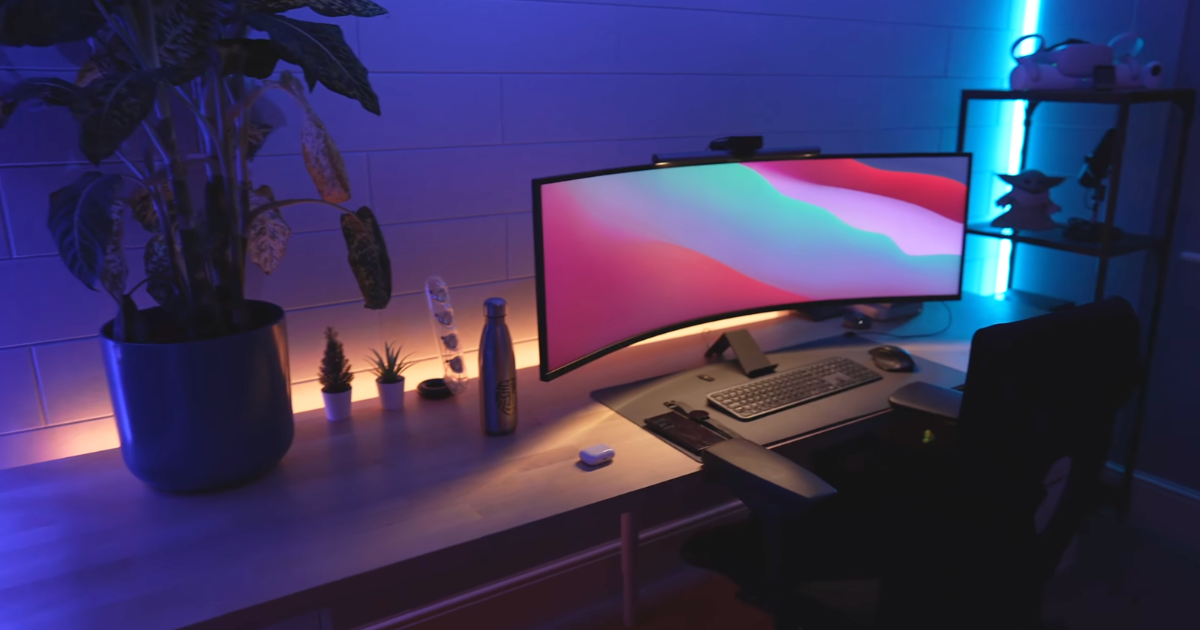
If your desk is too shallow, everything else falls apart. A narrow desk forces a big screen too close to your face and pushes the keyboard into a cramped position, leaving no room to actually move a mouse.
Before buying more tech, look at OSHA’s monitor guidance. Position the monitor directly ahead, then adjust the screen, keyboard, and chair. I recommend a desk depth of roughly 30 inches where possible, because it gives your arms a place to rest and prevents eye strain during long sessions.
Mount the screen correctly
If you can't change your desk, use the Secretlab Magnus Monitor Arm for large or ultrawide screens. It pushes the display further back, creating more viewing distance and freeing up the usable desk surface underneath. A monitor arm also lets you adjust the height instantly when you shift your seating position, which is a massive ergonomic upgrade over a fixed plastic stand.
2. Reclaim space with a monitor that fits
The display is the centerpiece of any gaming desk setup. One of the stronger desk setup ideas is replacing a messy dual-monitor arrangement with one screen that fits the actual desk depth and PC hardware.
I recently looked at the LG 45 OLED 330Hz gaming monitor because ultrawides solve the bezel problem entirely. You get the screen real estate of two displays without a distracting black bar down the middle of your field of view.
Match the monitor to the graphics card
The LG 45GX950A-B 45-inch UltraGear OLED is a brilliant high-end option. Its 45-inch 5K2K OLED panel runs at 165Hz for immersive single-player games, or it can switch to 330Hz in the lower-resolution dual mode for competitive shooters.
But you have to make the trade-off clear: it needs a deep desk and capable graphics hardware to drive those pixels, so it isn't an automatic answer for every room. If you play on a console or use an older graphics card, a standard 27-inch 1440p monitor is usually the smarter buy.
3. Get your cables in order

Cable clutter makes even expensive gear feel temporary and awkward. The first cable-management job is moving the power strip and power bricks out of sight, not buying RGB strips.
Here is the fastest way to clean up a gaming desk setup:
- Mount a power strip under the desk rather than leaving it on the floor.
- Run power and data cables through a tray, such as the Secretlab MAGNUS Pro XL Cable Management Tray.
- Use reusable Velcro ties instead of zip ties, so gear can change later without cutting everything apart.
Label the critical connections
Leave a little slack in your cables, and label both ends of the important ones. It saves hours of frustration when something stops working, and you have to trace a wire back to the PC.
4. Upgrade your keyboard and mouse performance
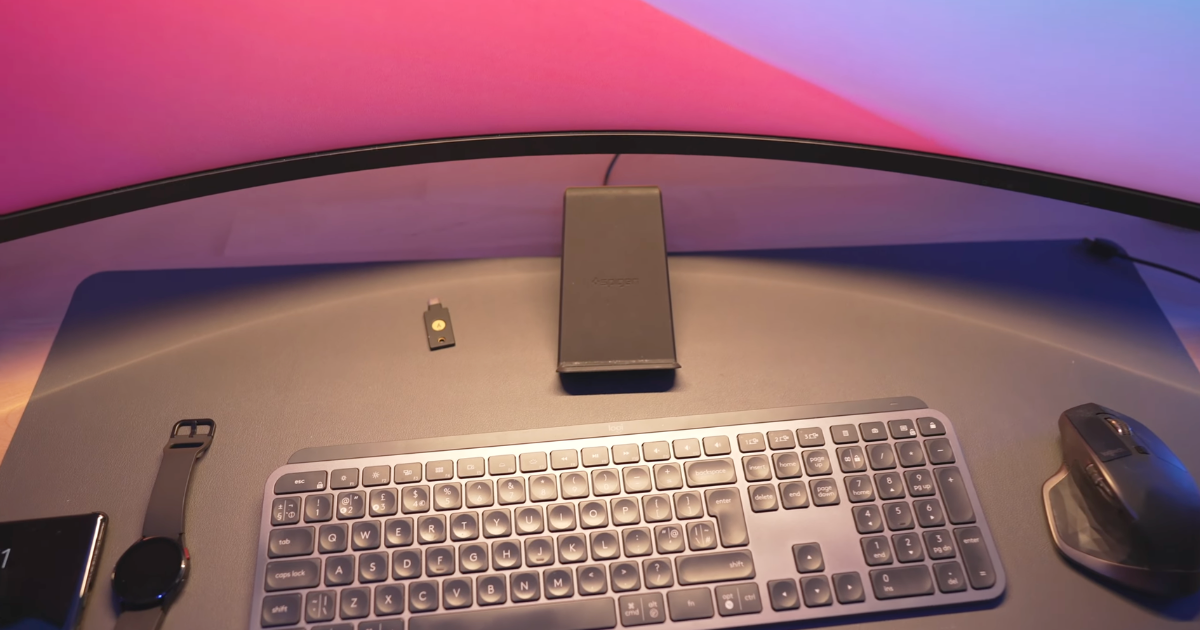
The keyboard and mouse are the two things you physically interact with for every minute of a game. If they feel bad, the game feels bad.
The Wooting 80HE is a fantastic keyboard candidate for players who value compact sizing and adjustable Hall Effect switches. The analog switches let you change the actuation point per key, which is incredibly useful for competitive games where reaction time matters.
Cut the mouse cable
Pair it with the Logitech G PRO X Superlight 2 mouse to reduce cable drag and desk clutter. A lightweight wireless mouse stops the cable from catching on the edge of your desk right when you need to make a fast movement.
As I showed in my ultimate productivity desk setup tour, the same keyboard and mouse still have to work for everyday typing and web browsing. Neither product makes you better at a game overnight, but both remove the physical annoyances caused by oversized gear and bad cable placement.
5. Reduce eye strain naturally
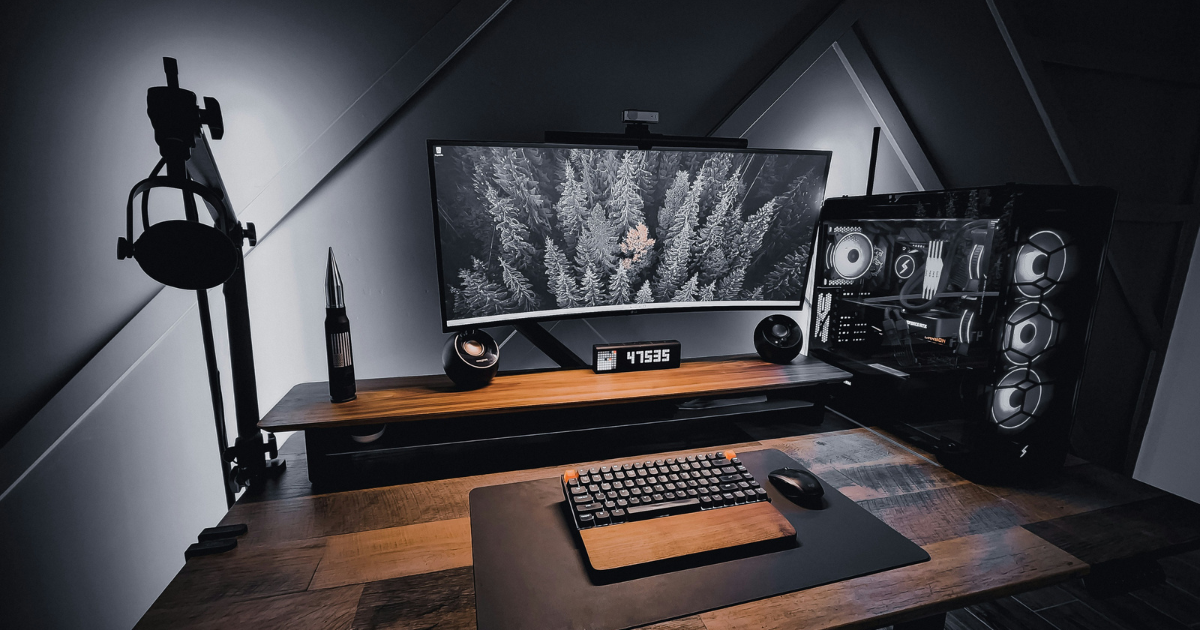
A bright monitor in a pitch-black room creates harsh contrast and makes the desk feel miserable late at night. Bias lighting fixes that, but you should only add it after your ergonomics and cables are sorted.
Choose practical lighting over RGB
The BenQ ScreenBar Halo 2 lights the desk while reducing direct screen glare, making a gaming desk setup much easier on your eyes. If you want a cheaper alternative, a simple LED strip behind the monitor does the same job. Keep the argument practical: lighting should make the room easier to use, not turn the desk into a rainbow showroom.
6. Give your audio and accessories a home
A headset, controller, charging dock, SSD, and spare cables quickly eat up an entire desk if they don't have homes.
The SteelSeries Arctis Nova Pro is a brilliant choice if you want premium wireless audio without leaving a charging cable permanently draped across the desk. It offers massive battery life, meaning you rarely have to plug it in during the week.
Build intelligent storage
I recommend a dedicated under-desk headphone hanger or a heavy desktop stand for it, plus a dedicated charging dock for your controllers. If everything has a place, you're much less likely to leave controllers, drives, and cables piled up in front of the keyboard.
As you can see in my clean minimal 49-inch desk setup, intelligent storage is part of the setup itself, not a boring cleanup task saved for later.
7. Protect your back with the supportive chair
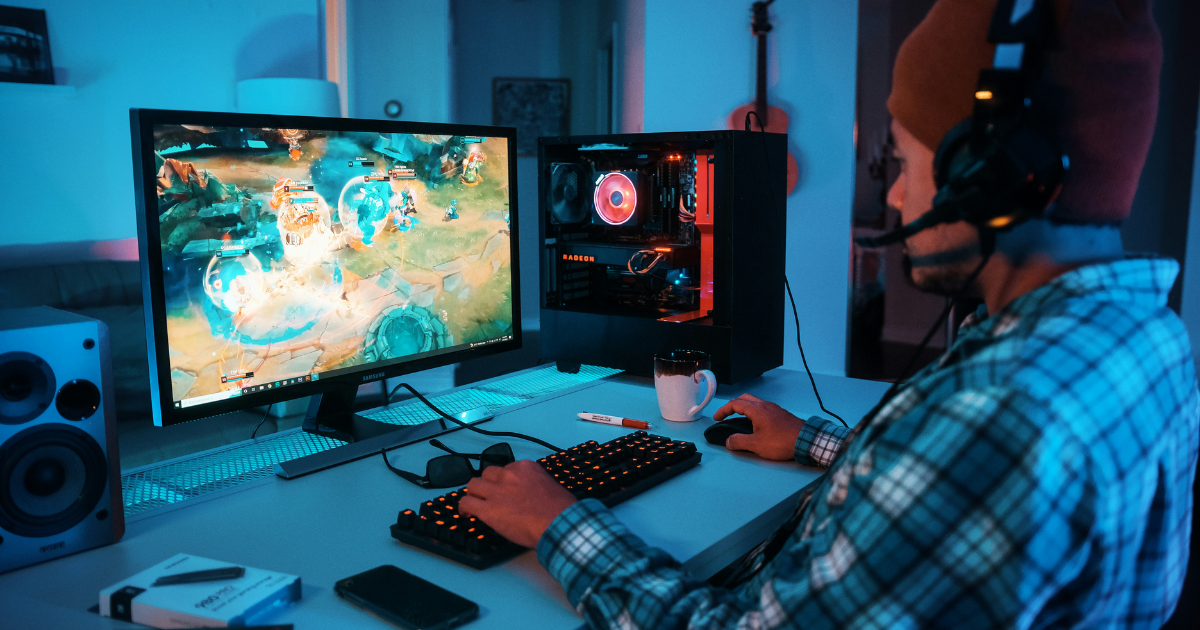
Racing-seat-style gaming chairs often look convincing in a product photo, but they don't automatically provide good support for long sessions. A bad chair ruins a gaming desk setup faster than anything else.
Focus on adjustability
Prioritize adjustable armrests, lumbar support, breathable materials, and seat depth. The Herman Miller Embody Gaming Chair is a brilliant premium option, but it comes with a seriously premium price tag. If you want something more affordable, Secretlab also offers gaming-focused ergonomic options that give you many of the adjustability and support features you actually want without spending Herman Miller money. Ultimately, the best choice is a chair that fits your body properly and stays comfortable through longer sessions.
Create a gaming space that treats you well
A new graphics card can't fix a cramped desk, poor monitor position, cable mess, or an uncomfortable chair. Improve the space around you first. A comfortable, clean desk makes every game feel better before you ever touch the PC hardware.
I share the tech decisions, setups, and accessories that make day-to-day work less annoying every week.
Subscribe to Experiments in Progress for practical tech setups.
FAQs
How deep should a gaming desk be?
A gaming desk should be around 30 inches deep if you use a large monitor, full-size keyboard, and mouse. That depth gives you enough viewing distance and room for your arms to rest naturally. If you cannot replace the desk, a strong monitor arm can push the screen back and free up usable surface space.
Is a monitor arm worth it for a gaming desk setup?
A monitor arm is worth it if your screen takes up too much desk space or sits at the wrong height. It lets you move the monitor farther back, adjust the viewing angle, and clean up the surface underneath. Just check your monitor’s weight and VESA mounting support before buying one.
What is the easiest way to hide gaming desk cables?
The easiest way to hide gaming desk cables is to mount the power strip under the desk, add an under-desk cable tray, and bundle loose runs with reusable Velcro ties. Label both ends of important cables too, because future you will not remember which black cable goes where.
What should I upgrade first in a gaming desk setup?
Start with the parts that affect comfort before buying more PC hardware. Desk depth, monitor position, chair support, cable management, and mouse space usually make a bigger daily difference than a faster graphics card. Once the desk feels good to use, then monitor, keyboard, mouse, audio, and lighting upgrades make more sense.
What chair is best for a gaming desk setup?
The best chair for a gaming desk setup is one that fits your body and supports long sessions. Look for adjustable armrests, lumbar support, breathable materials, and enough seat depth. A good ergonomic office chair is usually more useful than a racing-style gaming chair that only looks the part.
