


I get asked this one constantly. iPad or Samsung tablet? And the truthful answer is: it depends entirely on what you're doing with it.
Both are genuinely good in 2026. That's what makes the choice harder than it used to be. A few years ago, the iPad was the obvious pick for almost everything. Samsung has caught up in meaningful ways, particularly for productivity and Android users.
But the right answer still changes completely depending on whether you're a student, an artist, someone who wants to watch films on a plane, or a remote worker who needs desktop-level multitasking.
We’ll break down which tablet is best depending on what you do.
iPad vs Samsung Tablet: What You're Choosing Between
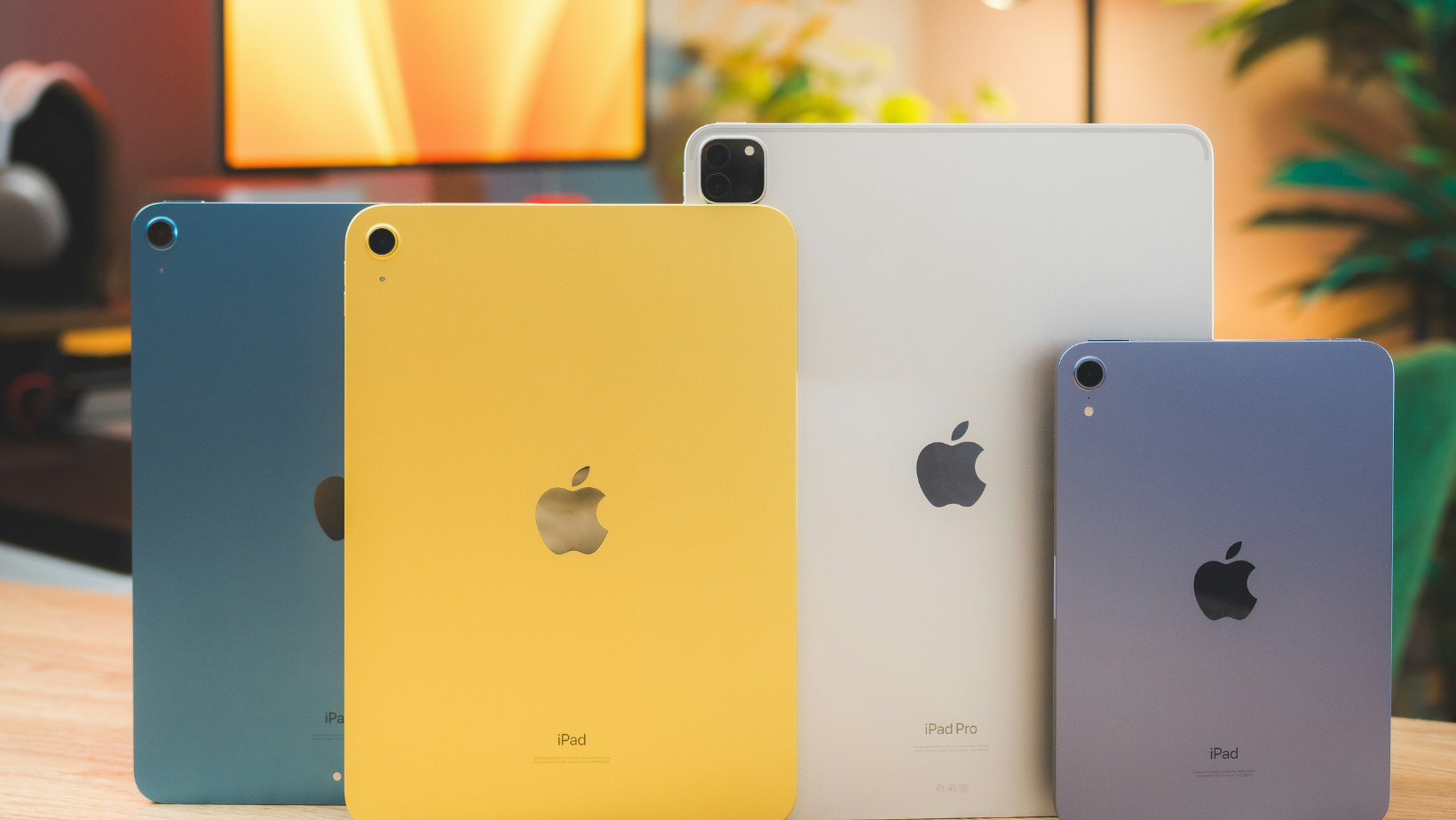
Before getting into use cases, here's a quick map of where each lineup sits in 2026.
The iPad Lineup in 2026
Apple holds over 51% of the global tablet market as of April 2026, which tells you something about how dominant the platform is. If you're deciding which iPad model fits your needs, that's a whole separate conversation.
Apple's iPad lineup covers every budget and use case. Here's where each model sits:
- Base iPad: A16 chip, 10.9-inch LCD, from $329
- iPad mini: Compact option for one-handed use
- iPad Air M2/M3: 11-inch or 13-inch, from $499, the sweet spot for most people
- iPad Pro M4: OLED display, from $999, the most powerful tablet Apple makes
The iPad vs Samsung tablet decision starts with knowing iPadOS is a tightly controlled ecosystem. iPads have excellent app quality, limited file management, and no expandable storage.
The Samsung Tablet Lineup in 2026
Samsung's tablet range spans mid-range to flagship. Here's the breakdown:
- Tab S10 FE: Solid mid-range entry point, around $499
- Tab S10: From $699, the core of the lineup
- Tab S10+: 12.4-inch AMOLED display, from $849
- Tab S10 Ultra: 14.6-inch, the biggest screen in the range, from $1,099
Every Tab S10 model includes an S Pen, microSD expansion up to 1TB, and runs Android 15 with Samsung DeX for desktop mode.
The trade-off is that Android tablet apps still lag behind iPadOS in quality for creative work, and Samsung's software update promise (now seven years) is better than it used to be, but Apple still commits longer.
Best for Students
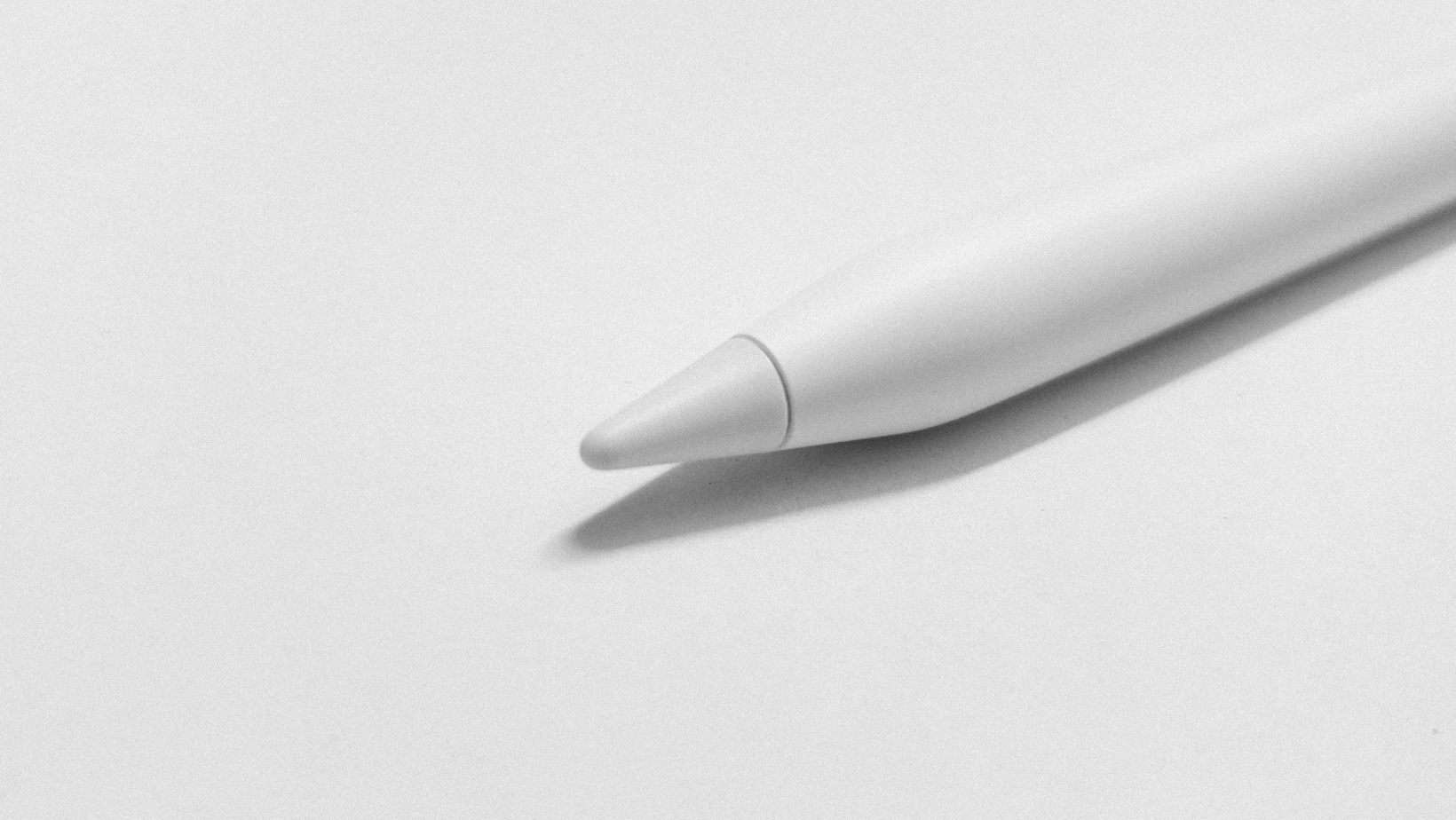
For most students, iPad wins. The combination of Apple Pencil support, class-leading note-taking apps like Notability and GoodNotes, and a mature app ecosystem for every subject makes it the more polished experience.
The base iPad at $329 is the most affordable entry point, and it handles everything a student needs day to day.
Why iPad Pulls Ahead for Students
The app quality gap is most visible in education. Apps built specifically for learning, from Khan Academy to Duolingo to creative tools, are typically better on iPadOS. Apple Pencil handwriting recognition is also the best available, which matters for anyone taking handwritten notes.
When Samsung Makes More Sense for Students
If the student is already on Android, or if file management and compatibility with Windows-based school systems is a priority, Samsung has real advantages. The S Pen is included rather than a separate purchase, and Samsung DeX lets you plug the tablet into a monitor and use it like a desktop when needed.
For students doing a lot of document work rather than creative tasks, the family tech setup conversation matters here, too.
Best for Drawing and Digital Art
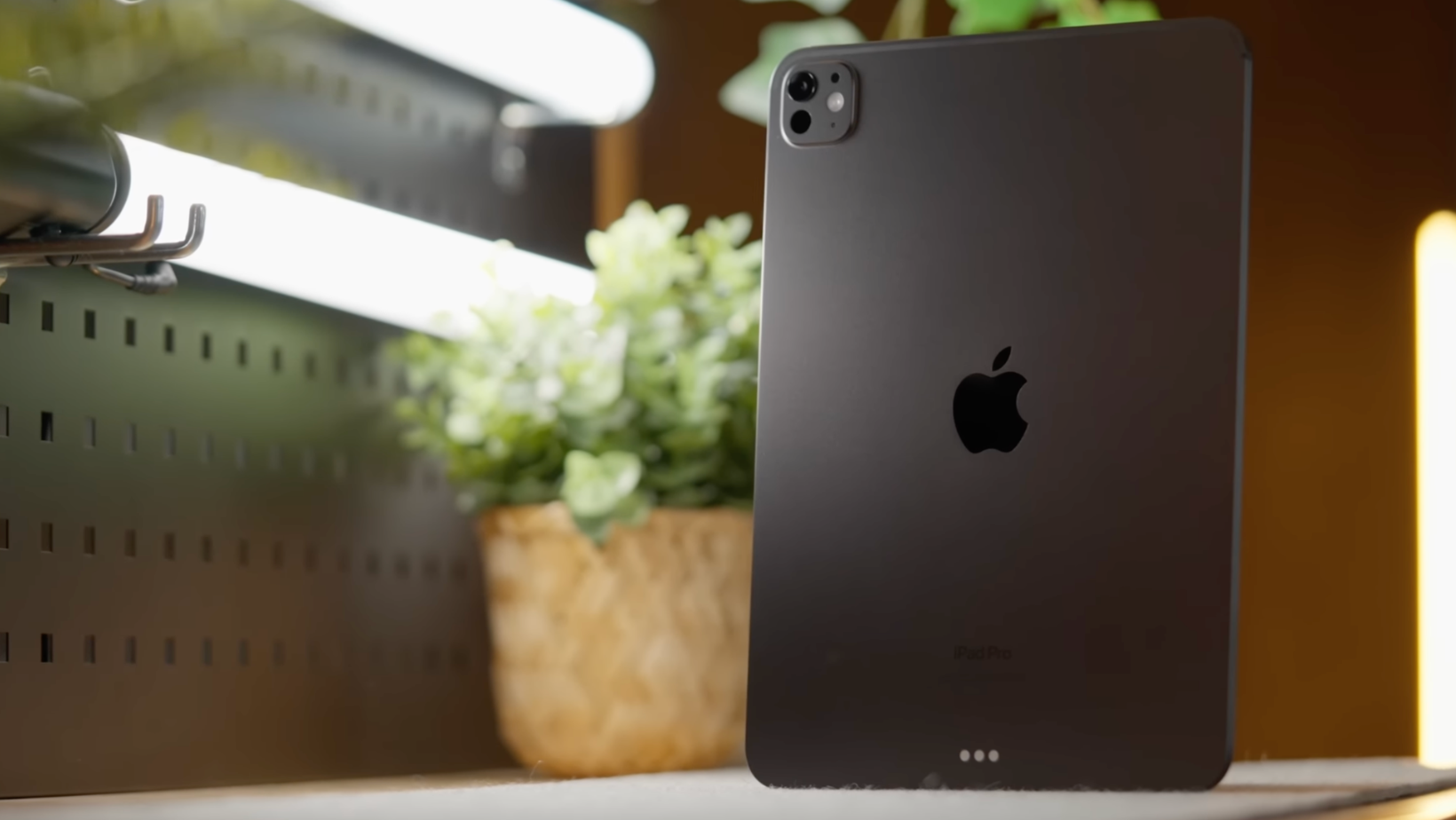
iPad Pro M4. This isn't even close.
iPad Pro and Apple Pencil Pro
Procreate is the industry standard for digital illustration, and it's iPad-only. The Apple Pencil Pro adds squeeze gestures, barrel roll sensitivity, and hover detection. The iPad Pro M4's OLED display has the color accuracy and brightness that serious artists need. If drawing is your primary use case, there's no Android alternative that matches this combination right now.
Samsung and the S Pen
The S Pen is genuinely good for note-taking and casual sketching, and it's included with every Tab S10. Samsung's display quality on the S10 Ultra is excellent. But the Android drawing app ecosystem doesn't match Procreate, and the precision gap between the S Pen and Apple Pencil Pro is noticeable for detailed work.
Best for Entertainment
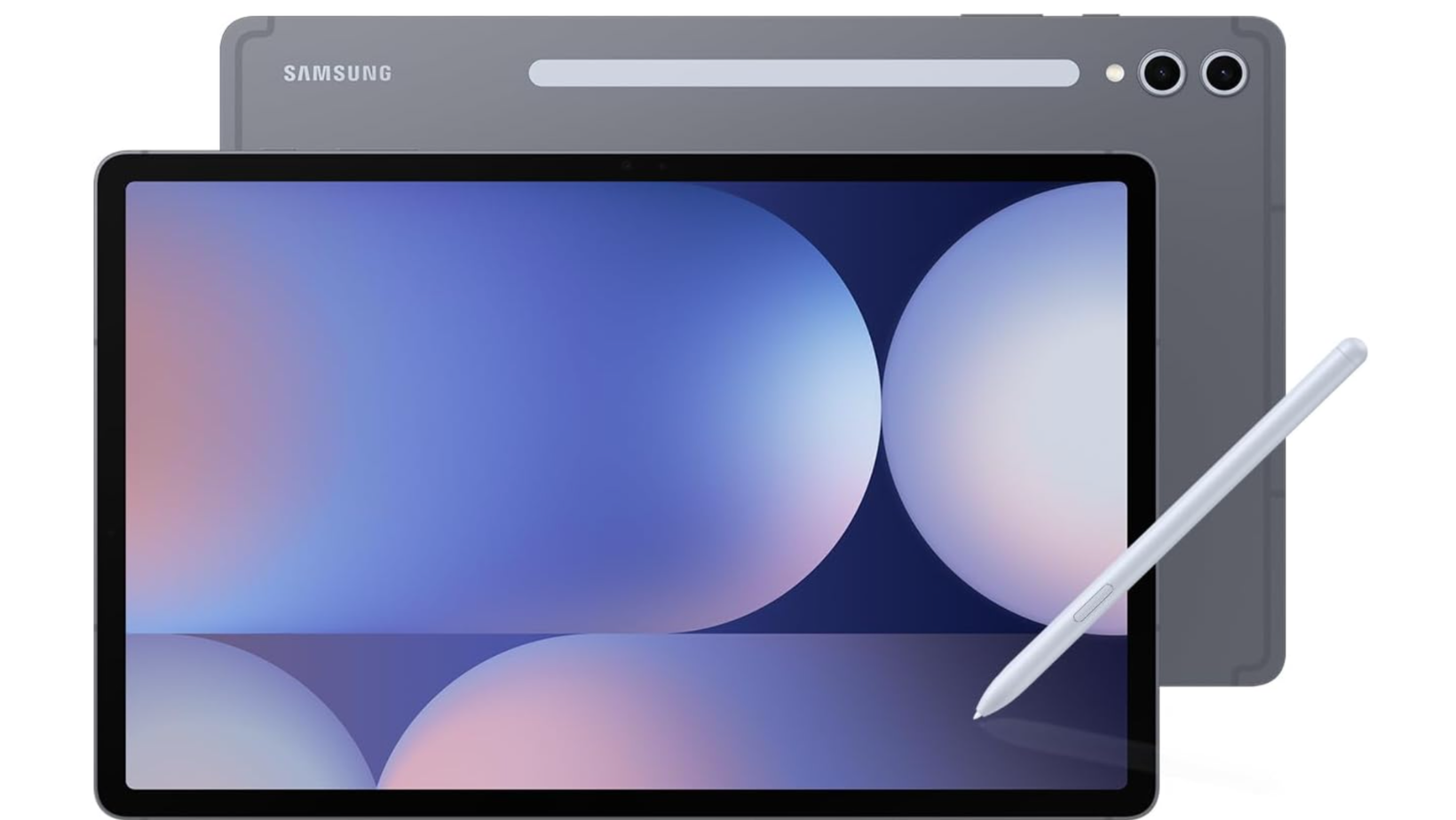
This is where Samsung pushes back hard.
Display and Audio
The Galaxy Tab S10+ and S10 Ultra have Dynamic AMOLED displays with 120Hz refresh rates and HDR support. For video content, the larger Samsung screens and deeper blacks from AMOLED give them an edge over the LCD iPads.
The S10 Ultra's 14.6-inch display is genuinely cinematic. If you're watching a lot of films or gaming on a tablet, Samsung is the more immersive experience.
Apps and Streaming
Both platforms support every major streaming service. Apple has a slight edge on app quality and UI polish. Samsung has the flexibility advantage: sideloading, split-screen multitasking, and easier file handling for media libraries.
Best for Work and Productivity
This one is genuinely close, and depends on your workflow.
Keyboard and Desktop Mode
Samsung DeX turns the Tab S10 into a near-desktop experience when connected to a monitor or keyboard. For remote workers who want to replace a laptop on the road, DeX is a serious option. The Samsung S Pen also doubles as a presentation tool and annotator in meetings.
iPadOS has improved significantly for productivity, but it still limits some file management and multi-window workflows compared to Android. For heavy Microsoft Office users, Samsung often integrates more naturally.
What You Do for Work Changes the Game
The app ecosystem question depends entirely on what you're doing.
- Creative professionals: iPad wins, full stop
- Standard productivity: Both handle email, documents, presentations, and video calls equally well
- Developers and power users: Android gives Samsung a structural advantage for system access and flexibility
Best Value
Samsung wins on value at almost every price point.
The Tab S10 FE starts at $499 and includes an S Pen, 128GB storage, and microSD expansion. For the same money, the base iPad gives you less storage, no stylus, and no expandable storage. The Samsung also has an AMOLED display at that price, where iPads at the same range are on LCD.
The iPad vs Samsung tablet value equation only flips when you factor in long-term software support and app ecosystem quality, where Apple's track record is stronger.
Should You Get an iPad or Samsung tablet?
All right, so here are my ultimate picks. These are the tablets I’d buy and why.
One Tablet Won't Suit Everyone
The iPad vs Samsung tablet decision in 2026 doesn't have a single right answer, and anyone who tells you otherwise is oversimplifying it.
If you're in the Apple ecosystem, use an iPhone, and want the best creative or educational experience, iPad is the obvious choice. If you're on Android, need more flexibility, or want the best value for money, Samsung makes a compelling case at almost every price point.
The one area where there's genuinely no debate: if drawing or digital art is your thing, buy an iPad Pro. Procreate and Apple Pencil Pro are in a different league.
Everything else is a real conversation worth having based on how you actually use a tablet day to day.
FAQs
Is iPad or Samsung tablet better in 2026?
Neither is universally better. iPad is the stronger choice for creative work, students, and Apple ecosystem users. Samsung is better for entertainment, value, productivity flexibility, and Android users. The iPad vs Samsung tablet decision depends entirely on your use case, which is why this guide breaks it down by scenario rather than picking a single winner.
Which tablet is best for students in 2026?
For most students, the iPad Air M2 or M3 is the strongest pick. The app ecosystem for education is more mature on iPadOS, Apple Pencil support is class-leading, and note-taking apps like GoodNotes and Notability are the best available on any platform. Samsung is a better fit for students who need file management flexibility or are already on Android.
Is the Samsung Galaxy Tab S10 good for drawing?
The S Pen is good for note-taking and casual sketching, but for serious digital illustration, iPad Pro with Apple Pencil Pro and Procreate is the better setup. The Android drawing app ecosystem doesn't match iPadOS for professional creative work. Samsung is a capable option for general sketching, but artists should buy an iPad.
Which is better value, iPad or Samsung tablet?
Samsung offers better value at most price points. The Tab S10 FE starts at $499 with an S Pen included, microSD expansion, and an AMOLED display. A comparable iPad at the same price is on LCD with no stylus and no expandable storage. The value equation shifts if you factor in Apple's longer software support commitment and stronger app ecosystem.
Can a Samsung tablet replace a laptop?
More than an iPad can. Samsung DeX, available on all Tab S10 models, provides a desktop-style interface when connected to a monitor or keyboard. For standard productivity tasks, it's a credible laptop replacement. For heavy creative work or development, a proper laptop is still the better call on either platform.
