


I review tech for a living, and right now, every single laptop launch has an AI sticker on the box. It's frustrating. It's incredibly hard to tell whether the new hardware actually changes anything about a normal workday, or if you are paying for a marketing buzzword.
A real AI laptop currently means a Copilot+ PC with a Neural Processing Unit (NPU) capable of 40+ TOPS. But having that chip doesn't automatically make it the right machine for you. Finding the best AI laptop means looking past the benchmark scores and focusing on what actually matters: battery life, software compatibility, display quality, and a keyboard you can type on all day.
Here's exactly what's worth buying right now, based on the work you actually do.
The best AI laptops at a glance
Here’s a quick look at the top AI laptops, and which users they’re best for.
Prices, configurations, and promotions change regularly. Check the current manufacturer or retail pricing in your region before buying.
The top Copilot+ PC overall
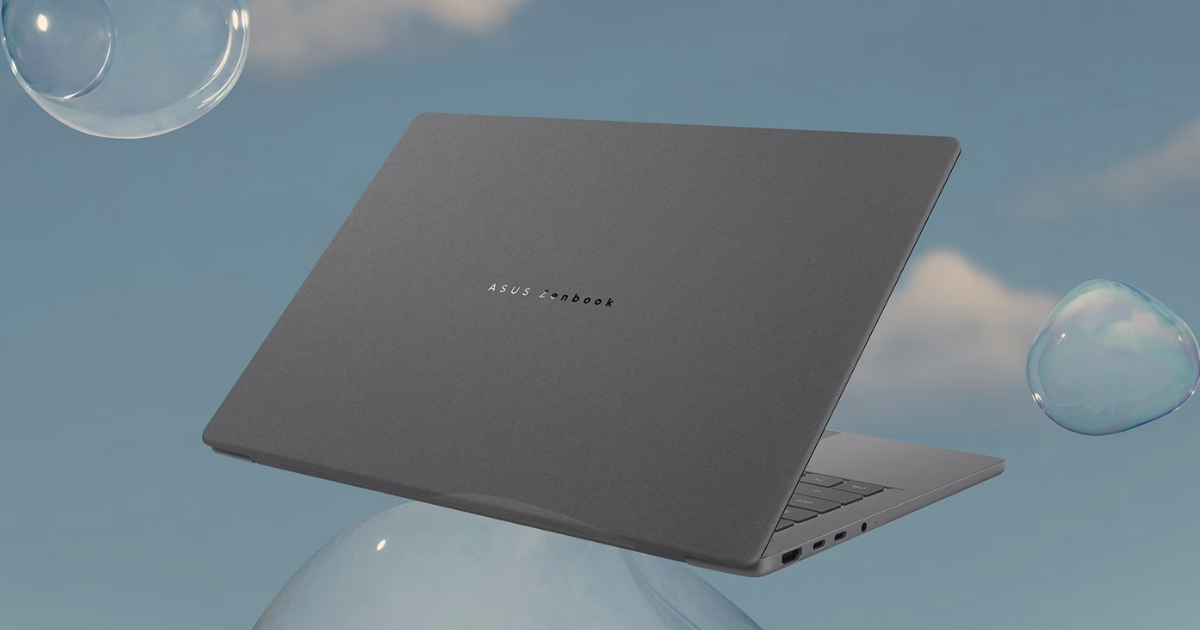
If you want a seriously portable Windows machine with a modern on-device AI platform, the ASUS Zenbook A14 OLED UX3407OA (2026) hits the sweet spot.
It pairs Qualcomm Snapdragon X2 Elite hardware and an 80 TOPS NPU with a 14-inch OLED screen, 32GB of RAM, and 1TB of storage. It weighs roughly 2.17 lbs, so it has the sort of portability people usually expect from a MacBook Air without making you move away from Windows. The benefit is clear. It feels built for taking everywhere without making a charger the main event.
The port selection matters more than the AI badge here. Two USB-C ports, HDMI 2.1, and USB-A mean you can plug in a display, drive, or old accessory without immediately buying a bag full of adapters. That is the sort of daily convenience that makes a laptop feel good after six months, not five minutes in a shop.
- Processor: Snapdragon X2 Elite
- Display: 14-inch OLED
- Weight: ~2.17 lbs
- Ports: HDMI 2.1, USB-A, 2x USB-C
What to look out for
Windows on ARM has improved massively, but specialist older apps, obscure drivers, and some games are still worth checking before purchase. This is the best AI laptop for most people only if their everyday apps already work well on ARM.
The strongest Copilot+ PC for students
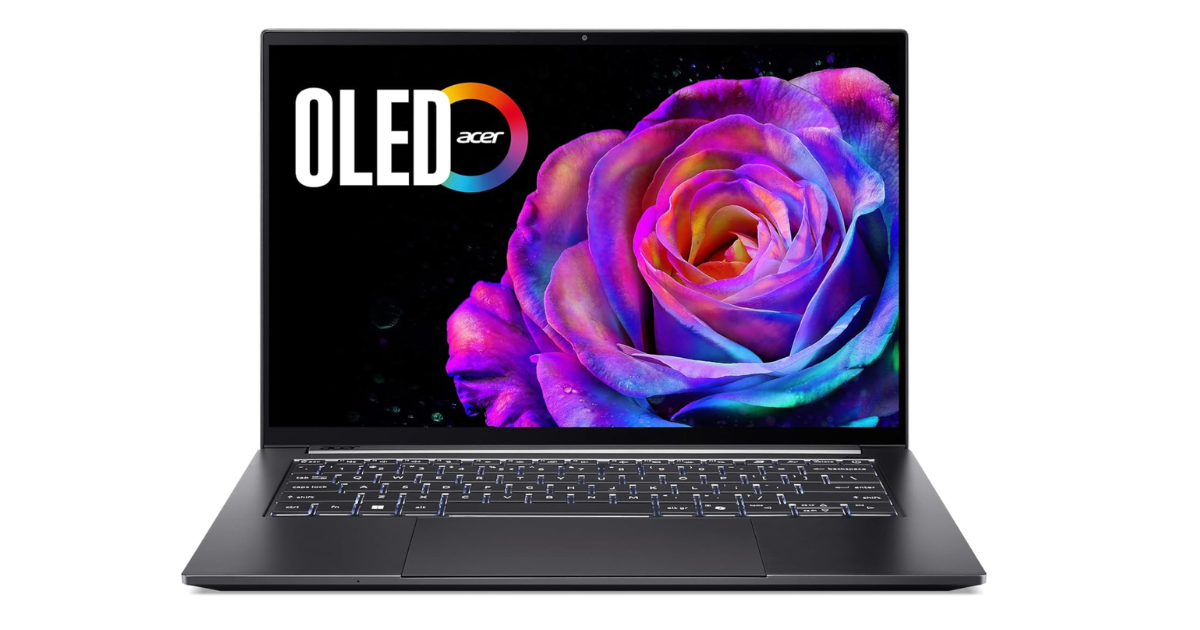
Students need a proper all-day laptop for lectures, research, browser tabs, documents, video calls, and media. The Acer Swift 14 AI handles that workload brilliantly.
It offers a 45 TOPS NPU, a 14.5-inch 2.5K touchscreen, Wi-Fi 7, and a 75Wh battery in a 1.36 kg chassis. It's the best AI laptop for people who value low weight and battery life more than gaming performance.
Acer claims about 18 hours of web browsing. Treat that as a useful indication rather than a promise of an exact real-world runtime. However, the large battery and efficient chip make it a sensible candidate for a day of classes.
The 14.5-inch touchscreen is also a practical size. It is big enough to split a research document next to a browser tab, but it won't take over a cramped lecture desk. That matters far more than having a dozen AI tricks you only try once.
What to look out for
The caveat is the same one that matters with any Snapdragon laptop. Check your important course software before buying to make sure it runs smoothly on ARM.
The top Copilot+ PC for business
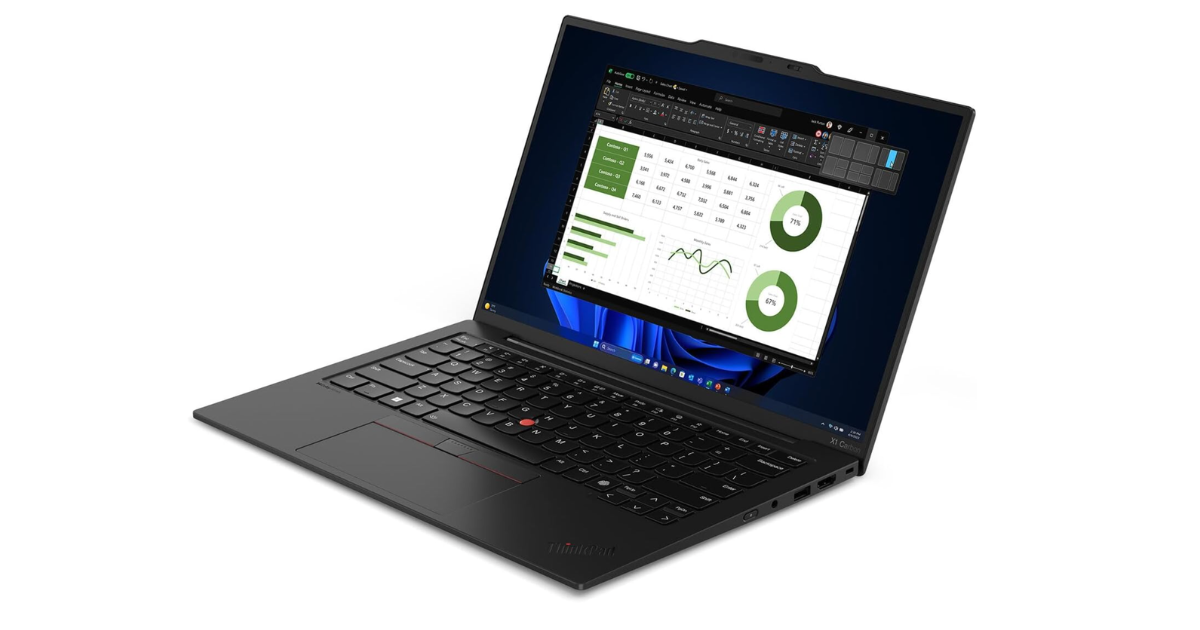
When a laptop is your primary work tool, boring things become incredibly important. You need an excellent keyboard, ports, Windows 11 Pro, security, and a chassis that survives life in a backpack.
The Lenovo ThinkPad X1 Carbon Gen 14 Aura Edition remains the standard here. The reviewed configuration brings an Intel Core Ultra 7 processor, 32GB of RAM, a 14-inch 2880 x 1800 OLED display, Wi-Fi 7, and an upgradeable SSD.
- Processor: Intel Core Ultra 7
- Display: 14-inch OLED (2880 x 1800)
- Memory: 32GB LPDDR5X
- Storage: Upgradeable PCIe SSD
It's the best AI laptop for business buyers who value keyboard feel, connectivity, and enterprise features above getting the highest possible graphics performance.
What to look out for
It's expensive, it uses integrated graphics, and it doesn't produce class-leading battery results. That's the trade-off for the ThinkPad build quality.
For someone who spends all day answering messages, writing proposals, and working in browser tabs, that is often the right compromise. You’re paying for a machine that gets the unglamorous parts right.
The keyboard, support features, upgradeable storage, and sensible connectivity are more useful in a real job than a flashy demo app.
The best MacBook alternative
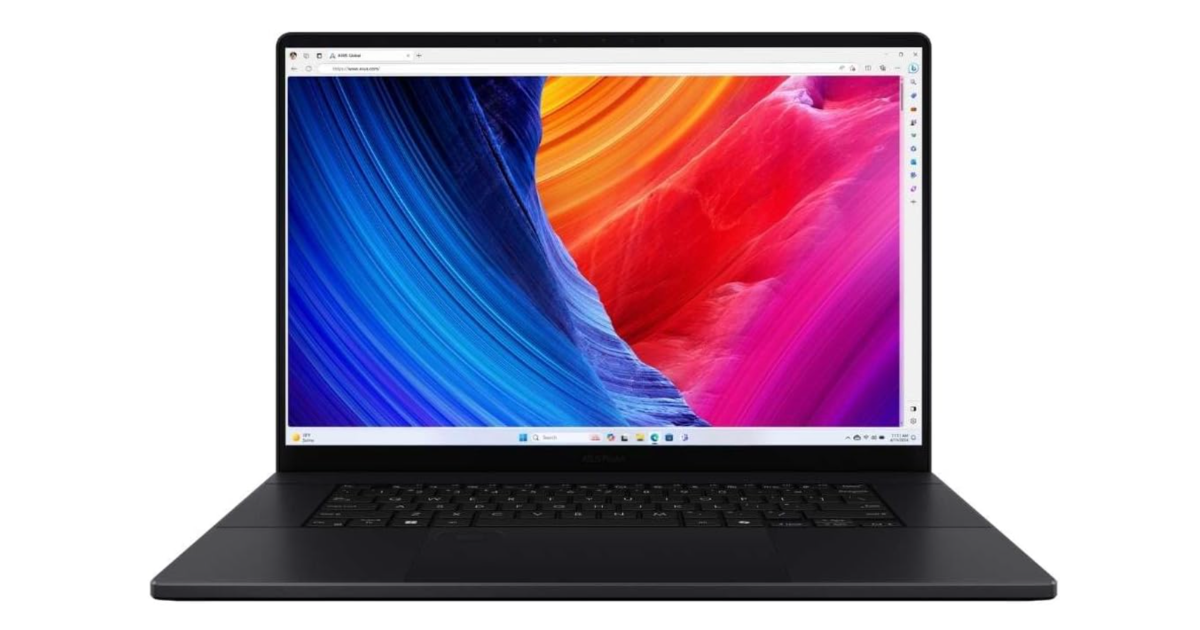
If you need a Windows machine that handles video editing, 3D work, and heavier creative workloads, look at the ASUS ProArt P16.
It packs an AMD Ryzen AI 9 HX 370 processor, NVIDIA GeForce RTX 5070 graphics, a 16-inch 3K 120Hz OLED touchscreen, Wi-Fi 7, HDMI 2.1, an SD card reader, and upgradeable storage. It's a genuine ASUS ProArt P16 powerhouse for creators who need Windows-specific applications, local AI tools, and gaming capability.
What to look out for
There are clear limits. This isn't an all-day unplugged machine. Intensive work drains its battery quickly, and the 200W charger makes a bag noticeably heavier. If battery efficiency is your absolute top priority, Apple Silicon still has the edge in the MacBook Pro.
The top Copilot+ PC on a budget
You don't need to spend premium ultrabook money to get Copilot+ eligibility. The Acer Aspire 14 AI A14-52M uses Intel Lunar Lake configurations with a 48 TOPS NPU across the lineup.
It's the best AI laptop for a budget-focused buyer who needs mainstream productivity performance, good battery life, and an NPU that meets Microsoft's current Copilot+ threshold.
- Processor: Intel Core Ultra 5 or 7
- NPU: 48 TOPS
- Target: Mainstream productivity
I'll explain the compromise plainly. The keyboard and screen are weaker than the premium picks, and its heavy multithreaded performance doesn't match more expensive machines. It's a value play, not a luxury laptop.
What AI hardware actually changes
A fast NPU is useful, but it shouldn't outrank the display, keyboard, software compatibility, and battery life in a buying decision.
Cloud AI tools already run in a browser on almost any decent laptop. A 40+ TOPS NPU unlocks on-device features, such as Live Captions, Windows Studio Effects, and local image tools. The official Windows 11 specifications page confirms that Copilot+ PCs require that 40+ TOPS NPU, at least 16GB of memory, and 256GB of storage. It's a solid baseline, but it doesn't change how you type an email.
What to look out for
The NPU is most useful when it takes a small task away from the CPU and GPU. Background effects on calls, captions, transcription, and some image work can run locally with less strain on the rest of the machine. Handy? Absolutely. A reason to accept a bad display or awful keyboard? Not a chance.
Put AI last on your checklist
Buy the laptop that fits your actual workday, then treat the AI capability as a nice extra rather than the entire point. It’s easy to get lost in the marketing hype of AI. But the best laptop choice is the one that runs your software without a hitch, lasts through your commute, and doesn't drive you crazy when you type.
I share the setups, accessories, and tech decisions that make day-to-day work less annoying every week. If there is a better way to spend money than chasing every new spec, I want to find it.
Subscribe to Experiments in Progress for my tips and tricks.
FAQs
What does TOPS mean on a Copilot+ PC?
TOPS stands for trillion operations per second. It measures the NPU's AI processing capacity. Microsoft currently uses a 40+ TOPS NPU as the baseline requirement for a Copilot+ PC.
Do you need an NPU for everyday AI tools?
No. Most browser-based AI tools run in the cloud, so an NPU isn't essential. An NPU matters more for compatible on-device features such as live captions, camera effects, and local AI workloads.
Are Snapdragon laptops better than Intel or AMD?
Snapdragon options often prioritize battery life and efficiency, making them great for travel. Intel and AMD laptops use traditional architecture, which offers broader compatibility for older Windows software, legacy peripherals, and some games.
Is a MacBook an AI laptop?
Apple Silicon includes a Neural Engine and supports Apple Intelligence, but a MacBook doesn't use Microsoft's Copilot+ PC label. The better choice depends entirely on your required software, battery needs, and ecosystem preference.
