


I didn't plan to replace my monitor with a TV; that wasn't really my goal. But when you spend enough time around large displays, you start asking questions you probably wouldn't normally ask, like: monitors are getting closer to TV sizes anyway, so what's actually stopping me from just using a TV instead?
I've looked at this before with a 4K TV, and that experiment had its fair share of problems. But 8K felt different. The main issue with a 4K TV as a monitor is that the pixel density isn't high enough at close range. So logically, an 8K should fix that.
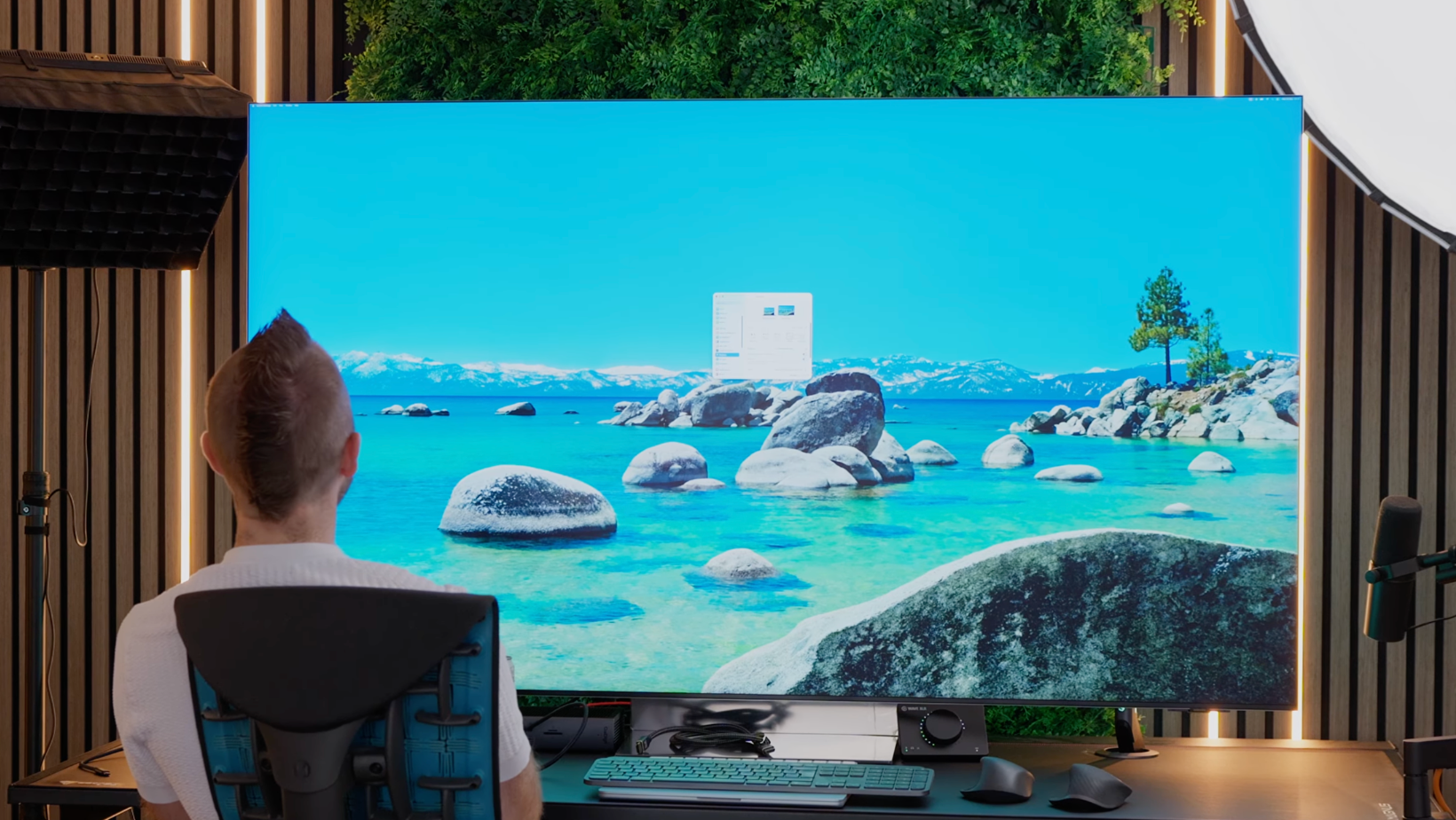
So I ordered the Samsung QN990F, a 65-inch 8K Neo QLED AI smart TV, set it up on my desk in place of my Dell 52-inch Thunderbolt monitor, and spent several days using it as my primary display for work, gaming, and everything in between.
Here's what I found.
The Case for Using an 8K TV as a Monitor
Before I get into the details, it's worth being honest about why this idea isn't completely ridiculous. There are real, legitimate reasons to consider a TV over a monitor, and that made what happened next all the more frustrating.
Here are five key reasons why the idea of using an 8K TV as a monitor appealed to me.
Warranty: TVs Win by a Wide Margin
This one genuinely frustrates me about the monitor industry. PC monitors typically come with one, two, maybe three years of warranty. Some brands include burn-in coverage in those windows, which is useful if you're running an OLED panel. But the standard here in the UK for TVs is five to six years of hardware fault coverage. That's a meaningful difference when you're spending serious money on a display.
Now, TVs don't explicitly cover burn-in the way some monitor warranties do. But you do get the reassurance that an actual hardware fault is covered for much longer. Monitor brands seem to assume you'll upgrade more often, and the approach to warranty reflects that.
Size and Pixel Density
Monitors are getting bigger. The 57-inch Samsung Odyssey G9 and my 52-inch Dell are both technically monitors, and they're not far off the size of a smaller TV.
What made the 8K TV argument compelling for pixel density is this: the Samsung QN990F at 65 inches has 136 pixels per inch. My Dell 52-inch monitor sits at 129 pixels per inch. So the TV actually wins on sharpness at close range.
That's not really something I expected going in, and it's genuinely impressive.
Gaming at 8K Is Something Else
I have two high-end PC builds here, one Alienware AMD RTX 5090 build and one MSI Intel RTX 5090 build.
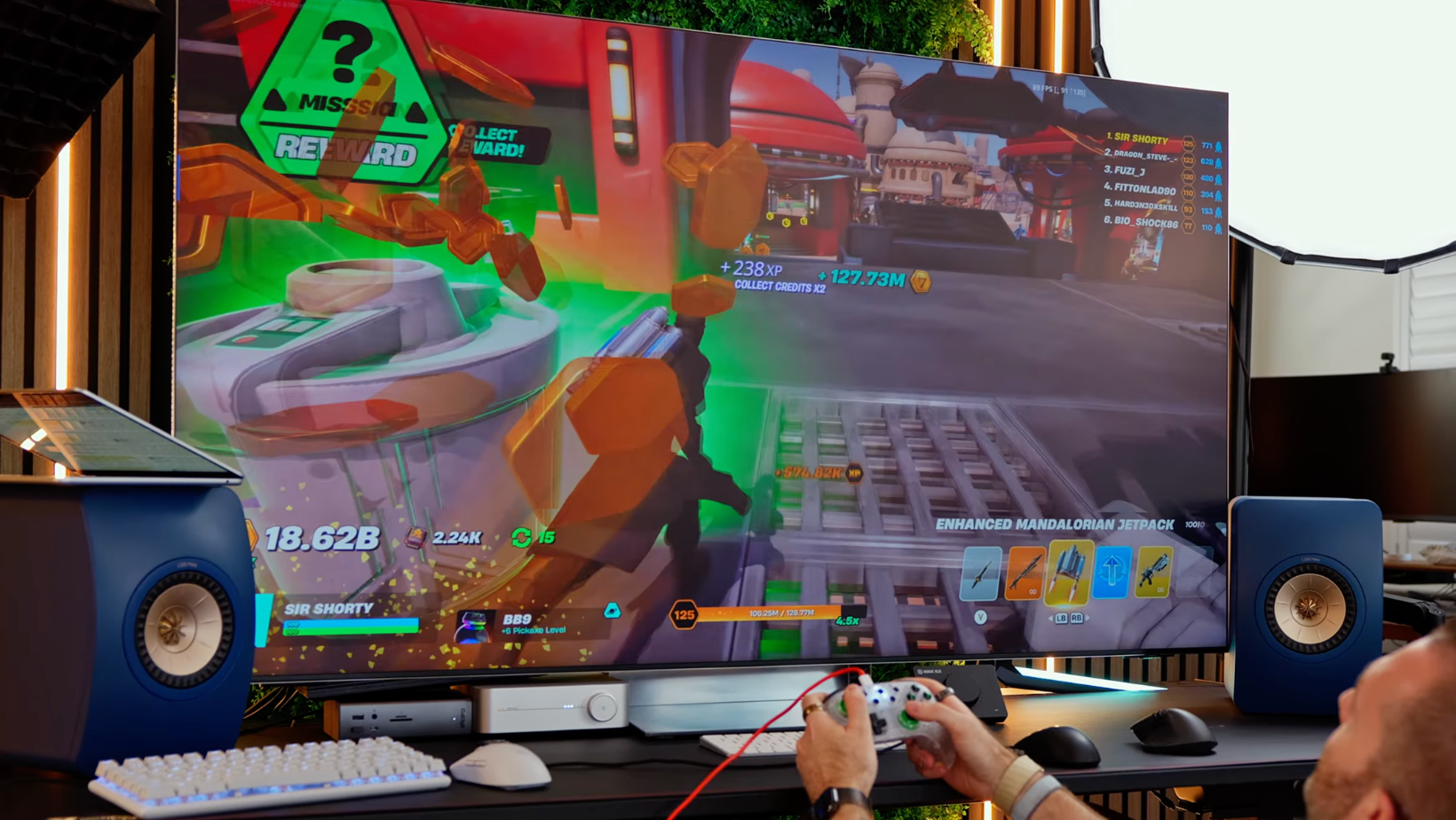
Running Forza Horizon 6 at native 8K resolution and 120Hz on either of those machines, with DLSS and four times frame generation enabled at Epic ray tracing settings, is genuinely breathtaking. The GPU was running at 80 to 90 percent utilization to pull it off, but the visual quality at that resolution is something monitors can't currently match.
The Speakers Are Actually Good
This surprised me more than anything. TVs are designed with audio in mind in a way that monitors simply aren't.
The QN990F kicks out 90 watts of 6.2.4 channel Dolby Atmos audio. For day-to-day listening, music, and gaming, it's miles ahead of any monitor speaker I've used. It also has eARC, which meant I could hook in my KEF LS50 Meta speakers via my amp, removing the cheap Amazon DAC I'd been using to get decent audio out of my desktop Mac.
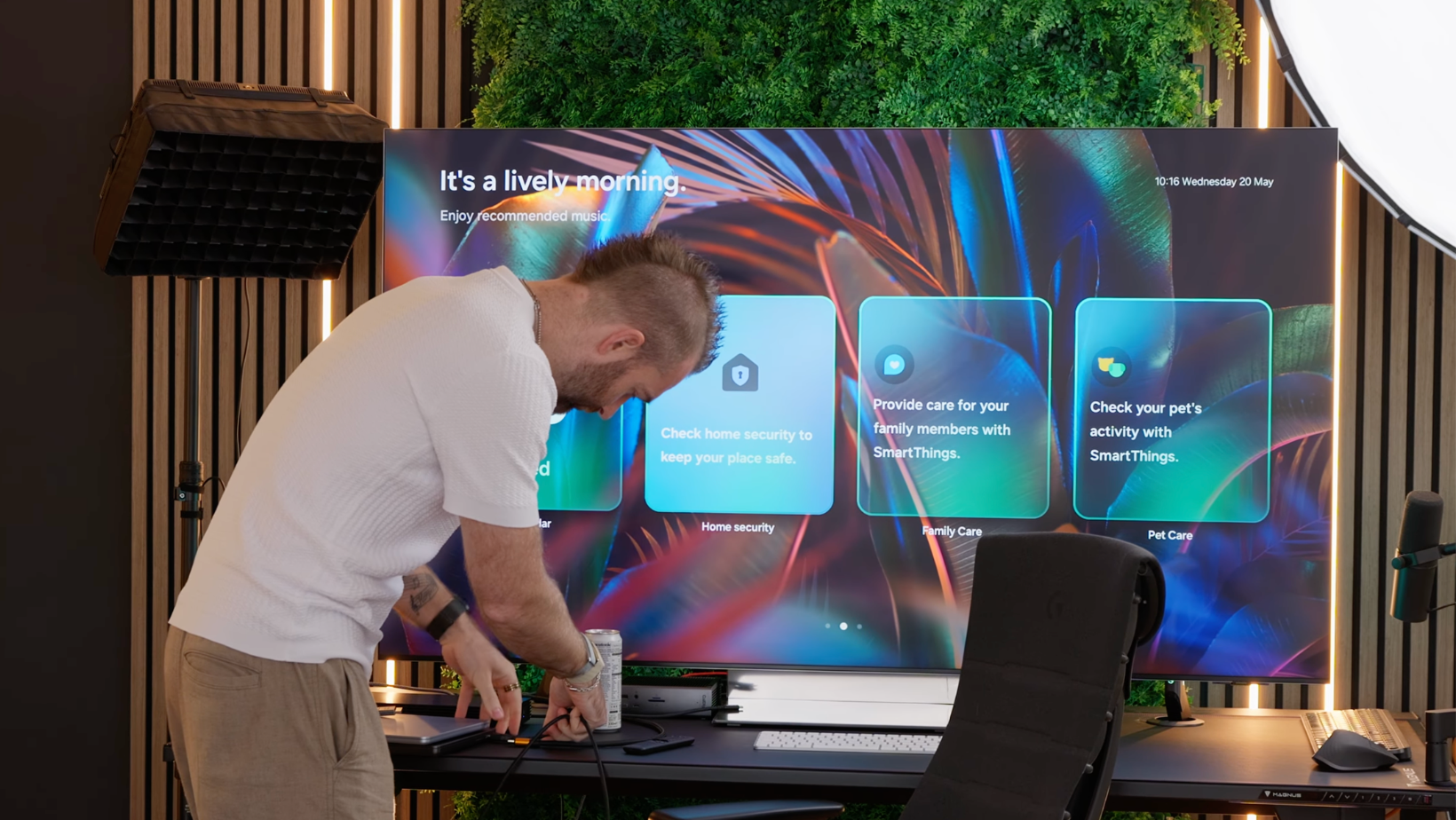
The Smart TV Home Screen Is More Interesting Than I Expected
I don't normally like smart TV interfaces on monitors. The on-screen menus are slow, source switching takes longer than it should, and the whole thing feels like it was designed for someone sitting ten feet away.
But there's something genuinely interesting about walking into a room and having the display wake up and show you a summary of your day. With a standard monitor, you walk away, and it goes black. The TV does something with that idle time. It makes you think about what the future of desktop displays could look like, with calendar integrations, smart home statuses, and camera feeds. It's a direction worth watching.
Where It All Falls Apart
Unfortunately, for every genuine benefit, there's a problem that's harder to ignore in practice. Here's why, despite all those strengths, I couldn't make it work as a long-term monitor replacement.
The Size Is Genuinely Impractical at a Desk
The QN990F is the smallest 8K TV Samsung currently sells. It's 65 inches.
Sitting at a normal desk distance, the sheer vertical height of this panel is difficult to describe without experiencing it. Mac notifications appear somewhere near the top of your peripheral vision. And if you want a webcam on top, good luck finding it. The width works for productivity, and having that much horizontal screen real estate is useful. But the height creates real ergonomic problems that no amount of chair adjustment fully solves.
This is where ultrawide monitors have a genuine advantage. The 52-inch Dell and the 57-inch Samsung Odyssey are both large displays, but they're wide rather than tall. That ratio works at desk distance, and a 16:9 TV at 65 inches just doesn't.
There's also a practical desk space issue. My separate speakers, which I positioned on either side of the display, barely fit. On a sit-stand desk, you'd need separate speaker stands to position them correctly at every height, which adds cost and complexity.
Input Lag Via the Wireless One Connect Box Is a Deal-Breaker
This is the big one. It took about three seconds of actual use to realize there was a serious problem.
The QN990F uses Samsung's Wireless One Connect box, which is a separate unit that houses all the ports and transmits the signal wirelessly to the TV. For a living room setup, this is a clever idea. But for a desk monitor, it's a disaster.
Looking at the RTINGS input lag measurements:
- 4K at 60Hz measures 145 milliseconds
- 4K at 120Hz drops to 23 milliseconds
- 4K at 240Hz comes in at 10.9 milliseconds
- And 8K at 120Hz sits at 54 milliseconds.
All of that wireless latency makes the display feel like you're controlling it through treacle. Moving your mouse and watching the cursor arrive half a second later is genuinely maddening for any kind of work or gaming that requires precision.
To make things worse, this particular model (the only 8K TV Samsung still sells) doesn't have an option for a longer wired One Connect cable. So you can't simply swap to a wired connection and solve the problem.
The Micro HDMI Workaround Helps, But Not Enough
There is a built-in Micro HDMI port on the TV itself, originally intended for games consoles. You can buy an HDMI to Micro HDMI cable and connect directly, bypassing the One Connect box entirely. This reduces input lag to somewhere between 5 and 15 milliseconds depending on your configuration, which is more usable.
However, many monitors now ship with 0.03 millisecond gray-to-gray response times. Even at its best via Micro HDMI, the TV's input lag is still noticeable.
Getting 8K Out of a Mac Is a Lottery
PC builds with RTX 5090 cards handled 8K at 120Hz without issue. However, Macs are a completely different story.
An M3 Max MacBook Pro (near the top spec of last year's lineup) would only output 4K at 60Hz to this display. An M4 MacBook Air, connected via a Caldigit TS5 Plus dock using an HDMI to DisplayPort adapter into the One Connect box, managed 8K at 60Hz. Make that make sense.
If your workflow involves a Mac, expect to spend time buying cables, testing adapters, and accepting that your specific model may not support the resolution you're paying for.
Cables and Adapters Everywhere
The QN990F only has HDMI inputs. No Thunderbolt, no DisplayPort. If your laptop outputs via Thunderbolt, or your docking station only has DisplayPort, you're immediately in adapter territory. That's fine in principle, but it also introduces potential compatibility issues, and the kind of cable chaos that defeats the purpose of a clean desk setup.
The Verdict: 4K Is Still the Better Call
Using an 8K TV as a monitor is a fascinating experiment.
The pixel density genuinely works at desk distance, and the gaming experience (with the right hardware) is exceptional. The speakers and warranty situation are also better than anything a monitor offers.
However:
- The Wireless One Connect box makes the QN990F unusable as a primary monitor for anything that requires direct interaction with the screen.
- The size creates ergonomic problems that are hard to work around.
- Mac compatibility is unpredictable.
- And 8K TVs are, as of now, essentially a dying category (Samsung has discontinued most of their lineup, and this was one of the last models available).
Ultimately, I'd still recommend the Dell 52-inch Thunderbolt monitor over any TV for anyone who prioritizes productivity over raw screen size. The connectivity alone, with Thunderbolt 4 hub, 2.5 gigabit Ethernet, four-PC KVM, is something no TV comes close to matching.
The Experiment Was Worth It, Even If the Answer Was No
Testing an 8K TV as a monitor taught me more about what I actually need from a display than almost any other experiment I've run.
If you want to see how the 4K TV experiment compared, or take a closer look at why the Dell 52-inch Thunderbolt monitor remains my daily driver, check out:
- 4K TV Experiment: Why I'm Using a TV As My Monitor
- Dell 52 Inch Thunderbolt Monitor Review: Is This The Ultimate Productivity Display?
And if you want more unfiltered thoughts on display experiments like this one, my newsletter Experiments in Progress is where I go deeper on the stuff that doesn't make the final cut.
